
Receiving an “invalid email address” error can be frustrating—especially when you're signing up for a service, sending an important message, or verifying your identity. The issue might seem minor, but if not resolved, it can block access to essential platforms, delay communication, or even affect business operations. The good news is that most causes are easy to diagnose and fix. This guide breaks down the real reasons behind the error and provides actionable steps to resolve them quickly and permanently.
Common Reasons Why an Email Address Is Marked as Invalid
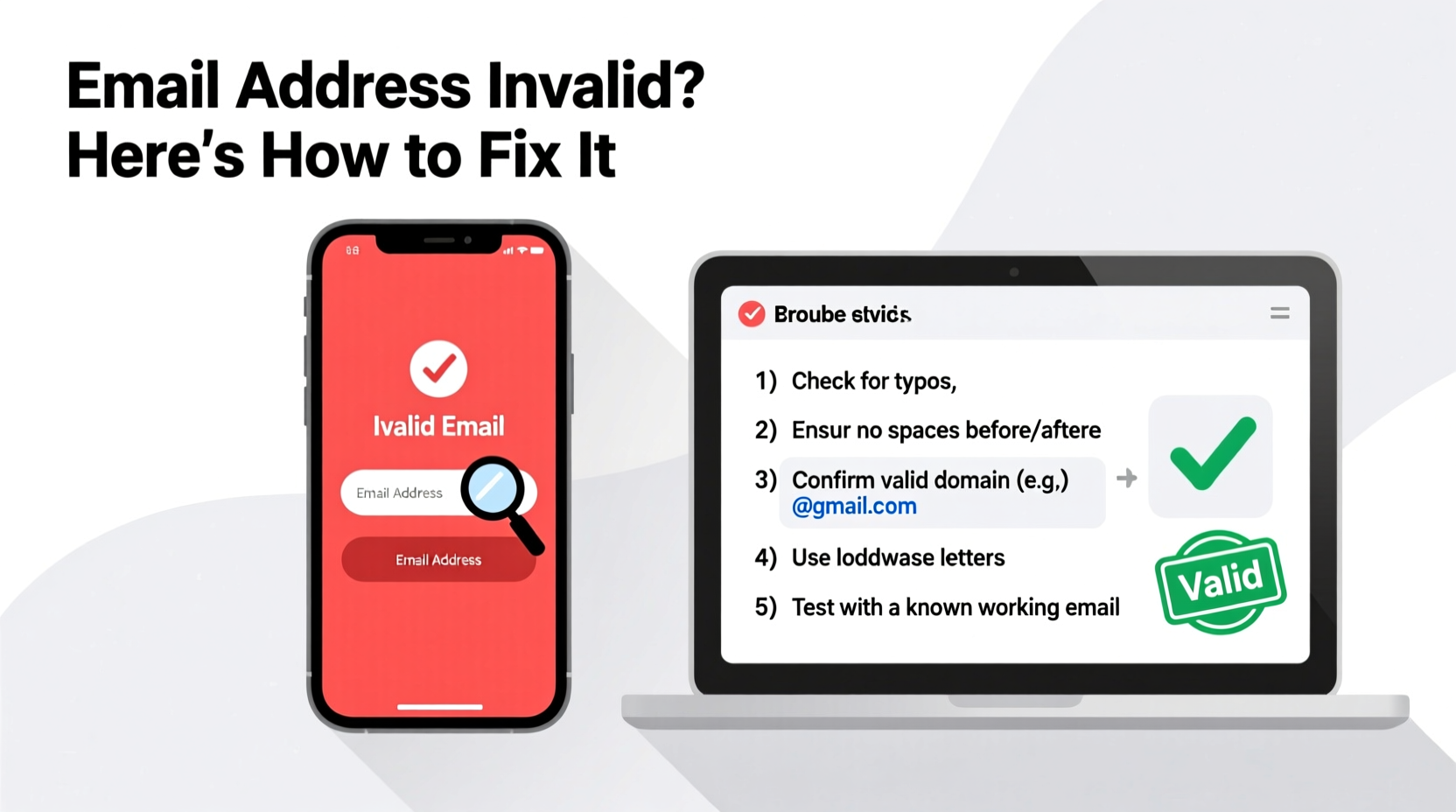
Email validation happens at multiple levels: during registration, form submission, or message delivery. Each system uses specific rules to determine whether an email is valid. When one of these rules fails, you see the error. Below are the most frequent technical and human-related causes:
- Syntax errors: Missing symbols like @, incorrect domain format, or extra spaces.
- Invalid characters: Use of special characters not allowed in local parts (before @) or domains.
- Non-existent domain: The domain (e.g., gmail.com) doesn’t exist or has a typo.
- Blocked or restricted domains: Some services block disposable or lesser-known email providers.
- Server-side validation rules: Overly strict filters on websites may reject valid addresses due to formatting assumptions.
- Typographical mistakes: Simple typos like “gmal.com” instead of “gmail.com”.
“Over 70% of email validation failures stem from simple input errors or outdated filtering logic.” — Sarah Lin, Senior Developer at MailVerify Labs
Step-by-Step Guide to Fix an Invalid Email Address Error
Follow this structured approach to identify and correct the root cause efficiently:
- Double-check the full email format. Ensure it follows the standard structure:
local-part@domain.tld(e.g., john.doe@example.com). - Look for invisible spaces. Accidentally adding a space before or after the address is common. Delete and retype carefully.
- Verify the @ symbol and period placement. Confirm there’s exactly one @ and that periods are used correctly in both the username and domain.
- Test the domain validity. Type the domain (e.g., example.com) into a browser. If it doesn’t load, the domain may not exist.
- Try sending a test email. Use another account to send a message. If it bounces, the issue lies with deliverability, not just syntax.
- Use an online email validator tool. Tools like MailTester or VerifyEmailAddress.org check syntax, domain MX records, and more.
- Contact the service provider. If the error persists despite a correct address, their system may have overly aggressive filters.
Do’s and Don’ts When Entering Email Addresses
| Do’s | Don’ts |
|---|---|
| Use lowercase letters (some systems are case-sensitive) | Include spaces before, after, or within the address |
| Ensure correct spelling of the domain (e.g., hotmail.com, not hotmai.com) | Use special characters like !, #, $ in the domain part |
| Stick to allowed characters in the local part: letters, numbers, dots, underscores, and hyphens | Start or end the local part with a dot (e.g., .john@ or john.@) |
| Verify the top-level domain (TLD) is valid (.com, .org, .net, etc.) | Use fake or placeholder domains like 'example' unless testing |
Real Example: How a Small Typo Blocked Account Access
Jamal tried to sign up for a new project management tool but kept getting “invalid email” messages. He typed his address as jamal_ali@gmial.com. The mistake? A transposed letter in “gmial.com” instead of “gmail.com”. He didn’t notice until he pasted the address into a browser and got a DNS error. After correcting the typo, registration worked instantly. This scenario is surprisingly common—even experienced users make small slips that systems flag as invalid.
The takeaway: always cross-verify critical fields. In Jamal’s case, using an auto-fill feature would have prevented the error entirely.
When the Problem Isn't on Your End
Sometimes, the email is perfectly valid, but the receiving platform rejects it due to internal policies. For instance:
- Disposable email blockers: Services like Mailinator or TempMail are often banned to prevent spam.
- Strict regex patterns: Some older systems use outdated regular expressions that don’t support modern email formats (e.g., plus addressing like user+tag@gmail.com).
- Geoblocking: Certain domains may be restricted based on region or reputation.
If you’re certain your email is correct, try registering from a different device or network. You can also reach out to customer support with proof of ownership (e.g., a screenshot of your inbox) to request manual verification.
Checklist: Fixing an Invalid Email Address
Use this quick-reference checklist to troubleshoot and resolve the issue:
- ✅ Check for typos in the entire address
- ✅ Remove leading or trailing spaces
- ✅ Confirm the @ symbol is present and correctly placed
- ✅ Validate the domain by visiting it in a browser
- ✅ Test deliverability by sending a message from another account
- ✅ Try using a different email client or browser
- ✅ Use an online email validation tool
- ✅ Contact support if all else fails
Frequently Asked Questions
Why does my email say invalid when I know it's correct?
This usually happens due to hidden spaces, incorrect capitalization, or the website using outdated validation rules. It’s also possible the domain has expired or the mail server is temporarily unreachable. Double-check formatting and test the address elsewhere to confirm.
Can a valid email still be rejected by a website?
Yes. Websites may block certain domains (like free or disposable ones) or enforce stricter rules than standard email protocols allow. For example, some systems reject emails with plus signs (+) even though they’re technically valid.
Is user+tag@gmail.com a valid email format?
Absolutely. Gmail supports “plus addressing,” allowing users to add tags after the username (e.g., user+newsletter@gmail.com). However, many websites incorrectly flag this as invalid due to rigid input filters.
Conclusion: Take Control of Your Digital Identity
An “invalid email address” error doesn’t have to stop you. Most issues stem from small, correctable mistakes or outdated system rules. By understanding the underlying causes—syntax errors, domain problems, or restrictive filters—you gain the power to resolve them quickly. Whether you're setting up a personal account or managing business communications, accuracy and awareness make all the difference.
Apply the steps outlined here the next time you encounter this error. Double-check your input, leverage tools, and don’t hesitate to contact support when needed. A little diligence now prevents bigger headaches later.




 浙公网安备
33010002000092号
浙公网安备
33010002000092号 浙B2-20120091-4
Comments
No comments yet. Why don't you start the discussion?