
In today’s hyper-connected world, staying online is often non-negotiable. Whether you're checking emails, navigating an unfamiliar city, or streaming a podcast during a commute, internet access is essential. While Wi-Fi is convenient at home or in cafes, it's not always available—especially when traveling, working remotely, or in rural areas. Fortunately, your smartphone doesn’t need Wi-Fi to stay online. With the right knowledge and tools, you can maintain reliable internet access using cellular networks and alternative methods.
This guide breaks down how to get internet on your phone without Wi-Fi, covering everything from mobile data settings to international roaming, hotspot sharing, and emergency connectivity options. You’ll learn practical steps to ensure you’re never offline when it matters most.
Understanding Mobile Data: The Foundation of On-the-Go Internet
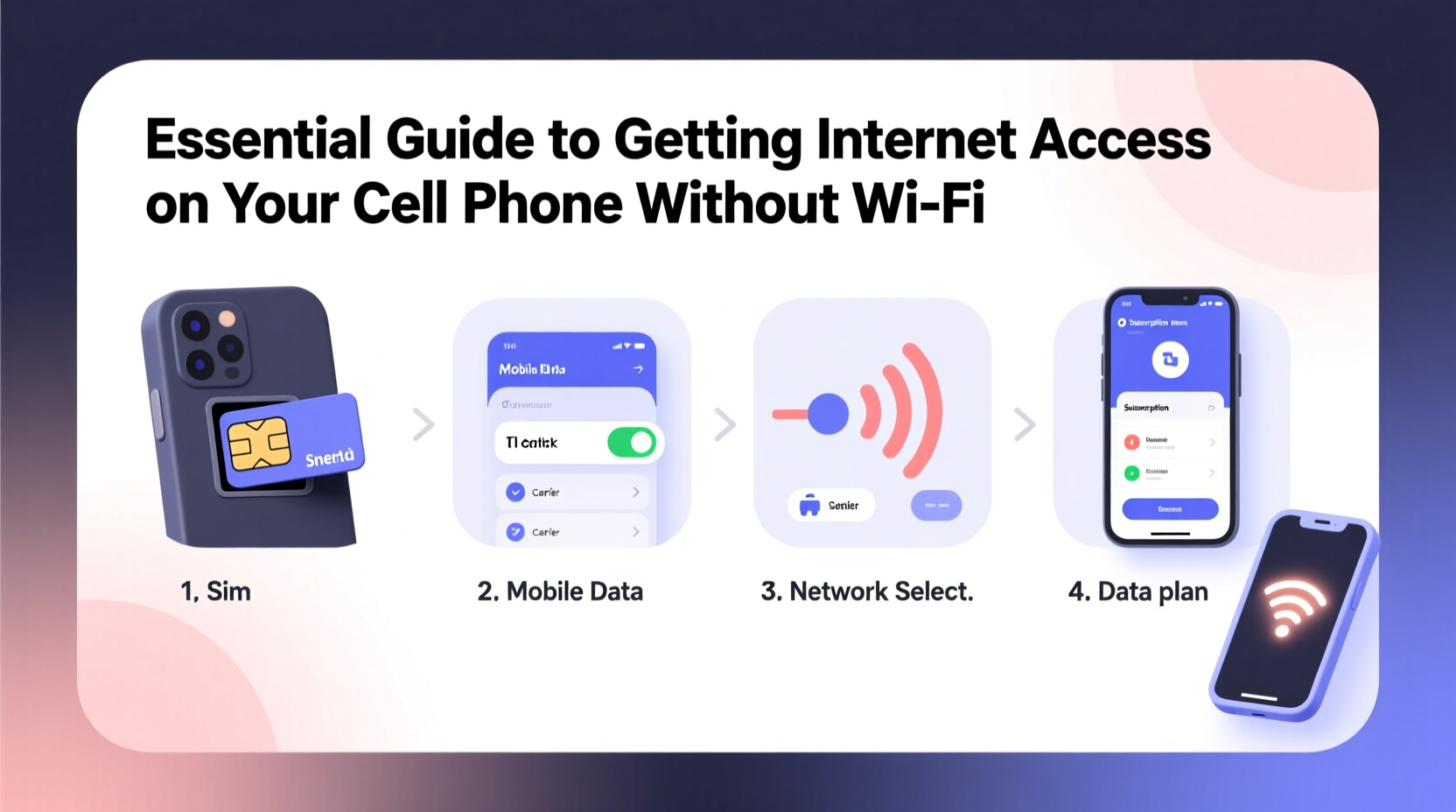
Your phone’s ability to connect to the internet without Wi-Fi primarily relies on mobile data—also known as cellular data. This service uses radio waves transmitted through cell towers operated by carriers like Verizon, AT&T, T-Mobile, or international providers. When you browse, stream, or download over 4G LTE or 5G, you're using mobile data.
Mobile data operates on different network generations:
- 3G: Older standard with slower speeds; still functional for basic browsing and messaging.
- 4G LTE: Fast enough for HD video streaming, video calls, and real-time navigation.
- 5G: Next-gen speed and low latency, ideal for high-bandwidth tasks like cloud gaming or large file transfers.
To use mobile data, your phone must have an active data plan from a carrier. Most modern smartphones automatically switch between Wi-Fi and data when one connection drops, but you should manually verify that data is enabled in your settings.
Setting Up and Managing Your Data Plan
Before relying on mobile data, ensure your plan supports your usage needs. Not all data plans are equal—some include unlimited data, while others impose strict caps or throttle speeds after a certain threshold.
Consider these factors when evaluating your current plan:
| Plan Type | Data Allowance | Speed Throttling? | Best For |
|---|---|---|---|
| Limited Tiered | 5–20 GB/month | Yes, after cap | Casual users, light browsing |
| Unlimited Standard | Unlimited (with deprioritization) | Yes, during congestion | Regular users, moderate streaming |
| Unlimited Premium | High-speed data (often 50GB+) | No, or minimal | Heavy users, remote workers, travelers |
If your current plan doesn’t meet your needs, contact your provider to upgrade—or consider switching to a more flexible MVNO (Mobile Virtual Network Operator), such as Mint Mobile, Visible, or Consumer Cellular, which often offer lower prices with the same network coverage.
“With proper data management, even a 10GB plan can last a month for most users who avoid constant HD streaming.” — David Lin, Wireless Industry Analyst
Using Your Phone as a Mobile Hotspot
Sometimes, you need internet access not just for your phone, but for other devices like laptops or tablets. A mobile hotspot turns your smartphone into a portable Wi-Fi router, sharing its cellular connection with nearby devices via Wi-Fi, Bluetooth, or USB tethering.
To set up a hotspot:
- Open your phone’s Settings app.
- Navigate to Network & Internet > Hotspot & Tethering (Android) or Personal Hotspot (iOS).
- Enable the hotspot and configure the network name (SSID) and password.
- Connect your other device to the new Wi-Fi network.
Hotspots are especially useful for remote work, studying in parks, or traveling where public Wi-Fi is unreliable or insecure. However, they consume data quickly—streaming video on a laptop over a hotspot can use 1–3 GB per hour.
International Travel and Roaming Solutions
When crossing borders, Wi-Fi may be scarce, and local SIM cards aren’t always easy to obtain. International roaming allows your phone to connect to foreign networks using your home carrier’s agreement with local providers.
Traditional roaming can be expensive, but many carriers now offer affordable international add-ons:
- T-Mobile’s International Pass: $5–10/day for data in over 210 countries.
- Verizon’s TravelPass: $5–10/day in Mexico and Canada, higher elsewhere.
- AT&T’s International Day Pass: $10/day in select regions.
Alternatively, purchase a local SIM card upon arrival. These offer cheaper rates and better speeds than roaming. Ensure your phone is unlocked and compatible with local frequencies before doing so.
Another growing option is eSIMs—digital SIM cards that let you activate data plans remotely. Providers like Airalo, Nomad, and Holafly offer regional or country-specific eSIMs with transparent pricing and instant activation.
Mini Case Study: Staying Connected in Rural Portugal
Sophia, a freelance writer, traveled to a remote village in northern Portugal for a week-long retreat. No Wi-Fi was available at her rental, and her U.S.-based carrier didn’t offer roaming there. She purchased a local Vodafone prepaid SIM at the airport for €10, which included 10GB of data valid for 30 days. Her unlocked iPhone accepted the nano-SIM, and within minutes she had full internet access. By using a dual-SIM setup, she kept her U.S. number active for calls while routing data through the Portuguese SIM—ensuring both connectivity and cost efficiency.
Emergency and Offline Connectivity Options
In extreme situations—natural disasters, remote hikes, or power outages—traditional networks may fail. However, several emerging technologies provide limited internet or messaging capabilities without Wi-Fi or standard cell service.
- Offline Messaging Apps: Apps like Bridgefy or FireChat use Bluetooth or mesh networking to send messages between nearby phones, even without any network.
- Satellite Messaging: Newer iPhones (14 and later) and some Android devices support satellite SOS features, allowing emergency texts when no signal is available.
- Wi-Fi Sharing from Others: Some public transit systems, gas stations, and fast-food chains offer free mobile-friendly Wi-Fi that works even if your personal Wi-Fi is off.
For adventurers or those in disaster-prone areas, investing in a dedicated satellite communicator (like Garmin inReach or Zoleo) ensures global connectivity, though at a higher cost.
Frequently Asked Questions
Can I use internet on my phone without a data plan?
Not reliably. Without a data plan or Wi-Fi, your phone cannot access the internet. However, some carriers offer “pay-as-you-go” daily passes or temporary top-ups that activate data instantly via app or SMS.
Does airplane mode block mobile data?
Yes. When airplane mode is on, all wireless transmissions—including cellular data—are disabled. You can re-enable mobile data manually after turning on airplane mode, but Wi-Fi and Bluetooth must be turned back on separately.
How do I reduce data usage when Wi-Fi isn’t available?
Limit background app refresh, disable auto-play videos, use lightweight versions of websites (e.g., Google’s AMP), and adjust streaming quality to “low” or “auto.” Built-in data saver modes (on both iOS and Android) help restrict background usage.
Stay Connected—No Matter Where You Are
Internet access without Wi-Fi isn’t just possible—it’s increasingly seamless. From robust mobile data plans and hotspot sharing to smart roaming and emergency alternatives, your phone is designed to keep you online almost anywhere. The key is preparation: knowing your plan limits, understanding your device settings, and having backup options ready.
Whether you're commuting, traveling abroad, or working from a mountain cabin, don’t let lack of Wi-Fi disconnect you. Assess your current setup, optimize your data usage, and explore flexible connectivity solutions tailored to your lifestyle.




 浙公网安备
33010002000092号
浙公网安备
33010002000092号 浙B2-20120091-4
Comments
No comments yet. Why don't you start the discussion?