
The iPhone 14 Plus features a high-performance dual-camera system capable of capturing stunning photos and videos. However, the sapphire crystal-covered lenses, while durable, are not immune to scratches, cracks, or dirt buildup. Once damaged, the lens can degrade image quality permanently. Unlike software issues, physical damage cannot be fixed with updates or resets. Protecting the camera lens should be a priority for any iPhone owner who values photography, resale value, or long-term device performance.
Understand the Vulnerability of Your iPhone 14 Plus Camera
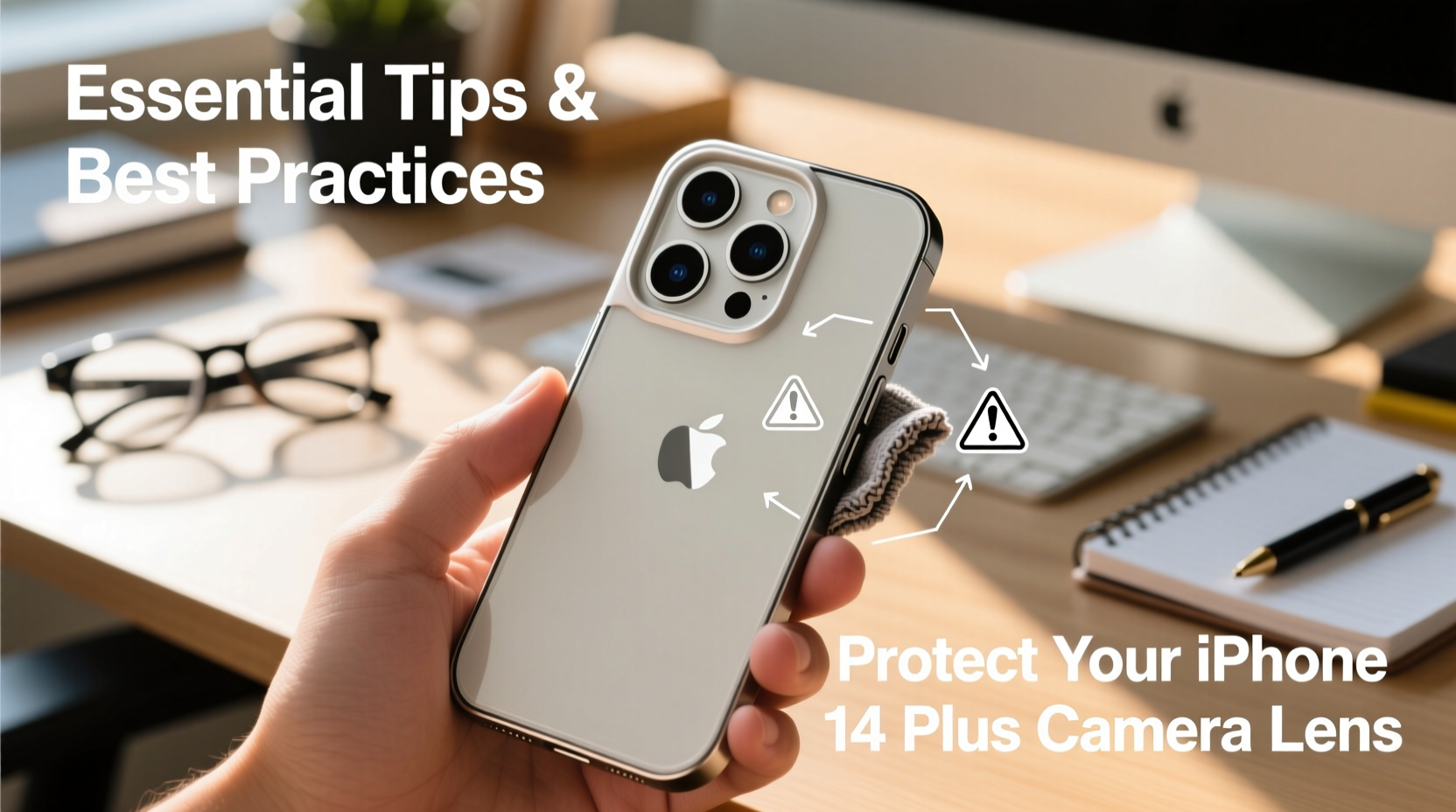
The iPhone 14 Plus camera module protrudes slightly from the back of the phone, making it one of the first points of contact when placed face-down on a surface. The lens is protected by sapphire crystal—a material second only to diamond in hardness—but it’s still susceptible to abrasion from sand, grit, and sharp objects. Additionally, repeated exposure to moisture, fingerprints, and cleaning with rough fabrics can lead to micro-scratches over time.
Apple designs its devices with durability in mind, but real-world usage often involves risks that exceed controlled testing environments. Dropping the phone onto concrete, placing it in a bag with keys, or wiping the lens with a shirt sleeve may seem harmless but can cumulatively compromise lens integrity.
“Even minor scratches on the lens can scatter light, causing haze, flares, or reduced contrast in images—especially in backlit conditions.” — Dr. Alan Reyes, Optical Engineer at Mobile Imaging Labs
Choose the Right Case: First Line of Defense
A well-designed case is the most effective way to prevent direct impact and abrasion to the camera lens. Not all cases offer equal protection, especially when it comes to elevated camera modules.
When selecting a case, consider the following features:
- Elevated edges: Ensure the lip around the camera bump is at least 1–2mm higher than the lens itself.
- Rugged materials: Polycarbonate, TPU (thermoplastic polyurethane), or hybrid models with shock-absorbing corners provide better drop protection.
- Minimalist vs. protective trade-off: Slim leather cases may look elegant but often lack sufficient camera elevation.
Avoid third-party cases with poorly aligned cutouts. A misaligned opening can leave part of the lens exposed or cause friction during insertion.
Implement a Daily Lens Maintenance Routine
Dirt, oil, and dust accumulate quickly on the camera lens, especially from pockets, bags, or hands. Regular cleaning prevents grime from acting as an abrasive agent when rubbed against the lens surface.
Step-by-Step Cleaning Procedure
- Power off the iPhone or lock the screen to avoid accidental touches.
- Breathe lightly onto the lens to create a slight moisture film—do not spit.
- Use a microfiber cloth (the kind used for eyeglasses or camera lenses).
- Gently wipe in a circular motion without pressing hard.
- For stubborn smudges, dampen the cloth slightly with distilled water—never spray liquid directly onto the phone.
- Avoid paper towels, tissues, or clothing, which can contain wood fibers that scratch the coating.
Do’s and Don’ts: Best Practices Summary
| Do’s | Don’ts |
|---|---|
| Use a case with a raised camera bezel | Place your phone lens-down on rough surfaces |
| Clean the lens weekly with a microfiber cloth | Use alcohol, ammonia, or window cleaners |
| Store your phone in a dedicated compartment away from keys or coins | Carry your iPhone loose in a bag or pocket with metal objects |
| Apply a tempered glass lens protector (high-quality) | Peel off a stuck protector with sharp tools |
| Inspect the lens monthly for scratches or residue | Ignore persistent fogging or internal condensation |
Using Lens Protectors: Are They Worth It?
Apple does not recommend lens protectors, citing potential interference with optical performance and the effectiveness of built-in coatings. However, many users opt for them as an added safeguard—particularly those in construction, outdoor recreation, or high-dust environments.
If you choose to use a lens protector:
- Select a brand specifically designed for the iPhone 14 Plus with precision-cut openings.
- Look for multi-coated options that preserve anti-reflective and oleophobic (oil-repelling) properties.
- Install it in a dust-free environment to avoid bubbles or trapped particles.
- Replace it immediately if scratched or peeling—damaged protectors reduce image quality and offer no protection.
“High-quality lens shields can absorb impact that would otherwise crack the actual lens. But poor installation or low-grade materials can distort night shots and increase glare.” — Sarah Kim, Senior Reviewer at MobilePhotography Weekly
Real-World Scenario: How One Photographer Avoided Costly Damage
Jamal, a travel photographer based in Arizona, regularly hikes through desert terrain with his iPhone 14 Plus as a backup camera. During a trip to Sedona, he set his phone down on a sandstone ledge to adjust his DSLR. Minutes later, a gust of wind knocked it over into a patch of coarse gravel.
Thanks to his rugged OtterBox case with full camera coverage and a microfiber-lined interior pocket, the phone survived the fall unscathed. He inspected the lens and found only a light dusting of sand—easily wiped away. “I’ve seen colleagues replace lenses after similar drops,” he said. “Spending $50 on a good case saved me over $100 in repair costs.”
This example underscores how environmental factors amplify risk—and how simple precautions yield significant returns.
Checklist: Protect Your iPhone 14 Plus Camera in 7 Steps
Follow this checklist monthly—or immediately if you change cases or accessories:
- ✅ Inspect the camera lens for scratches, smudges, or debris.
- ✅ Verify that your case provides full elevation around the lens module.
- ✅ Clean the lens gently with a dry microfiber cloth.
- ✅ Remove any stuck particles using compressed air (not canned air with propellants).
- ✅ Check if a lens protector is intact and properly aligned—if used.
- ✅ Store the phone separately from keys, coins, or sand-filled pockets.
- ✅ Test photo quality in different lighting to detect early signs of lens degradation.
Frequently Asked Questions
Can I use hand sanitizer or disinfectant wipes on my iPhone camera?
No. While Apple approved 70% isopropyl alcohol for external cleaning, it should be applied sparingly to a soft cloth—not directly on the lens. Disinfectant wipes often contain harsh chemicals like bleach or solvents that can strip the anti-reflective coating. Stick to dry microfiber cloths for daily use.
What should I do if my lens gets scratched?
Minor surface scratches may not affect image quality significantly, but deep ones will. If you notice consistent lens flare, blur, or distortion, visit an Apple Store or authorized service provider. Attempting DIY repairs can void warranties and risk further damage.
Is it safe to use my iPhone 14 Plus in rainy conditions?
The iPhone 14 Plus has an IP68 rating, meaning it can withstand submersion up to 6 meters for 30 minutes. However, water droplets on the lens can distort images and promote mineral buildup. After exposure, gently dry the lens with a lint-free cloth. Avoid rapid temperature changes that could cause internal condensation.
Final Thoughts: Small Habits, Long-Term Gains
Protecting your iPhone 14 Plus camera lens doesn’t require expensive gear or technical knowledge—it demands consistency and awareness. From choosing the right case to adopting a gentle cleaning routine, each habit contributes to maintaining optical clarity and device longevity. Think of your camera as a precision instrument, not just another smartphone feature. The photos you capture today could become irreplaceable memories tomorrow. Treat the lens with care, and it will faithfully capture life’s moments with clarity and color accuracy for years to come.




 浙公网安备
33010002000092号
浙公网安备
33010002000092号 浙B2-20120091-4
Comments
No comments yet. Why don't you start the discussion?