
Smartwatches have evolved from simple timekeepers to powerful personal assistants. Whether you use yours for fitness tracking, notifications, or managing daily tasks, unlocking its full potential requires more than just wearing it on your wrist. Many users barely scratch the surface of what these devices can do. By optimizing settings, leveraging hidden features, and maintaining consistent usage habits, you can transform your smartwatch into a true productivity and wellness powerhouse.
Master Your Device’s Battery Efficiency
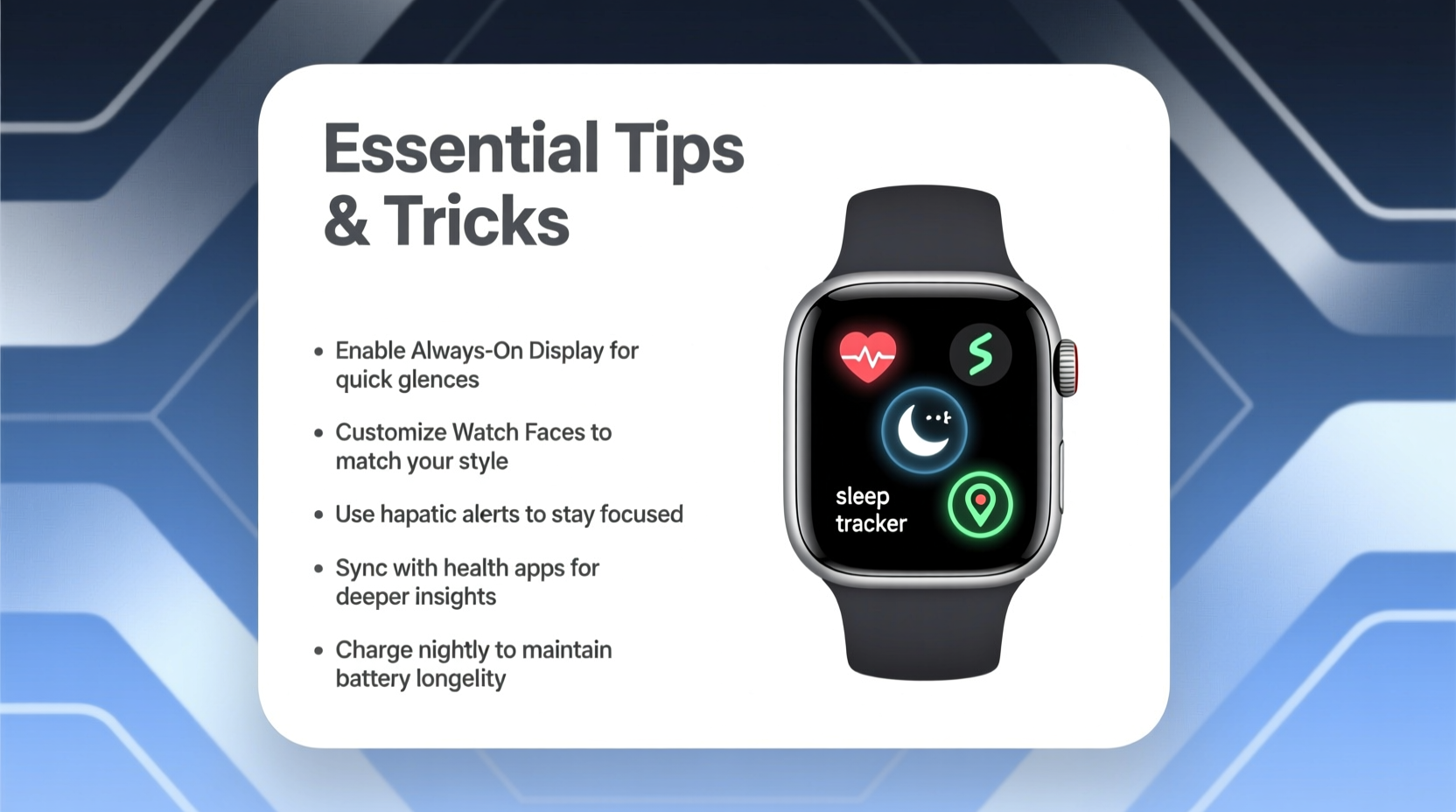
Battery life remains one of the biggest pain points for smartwatch owners. Most models last between one and three days, depending on usage. However, small adjustments can significantly extend that lifespan without sacrificing functionality.
Reduce screen brightness and set a shorter screen timeout. Turn off unnecessary animations and haptic feedback for non-critical alerts. If your model supports power-saving modes, activate them during long days away from a charger. For Apple Watch users, enabling Low Power Mode extends usage by up to 36 hours. Wear OS and Samsung Galaxy Watch users can schedule “Do Not Disturb” periods to minimize background activity.
Avoid leaving apps running in the background. Close unused fitness tracking sessions and disable GPS when not needed. These sensors consume significant energy. Charging your watch overnight is convenient, but occasional partial charges (20%–80%) help preserve long-term battery health.
Customize Watch Faces and Shortcuts for Speed
Your smartwatch should respond to your lifestyle—not the other way around. Customizing the watch face allows instant access to the data you care about most: steps, heart rate, calendar events, weather, or even hydration tracking.
Most platforms offer deep customization. On Apple Watch, press firmly on the watch face and tap “Edit” to add complications. Android users can long-press the face to enter edit mode and select widgets. Prioritize frequently used metrics. For example, a runner might benefit from a face showing current pace, heart rate, and workout duration.
“Personalization isn’t just aesthetic—it reduces interaction time and increases usability.” — Dr. Lena Torres, Human-Device Interaction Researcher at MIT Media Lab
Create dedicated shortcuts for common actions. Assign the side button (or crown) to launch your favorite app—be it a meditation timer, flashlight, or voice recorder. This eliminates multiple taps and streamlines your workflow.
Optimize Health and Fitness Tracking Accuracy
Smartwatches now monitor heart rate, sleep quality, blood oxygen levels, and even ECG readings. But accuracy depends heavily on how you use the device.
Wear the watch snugly, about a finger’s width above your wrist bone. A loose fit leads to inconsistent sensor contact, especially during workouts. Clean the back sensors weekly with a dry cloth to prevent dirt buildup that interferes with optical readings.
Enable automatic workout detection if you tend to forget to start tracking. This feature logs activities like walking, running, or cycling after a few minutes of sustained movement. Review these entries later and confirm or discard them.
| Feature | Best Practice | Common Mistake |
|---|---|---|
| Heart Rate Monitoring | Ensure tight but comfortable fit | Loose band causing erratic readings |
| Sleep Tracking | Charge before bed; enable auto-sleep detection | Removing watch at night |
| GPS Workouts | Wait for satellite lock before starting | Beginning run too quickly |
| ECG / Blood Oxygen | Stay still during measurement | Fidgeting or moving hands |
Mini Case Study: Improving Sleep Insights
Jamal, a 34-year-old project manager, struggled with fatigue despite sleeping seven hours nightly. His smartwatch’s sleep data showed frequent awakenings and low REM cycles. After reviewing the pattern over two weeks, he realized his late-night screen time and caffeine intake were culprits. He adjusted his routine—stopping coffee after 2 p.m. and using the watch’s wind-down mode an hour before bed. Within ten days, his deep sleep increased by 22%, and daytime alertness improved noticeably.
Sync Smartly Across Devices and Apps
The real power of a smartwatch lies in integration. Sync it properly with your smartphone, tablet, and cloud services to create a seamless ecosystem.
Ensure Bluetooth and Wi-Fi are enabled on both devices. Regularly update firmware—manufacturers release performance fixes and new features monthly. Use official companion apps: Apple Health, Samsung Health, or Google Fit—to centralize data and spot trends.
Leverage cross-platform tools. Connect your watch to Spotify for offline music during runs. Integrate with Google Calendar or Outlook to receive meeting alerts with agenda previews. Enable message replies via voice-to-text to stay responsive without pulling out your phone.
Step-by-Step Guide: Setting Up Seamless Notifications
- Open the companion app on your phone (e.g., Wear OS, Galaxy Wearable).
- Navigate to Notifications settings.
- Select which apps can send alerts to your watch.
- Customize alert types: vibration only, sound + haptic, or silent.
- Enable “Mirror Phone Notifications” for consistency.
- Test by sending a message or email and verify delivery.
This ensures you never miss critical updates while minimizing distractions from less important apps.
Security, Maintenance, and Longevity Tips
Treat your smartwatch as a sensitive personal device. It holds biometric data, location history, and access to messages. Enable passcode lock or biometric authentication (if supported). Activate “Find My Device” features so you can locate or erase it remotely if lost.
Clean the device weekly. Wipe the band with a damp cloth and mild soap—especially after workouts. Remove metal bands and rinse under water if exposed to sweat or salt. Let all components air-dry completely before reattaching.
Avoid extreme temperatures. Don’t leave your watch in a hot car or expose it to freezing conditions for extended periods. While many models are water-resistant, avoid pressing buttons underwater unless explicitly rated for diving.
FAQ
Can I swim with my smartwatch?
Most modern smartwatches are water-resistant (5 ATM or higher), meaning they can handle swimming and showering. Check your model’s rating: Apple Watch Series 2+, Samsung Galaxy Watch 4+, and Garmin Forerunner series are generally safe. Avoid pressing buttons underwater and rinse with fresh water afterward.
Why is my heart rate inaccurate during workouts?
Inaccuracies often stem from poor fit or motion artifacts. Ensure the watch is snug and positioned correctly. Optical sensors struggle with rapid movements or tattoos on the wrist. Consider using a chest strap monitor for precision training.
How do I back up my smartwatch data?
Data syncs automatically to the cloud via your account (Apple ID, Google Account, Samsung Account). As long as your phone backs up regularly, your watch data is preserved. Manually export health reports through the companion app if needed.
Maximizing Value: Checklist for Daily Use
- ✅ Charge nightly or every other night
- ✅ Wear snugly, one finger above wrist bone
- ✅ Customize watch face with key metrics
- ✅ Review weekly health summaries
- ✅ Update software monthly
- ✅ Clean band and sensors weekly
- ✅ Limit non-essential notifications
- ✅ Use voice commands for quick tasks
Conclusion
Your smartwatch is more than a mini phone on your wrist—it’s a tool for better health, sharper focus, and smoother daily navigation. By refining how you wear, configure, and interact with it, you unlock insights and efficiencies that compound over time. From extending battery life to fine-tuning fitness tracking, each small adjustment adds up to a smarter, more intuitive experience.




 浙公网安备
33010002000092号
浙公网安备
33010002000092号 浙B2-20120091-4
Comments
No comments yet. Why don't you start the discussion?