
In today’s hyper-connected world, mobile data powers everything from navigation to video calls. But without careful management, it can vanish quickly—costing you money, exposing your privacy, or leaving you offline when you need connectivity most. Whether you're on a limited plan, traveling abroad, or simply want to use your phone more wisely, understanding how to optimize and secure your mobile data is essential.
Smartphones are designed to consume data in the background constantly: apps update, emails sync, and social media refreshes automatically. While convenient, this behavior drains data and exposes vulnerabilities. The good news? With strategic settings, mindful habits, and a few security measures, you can stretch every megabyte while keeping your personal information safe.
Monitor and Control Data Usage
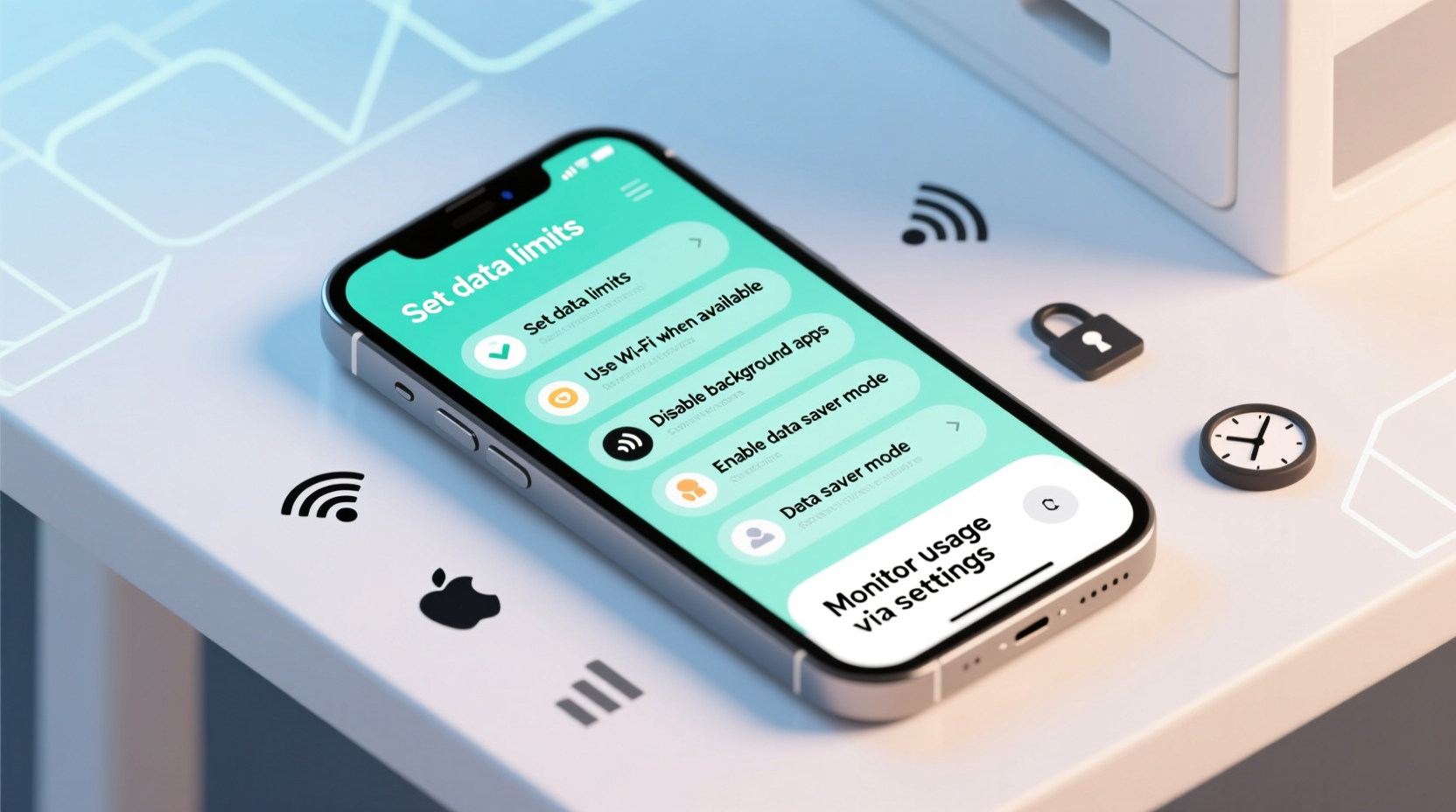
Most modern smartphones include built-in tools to track exactly how much data each app consumes. Ignoring these insights means flying blind—potentially exceeding your monthly limit without realizing it until the bill arrives.
On both iOS and Android, you can view detailed breakdowns of data usage by app, set warnings, and even cap usage to prevent overages. For example, Android’s “Data Saver” mode restricts background data for apps not actively in use, while iOS allows low data mode across cellular and Wi-Fi connections.
Regularly reviewing your usage helps identify data-hungry apps. Streaming services like YouTube or Netflix, for instance, may be consuming far more than expected—especially if set to auto-play in high definition.
Step-by-Step: Enable Data Monitoring (Android & iOS)
- Open Settings on your phone.
- Navigate to Network & Internet (Android) or Cellular (iOS).
- Select Data Usage or Cellular Data.
- Review the list of apps and their data consumption.
- Set a billing cycle and data limit to receive alerts.
- Enable Low Data Mode (iOS) or Data Saver (Android).
Optimize App Behavior and Background Activity
Many apps continue to run in the background, syncing data, pushing notifications, and updating content even when you’re not using them. This background activity can silently eat up hundreds of megabytes per day.
To regain control, disable automatic syncing and background refresh for non-essential apps. Social media, weather, and news apps often fall into this category—they don’t need constant updates.
| App Type | Recommended Setting | Risk of Disabling |
|---|---|---|
| Email (personal) | Manual fetch or hourly sync | Minor delay in new messages |
| Social Media | Disable background refresh | No immediate notifications |
| Cloud Storage | Sync only on Wi-Fi | Files update when connected |
| Navigation Apps | Allow background use | Critical for turn-by-turn directions |
Secure Your Connection on Public Networks
When Wi-Fi isn’t available, mobile data is safer than public hotspots—but only if properly managed. Connecting to unsecured networks exposes your device to man-in-the-middle attacks, session hijacking, and data interception.
If you must use public Wi-Fi, treat it as inherently untrusted. Avoid logging into banking sites, entering passwords, or accessing sensitive accounts. Instead, rely on your mobile data connection, which is encrypted by your carrier and generally more secure.
“Mobile data is typically more secure than open Wi-Fi because it uses carrier-level encryption and authentication.” — Dr. Lena Torres, Cybersecurity Researcher at NetShield Labs
For added protection, consider using a reputable Virtual Private Network (VPN). A mobile VPN encrypts all traffic between your phone and the internet, shielding your activity even on compromised networks.
Mini Case Study: The Traveler’s Data Dilemma
Mark, a freelance photographer, traveled to Southeast Asia with a local SIM card offering 5GB of data per month. Within two weeks, his data was exhausted. After checking his usage, he discovered that his cloud backup app had been uploading high-resolution photos continuously in the background—even when on cellular data.
He adjusted his settings: disabled auto-upload on mobile data, enabled low-data mode in messaging apps, and used offline maps. These changes extended his remaining data by three weeks, allowing him to stay connected without purchasing extra packages.
Reduce Data Consumption Through Smart Settings
Small adjustments in app settings can yield significant data savings. Video streaming alone can consume over 1GB per hour in HD. By tweaking preferences, you can maintain usability while cutting bandwidth use in half—or more.
- Streaming Services: Set YouTube, Netflix, and Spotify to “Data Saver” or “Low Quality” mode.
- Auto-Play Videos: Disable auto-play in social media apps like Facebook, Instagram, and TikTok.
- Software Updates: Configure app and OS updates to occur only on Wi-Fi.
- Image Loading: In browsers like Firefox or Brave, enable “Load Images Automatically” only on Wi-Fi.
Data-Saving Checklist
Apply these actions to maximize efficiency and security:
- ✅ Review monthly data usage in phone settings
- ✅ Set a data warning at 80% of your plan limit
- ✅ Disable background app refresh for non-critical apps
- ✅ Enable Low Data Mode or Data Saver
- ✅ Set streaming apps to low or medium quality
- ✅ Turn off auto-play videos in social media
- ✅ Schedule app and system updates for Wi-Fi only
- ✅ Use a trusted mobile VPN when on public networks
- ✅ Download content (music, maps, videos) over Wi-Fi
- ✅ Regularly clear cache for data-heavy apps
Frequently Asked Questions
Does turning off mobile data stop all internet access?
Yes. When mobile data is disabled, your phone will only connect to the internet via Wi-Fi. You won’t be able to browse, stream, or receive push notifications unless connected to a wireless network.
Can apps still track me if I limit their data usage?
Potentially, yes. Limiting data restricts transmission but doesn’t block tracking entirely. To enhance privacy, go further: disable ad tracking in settings, use privacy-focused browsers, and review app permissions regularly.
Is it safe to use mobile data for online banking?
Generally, yes. Mobile data is more secure than public Wi-Fi for financial transactions because it uses encrypted carrier networks. For maximum safety, combine this with updated software, strong passwords, and two-factor authentication.
Conclusion: Take Control of Your Mobile Data
Your mobile data is a finite resource—one that impacts both your wallet and your digital security. By monitoring usage, adjusting app behaviors, and protecting your connection, you gain greater control over how, when, and where your phone communicates online.
Efficiency isn’t just about saving money; it’s about reliability, performance, and peace of mind. Whether you’re commuting, traveling, or managing a tight data plan, these strategies ensure you stay connected without compromise.




 浙公网安备
33010002000092号
浙公网安备
33010002000092号 浙B2-20120091-4
Comments
No comments yet. Why don't you start the discussion?