
Portable speakers have become indispensable companions for music lovers, whether at home, outdoors, or on the move. While modern models deliver impressive performance, many users overlook simple yet powerful techniques to unlock their full sonic potential. Sound quality isn’t just about hardware—it’s shaped by placement, environment, settings, and maintenance. With a few strategic adjustments, you can dramatically improve clarity, bass response, and overall listening enjoyment from even budget-friendly devices.
Optimize Speaker Placement for Maximum Clarity
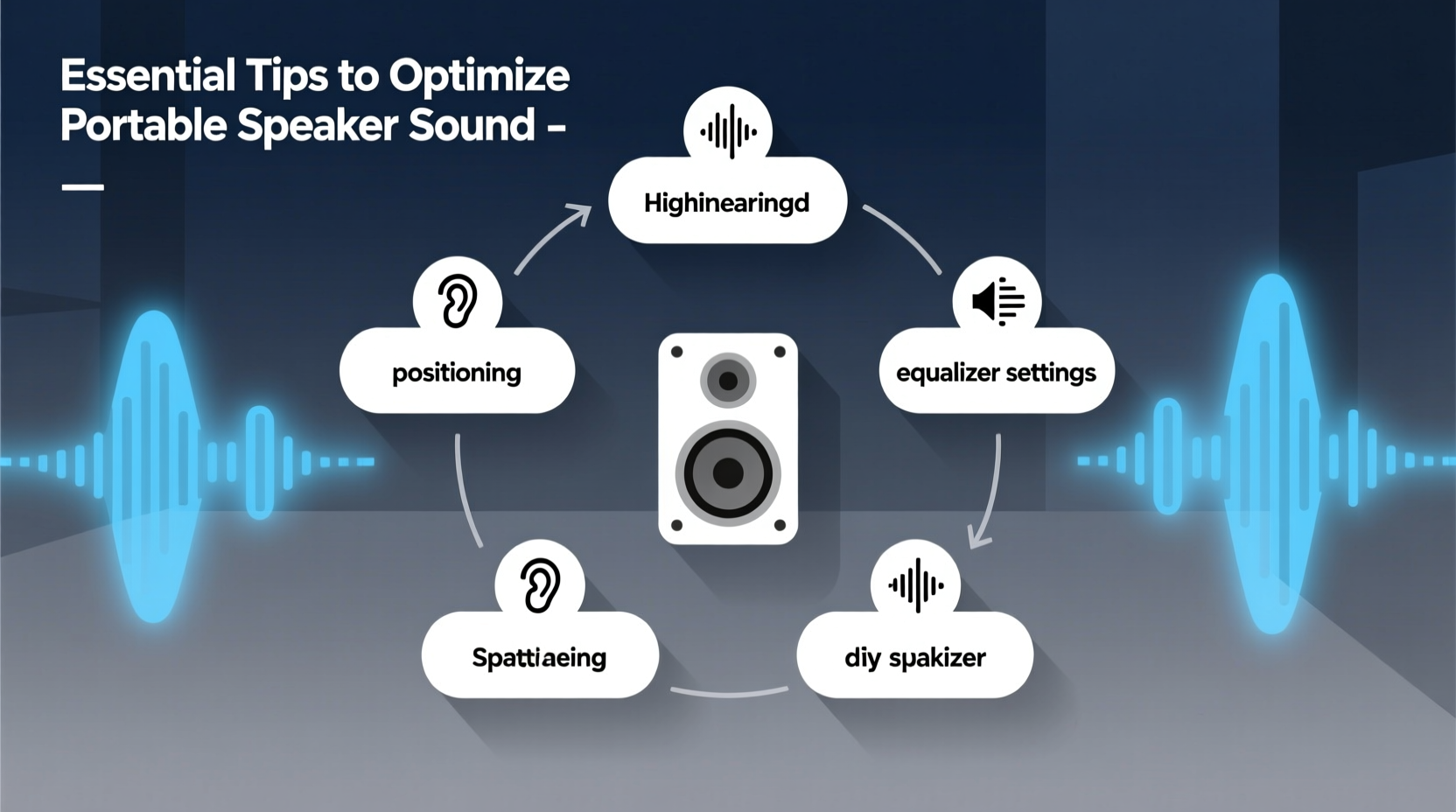
The location of your portable speaker has a direct impact on how sound reaches your ears. Poor placement can lead to muffled tones, weak bass, or uneven stereo imaging—even if the device itself is capable of high-fidelity output.
Positioning matters most when indoors. Avoid placing the speaker inside cabinets, behind furniture, or in corners unless intentional for bass enhancement. Corners naturally amplify low frequencies, but too much can muddy the midrange. For balanced sound, elevate the speaker to ear level—on a shelf, table, or stand—and ensure it faces the listener directly.
Outdoors, flat, open surfaces work best. Grass or sand absorbs sound, reducing volume and definition. Placing your speaker on a picnic table, rock, or hard ground helps maintain projection and clarity. When using two speakers for stereo separation, space them evenly apart—ideally forming an equilateral triangle with your listening position—for optimal imaging.
Understand Your Environment’s Acoustic Impact
Every room or outdoor setting alters sound differently. Hard surfaces like tile, glass, and concrete reflect audio waves, potentially creating echoes or harsh highs. Soft materials such as curtains, carpets, and cushions absorb sound, which can deaden treble and reduce perceived volume.
To compensate, adjust equalizer settings based on surroundings. In echo-prone areas, slightly reduce treble to smooth out sharpness. In overly soft environments, boost highs gently to restore sparkle without distortion. Many apps and smart devices offer built-in EQ presets like “Live,” “Vocal,” or “Bass Boost” that adapt well to different contexts.
“Room acoustics affect small speakers more than people realize. A $200 speaker in the right spot can outperform a $500 one in a poor setup.” — Daniel Reeves, Audio Engineer & Acoustic Consultant
Calibrate Settings for Source and Content Type
Not all music genres—or media types—should be played the same way. A podcast demands clear vocals and minimal bass, while electronic dance music thrives on deep sub-bass and wide stereo fields. Tailoring your speaker's output to match content ensures fidelity and prevents strain on drivers.
Use the equalizer (EQ) settings available in your smartphone, tablet, or speaker app. Most portable Bluetooth speakers don’t have onboard EQ controls, so rely on source-device adjustments. Here’s a quick reference guide:
| Content Type | Bass | Mids | Treble | Notes |
|---|---|---|---|---|
| Podcasts / Audiobooks | Low | High | Medium-High | Boost vocal clarity; minimize rumble |
| Classical / Jazz | Medium | High | High | Prioritize instrument separation and dynamics |
| Rock / Pop | Medium | Medium | Medium | Balanced profile works best |
| EDM / Hip-Hop | High | Low-Medium | Medium | Emphasize rhythm and punch; avoid clipping |
Step-by-Step Guide: Fine-Tuning Your EQ
- Choose a familiar track with strong vocals, bass, and cymbals.
- Set all EQ bands to neutral (flat).
- Play the track and listen critically: Are voices clear? Is bass overpowering?
- Adjust one frequency band at a time in small increments.
- Aim for natural balance—not maximum loudness.
- Save the preset if your device allows it.
Maintain Hardware and Connections
Dust, moisture, and physical wear degrade speaker performance over time. Grill cloths trap lint and debris, muffling tweeters and midrange drivers. Regular cleaning preserves acoustic transparency.
Power off the speaker and use a soft-bristle brush or dry microfiber cloth to remove surface dust. For stubborn grime, lightly dampen the cloth—never spray liquid directly onto the unit. Check ports and grilles monthly, especially after beach or hiking use.
Bluetooth signal stability also affects audio quality. Interference from Wi-Fi routers, microwaves, or thick walls can compress data or cause dropouts. Stay within 30 feet (10 meters) of your source device, with minimal obstructions. If supported, use AAC or aptX codecs instead of standard SBC for higher bitrates and better dynamic range.
Connection Do’s and Don’ts
| Do | Don’t |
|---|---|
| Keep firmware updated via manufacturer app | Ignore pairing errors—reset if needed |
| Use lossless audio sources when possible (e.g., FLAC, Apple Lossless) | Stream low-bitrate MP3s expecting high fidelity |
| Charge fully before long listening sessions | Play at max volume on low battery—distortion increases |
Real-World Example: Improving a Beach Day Sound Experience
Mark brought his compact waterproof speaker to a weekend beach gathering. Despite good weather, guests complained the music sounded thin and distant. After some troubleshooting, he realized several issues: the speaker sat buried in a beach bag, partially covered by a towel, and was set to “Bass Boost” mode unnecessarily. He moved it onto a dry cooler, facing the group, turned off the bass preset, and adjusted the phone’s EQ to emphasize mids and highs. Instantly, vocals became clearer, rhythm instruments locked in, and overall energy improved—without increasing volume. The same hardware, better used, transformed the atmosphere.
Essential Checklist for Optimal Sound Quality
- ✅ Place speaker at ear level, unobstructed
- ✅ Avoid soft or absorbent surfaces outdoors
- ✅ Adjust EQ based on content type and environment
- ✅ Clean grilles and ports monthly
- ✅ Use high-quality audio files (320kbps or lossless)
- ✅ Maintain strong Bluetooth connection (within 10m, line-of-sight)
- ✅ Update firmware regularly for performance fixes
- ✅ Match volume to environment—don’t overdrive small drivers
Frequently Asked Questions
Can I connect two portable speakers for stereo sound?
Yes, many modern portable speakers support stereo pairing via manufacturer-specific modes (like JBL Connect+, Sony Stereo Pair, or Bose SimpleSync). Ensure both units are identical or compatible, fully charged, and placed symmetrically for best results. Note that not all Bluetooth protocols support true stereo separation—some only offer dual mono playback.
Why does my speaker sound worse at high volume?
At maximum levels, small drivers often exceed their mechanical limits, causing distortion, compression, and harshness. Battery voltage drops under load, affecting amplifier stability. Additionally, digital limiters may kick in, squashing dynamics. For cleaner sound, keep volume between 70–80% and use EQ sparingly.
Does speaker size always determine sound quality?
Not necessarily. While larger drivers generally produce deeper bass and higher output, intelligent design, digital signal processing (DSP), and material quality play crucial roles. Some palm-sized speakers outperform bulkier models thanks to advanced tuning and premium components. Focus on reviews and technical specs—not just dimensions.
Final Thoughts: Elevate Your Listening Experience
Exceptional sound from a portable speaker doesn’t require expensive gear—it demands attention to detail. From mindful placement and thoughtful EQ adjustments to routine maintenance and smart connectivity, each factor contributes to a richer, more immersive experience. These strategies apply regardless of brand or price point, empowering you to get the most from your current equipment.




 浙公网安备
33010002000092号
浙公网安备
33010002000092号 浙B2-20120091-4
Comments
No comments yet. Why don't you start the discussion?