
Wireless earbuds have revolutionized the way we listen to music, take calls, and consume audio content. Compact, convenient, and increasingly sophisticated, they offer freedom from tangled wires and seamless integration with our digital lives. Yet, despite their advanced technology, many users settle for subpar sound quality—often unaware that simple adjustments can dramatically improve their audio experience. The truth is, even high-end earbuds won’t deliver their full potential without proper setup, maintenance, and usage habits. By understanding the factors that influence sound output and applying targeted improvements, you can transform your everyday listening into a rich, detailed, and immersive journey.
Choose the Right Ear Tips for Optimal Fit
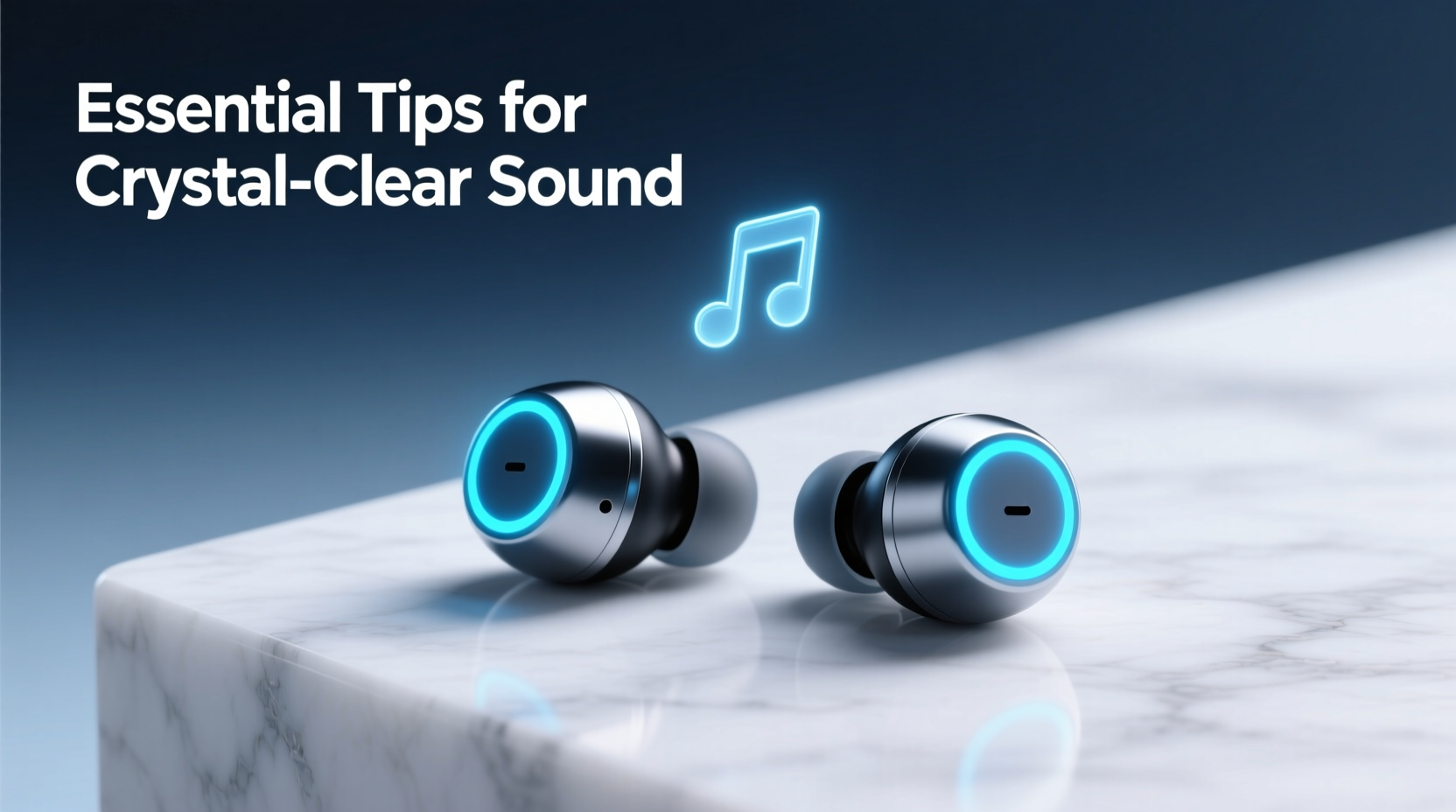
The foundation of great sound begins with fit. No matter how advanced the drivers or noise cancellation, poorly fitted earbuds leak sound and fail to seal properly in your ear canal. This results in weak bass, muffled mids, and a lack of clarity across frequencies. Most manufacturers include multiple sizes of silicone or foam ear tips—using the correct size ensures a secure, comfortable fit that maximizes acoustic isolation.
Memory foam tips, such as those from Comply, are especially effective at conforming to the unique shape of your ear, creating a tighter seal than standard silicone. This not only improves passive noise isolation but also enhances low-frequency response. A proper seal allows the earbud’s driver to work efficiently, delivering balanced sound without distortion.
Keep Your Earbuds Clean and Free of Debris
Earwax, dust, and moisture accumulate over time, especially on the mesh grilles covering the speaker drivers. Even a thin layer of buildup can dampen sound, reduce volume, and distort audio output. Regular cleaning is essential to maintain peak performance.
To clean your earbuds safely, use a dry, soft-bristled brush (like a clean toothbrush) or a lint-free cloth. Gently remove debris from the speaker ports—never insert sharp objects or liquids directly into the openings. For stubborn residue, lightly dampen a cotton swab with rubbing alcohol, let it dry completely before reinserting the earbuds.
For ear tips, detach them if possible and wash with mild soap and water. Allow them to air-dry fully before reattaching. Cleaning every two weeks can prevent long-term damage and preserve sound fidelity.
Optimize Audio Settings and Equalizer Profiles
Many users never adjust their device’s audio settings, missing out on significant sound enhancements. Smartphones and media apps often apply default EQ presets that prioritize loudness over balance, leading to harsh highs or bloated bass. Taking control of your equalizer can restore clarity and tailor sound to your preferences.
Most Android and iOS devices offer built-in EQ options under sound or accessibility settings. Alternatively, third-party apps like Poweramp or Spotify allow fine-tuning across frequency bands. Start with a flat EQ (all sliders at zero), then make subtle adjustments:
- Boost 60–250 Hz slightly for deeper bass (but avoid over-amplifying to prevent distortion).
- Raise 1–3 kHz for improved vocal presence.
- Adjust 8–16 kHz gently to enhance instrument detail without causing sibilance.
“Tailoring EQ settings to your earbuds’ frequency response can uncover hidden depth and dimension in familiar tracks.” — Marcus Lin, Audio Calibration Specialist at SoundLabs Studio
Ensure Maximum Bluetooth Performance
Bluetooth transmission plays a crucial role in sound quality. Interference, distance, and outdated codecs can compress audio or introduce latency, degrading the listening experience. To maintain a stable, high-quality connection:
- Stay within 10 feet (3 meters) of your source device, avoiding walls or metal obstructions.
- Disable Wi-Fi or other wireless devices temporarily if experiencing dropouts.
- Use advanced codecs like aptX, LDAC, or AAC if supported by both your earbuds and playback device.
For example, LDAC (used in many Sony devices) transmits up to three times more data than standard SBC, preserving more detail in compressed streams. Check your phone’s developer options (Android) or device specifications to confirm codec compatibility.
| Bluetooth Codec | Max Bitrate (kbps) | Sound Quality | Device Compatibility |
|---|---|---|---|
| SBC | 328 | Fair – standard default | Universal |
| AAC | 320 | Good – efficient for Apple | iOS, some Android |
| aptX | 384 | Very Good – low latency | Selected Android |
| LDAC | 990 | Excellent – near-lossless | Android 8.0+ |
Update Firmware and Use High-Quality Audio Sources
Manufacturers regularly release firmware updates that improve driver performance, fix bugs, and refine sound profiles. Ignoring these updates means your earbuds may not perform at their best. Check your brand’s official app—such as Sony Headphones Connect, Bose Connect, or Samsung Wearable—for available upgrades.
Equally important is the quality of your audio source. Streaming at low bitrates (e.g., 96 kbps) or using heavily compressed MP3s limits dynamic range and detail. Whenever possible, use high-resolution formats like FLAC, ALAC, or stream via services offering lossless tiers (Apple Music, Tidal, Qobuz).
A real-world example: Sarah, a podcast producer in Seattle, upgraded her daily commute playlist from standard Spotify streaming to Tidal HiFi. Paired with updated firmware on her Sennheiser Momentum True Wireless 3, she noticed a dramatic improvement in voice separation and ambient detail—revealing background textures she’d never heard before.
Step-by-Step Guide to Maximizing Sound Quality
Follow this sequence weekly to keep your earbuds performing at their peak:
- Inspect and clean ear tips and speaker grilles using a soft brush or cloth.
- Test fit and seal by playing a bass-heavy track; adjust ear tip size if needed.
- Check for firmware updates via the manufacturer’s app.
- Set your preferred EQ profile based on genre or listening environment.
- Select the best Bluetooth codec supported by your devices.
- Stream or play high-bitrate audio files to fully utilize your earbuds’ capabilities.
Frequently Asked Questions
Why do my earbuds sound muffled suddenly?
Muffled sound is typically caused by earwax buildup on the speaker mesh or improperly seated ear tips. Clean the earbuds gently and ensure a snug fit. If the issue persists, check for firmware issues or reset the device.
Can I improve bass without an equalizer?
Yes. A proper seal with memory foam tips significantly enhances bass response. Additionally, selecting ear tips that create a tighter fit in your ear canal can naturally boost low-end frequencies through passive acoustics.
Do expensive earbuds always sound better?
Not necessarily. While premium models often feature superior drivers and materials, sound quality depends heavily on fit, source quality, and personal preference. Well-tuned mid-range earbuds with proper setup can outperform high-end models used incorrectly.
Take Control of Your Listening Experience
Great sound isn’t just about hardware—it’s the result of attention to detail, consistent maintenance, and informed choices. From selecting the right ear tips to leveraging high-resolution audio and modern Bluetooth codecs, every small adjustment contributes to a more engaging and accurate auditory experience. These practices don’t require technical expertise or expensive gear; they simply ask for awareness and intention.
Start today: clean your earbuds, update their firmware, tweak your EQ, and listen to a familiar song with fresh ears. You might be surprised by the depth and clarity you’ve been missing. When you unlock the full potential of your wireless earbuds, music doesn’t just play—it comes alive.




 浙公网安备
33010002000092号
浙公网安备
33010002000092号 浙B2-20120091-4
Comments
No comments yet. Why don't you start the discussion?