
Bluetooth speakers have become indispensable companions for music lovers, whether at home, on the beach, or during a weekend hike. While portability and wireless freedom are major advantages, one persistent challenge remains: limited battery life. A speaker that dies mid-song can disrupt the mood and ruin an experience. Fortunately, maximizing playtime isn’t just about waiting for better batteries—it’s about how you use, maintain, and optimize your device. With the right habits and knowledge, you can significantly extend your speaker’s runtime and enjoy richer, uninterrupted audio experiences.
Understand Your Speaker’s Battery Capacity and Limits
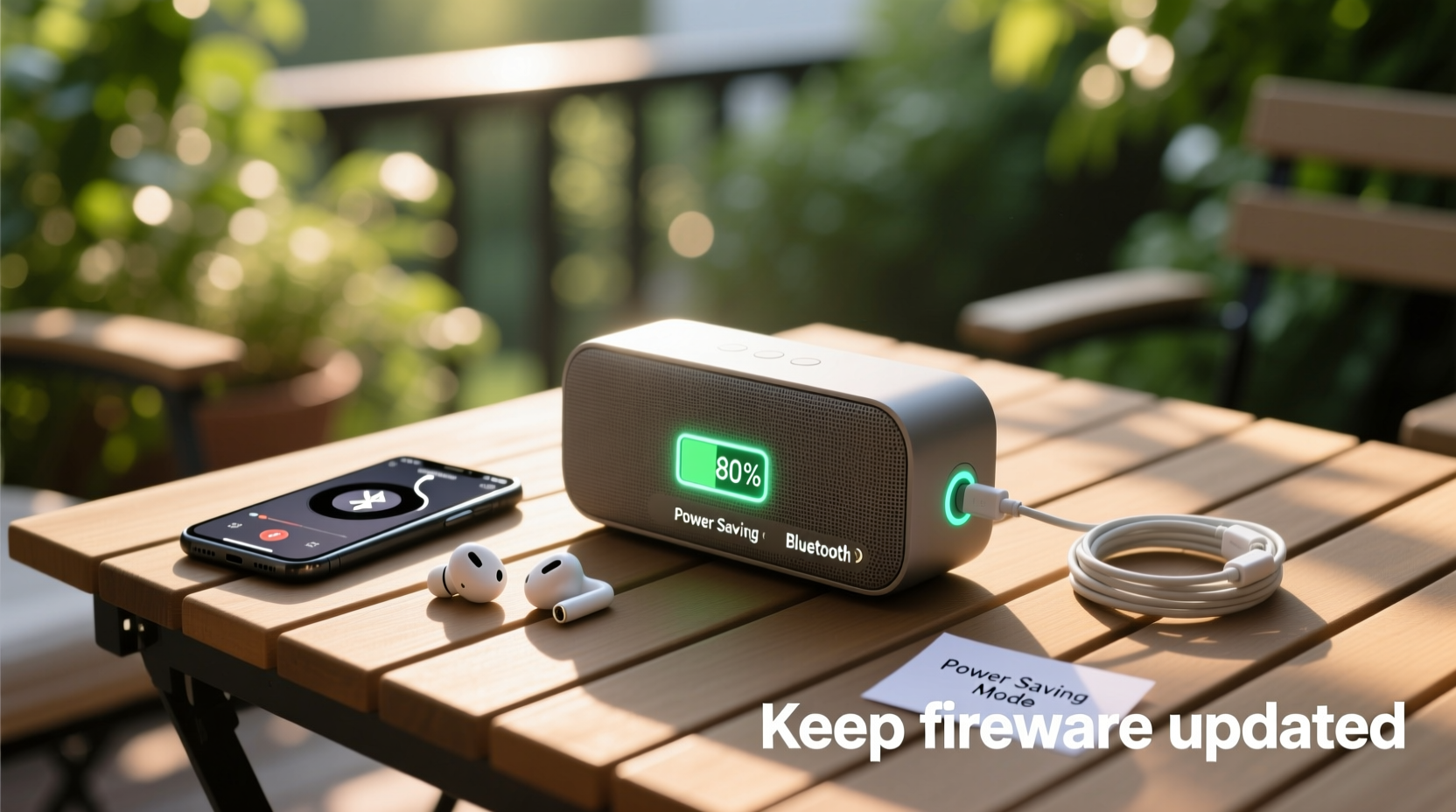
Before optimizing performance, it's crucial to understand what determines your speaker’s playtime. Most portable Bluetooth speakers use lithium-ion batteries, typically ranging from 1,000mAh to 6,000mAh. The advertised playtime—often between 10 and 24 hours—is usually based on ideal conditions: moderate volume, no bass boost, and no additional features like lights or voice assistants enabled.
In real-world use, these numbers often fall short. High volume levels, continuous bass-heavy tracks, and environmental factors such as cold temperatures can reduce effective battery life by up to 40%. Knowing your speaker’s specifications helps set realistic expectations and informs smarter usage decisions.
Optimize Audio Settings for Efficiency
Sound output is the biggest drain on your speaker’s battery. The louder the volume and the deeper the bass, the more power is required. Adjusting audio settings can yield dramatic improvements in playtime without sacrificing enjoyment.
- Keep volume at or below 70%: This single change can extend battery life by 30–50% compared to maximum volume.
- Disable EQ presets or bass boost: Features like “Bass Enhancer” or “Party Mode” consume extra energy. Use them sparingly.
- Choose efficient audio codecs: If your source device supports AAC or aptX, pair it with a speaker that uses the same codec to reduce transmission strain and improve efficiency.
Streaming high-bitrate audio files continuously demands more processing power. For extended sessions, consider playlists with mixed genres rather than non-stop electronic or orchestral tracks that stress low-frequency drivers.
“Battery life isn’t just about capacity—it’s about load management. Reducing audio intensity is one of the most effective ways to stretch playtime.” — Daniel Ruiz, Audio Engineer at SoundLabs Inc.
Smart Charging and Battery Maintenance Habits
How you charge your speaker affects both its immediate availability and long-term battery health. Lithium-ion batteries degrade over time, especially when exposed to poor charging practices.
To preserve battery longevity and ensure consistent performance:
- Charge the speaker before the battery drops below 20%. Deep discharges accelerate wear.
- Avoid leaving it plugged in for days after reaching 100%. Overcharging generates heat and stresses cells.
- Use the original charger or a certified alternative. Low-quality adapters can deliver unstable voltage.
- If storing for weeks, charge to around 50% and power off completely.
Extreme temperatures are another silent killer. Never leave your speaker in a hot car or freezing outdoors while charging. Ideal operating and storage temperatures range from 0°C to 35°C (32°F to 95°F).
Power-Saving Features and Usage Strategies
Modern Bluetooth speakers come equipped with intelligent features designed to conserve energy. Many users overlook these settings, missing out on easy gains in efficiency.
| Feature | Impact on Playtime | Action Step |
|---|---|---|
| Auto Power-Off | Prevents idle drain | Enable 15–30 minute timeout if inactive |
| LED Light Disable | Saves 5–10% energy | Turn off visual effects via app or button |
| Bluetooth Standby Mode | Reduces background draw | Ensure reconnection is fast but not constant |
| Voice Assistant Deactivation | Lowers mic and processor load | Disable when not needed |
Additionally, disconnect unused devices. Some speakers maintain multiple paired connections, which increases power consumption even when only one device is actively streaming.
Mini Case Study: Extending Festival Playtime
During a weekend outdoor festival, Sarah brought her compact Bluetooth speaker for ambient music between sets. Advertised for 12 hours of playback, she expected two full days of use. However, after just six hours on day one, the battery died.
She reviewed her usage: volume at 85%, party lights enabled, and heavy bass tracks played back-to-back. On day two, she adjusted: lowered volume to 60%, turned off lights, and played acoustic mixes. The speaker lasted over 10 hours—more than enough to cover her needs. Simple behavioral changes nearly doubled effective playtime.
Step-by-Step Guide to Maximizing Daily Playtime
Follow this practical routine to get the most from your speaker every day:
- Morning: Check battery level. Charge if below 50%, especially if extended use is planned.
- Before Use: Disable unnecessary features (lights, voice assistant, stereo pairing).
- Pair Efficiently: Connect via Bluetooth using a stable, nearby device. Avoid repeated reconnects.
- Set Optimal Volume: Start at 50–60% and increase only as needed.
- Monitor Environment: Keep the speaker out of direct sun and away from moisture.
- After Use: Power off manually instead of relying on auto-shutdown. Store in a dry place.
- Weekly: Clean ports gently with a dry brush and verify firmware updates for efficiency improvements.
Frequently Asked Questions
Can I use my Bluetooth speaker while charging?
Yes, most models support pass-through playback. However, doing so may slow down charging or generate excess heat, especially at high volumes. For best battery health, avoid prolonged use while charging.
Why does my speaker die faster in cold weather?
Lithium-ion batteries rely on chemical reactions that slow down in low temperatures. Below 10°C (50°F), efficiency drops noticeably. To mitigate this, keep the speaker insulated or close to your body when outdoors.
Does turning off Bluetooth on the speaker save battery?
Absolutely. When Bluetooth is active but not connected, the speaker constantly searches for devices, consuming standby power. Always power off completely when not in use for more than an hour.
Checklist: Maximize Your Speaker’s Playtime
- ✅ Charge before battery drops below 20%
- ✅ Use volume levels under 70%
- ✅ Disable LED lights and voice assistants
- ✅ Turn off when not in use (don’t leave in standby)
- ✅ Avoid extreme temperatures
- ✅ Update firmware regularly
- ✅ Use high-efficiency audio codecs when possible
- ✅ Store at ~50% charge for long-term idle periods
Conclusion
Maximizing Bluetooth speaker playtime doesn’t require expensive upgrades or technical expertise—it comes down to mindful usage and consistent care. By adjusting volume, disabling power-hungry features, charging wisely, and understanding your device’s limits, you can dramatically extend listening sessions and protect your investment over time. Whether you're hosting a backyard gathering or hiking through nature, a well-maintained speaker delivers reliable sound when you need it most.




 浙公网安备
33010002000092号
浙公网安备
33010002000092号 浙B2-20120091-4
Comments
No comments yet. Why don't you start the discussion?