
The iPhone 14 Plus combines sleek design with powerful performance, but its premium finish is vulnerable to everyday wear. A single scratch can diminish both aesthetics and resale value. Unlike older models, the iPhone 14 Plus features a Ceramic Shield front cover and aerospace-grade aluminum edges—both durable, yet not immune to scuffs. With the right habits and tools, you can preserve its showroom shine for years. This guide delivers practical, tested methods to protect your investment without compromising usability.
Choose the Right Case for Maximum Protection
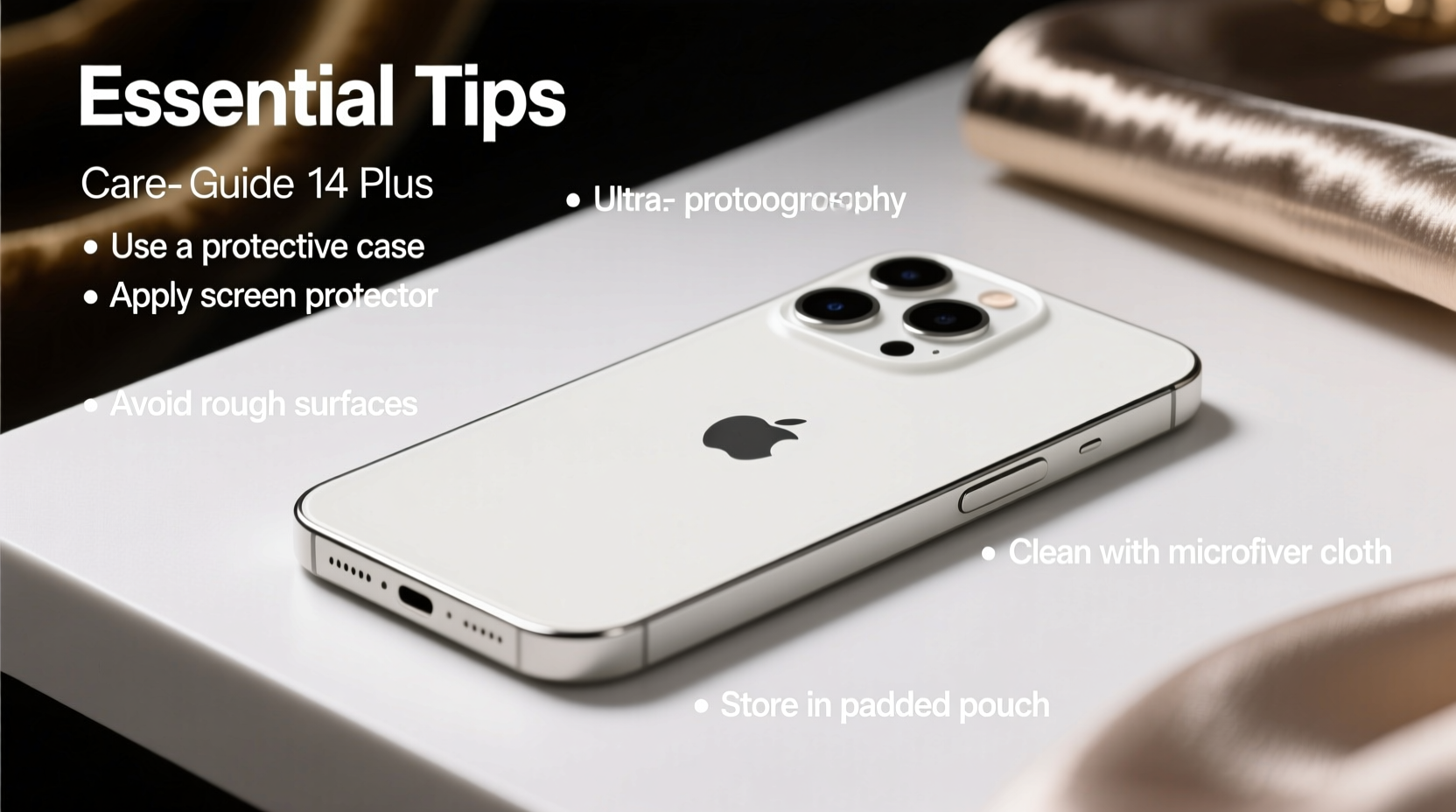
A well-chosen case acts as the first line of defense against drops, bumps, and abrasions. Not all cases are created equal, especially when it comes to scratch prevention. Soft silicone or rubber cases absorb impact but may trap dust that causes micro-scratches over time. Rigid polycarbonate or hybrid cases with raised bezels offer better surface protection.
Brands like OtterBox, Spigen, and UAG undergo rigorous drop testing and often include scratch-resistant coatings. For minimalist users, consider a slim leather case—but ensure it’s lined with soft microfiber to avoid internal friction.
Apply a High-Quality Screen Protector
No matter how careful you are, the screen faces constant exposure. Apple’s Ceramic Shield resists cracks better than previous glass, but fine scratches from sand or keys in pockets remain a risk. A tempered glass screen protector rated at 9H hardness provides an invisible shield while maintaining touch sensitivity.
Installation matters. Dust particles trapped underneath cause bubbles and weak adhesion, leaving gaps where debris can enter. Clean the screen thoroughly with the included alcohol wipe and use the alignment frame for precision. Once applied, avoid pressing hard objects directly on the protector’s edge, which can lift it over time.
“Even minor abrasives like pocket lint carry microscopic silica that etches glass over time. A quality screen protector absorbs this damage so your original display doesn’t.” — David Lin, Mobile Device Materials Engineer
Smart Daily Habits to Minimize Wear
Most scratches occur not from dramatic drops, but from routine interactions. Keys, coins, and rough surfaces slowly degrade the finish. Changing small behaviors has an outsized impact on longevity.
- Keep your phone out of pockets with metal objects.
- Place it screen-up on clean surfaces, never directly on concrete or gravel.
- Use a dedicated pouch inside your bag to isolate it from sharp items.
- Avoid placing it near jewelry or tools on nightstands or desks.
Cleaning is another overlooked factor. Wiping your iPhone with a shirt or napkin introduces fibers and grit. Instead, use a dry, lint-free microfiber cloth daily. For deeper cleaning, slightly dampen the cloth with water (never spray liquid directly) and gently wipe the surface.
Dos and Don'ts of iPhone Surface Care
| Do | Don't |
|---|---|
| Use a microfiber cloth for regular wiping | Wipe with rough fabrics like denim or towels |
| Clean with water-dampened cloth (not soaking) | Use household cleaners, alcohol, or window sprays |
| Store in a fabric-lined compartment | Leave it loose in a bag with keys or pens |
| Remove case weekly to clean trapped dust | Leave dirt buildup between case and phone |
Real-Life Example: The Commuter’s Mistake
Mark, a graphic designer in Seattle, bought his iPhone 14 Plus the day it launched. Within three months, he noticed spiderweb-like marks across the back panel. He wasn’t dropping it—he simply kept it in his jacket pocket alongside car keys and a multitool. After consulting an Apple technician, he learned that tiny grains of urban dust, mixed with metal-on-glass friction, were causing the abrasions. Switching to a zippered inner pocket and adding a clear bumper case eliminated further damage. Six months later, his phone still looks factory-fresh.
This scenario is common. Urban environments introduce abrasive particulates that act like sandpaper under pressure. Awareness—and a small change in storage—can make all the difference.
Deep Maintenance Routine: Monthly Care Checklist
Prevention works best when paired with consistent maintenance. Set a monthly reminder to perform these steps:
- Remove the case and inspect for trapped debris.
- Blow out dust from ports and speaker grilles using compressed air (hold can upright to avoid moisture).
- Wipe down the phone with a dry microfiber cloth, paying attention to edges and buttons.
- Check screen protector adhesion—reapply or replace if peeling.
- Clean the case separately with mild soap and water; let it dry completely before reattaching.
- Inspect for early signs of wear, especially around the camera lens ring and volume buttons.
Frequently Asked Questions
Can I use hand sanitizer to clean my iPhone?
No. While Apple updated its guidance during the pandemic to allow disinfectant wipes, frequent use of sanitizers containing alcohol or bleach can degrade the oleophobic coating on the screen and damage matte finishes. Stick to a lightly dampened microfiber cloth with water for daily cleaning.
Do wireless chargers cause scratches?
Possibly. Low-quality chargers may have rough surfaces or misaligned magnets that create friction during placement. Use certified MagSafe-compatible chargers with smooth finishes, and ensure no grit is stuck between the phone and charger base.
Is it safe to leave my iPhone in the car?
Not recommended. Temperature extremes weaken adhesive bonds (like those holding screen protectors) and increase the risk of condensation, which traps moisture and debris. UV exposure also fades the finish over time. If necessary, store it in a shaded, ventilated container—not on the dashboard.
Final Thoughts: Protect Now, Regret Less Later
Your iPhone 14 Plus is more than a device—it’s a tool, companion, and often a reflection of personal style. Maintaining its appearance isn’t about vanity; it’s about preserving function, value, and satisfaction. Scratches don’t just affect looks—they can compromise grip, reduce resale price by up to 25%, and even interfere with wireless charging efficiency.
The habits that keep your phone pristine are simple but require consistency. Invest in a reliable case, apply a tempered glass protector, adjust where and how you carry it, and commit to a light monthly maintenance routine. These small actions compound into lasting results.




 浙公网安备
33010002000092号
浙公网安备
33010002000092号 浙B2-20120091-4
Comments
No comments yet. Why don't you start the discussion?