
As temperatures climb during the summer months, so does the risk of your iPhone overheating. Apple designs its devices to operate within a specific temperature range—ideally between 32°F and 95°F (0°C to 35°C). Exceeding this range, especially on hot days or in direct sunlight, can trigger thermal throttling, temporary shutdowns, or long-term damage to internal components. With more people relying on their iPhones for navigation, photography, and communication outdoors, managing heat has become critical. This guide outlines practical, science-backed steps to keep your device cool, functional, and protected all season long.
Understanding iPhone Overheating: Causes and Risks
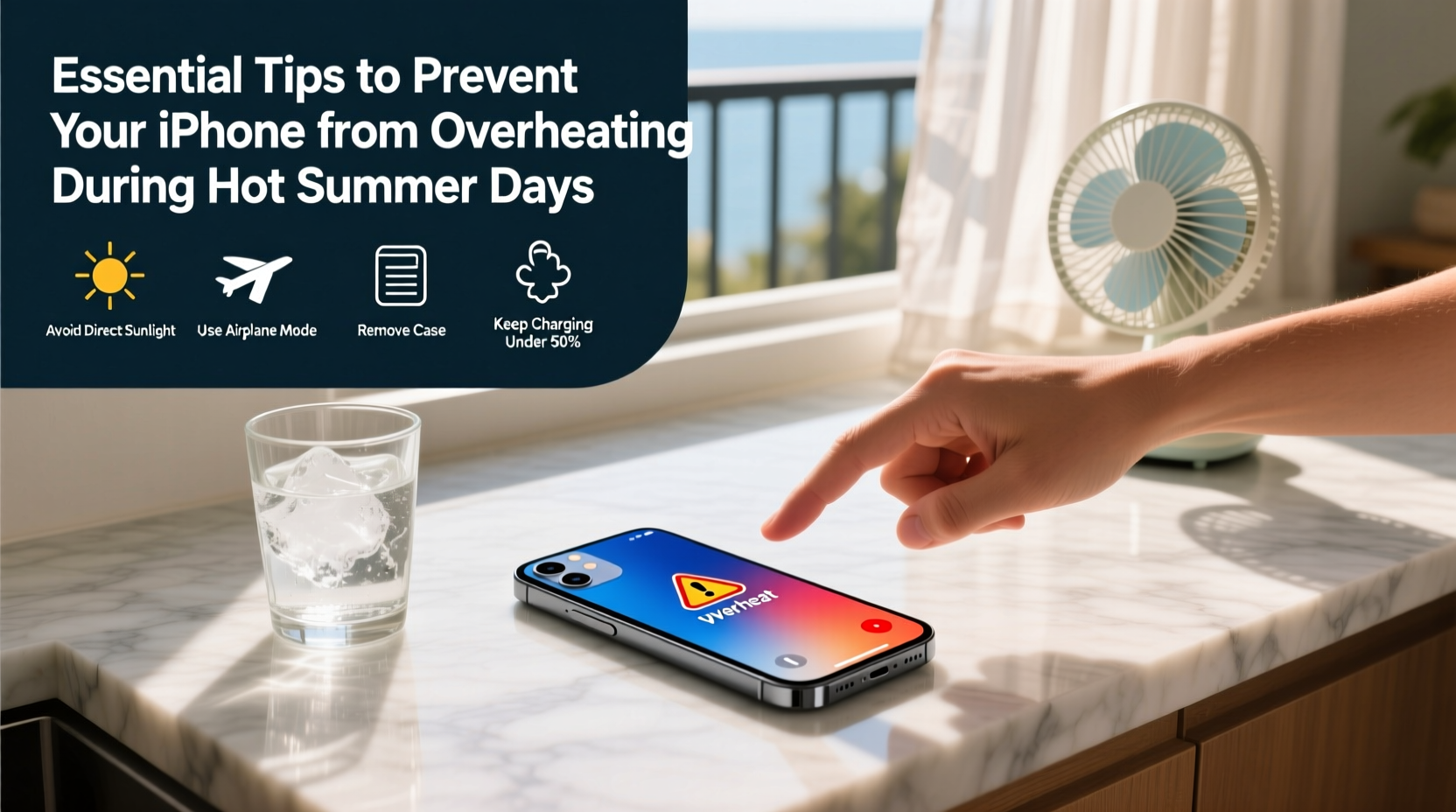
iPhones generate heat through processor activity, wireless connectivity, charging, and screen brightness. In high ambient temperatures, these sources compound rapidly. When internal sensors detect excessive heat, iOS may reduce performance, dim the screen, or display a warning: “iPhone needs to cool down before you can use it.” While this protects hardware, it disrupts usability.
Prolonged exposure to heat affects both short-term function and long-term health. Battery degradation accelerates when exposed to temperatures above 95°F. Lithium-ion batteries lose capacity faster under thermal stress, meaning reduced lifespan and fewer charge cycles. Additionally, repeated overheating can weaken adhesive seals, impact camera autofocus mechanisms, and increase the likelihood of component failure.
“Even brief exposure to extreme heat—like leaving a phone on a car dashboard—can cause irreversible battery wear over time.” — Dr. Alan Kim, Mobile Device Engineer at ConsumerTech Labs
Top 7 Practical Tips to Keep Your iPhone Cool
Preventing overheating doesn’t require expensive accessories or technical knowledge. Simple behavioral adjustments make a significant difference. Here are seven proven strategies:
- Keep it out of direct sunlight. Sunlight magnifies heat absorption. Use shade whenever possible—under a tree, umbrella, or inside a bag. Even 10–15 minutes in full sun can push your iPhone past its thermal threshold.
- Avoid using resource-heavy apps in hot conditions. Gaming, video editing, AR applications, and GPS navigation strain the processor and generate heat. Limit intensive tasks when outdoors or in warm environments.
- Remove thick cases in high heat. While protective cases are essential, they trap heat. Silicone, leather, or rugged cases insulate the device. Consider removing them temporarily when temperatures rise.
- Turn off unnecessary features. Bluetooth, Wi-Fi, Location Services, and Background App Refresh contribute to CPU load. Disable what you don’t need via Control Center or Settings > Privacy.
- Lower screen brightness manually. Auto-brightness often maxes out in sunlight, increasing power draw and heat. Manually reduce brightness to a comfortable level.
- Use airplane mode when not needing connectivity. Constant signal searching—especially in weak coverage areas—forces radios to work harder, generating excess heat.
- Don’t charge in hot environments. Charging produces additional heat. Avoid plugging in your iPhone while it’s already warm or in direct sunlight. Wait until it cools down first.
Do’s and Don’ts: Summer iPhone Care Table
| Do’s | Don’ts |
|---|---|
| Carry your iPhone in a shaded pocket or insulated pouch | Leave it on a car seat or dashboard |
| Use low-power mode to reduce CPU strain | Run multiple apps simultaneously in hot weather |
| Place it in a cool room or near airflow if overheated | Put it in a freezer or refrigerator (risk of condensation) |
| Enable Dark Mode to reduce OLED screen heat | Watch HD videos for extended periods in the sun |
| Update iOS regularly—Apple optimizes thermal management | Ignore temperature warnings—act immediately |
Real-World Scenario: A Hiker’s Close Call
Mark, an avid hiker in Arizona, relied on his iPhone 14 Pro for trail navigation during a mid-July trek. The temperature reached 108°F (42°C). After two hours, his phone displayed the overheating warning and shut down unexpectedly. Stranded without maps or emergency contact access, he had to retrace his steps blindly. Later, he learned that continuous GPS use, combined with a rugged OtterBox case and direct sun exposure, pushed the device past its limit. Since then, Mark now carries a portable battery pack, uses offline maps in advance, removes his case during hikes, and stores the phone in a reflective pouch when not in use. His iPhone hasn’t overheated since.
Step-by-Step: What to Do If Your iPhone Overheats
If your iPhone displays a temperature warning or shuts down, follow this sequence to recover safely:
- Stop using the device immediately. Continued operation increases internal heat and risks permanent damage.
- Power it off. Press and hold the side button and either volume button, then slide to power off.
- Move to a cooler environment. Bring it indoors, into shade, or near airflow (e.g., under a fan).
- Remove the case. Allow heat to dissipate more freely from the aluminum frame and glass back.
- Avoid rapid cooling methods. Do not place it in a fridge or freezer. Sudden temperature changes cause condensation inside the device, leading to corrosion or short circuits.
- Wait 10–20 minutes. Let it cool naturally. Check periodically by touch—when it feels close to room temperature, attempt to power it back on.
- Once cooled, assess functionality. If the device boots normally, consider enabling Low Power Mode and reducing background activity.
Checklist: Summer-Ready iPhone Protection Plan
- ✅ Remove phone from car after driving
- ✅ Carry a lightweight, breathable phone sleeve or pouch
- ✅ Disable background app refresh and location services when not needed
- ✅ Turn on Low Power Mode during extended outdoor use
- ✅ Download media and maps in advance to minimize streaming
- ✅ Avoid charging while in direct sunlight or hot interiors
- ✅ Monitor for early signs of sluggishness or screen dimming
- ✅ Keep iOS updated for optimized thermal regulation
Frequently Asked Questions
Can an overheated iPhone be permanently damaged?
Yes. Repeated or prolonged overheating can degrade the battery, reduce maximum capacity, and impair performance over time. In extreme cases, it may lead to logic board issues or sensor malfunctions. Apple does not cover heat-related damage under warranty.
Is it safe to use my iPhone at the beach?
With precautions, yes. Keep it under an umbrella, avoid sand exposure, and never leave it unattended in direct sun. Consider using a waterproof pouch that also provides shade. Sand can block vents and insulate heat, compounding the problem.
Does turning on Airplane Mode really help cool the phone?
Airplane Mode significantly reduces heat by disabling cellular, Wi-Fi, and Bluetooth radios—all of which generate thermal output when active. It won’t cool an already hot phone instantly, but it prevents further heating during recovery.
Stay Smart, Stay Cool
Your iPhone is built to handle everyday demands, but nature doesn’t follow engineering guidelines. Summer heat is one of the most common—and preventable—threats to mobile device longevity. By understanding how heat builds up and taking simple, proactive steps, you protect not just your investment, but also your ability to stay connected when it matters most. Whether you're traveling, hiking, or simply commuting, treat your iPhone like you would a pet or medication: never leave it in a hot car, shield it from the sun, and respond quickly to warning signs.




 浙公网安备
33010002000092号
浙公网安备
33010002000092号 浙B2-20120091-4
Comments
No comments yet. Why don't you start the discussion?