
The Apple Watch has evolved from a novelty smart accessory into an essential health, fitness, and connectivity tool. With multiple models across different price points, choosing the right one can feel overwhelming. Whether you're tracking heart rate, managing notifications, or simply upgrading your wrist tech, understanding the differences between models—and how they align with your needs—is key. This guide cuts through the noise, offering expert-backed recommendations and budget-conscious insights to help you make a confident decision.
Understanding the Current Apple Watch Lineup
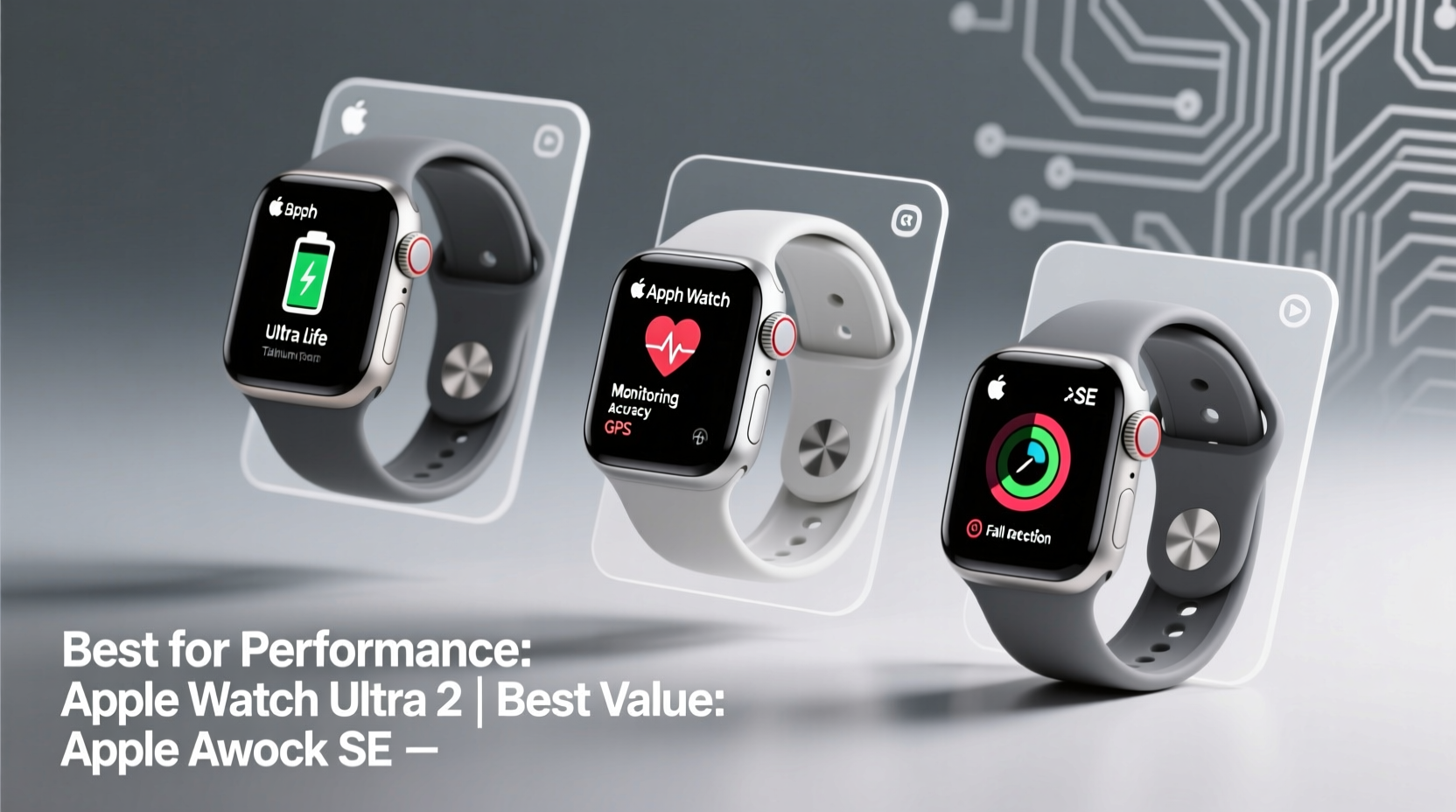
As of 2024, Apple offers three primary models: the Apple Watch Series 9, the Apple Watch Ultra 2, and the Apple Watch SE (2nd generation). Each serves a distinct audience based on functionality, durability, and price.
- Apple Watch Series 9: The flagship model with advanced health sensors, brighter display, and S9 chip for faster performance.
- Apple Watch Ultra 2: Built for extreme conditions—ideal for athletes, divers, and outdoor adventurers with rugged design and extended battery life.
- Apple Watch SE: A streamlined, cost-effective option with core features like fall detection and GPS, but fewer health sensors and older hardware.
All models run watchOS 10, ensuring consistent software experience, app compatibility, and safety features such as Emergency SOS and Crash Detection. However, performance, precision, and durability vary significantly.
Expert Picks: Best Apple Watch for Your Lifestyle
Choosing the \"best\" Apple Watch depends less on specs alone and more on how you plan to use it. Here’s a breakdown by user profile:
Fitness Enthusiasts & Daily Health Trackers
The Apple Watch Series 9 is the top choice. It includes advanced metrics like blood oxygen monitoring, ECG, sleep tracking, and temperature sensing for retrospective ovulation estimates. The always-on Retina display reaches 2000 nits brightness, making it readable in direct sunlight—perfect for runners and cyclists.
“With its comprehensive sensor suite and seamless integration with iOS health apps, the Series 9 remains unmatched for proactive health management.” — Dr. Lena Torres, Digital Health Researcher at Stanford Medicine
Outdoor Adventurers & Extreme Athletes
The Apple Watch Ultra 2 stands out with a titanium case, deeper water resistance (up to 100 meters), dual-frequency GPS, and up to 36 hours of battery life (extended to 72 in Low Power Mode). It includes a dedicated Action button customizable for workouts, dive modes, or flashlight activation.
It also features an improved compass, depth gauge, and integration with third-party adventure apps like AllTrails and DiveLog. While overkill for casual users, it’s invaluable for mountaineers, triathletes, and scuba divers.
Budget-Conscious Buyers & First-Time Users
The Apple Watch SE delivers core functionality without premium pricing. You’ll get fall detection, emergency calling, activity rings, and seamless iPhone syncing—all powered by the efficient S8 chip. However, it lacks ECG, blood oxygen sensing, and always-on display.
At nearly half the price of the Ultra 2, it’s ideal for teens, seniors, or anyone wanting basic fitness tracking and notifications without overspending.
Wallet-Wise Options: Maximizing Value Without Sacrifice
You don’t need the most expensive model to benefit from Apple’s ecosystem. Smart purchasing decisions can save hundreds while still delivering meaningful utility.
Consider Refurbished or Previous-Gen Models
Apple-certified refurbished watches offer full warranty and like-new condition at up to 25% off. For example, a refurbished Series 8 often retails $100–$150 below the new Series 9, despite sharing nearly identical hardware and features.
Band Swaps Over Model Upgrades
Instead of upgrading annually, personalize your current watch with interchangeable bands. A $50 nylon loop or leather band can refresh your look more effectively than a minor internal upgrade.
Avoid Unnecessary Cellular Plans
Cellular models add $50–$100 to upfront costs and require monthly carrier fees. Unless you frequently leave your phone behind during runs, hikes, or commutes, GPS-only versions provide identical functionality when your iPhone is nearby.
“Most users overestimate their need for standalone connectivity. For 80% of owners, GPS-only is sufficient and far more economical.” — Mark Chen, Senior Analyst at TechInsight Group
Comparison Table: Key Features at a Glance
| Model | Price (Starting) | Display | Health Sensors | Battery Life | Best For |
|---|---|---|---|---|---|
| Apple Watch SE (2nd Gen) | $249 | Retina (non-Always-On) | Heart Rate, Fall Detection | 18 hours | Budget buyers, first-timers |
| Apple Watch Series 9 | $399 | Always-On Retina (2000 nits) | ECG, Blood O₂, Temp Sensing | 18–36 hours | Daily health, urban professionals |
| Apple Watch Ultra 2 | $799 | Always-On Retina (3000 nits) | All Series 9 + Advanced Metrics | 36–72 hours (Low Power Mode) | Adventure athletes, outdoor pros |
Real-World Example: Choosing the Right Watch for Sarah
Sarah, a 34-year-old teacher and weekend hiker, wanted a reliable fitness tracker that could handle her active lifestyle without breaking the bank. She considered the Ultra 2 due to its rugged design but realized she rarely ventured beyond trail hikes with her phone nearby.
After consulting a tech advisor, she opted for the Series 9 in aluminum with a sport band. It gave her ECG readings after gym sessions, accurate sleep tracking, and bright visibility outdoors—all under $450. By skipping the cellular model and Ultra-grade materials, she saved $400 while still gaining access to the latest health tools.
Her decision highlights a common insight: matching features to actual usage prevents overspending on capabilities you won’t use.
Step-by-Step Guide to Choosing Your Apple Watch
- Assess Your Primary Use Case: Are you focused on health monitoring, fitness training, or just staying connected?
- Determine Your Budget: Set a realistic range. Consider if financing or refurbished units fit better.
- Evaluate Must-Have Features: Need ECG? Always-on display? Water resistance beyond swimming?
- Choose GPS vs. Cellular: Only go cellular if you regularly exercise or commute without your phone.
- Select Band & Finish: Match aesthetics to your wardrobe or job requirements (e.g., stainless steel for formal wear).
- Buy Smart: Check Apple’s education pricing, holiday deals, or trade-in programs to reduce final cost.
FAQ
Is the Apple Watch SE worth it in 2024?
Yes—for users who want core functionality like step counting, heart rate alerts, and iPhone notifications without paying premium prices. It’s especially suitable for younger users or those introducing wearable tech into their routine.
Can I use an older band with a new Apple Watch?
Absolutely. Apple maintains consistent lug spacing across generations. Bands from Series 3 onward are generally interchangeable within the same case size (41mm/45mm or 42mm/44mm).
How long do Apple Watches typically last?
Most users get 4–5 years of daily use before battery degradation or performance lags become noticeable. Software support typically lasts 5+ years, ensuring security updates and app compatibility.
Conclusion: Make the Choice That Fits You—Not Just the Hype
The “best” Apple Watch isn’t the most expensive or feature-packed—it’s the one that aligns with your habits, health goals, and financial comfort. Whether you choose the accessible SE, the balanced Series 9, or the rugged Ultra 2, each delivers exceptional integration with the Apple ecosystem and meaningful wellness insights.




 浙公网安备
33010002000092号
浙公网安备
33010002000092号 浙B2-20120091-4
Comments
No comments yet. Why don't you start the discussion?