
If you’ve tried accessing Facebook Marketplace recently only to find listings failing to load, images disappearing, or the app freezing, you’re not alone. Thousands of users report intermittent issues with Marketplace functionality across devices and regions. While frustrating, most problems stem from predictable technical glitches—many of which are within your control to resolve. Understanding the root causes and applying targeted fixes can restore full access in minutes, not hours.
Common Reasons Why Facebook Marketplace Isn’t Working
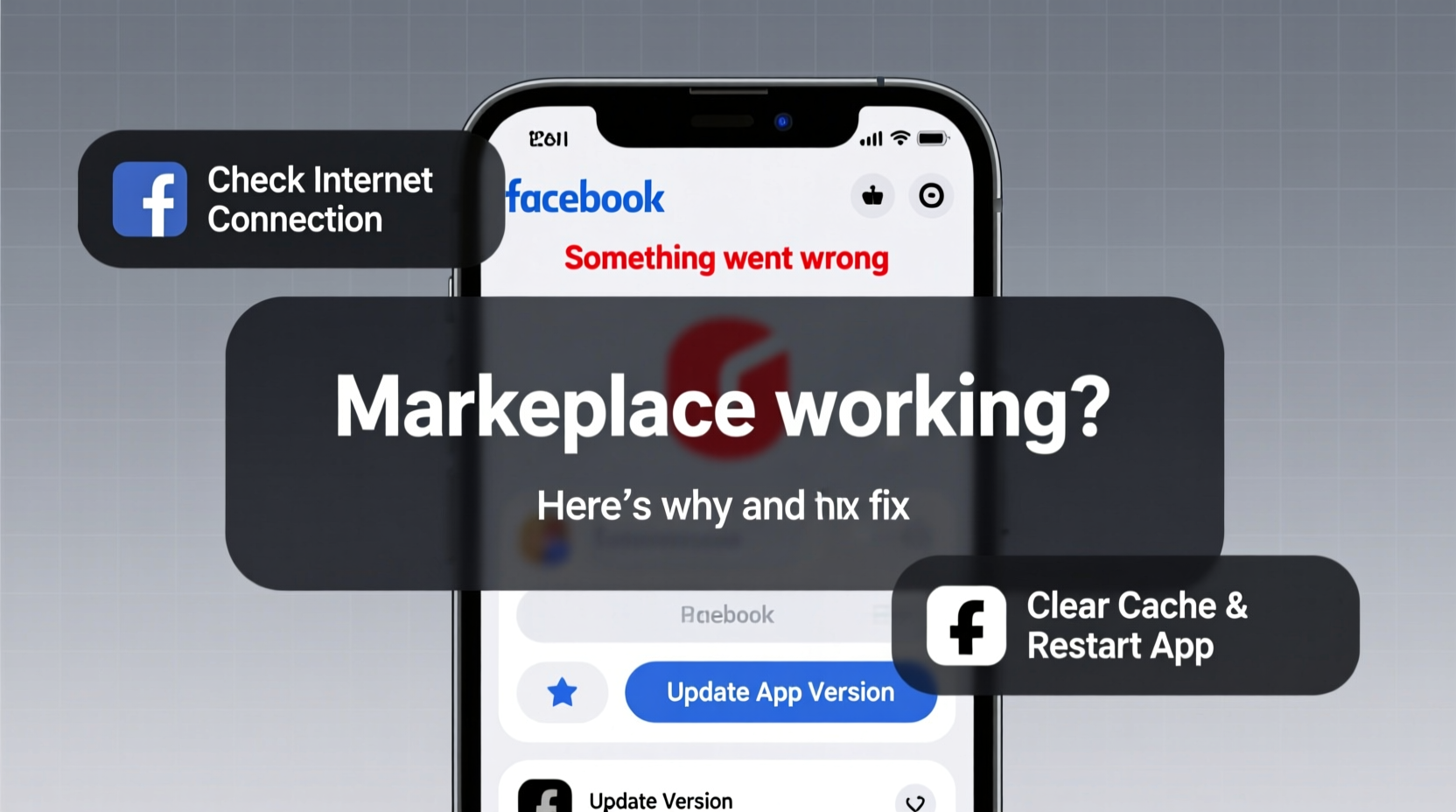
Before diving into solutions, it’s essential to identify what might be causing the disruption. Facebook Marketplace depends on a stable internet connection, up-to-date software, location permissions, and server-side availability. Issues can originate from your device, network, account settings, or even Facebook’s backend systems.
- Unstable Internet Connection: Slow or spotty Wi-Fi or mobile data prevents content from loading properly.
- Outdated App Version: Older versions may lack critical bug fixes or compatibility updates.
- Location Services Disabled: Marketplace relies on your location to show relevant listings; if disabled, it won’t function correctly.
- Cache Buildup: Accumulated temporary files in the app can interfere with performance.
- Server Outages: Facebook occasionally experiences downtime affecting specific features like Marketplace.
- Account Restrictions: Violations of community standards may result in limited access or temporary suspension.
Step-by-Step Guide to Fix Facebook Marketplace Issues
Follow this structured troubleshooting sequence to systematically eliminate potential causes. Start with the simplest fixes before moving to more involved steps.
- Check Your Internet Connection
Open a browser and visit other websites to confirm connectivity. Try switching between Wi-Fi and mobile data to see if one performs better. Restart your router if necessary. - Verify Facebook Server Status
Visit third-party sites like Downdetector.com or IsItDownRightNow.com and search for “Facebook.” If there’s a spike in reports, the issue is likely on Facebook’s end, and no local fix will help until service resumes. - Restart the Facebook App
Close the app completely (swipe it away from recent apps), then reopen it. This clears minor memory glitches that can freeze features like Marketplace. - Update the Facebook App
Go to your device’s app store (Google Play Store or Apple App Store) and check for available updates. An outdated version may conflict with current server protocols. - Clear Cache and Data (Android Only)
Navigate to Settings > Apps > Facebook > Storage. Tap “Clear Cache” first. If the problem persists, tap “Clear Data” (note: this logs you out and resets app preferences). - Re-enable Location Permissions
On iOS: Settings > Privacy & Security > Location Services > Facebook > Select “While Using the App.”
On Android: Settings > Apps > Facebook > Permissions > Location > Allow. - Reinstall the Facebook App
Uninstall the app, restart your phone, then reinstall it from the official app store. This ensures a clean installation free of corrupted files.
Do’s and Don’ts When Troubleshooting Marketplace
| Do’s | Don’ts |
|---|---|
| Check server status before assuming it's your device | Don’t repeatedly refresh the page—it can worsen lag |
| Keep the app updated regularly | Don’t ignore permission settings, especially location |
| Use cellular data as a test if Wi-Fi fails | Don’t share login details when seeking help online |
| Log in via browser as an alternative | Don’t factory reset your phone just for this issue |
Real User Scenario: Recovering Access After a Sudden Crash
Samantha, a small business owner in Austin, relied on Facebook Marketplace to sell handmade candles. One morning, she opened the app to post a new listing but found the Marketplace tab completely blank. No error message, just a spinning wheel. She tried restarting her phone and toggling airplane mode—no change.
She visited Downdetector and saw over 3,000 live reports of Facebook issues in her region. However, after two hours with no resolution, she decided to take further action. She uninstalled the Facebook app, rebooted her iPhone, and reinstalled the latest version from the App Store. Upon logging back in, she ensured location services were enabled for Facebook. The Marketplace loaded instantly.
The issue was a combination of a partial server hiccup and a cached app state that failed to recover automatically. A fresh install resolved the local component of the failure.
“Many app issues aren’t about broken code—they’re about stale data. A clean reinstall forces synchronization with live servers.” — Jamal Reed, Mobile Application Developer
Advanced Fixes for Persistent Problems
If basic troubleshooting doesn’t restore functionality, consider these deeper interventions.
Access Marketplace via Web Browser
Open m.facebook.com or www.facebook.com in Safari, Chrome, or Firefox. Log in and navigate to Marketplace through the menu. If it works here but not in the app, the issue is isolated to the mobile application.
Check Account Standing
Facebook may restrict Marketplace access if your account triggers automated policy checks. To verify:
- Go to Settings & Privacy > Support Inbox.
- Search for messages from Facebook about “Marketplace restrictions” or “community guidelines.”
- If restricted, follow the appeal process outlined in the notification.
Disable Ad Blockers or Browser Extensions
If using Facebook on desktop, extensions like uBlock Origin or privacy tools may block scripts required by Marketplace. Temporarily disable them to test functionality.
Reset Network Settings
On iOS: Settings > General > Transfer or Reset iPhone > Reset > Reset Network Settings.
On Android: Settings > System > Reset Options > Reset Wi-Fi, Mobile & Bluetooth.
This clears saved networks and resets DNS configurations that might interfere with Facebook’s servers.
Frequently Asked Questions
Why does Facebook Marketplace work on my friend’s phone but not mine?
Differences in app version, operating system, location settings, or network conditions can cause inconsistent behavior. It’s also possible your account has a silent restriction not visible at first glance.
Can I still use Marketplace if I clear the app cache?
Yes. Clearing the cache removes temporary files only—not your login info, messages, or saved items. It often improves performance without data loss.
How long do Facebook Marketplace outages usually last?
Most outages resolve within 1–4 hours. Major infrastructure failures may take longer. Follow @MetaCare on X (formerly Twitter) for real-time updates during widespread disruptions.
Conclusion: Take Control of Your Marketplace Experience
Facebook Marketplace is a powerful tool for buying and selling locally, but its reliability hinges on both platform stability and user-side maintenance. Most issues aren’t permanent—and many are easily fixed with a methodical approach. From checking your internet connection to reinstalling the app or verifying account status, each step brings you closer to seamless functionality.
Don’t accept a broken Marketplace as inevitable. Use the checklist below to act quickly and efficiently the next time things go wrong.
Troubleshooting Checklist
- ✅ Test internet connection on another site
- ✅ Check Downdetector for Facebook outages
- ✅ Restart the Facebook app
- ✅ Update the app to the latest version
- ✅ Enable location permissions for Facebook
- ✅ Clear app cache (or data on Android)
- ✅ Reinstall the Facebook app
- ✅ Try accessing Marketplace via web browser
- ✅ Review account restrictions in Support Inbox
- ✅ Reset network settings if all else fails




 浙公网安备
33010002000092号
浙公网安备
33010002000092号 浙B2-20120091-4
Comments
No comments yet. Why don't you start the discussion?