
Facebook Marketplace has become a go-to platform for millions to buy, sell, and discover local deals. But when it suddenly stops loading, fails to show listings, or crashes mid-search, the disruption can be frustrating—especially if you're in the middle of a sale or hunting for a bargain. The good news: most issues are temporary and solvable with targeted troubleshooting. This guide delivers practical, step-by-step solutions that go beyond basic advice to get you back on track quickly and reliably.
Clear Cache and App Data (Mobile Users)
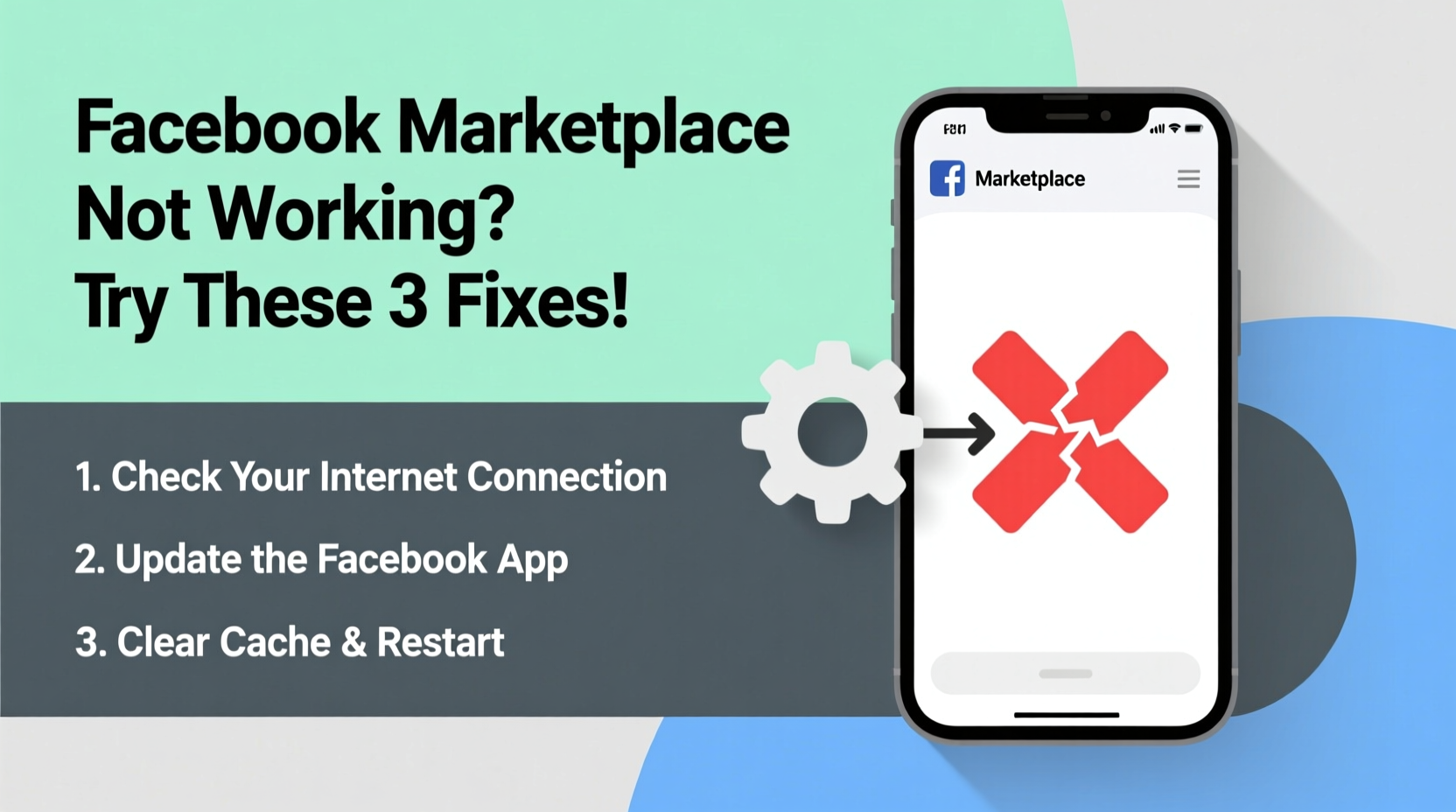
One of the most common reasons Facebook Marketplace fails to load properly on mobile devices is corrupted cache data. Over time, the app stores temporary files to speed up performance, but outdated or damaged cache can interfere with functionality.
If you're using an Android device, follow this sequence:
- Open your phone’s Settings.
- Navigate to Apps or Application Manager.
- Find and tap on Facebook.
- Select Storage & cache.
- Tap Clear Cache, then Clear Data.
- Reopen the app and log back in.
iOS users don’t have direct access to clear app cache through settings. Instead, delete and reinstall the Facebook app to achieve the same effect. While inconvenient, this often resolves deep-seated glitches affecting Marketplace functionality.
Check Facebook Server Status
Before diving into device-specific fixes, confirm whether the problem lies with Facebook itself. Outages happen more frequently than many realize—sometimes affecting only certain features like Marketplace while the main feed remains functional.
Visit third-party sites such as Downdetector.com or Outage.Report and search for “Facebook Marketplace.” These platforms aggregate user reports in real time and display outage maps by region. If hundreds or thousands of users report similar issues simultaneously, the root cause is likely on Facebook’s end.
In such cases, no amount of local troubleshooting will help until Facebook engineers resolve the backend issue. However, you can monitor updates via Facebook’s official engineering blog or their @Meta Engineering Twitter/X account.
“We proactively monitor service disruptions across all Meta platforms and deploy fixes within minutes when possible.” — Meta Infrastructure Team, 2023 Transparency Report
Update or Reinstall the Facebook App
Using an outdated version of the Facebook app is a frequent culprit behind broken features. Developers regularly roll out patches that fix bugs, improve compatibility, and enhance security. An old app build may lack support for current Marketplace APIs, causing pages to fail loading or buttons to become unresponsive.
To ensure you’re running the latest version:
- Android: Open Google Play Store > Search “Facebook” > Tap “Update” if available.
- iOS: Open App Store > Tap your profile icon > Scroll to find Facebook > Tap “Update.”
If updating doesn’t resolve the issue, consider uninstalling and reinstalling the app entirely. This ensures a clean installation without lingering configuration errors.
When Reinstalling, Remember:
- Save login credentials or enable biometric sign-in options beforehand.
- Allow notifications post-reinstall to receive transaction alerts.
- Re-enable Marketplace location permissions after setup.
Verify Internet Connection and Browser Compatibility
Marketplace depends heavily on stable connectivity. A weak Wi-Fi signal or unstable mobile data connection can prevent images from loading, stall page transitions, or trigger timeout errors.
Run a quick diagnostic:
- Switch between Wi-Fi and cellular data to test consistency.
- Visit other websites or apps to verify general internet function.
- Restart your router if home Wi-Fi seems sluggish.
If you're accessing Marketplace through a desktop browser, compatibility matters. Facebook recommends using updated versions of Chrome, Firefox, Safari, or Edge. Avoid legacy browsers like Internet Explorer, which no longer support modern web standards used by Facebook.
| Browser | Recommended Version | Marketplace Support |
|---|---|---|
| Google Chrome | v115+ | ✅ Full |
| Mozilla Firefox | v110+ | ✅ Full |
| Safari | v15+ | ✅ Full |
| Microsoft Edge | v115+ | ✅ Full |
| Internet Explorer | All versions | ❌ Unsupported |
Real-World Example: Sarah’s Missing Listings
Sarah, a small business owner in Austin, Texas, relies on Facebook Marketplace to sell handmade candles. One morning, she noticed her active listings had disappeared, and new items wouldn’t upload. Panic set in—she had three weekend markets coming up and depended on online visibility.
She first checked Downdetector and saw over 2,000 reports of “Marketplace not showing posts.” She waited two hours, then tried logging in via desktop. Still nothing. On a hunch, she cleared her Chrome browser cache and disabled ad-blocking extensions. Instantly, the listings reappeared.
The issue? A recent update to her ad blocker began misclassifying Marketplace content as promotional material and hiding it. By adjusting filter settings and whitelisting facebook.com/marketplace, she restored full functionality and avoided lost sales.
Advanced Fixes: Location Services & Account Restrictions
Marketplace is location-dependent. If your device isn’t sharing accurate location data, the platform may default to showing no results—or block access altogether.
Ensure location services are enabled:
- On iPhone: Settings > Privacy & Security > Location Services > Facebook > Select “While Using the App” or “Always.”
- On Android: Settings > Location > App Permissions > Facebook > Allow “Precise Location.”
Additionally, check for account-level restrictions. Facebook may limit Marketplace access if:
- Your account is flagged for policy violations.
- You've exceeded posting limits in a short timeframe.
- Your payment method on file has failed (for promoted listings).
Visit facebook.com/help/marketplace and search “Why can’t I post on Marketplace?” to review any active restrictions tied to your profile.
Troubleshooting Checklist
- Check Downdetector for ongoing outages
- Restart your smartphone or computer
- Clear app cache or browser history
- Update the Facebook app or browser
- Toggle airplane mode to reset network settings
- Verify location permissions are enabled
- Try logging in via desktop vs. mobile
- Contact Facebook Support if all else fails
Frequently Asked Questions
Why does Facebook Marketplace say “No Results Found” even though I know items should appear?
This typically occurs due to overly narrow search filters, incorrect ZIP code detection, or a glitch in location syncing. Try manually adjusting your search radius or refreshing the page after toggling location services off and on.
Can I use Facebook Marketplace without the app?
Yes. Access Marketplace directly through www.facebook.com/marketplace on any modern web browser. Some mobile browsers may redirect to the app, but desktop access remains fully functional.
I sold an item, but the buyer hasn’t responded. What should I do?
Facebook does not mediate transactions. If communication stalls, mark the item as sold or remove the listing. For safety, avoid sharing personal contact details until trust is established. Use Facebook’s messaging system exclusively.
Final Steps and When to Escalate
If you’ve completed every fix listed here and Marketplace still won’t load, it’s time to escalate. Visit Facebook’s Help Center (facebook.com/help), navigate to “Report a Problem,” and submit a detailed description including:
- Device type and operating system
- Screenshots of error messages (if possible)
- Time and frequency of the issue
- Whether it affects only Marketplace or other features too
Support responses vary, but reports with specific technical details are prioritized. In rare cases, a temporary account review may be triggered, so ensure your activity complies with Facebook’s Commerce Policies.
Conclusion
Facebook Marketplace downtime doesn’t have to derail your buying or selling plans. Most issues stem from simple technical hiccups that can be resolved in under ten minutes with the right approach. From clearing cache to verifying location access, each step brings you closer to seamless functionality. Don’t accept “it’s just Facebook being slow” as an answer—take control with these actionable fixes and keep your local commerce flowing.




 浙公网安备
33010002000092号
浙公网安备
33010002000092号 浙B2-20120091-4
Comments
No comments yet. Why don't you start the discussion?