
In an age where smartphone photography dominates, the nostalgic appeal of film has never been stronger. Vintage aesthetics—soft focus, muted tones, light leaks, and unmistakable grain—are now just a tap away thanks to retro filters in apps like VSCO, Instagram, and Lightroom. But beneath the surface of these digital approximations lies a deeper question: can a phone truly replicate the soul of a film camera, especially its most defining characteristic—the organic, unpredictable grain?
The answer isn’t simple. While modern algorithms are impressively sophisticated, they simulate rather than reproduce. There’s a tactile authenticity to film that no software can fully mimic. To understand why, we need to examine how film grain forms, how digital filters attempt to recreate it, and what gets lost—or gained—in translation.
The Nature of Film Grain: More Than Just Noise
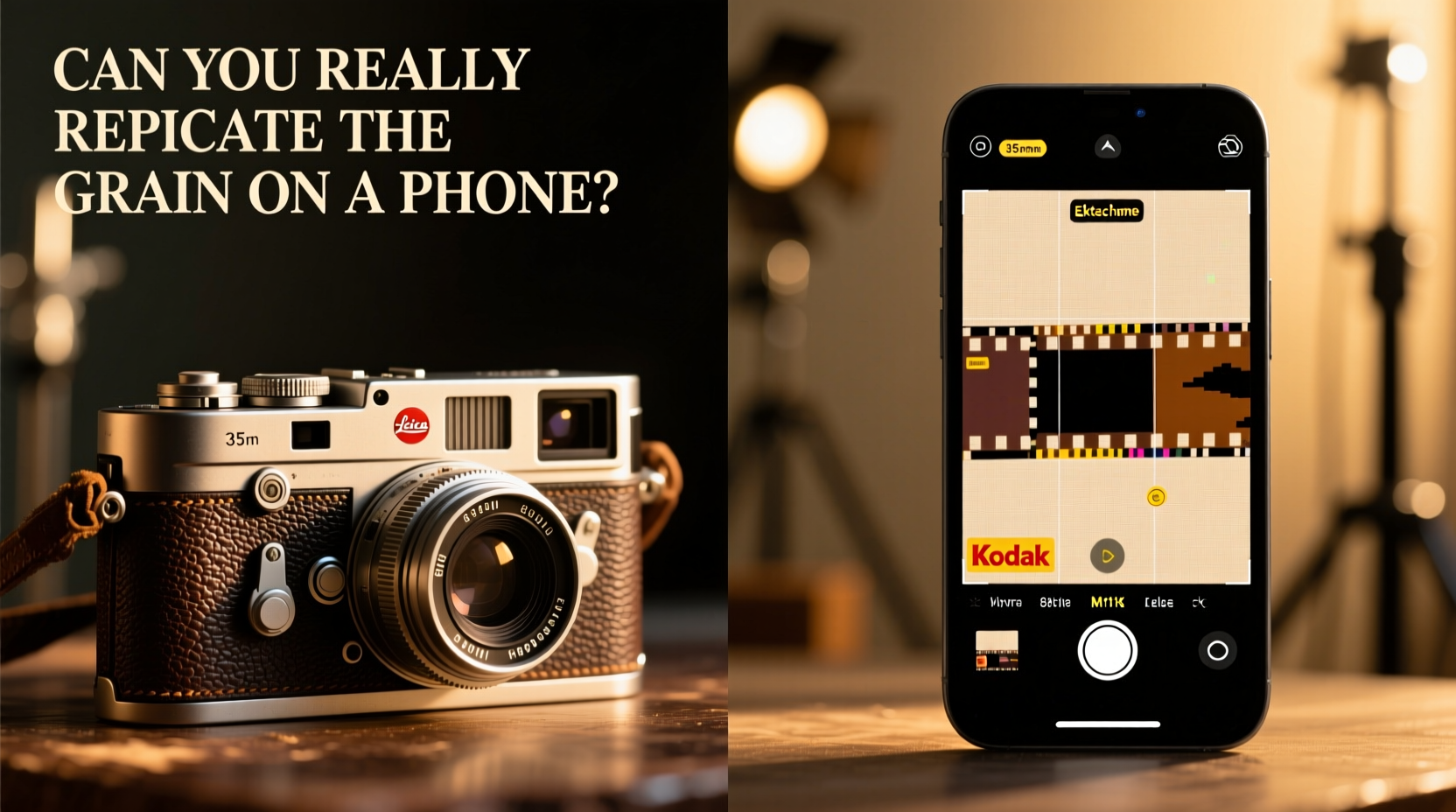
Film grain isn’t a flaw—it’s a byproduct of the physical chemistry of silver halide crystals embedded in photographic emulsion. When light hits the film, these crystals react and form a latent image. The size and distribution of these crystals determine the film’s ISO sensitivity and, crucially, its grain structure. Higher ISO films (like Kodak Tri-X 400) have larger crystals, resulting in more visible grain. Lower ISO films (like Kodak Portra 100) produce finer, subtler grain patterns.
Unlike digital noise, which is random pixelation caused by sensor amplification in low light, film grain is inherently structured. It clusters in organic, irregular patterns influenced by development time, temperature, and even the agitation of chemicals in the darkroom. This variability gives each frame a unique fingerprint—no two exposures look exactly alike, even under identical conditions.
“Film grain breathes. It moves with the image. Digital noise just sits there.” — David Kim, Analog Photographer & Darkroom Technician
This organic behavior is part of what makes film compelling. Grain becomes part of the composition, adding texture, mood, and depth. It doesn’t just sit on top of the image; it integrates with shadows, highlights, and midtones in ways that feel alive.
Digital Retro Filters: Simulation vs. Emulation
Retro filters on smartphones use mathematical models to simulate film characteristics. These include:
- Overlaying grain textures as a separate layer
- Mimicking color shifts (e.g., Fuji Superia’s warm greens or Kodachrome’s saturated reds)
- Adding vignetting, light leaks, and softness to emulate lens imperfections
- Adjusting contrast curves to match film response
Apps like VSCO offer presets named after real films—Kodak Gold, Portra, Cinestill—giving users the illusion of shooting on actual film. Some advanced tools even allow granular control over grain intensity, color cast, and shadow roll-off. But despite their sophistication, these filters remain fundamentally synthetic.
Digital grain is typically uniform and repetitive. Even when randomized, it lacks the three-dimensional depth of real film grain. It’s applied *after* capture, meaning it doesn’t interact with the exposure process. In contrast, film grain is born from the exposure itself—affected by light, motion, shutter speed, and chemical development.
A Side-by-Side Comparison: What’s Missing?
| Feature | Film Camera | Digital Retro Filter |
|---|---|---|
| Grain Origin | Chemical reaction of silver halides | Algorithmic overlay or texture map |
| Grain Pattern | Organic, non-repeating, variable density | Synthetic, often tiled or looped |
| Dynamic Range | High highlight retention (especially in slide film) | Limited by phone sensor; often crushed blacks |
| Color Response | Unique per film stock, chemically determined | Preset-based approximation |
| Development Influence | Push/pull processing alters grain and tone | No equivalent post-capture chemical manipulation |
| Unpredictability | Light leaks, fogging, batch variations | Artificial effects added intentionally |
| Tactile Feedback | Manual focus, winding, delayed results | Instant preview and deletion |
The table reveals a key distinction: film grain is a consequence of physical interaction between light and chemistry, while digital “grain” is a stylistic choice layered onto an already-completed image. One emerges from the process; the other is applied after the fact.
Real-World Example: A Street Photographer’s Experiment
Photographer Maya Tran conducted a six-month project comparing her Canon AE-1 (loaded with Ilford HP5 Plus) to her iPhone 14 Pro using VSCO’s “B&W 400” preset. She shot the same scenes in urban environments—rain-slicked alleys, crowded markets, candid portraits—under similar lighting.
At first glance, the filtered iPhone images looked convincingly vintage. But upon close inspection, flaws emerged. In high-contrast areas, the digital grain appeared flat and pixelated. Shadows lacked the rich, textured compression of developed film. Most telling was the absence of micro-contrast—the subtle tonal transitions that give black-and-white film its depth.
“I could feel the difference,” Tran said. “The film images had weight. The phone shots felt like costumes.” Her final exhibition included both sets, inviting viewers to compare. Over 70% of attendees correctly identified the film photos based on “texture” and “presence,” even without technical knowledge.
Can You Get Closer? A Step-by-Step Guide to Better Digital Authenticity
If you’re committed to using your phone but want a result that feels closer to film, follow this workflow:
- Shoot in RAW format – Use apps like Halide or ProCamera to capture uncompressed data. This preserves dynamic range and allows for more nuanced editing.
- Underexpose slightly – Film handles overexposure better than digital sensors. Reducing exposure by ⅓ to ½ stop mimics film’s highlight roll-off.
- Use natural light – Avoid flash. Film thrives in soft, diffused daylight, and so should your simulation.
- Edit with intention – Instead of applying a one-click filter, build the look manually:
- Add a slight S-curve to mimic film contrast
- Desaturate specific colors (e.g., reduce blues and greens slightly)
- Apply grain separately using a noise layer set to \"overlay\" or \"multiply\" blend mode
- Limit sharpening – Over-sharpened edges betray digital origins. Film softness should be preserved.
- Introduce imperfections sparingly – Add a faint light leak or edge blur only if it serves the story.
This method won’t turn your phone into a Leica M6, but it encourages a film-like mindset—one of restraint, patience, and attention to light.
Checklist: How to Evaluate Your Digital Film Simulation
- ✅ Does the grain vary across shadows, midtones, and highlights?
- ✅ Are colors slightly muted or shifted in a way that feels intentional, not artificial?
- ✅ Is there a sense of depth, or does the image feel flat?
- ✅ Would someone familiar with film believe this was scanned from a negative?
- ✅ Does the photo invite longer viewing, or does it reveal its digital nature immediately?
If most answers are “no,” your simulation may be relying too heavily on surface-level effects.
The Emotional Dimension: Why Authenticity Matters
Beyond technical fidelity, there’s an emotional gap between film and digital filters. Shooting film requires intention. Each frame costs money and cannot be deleted. This scarcity fosters mindfulness. You compose carefully. You meter the light. You wait for the right moment.
Smartphone photography, by contrast, is abundant and disposable. You take twenty shots, delete nineteen, and apply a filter to the last. The act lacks consequence. And while that’s efficient, it removes the ritual that many photographers cherish.
“When I shoot film, I’m present,” says Tran. “With my phone, I’m editing before I’ve even finished taking the picture.”
This psychological difference affects the outcome. Film rewards patience. Digital filters reward speed. Neither is wrong—but they serve different purposes.
FAQ: Common Questions About Film vs. Digital Grain
Can AI eventually replicate real film grain perfectly?
Possibly, but not yet. Machine learning models trained on thousands of film scans can generate convincing textures. However, true replication would require simulating the entire analog chain—from exposure to development. Current AI still struggles with consistency across lighting conditions and subject matter.
Are some retro filters better than others?
Yes. Premium apps like Filmborn, Noir, and Afterlight offer more nuanced grain engines and accurate color grading than built-in filters. They also avoid the overly saturated, “plastic” look common in social media presets.
Should I switch to film if I want authentic grain?
Only if you’re prepared for the commitment. Film requires investment in gear, processing, and scanning. For casual shooters, improving your digital workflow may be more practical. But for those seeking a deeper connection to photography, film remains unmatched.
Conclusion: Honoring the Medium, Not Just the Aesthetic
The grain on a film camera isn’t something you add—it’s something you earn through exposure, chemistry, and time. Digital retro filters can evoke nostalgia, but they often stop at imitation. They capture the look without the labor, the texture without the tension.
That doesn’t mean they’re worthless. For storytelling, social sharing, or quick creative expression, filters are powerful tools. But when authenticity matters—when you want an image that feels lived-in, imperfect, and human—nothing replaces the real thing.
If you’re drawn to film’s aesthetic, consider experimenting with actual film. Start with a used 35mm point-and-shoot, buy a roll of Kodak Colorplus, and get it developed locally. See how it changes the way you see. Or, refine your digital craft with greater intention, treating your phone not as a shortcut, but as a canvas for mindful creation.




 浙公网安备
33010002000092号
浙公网安备
33010002000092号 浙B2-20120091-4
Comments
No comments yet. Why don't you start the discussion?