
For anyone who spends hours at a computer—whether gaming, designing, or working—a reliable mouse pad isn’t just an accessory; it’s a critical component of precision, efficiency, and physical well-being. A poor surface can lead to erratic cursor movement, wrist strain, and fatigue. The right mouse pad enhances tracking accuracy, supports natural hand posture, and ensures consistent glide across every session. With so many options available, finding one that balances smoothness, control, and comfort requires understanding key features and how they align with your usage patterns.
Why Your Mouse Pad Matters More Than You Think
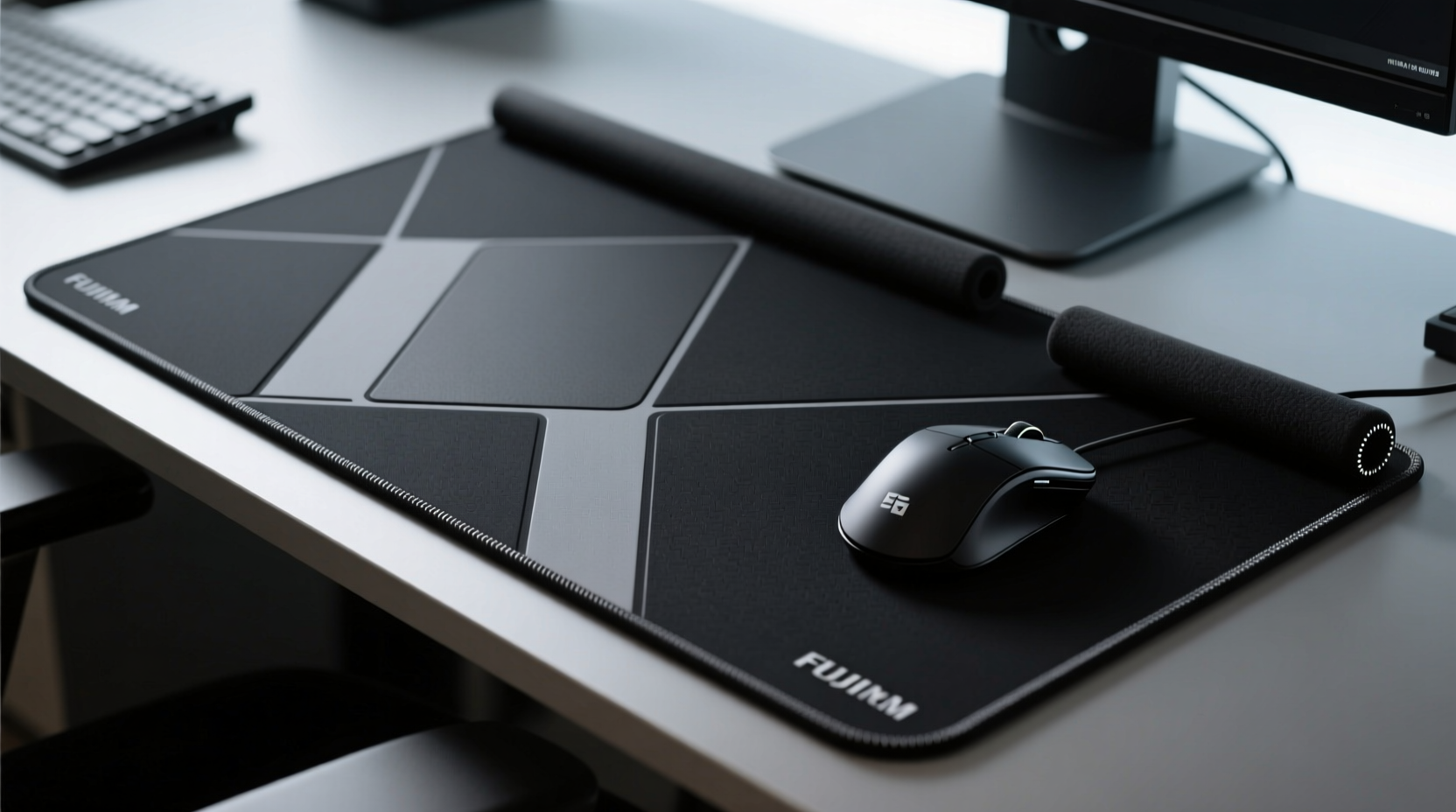
The surface your mouse moves on directly affects sensor performance. Optical and laser sensors rely on consistent micro-texture feedback to track movement accurately. A subpar surface—like a worn desk or fabric with inconsistent weave—can cause jitter, acceleration errors, or missed inputs. Gamers need pixel-perfect aim; graphic designers require steady lines; office workers benefit from reduced wrist strain. In all cases, a high-quality mouse pad provides a uniform surface optimized for responsiveness and ergonomics.
Moreover, long-term comfort is often overlooked. A thin, rigid pad offers no cushioning, leading to pressure on the ulnar nerve and potential repetitive strain injuries. Conversely, an overly thick or soft pad may lack stability, causing drift during rapid movements. The ideal pad strikes a balance between tactile support and seamless motion.
Key Features of the Best Mouse Pads
Selecting the right mouse pad involves evaluating several interdependent factors. Prioritize these elements based on your primary use case—gaming, creative work, or general productivity.
Surface Material: Cloth, Hard, or Hybrid?
- Cloth pads are the most common. They offer a soft glide with moderate resistance, ideal for everyday use and medium to high DPI settings. Most are made from woven polyester or nylon blends, treated for durability and edge stitching to prevent fraying.
- Hard (plastic or resin) pads provide ultra-smooth, fast movement with minimal friction. These suit low-DPI users or gamers who favor quick swipes over fine adjustments. However, they can feel cold and lack wrist support.
- Hybrid surfaces combine a hard top layer with a rubberized base or cloth underside. They deliver speed with stability, often featuring textured finishes for enhanced control during intense gameplay.
Size and Shape: Fit Your Workspace and Movement Style
Mouse pads come in three standard sizes:
| Size Type | Dimensions (approx.) | Best For | Limitations |
|---|---|---|---|
| Small/Standard | 9 x 7 inches | Tight desks, travel, minimalists | Limits arm movement, less wrist support |
| Medium/Large | 12 x 10 to 16 x 12 inches | Most desktop setups, balanced control | May not fit compact spaces |
| Extra-Large (Desk Mat) | 30 x 12 inches or larger | Gaming, wide-sweep movements, full desk coverage | Bulky, harder to clean, more expensive |
If you use a low DPI setting or prefer arm-based mouse control, opt for a larger pad. Wrist-only mousing works well with smaller sizes but increases strain over time.
Base Grip: Stability Is Non-Negotiable
No matter how smooth the top surface, a slipping pad ruins precision. Look for a dense rubber or silicone base that adheres firmly to wood, glass, or metal desks. Textured undersides enhance traction without leaving residue. Some premium models use adhesive-free nano-grip technology for secure placement even on slick surfaces.
Real-World Example: From Fatigue to Flow
Jessica, a freelance UI designer, spent eight hours daily refining interface details in Figma. She used a basic $5 cloth pad on a glass desk. Within weeks, her right wrist ached, and she noticed her cursor would occasionally jump during fine line adjustments. After researching ergonomic solutions, she switched to a 16 x 12-inch hybrid mouse pad with a micro-weave surface and anti-slip rubber base. Not only did the new pad eliminate slippage, but the slightly textured finish gave her better control at high DPI. Within days, her wrist discomfort decreased, and her workflow became noticeably smoother. “It felt like upgrading from gravel to asphalt,” she said. “Everything just glided where I wanted it.”
Expert Insight: What Professionals Recommend
“Surface consistency is as important as mouse calibration. A stable, non-reflective pad ensures optical sensors read movement accurately—especially under bright lighting.” — Dr. Marcus Lin, Human-Computer Interaction Researcher, MIT Media Lab
“For long sessions, prioritize ergonomics over speed. A 3mm padded base reduces carpal tunnel stress by distributing pressure evenly.” — Lena Torres, Occupational Therapist specializing in digital workspace design
Step-by-Step Guide to Choosing Your Ideal Mouse Pad
- Assess your mousing style: Do you use wrist, forearm, or elbow movement? Arm movers need large pads; wrist users can manage with medium ones.
- Determine your DPI: High DPI (1600+) benefits from controlled cloth surfaces. Low DPI (<800) pairs well with faster hard or hybrid pads.
- Measure your desk space: Ensure the pad fits comfortably without crowding keyboard or monitor.
- Test surface texture: If possible, try samples. Smooth feels fast but slippery; textured gives grip but may slow rapid moves.
- Evaluate thickness and wrist support: For prolonged use, choose at least 2–3mm padding if you rest your wrist heavily.
- Check cleaning requirements: Cloth pads can be spot-cleaned; hard surfaces wipe easily. Avoid machine washing unless specified.
- Read user reviews: Focus on long-term durability notes, especially regarding edge wear and base adhesion.
Top Picks by Use Case
- Best Overall: SteelSeries QcK+ – Durable cloth, excellent sensor compatibility, reinforced edges.
- Best for Speed: Razer Sphex V2 – Hard polymer surface with ultra-low friction for competitive gaming.
- Best Ergonomic: Kensington Comfort Foam Wrist Support Pad – Memory foam base with removable cloth top.
- Best Large Format: Artisan NobleCherry X-Ray – 36 x 12 inches, custom print options, superb grip.
- Best Budget: AmazonBasics Cloth Gaming Mouse Pad – Affordable, consistent performance, decent size.
Frequently Asked Questions
Can a mouse pad improve my aim in FPS games?
Yes. A consistent, stable surface allows for repeatable muscle memory and accurate sensor tracking. Many professional gamers use large, low-friction pads to maximize control during flick shots and micro-adjustments.
How do I clean my mouse pad properly?
For cloth pads, hand wash with mild soap and lukewarm water. Rinse thoroughly and air dry flat—never wring or expose to direct heat. Hard pads can be wiped with disinfectant wipes. Avoid abrasive cleaners that degrade surface texture.
Do wireless charging mouse pads affect performance?
Some models integrate wireless charging, but the added thickness can alter wrist angle and reduce glide quality. Additionally, metal components may interfere with mouse sensors. Choose such pads only if both device compatibility and ergonomics are confirmed.
Final Checklist Before Buying
- ✅ Surface type matches your DPI and mousing style
- (Cloth for control, hard for speed)
- ✅ Size accommodates your range of motion
- (Large for arm mousing, small for tight spaces)
- ✅ Base stays firmly in place
- (Rubber or nano-grip, no sliding)
- ✅ Thickness supports comfort without raising wrist too high
- (Ideal: 2–4mm for most users)
- ✅ Edges are stitched or sealed
- (Prevents fraying over time)
- ✅ Easy to clean and maintain
- (Check manufacturer instructions)
Conclusion: Precision Starts Under Your Hand
The best mouse pad isn’t about brand names or flashy designs—it’s about creating a seamless connection between intention and action. Whether you’re lining up a headshot, sketching a vector path, or navigating spreadsheets, the surface beneath your mouse shapes every interaction. By prioritizing material consistency, proper sizing, and ergonomic support, you invest not just in performance, but in long-term physical comfort. Don’t settle for what came free in a bundle. Take the time to assess your needs, test options, and upgrade to a pad that truly supports your digital life.




 浙公网安备
33010002000092号
浙公网安备
33010002000092号 浙B2-20120091-4
Comments
No comments yet. Why don't you start the discussion?