
Selecting the right Apple Watch strap isn’t just about aesthetics—it’s a critical factor in daily comfort, performance tracking accuracy, and long-term wearability. With multiple case sizes, wrist dimensions, and strap styles available, finding the ideal fit can be overwhelming. A poorly fitting band leads to discomfort, inaccurate heart rate readings, or even skin irritation. Fortunately, with the right guidance, you can confidently choose a strap that fits securely, feels great, and complements your lifestyle.
Understand Your Apple Watch Case Size
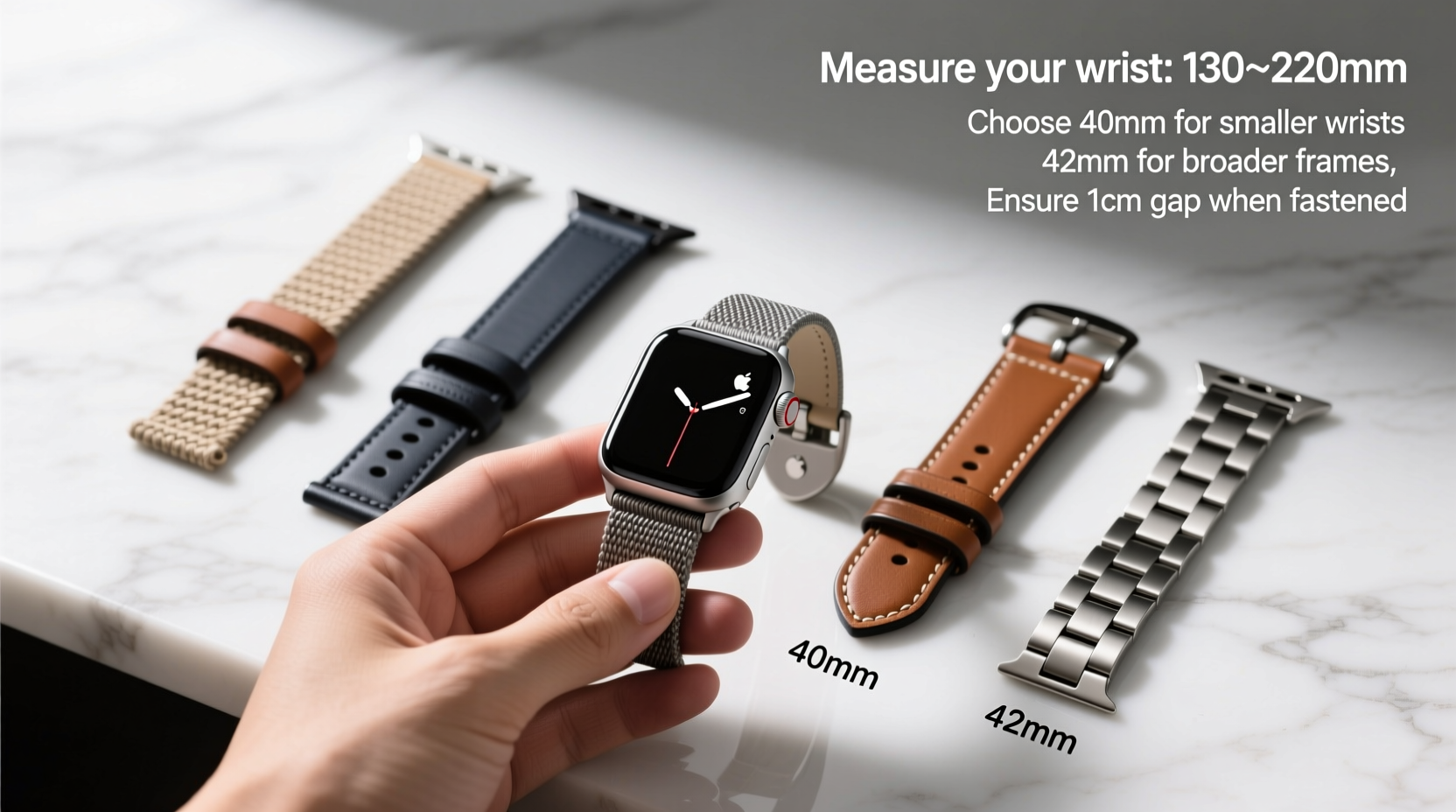
The first step in selecting the correct strap is knowing your Apple Watch model and its corresponding case size. Straps are designed to fit specific lugs—those small connectors on either side of the watch face. Using a strap not made for your model may result in misalignment, looseness, or damage over time.
Apple categorizes its watches into two primary screen sizes per generation: 41mm (formerly 40mm) and 45mm (formerly 44mm). Some older models include 38mm and 42mm variants. Always verify your exact model via Settings > General > About on your device.
| Apple Watch Model | Case Size (mm) | Compatible Strap Size |
|---|---|---|
| Series 9, Ultra 2, SE (2nd gen) | 41mm / 45mm | Small/Medium or Medium/Large straps accordingly |
| Series 6–8, SE (1st gen) | 40mm / 44mm | Same as above; cross-compatible with newer 41/45mm straps |
| Series 4–5 | 40mm / 44mm | Fully compatible with current bands |
| Series 1–3 | 38mm / 42mm | Older standard; limited modern availability |
Measure Your Wrist Accurately
Your wrist circumference determines how a strap will sit and whether it needs short, regular, or extended sizing. Apple provides standardized band lengths, but individual anatomy varies significantly.
To measure your wrist:
- Use a flexible measuring tape around the narrowest part of your wrist, just below the wrist bone.
- Wrap it snugly but not tightly—allow room for one finger between the tape and skin.
- Note the measurement in millimeters or inches.
Apple's official guidance suggests:
- Small: 130–160 mm
- Medium: 150–190 mm
- Large: 170–210 mm
If you're between sizes, especially on sporty bands like Nike Sport Loop or Solo Loop, opt for the smaller size for silicone-based straps—they stretch slightly. For rigid materials like leather or stainless steel, consider custom-adjustable options.
Choose the Right Band Type for Your Lifestyle
Different activities demand different strap characteristics. The material, closure mechanism, and flexibility all influence fit and function.
Sport Bands (Silicone, Fluoroelastomer)
Ideal for workouts and daily wear. Lightweight, sweat-resistant, and easy to clean. Available in multiple sizes including “+” extensions for larger wrists. These expand slightly when warm, so avoid oversizing.
Metal Link & Milanese Loops
Elegant and adjustable down to the millimeter. Metal links offer micro-adjustments via pins, while Milanese loops use magnetic sliders. Best for formal settings or sensitive skin due to breathability.
Leather & Braided Solo Loop
Stylish but less forgiving. Leather bands come in fixed holes—measure precisely before purchase. Braided Solo Loops are seamless and stretchable, offering a sock-like fit but require accurate sizing.
Nike Sport Loop & Other Textile Options
Breathable and soft, excellent for active users. Highly adaptable across temperatures. Comes in standard and extended sizes.
“A well-fitted band should stay secure during movement without leaving marks or restricting circulation.” — Jordan Lee, Wearable Ergonomics Consultant
Step-by-Step Guide to Finding Your Perfect Fit
Follow this process to eliminate guesswork and ensure lasting satisfaction:
- Confirm your Apple Watch case size. Check under Settings > General > About.
- Measure your wrist accurately using a soft tape measure.
- Determine your usage pattern: Will you wear it mostly at work, during exercise, or both?
- Select 2–3 band types suited to your lifestyle (e.g., Sport Band for gym, Milanese Loop for office).
- Refer to manufacturer size charts, especially for third-party brands which may differ from Apple’s standards.
- Test the fit: When fastened, there should be no slipping, but you should be able to slide two fingers underneath comfortably.
- Wear it for a full day before finalizing—heat and activity affect how materials behave.
Mini Case Study: Sarah’s Search for All-Day Comfort
Sarah, a nurse working 12-hour shifts, initially chose a standard Small Solo Loop for her 41mm Apple Watch. Within days, she noticed red marks and numbness after prolonged standing. Her wrist swells slightly during long shifts—a common issue often overlooked.
After switching to a Nike Sport Band with an extended length, she gained better airflow and adjustability. She now loosens it slightly during peak hours and tightens it for workout tracking post-shift. This small change eliminated discomfort and improved sleep tracking accuracy due to consistent contact.
Her experience underscores the importance of considering dynamic changes in wrist size throughout the day, particularly for those in physically demanding jobs.
Checklist: Before You Buy Any Apple Watch Strap
- ✅ Confirm my Apple Watch case size (e.g., 41mm or 45mm)
- ✅ Measure my wrist circumference accurately
- ✅ Identify my primary use case (fitness, professional, casual)
- ✅ Choose a material suitable for my environment (sweat, water, climate)
- ✅ Verify strap adjustability and closure type
- ✅ Cross-check sizing chart from the brand or retailer
- ✅ Ensure return policy allows exchanges if sizing is off
Frequently Asked Questions
Can I use a 42mm strap on a 40mm Apple Watch?
Yes, within the same generation family (Series 1–3), 38mm and 42mm straps are interchangeable. However, newer models (Series 4 and up) have redesigned lugs and require 40mm/44mm or 41mm/45mm straps. Always match generations and sizes for best results.
What if my Solo Loop feels too tight after a few hours?
Solo Loops are made from stretchable yarn but do not accommodate swelling. If pressure increases during the day, consider moving up one size or switching to a more adjustable option like a Sport Band or link bracelet.
Are third-party straps reliable for accurate health tracking?
Most high-quality third-party straps maintain sensor access and don’t interfere with heart rate monitoring. However, overly thick or metallic backs may block optical sensors. Look for designs that expose the watch back fully.
Final Thoughts: Make Fit a Priority
Your Apple Watch is only as effective as its fit. A band that slides around reduces motion data accuracy and diminishes user experience. Whether you're training for a marathon, managing a busy schedule, or simply staying connected, the right strap enhances both utility and comfort.
Take the time to assess your wrist size, lifestyle needs, and preferred materials. Don’t hesitate to invest in multiple bands for different scenarios—one for the gym, one for the office, and one for weekends. Precision in fit translates directly into consistency in use.




 浙公网安备
33010002000092号
浙公网安备
33010002000092号 浙B2-20120091-4
Comments
No comments yet. Why don't you start the discussion?