
When it comes to measuring running performance, accuracy matters. Whether you're training for a 5K or logging long-distance miles, precise distance, pace, and route tracking help you assess progress, adjust workouts, and stay motivated. Two primary tools dominate the space: dedicated fitness trackers with built-in GPS and smartphone-based GPS apps like Strava, Nike Run Club, or MapMyRun. But which one actually provides more reliable and accurate run data?
The answer isn’t as simple as “one is better.” Each method has strengths and weaknesses influenced by hardware quality, environmental conditions, software algorithms, and user behavior. Understanding these differences helps runners make informed choices based on their goals, budget, and usage patterns.
How GPS Works in Fitness Devices
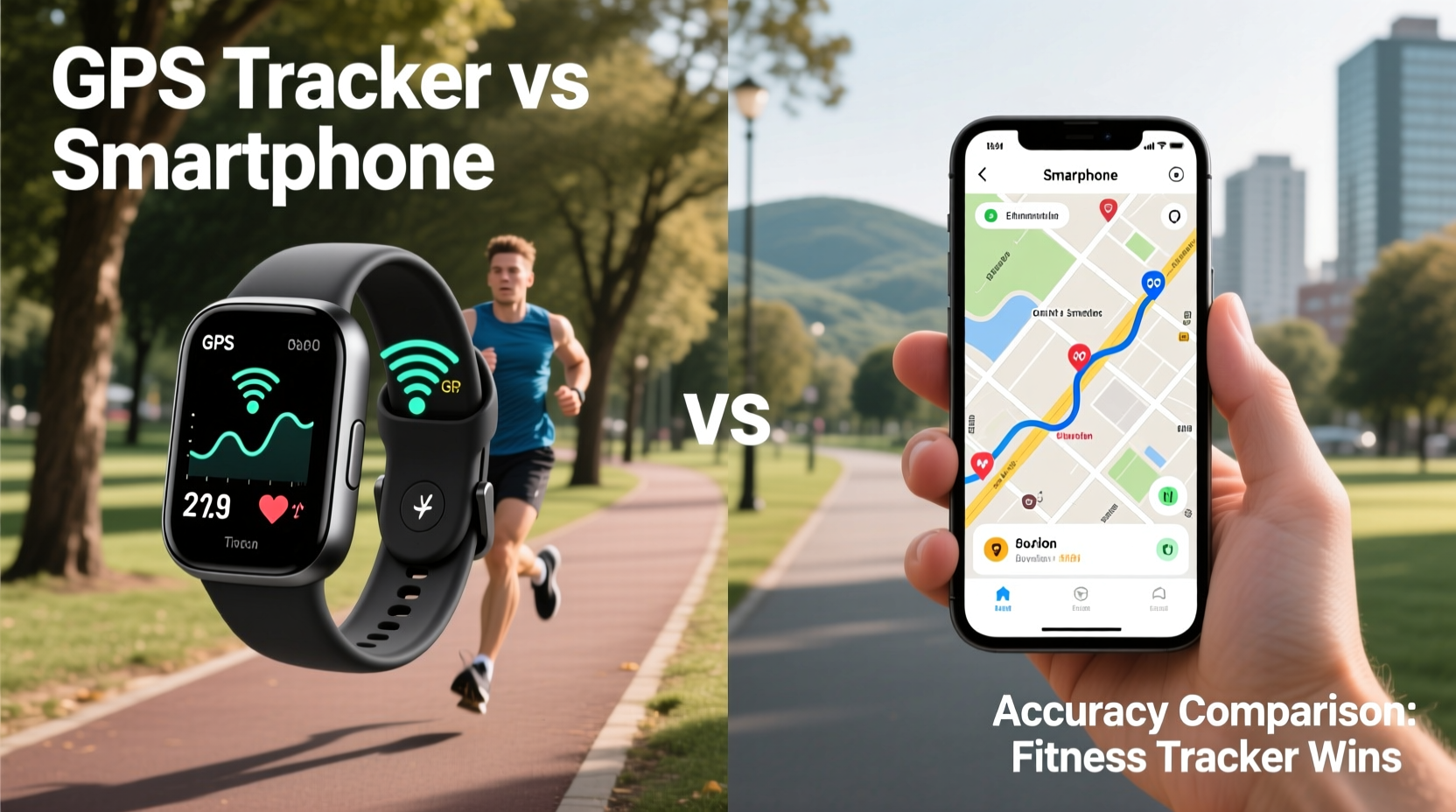
Global Positioning System (GPS) technology relies on signals from satellites orbiting Earth. A device calculates its position by measuring the time it takes for signals to travel from multiple satellites. The more satellites it can connect to—and the stronger those signals—the more accurate the location data.
Fitness trackers and smartphones both use GPS chips, but they differ in design priorities. Smartphones are multipurpose devices that balance GPS performance with power efficiency, screen brightness, and app functionality. Dedicated fitness trackers, especially high-end models from brands like Garmin, Polar, and Coros, prioritize sensor accuracy and consistent signal acquisition over general computing tasks.
Many modern fitness trackers now support multi-band or multi-GNSS (Global Navigation Satellite Systems), including GLONASS, Galileo, and BeiDou. These systems increase satellite availability, particularly in challenging environments like urban canyons or dense forests. Most smartphones also support multiple GNSS constellations, but not all models use them aggressively during workouts.
Accuracy Comparison: Real-World Performance
In controlled conditions—open skies, clear weather, minimal interference—both smartphones and GPS-enabled fitness trackers deliver similar levels of accuracy, typically within 3–5 meters. However, real-world runs rarely happen under ideal conditions. Trees, tunnels, bridges, skyscrapers, and even heavy cloud cover can degrade signal quality.
Studies and user testing consistently show that dedicated fitness trackers tend to maintain more stable GPS locks and produce smoother route traces. This is due to several factors:
- Better antenna placement: Designed specifically for motion tracking, fitness trackers often have optimized internal antennas positioned to minimize body blockage.
- Dedicated firmware: Unlike smartphones running background processes, fitness trackers focus processing power on collecting and smoothing GPS data.
- Advanced filtering algorithms: Brands like Garmin use proprietary software (e.g., FusedSpeed, Elevate) that blend GPS with accelerometer data to fill gaps when signals drop.
A 2022 comparative test by DC Rainmaker, a respected wearable tech reviewer, found that Garmin’s Forerunner 955 recorded only 1.2% deviation over a measured 10K course, while an iPhone 14 using Strava showed a 3.7% overestimation. Over longer distances, such discrepancies compound—leading to inaccurate pace calculations and misleading performance trends.
“While smartphones have improved dramatically, dedicated sports watches still lead in positional consistency, especially in mixed environments.” — Raymond Wong, Senior Tech Analyst at Wearable Insights
Key Differences in Data Collection and Processing
It’s not just about raw GPS coordinates. How each platform collects, filters, and reports data significantly impacts perceived accuracy.
| Feature | Fitness Trackers with GPS | Smartphone GPS Apps |
|---|---|---|
| Signal Acquisition Speed | Fast (optimized boot-up; stores almanac data) | Slower (depends on OS, other active apps) |
| Satellite Support | Multi-GNSS standard on mid-to-high-end models | Limited on older or budget phones |
| Data Smoothing | Proprietary algorithms reduce noise | Varies by app; some over-smooth routes |
| Impact of Motion | Wrist-based inertial sensors assist during signal loss | Pocket or hand movement causes jitter |
| Battery Drain During Use | Minimal (optimized for hours of tracking) | High (screen + cellular + GPS) |
| Elevation Accuracy | Barometric altimeter in most models | Relies on GPS-only or coarse phone sensors |
One critical advantage of fitness trackers is the inclusion of barometric altimeters. These sensors measure atmospheric pressure changes to determine elevation gain/loss far more accurately than GPS-derived altitude, which can fluctuate wildly. A runner ascending a hill may see smooth elevation curves on a Garmin Fenix, while a smartphone app might report erratic climbs and drops due to signal bounce.
Real Example: Urban Runner’s Experience
Consider Sarah, a recreational runner in downtown Chicago. She logs five runs per week, mostly on paved trails and city sidewalks flanked by high-rises. Initially, she used her Android phone with Strava. Her weekly 5-mile loop consistently registered between 4.8 and 5.3 miles—a frustrating inconsistency.
After switching to a Garmin Forerunner 255, her same route stabilized at 4.98–5.02 miles across multiple sessions. More importantly, her pace graph became smoother, without sudden spikes caused by GPS drift near reflective glass buildings. When she ran through a tunnel under Lake Shore Drive, the tracker briefly lost signal but used accelerometer data to estimate distance until reacquisition. The smartphone app, however, added a jagged jump across several blocks, inflating total distance by nearly 0.2 miles.
This case illustrates how environmental challenges amplify small technical differences into meaningful inaccuracies. For competitive runners or those following structured training plans, even a 2–3% error can distort heart rate zone analysis, VO2 max estimates, and recovery recommendations.
When Smartphones Perform Well (and When They Don’t)
Smartphones aren't inherently inaccurate. On open roads, rural trails, or flat terrain with clear sky views, modern iPhones and flagship Android devices perform admirably. Apps like Strava and Runkeeper have invested heavily in route correction algorithms and post-run calibration features.
However, limitations emerge under stress:
- Poor signal retention in cities: Tall buildings cause multipath interference, where signals reflect off surfaces before reaching the receiver, leading to \"jumps\" in location.
- Movement artifacts: Carrying a phone in hand or pocket introduces irregular motion that confuses GPS interpolation.
- Background processes: Notifications, music streaming, or poor cellular connectivity force the phone to switch between networks, disrupting GPS stability.
- No secondary sensors: Without accelerometers tuned for running gait or altimeters, smartphones lack redundancy when GPS fails.
Additionally, smartphones consume significant battery when GPS is active. A two-hour run can drain 30–50% of battery life, depending on screen brightness and network usage. This makes long-distance runners hesitant to rely solely on phones, especially if navigation or emergency communication is needed.
Step-by-Step Guide to Maximizing GPS Accuracy
Regardless of your chosen device, follow these steps to ensure the most accurate data collection:
- Start outdoors: Begin your warm-up outside with a clear view of the sky. Avoid starting indoors or under cover.
- Wait for satellite lock: Let the device acquire GPS before pressing “Start.” Most fitness trackers display a satellite icon or vibration when ready.
- Carry or wear consistently: If using a phone, keep it in a secure armband or waist pouch. Avoid hand-swinging, which increases motion noise.
- Update firmware and apps: Manufacturers regularly release GPS fixes and algorithm improvements.
- Use known courses for calibration: Occasionally run a measured route (e.g., a certified 5K path) to check for systematic errors.
- Review post-run corrections: Some platforms automatically adjust distance based on map matching. Understand how your app handles this.
Frequently Asked Questions
Can I trust my fitness tracker's distance over a marked course?
High-quality GPS watches are generally within 1–2% of official course measurements. For certification purposes (e.g., qualifying for Boston Marathon), always verify with a calibrated device or manual measurement, but consumer-grade trackers are reliable for personal training.
Do fitness trackers work without a phone nearby?
Yes. Once paired initially, GPS-enabled trackers operate independently. They store data internally and sync later when near your phone. No Bluetooth or cellular connection is required during the run.
Why does my phone sometimes show a straight line between two distant points?
This occurs when GPS signal is lost temporarily (e.g., in a tunnel). Instead of guessing, some apps draw a direct line, which inflates speed and distorts pace. Advanced trackers interpolate using stride data to bridge short gaps more realistically.
Conclusion: Choosing What’s Right for You
For casual runners who log occasional jogs and value convenience, smartphone tracking remains a viable, cost-effective option. With strong signal conditions and updated apps, accuracy is sufficient for general feedback and social sharing.
But for serious athletes, endurance trainees, or anyone relying on precise metrics to guide performance, a dedicated fitness tracker with built-in GPS offers superior reliability. Its specialized hardware, robust signal handling, and intelligent data fusion provide cleaner, more trustworthy results—especially in complex environments.
The investment in a quality GPS watch pays off not just in accuracy, but in confidence. Knowing your data reflects reality allows you to train smarter, recover better, and achieve goals with greater precision. Whether you're chasing a PR or simply enjoying the rhythm of the road, accurate tracking turns every step into meaningful progress.




 浙公网安备
33010002000092号
浙公网安备
33010002000092号 浙B2-20120091-4
Comments
No comments yet. Why don't you start the discussion?