
When you're on the move—whether working from a café in Lisbon, taking notes at a conference in Tokyo, or answering emails from a beachside bungalow in Bali—the right keyboard can make or break your productivity. Two compact options dominate the portable keyboard market: foldable silicone keyboards and ultra-mini Bluetooth keyboards. Both promise convenience, but they serve different needs. Choosing between them isn’t just about size; it’s about how you work, where you go, and what kind of experience you value most.
This guide breaks down the strengths and weaknesses of each type, drawing from real-world usage, ergonomic research, and feedback from digital nomads, journalists, and remote professionals who rely on these tools daily.
Portability and Design: What Fits Where?
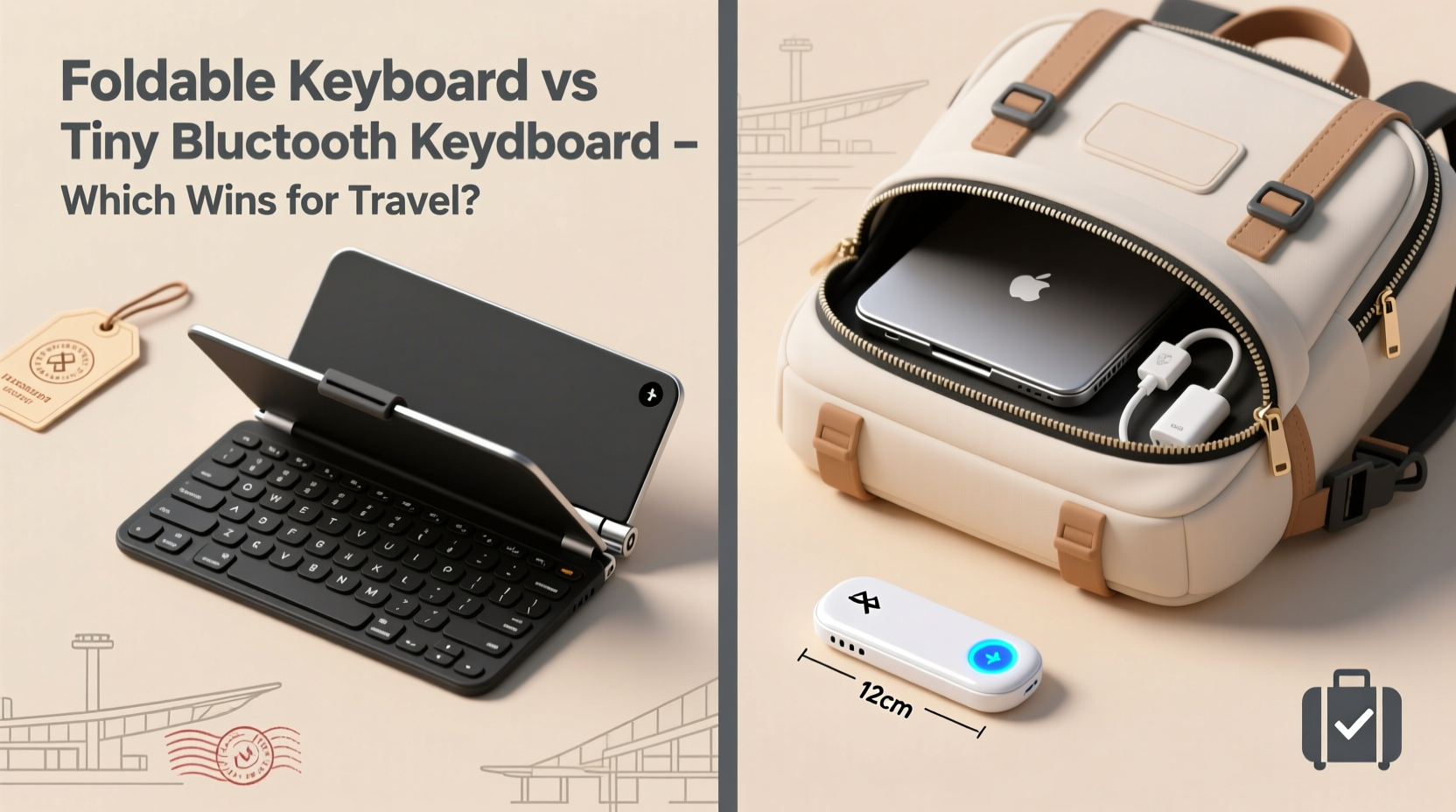
At first glance, both foldable and tiny Bluetooth keyboards are designed with mobility in mind. But their design philosophies differ significantly.
Foldable keyboards are typically made from flexible silicone or plastic segments that hinge together. When folded, they resemble a small book or a thick wallet, usually measuring around 6 x 3 inches. They’re lightweight (often under 100 grams) and can slip into a backpack pocket or even a large jacket pouch. Their flexibility allows them to conform slightly to uneven surfaces, making them usable on laps or tray tables.
Tiny Bluetooth keyboards, on the other hand, are rigid, miniaturized versions of full-sized keyboards. Most are about 7–9 inches wide and less than half an inch thick. While not foldable, many are slim enough to fit in laptop sleeves or tablet cases. Brands like Logitech, Keychron, and NuPhy have refined these into sleek aluminum or plastic devices that prioritize build quality over flexibility.
Typing Experience and Ergonomics
No matter how portable a keyboard is, if it hurts to type on, it won’t last long in your travel kit.
Foldable keyboards use shallow, rubber-dome keys with minimal tactile feedback. This makes them quiet and spill-resistant, but also tiring for extended writing sessions. Typists accustomed to mechanical or scissor-switch keys often report finger fatigue after 20–30 minutes. The lack of key travel means accuracy drops, especially for fast typists. However, for occasional use—like replying to urgent emails or entering passwords on a tablet—they suffice.
Tiny Bluetooth keyboards, while compact, maintain standard key layouts with real switches (usually low-profile mechanical or membrane). Many retain 75% or 80% of full key spacing, reducing typos. Some models even include dedicated function rows and navigation keys. Because they sit flat on a surface, they offer more stability during typing. For anyone writing articles, coding, or managing spreadsheets on the go, this difference is critical.
“Ergonomic compromise is inevitable in travel keyboards, but sacrificing too much key feedback leads to slower output and higher error rates.” — Dr. Lena Torres, Human-Computer Interaction Researcher, MIT Media Lab
Comparison Table: Foldable vs Tiny Bluetooth Keyboards
| Feature | Foldable Keyboard | Tiny Bluetooth Keyboard |
|---|---|---|
| Weight | 80–120g | 150–250g |
| Foldable/Compact | Yes – folds to wallet size | No – slim but rigid |
| Key Travel & Feedback | Low – rubber dome feel | Moderate to high – scissor or low-profile switches |
| Battery Life | 20–50 hours | 100–300 hours (some up to 3 months) |
| Durability | High – water/dust resistant | Moderate – sensitive to spills and drops |
| Precision Typing | Fair – best for short inputs | Good to excellent – suitable for long-form writing |
| Price Range | $20–$40 | $60–$150 |
| Best For | Casual users, emergency typing, humid environments | Writers, coders, frequent typists, business travelers |
Real-World Use Case: A Digital Nomad’s Dilemma
Meet Samira, a freelance technical writer who spends four months a year traveling across Southeast Asia. She works from co-working spaces, guesthouses, and outdoor cafes. Last year, she bought a foldable silicone keyboard hoping to save space. It worked fine for quick replies and filling forms on her iPad. But during a two-week project documenting API integrations, she found herself making constant backspacing errors. Her wrists ached from pressing harder into the soft keys. After three weeks, she switched to a compact aluminum Bluetooth keyboard.
The new device weighed more and took up more space in her bag, but her typing speed increased by 30%, and she completed tasks faster with fewer mistakes. “I realized I wasn’t saving time by packing lighter,” she said. “I was losing it at every keystroke.”
Samira now carries the tiny keyboard as a non-negotiable part of her kit. She uses a foldable one only as a backup when hiking or moving between cities with minimal luggage.
Which One Should You Choose? A Decision Checklist
Ask yourself these questions before buying:
- How often do you type while traveling? → Frequent typing? Go for a tiny Bluetooth keyboard.
- What devices do you use? → Pairing with tablets or phones? Foldables work, but tiny keyboards offer better layout compatibility.
- Do you work in rugged or humid environments? → Beaches, boats, or monsoon climates? Foldable keyboards win for water resistance.
- Is every ounce critical? → Ultralight backpackers may prefer foldables despite trade-offs.
- Are you willing to pay more for comfort? → Tiny Bluetooth keyboards cost more but deliver lasting value for serious users.
Durability and Maintenance
Foldable keyboards are inherently resilient. Made from seamless silicone, they resist dust, sand, and liquid spills. Some can be rinsed under water. This makes them ideal for outdoor use, camping trips, or tropical destinations where humidity and grime are unavoidable. Cleaning is simple—just wipe with a damp cloth.
Tiny Bluetooth keyboards, while well-built, have crevices between keys where debris accumulates. Spills can seep into circuits, potentially causing permanent damage. Most aren’t waterproof, so caution is needed near drinks or in rainy conditions. Regular maintenance—like using compressed air to blow out dust—is essential.
However, many premium tiny keyboards use durable materials like aerospace-grade aluminum and IP-rated coatings. These add resilience without compromising form. For example, the Keychron Q6 Pro offers partial water resistance and hot-swappable switches, allowing users to replace worn-out components instead of discarding the whole unit.
Connectivity and Compatibility
Both types connect via Bluetooth, usually supporting multiple profiles (e.g., pairing with a phone, tablet, and laptop simultaneously). However, implementation varies.
Foldable keyboards often use basic Bluetooth 3.0 or 4.0, which can suffer from latency or connection drops, especially in crowded Wi-Fi areas like airports or hostels. Battery life is shorter, requiring weekly recharges.
Tiny Bluetooth keyboards typically feature Bluetooth 5.0 or 5.2, offering faster pairing, lower power consumption, and stronger signal stability. Many include physical switches to toggle between paired devices instantly. Some even support wired USB-C connections for zero-latency typing when needed.
For cross-platform users, check OS compatibility. Most modern keyboards support iOS, Android, Windows, and macOS. But some foldable models lack proper key mapping for Mac shortcuts (like Command vs. Control), leading to frustration.
Step-by-Step: How to Choose the Right Travel Keyboard
- Assess your primary use case: Are you drafting novels or just checking email?
- Weigh your gear: Add potential keyboards to your usual carry-on load to test balance.
- Try before you buy: Visit an electronics store or rent one for a week.
- Check battery specs: Look for auto-sleep features and USB-C charging.
- Evaluate repairability: Can keys be replaced? Is firmware updatable?
- Read user reviews: Focus on long-term durability and connectivity issues.
- Decide on budget: Investing $100 in a reliable keyboard may save hours of frustration.
Frequently Asked Questions
Can foldable keyboards handle heavy typing?
Not ideally. While they’re functional for short bursts, prolonged use leads to reduced accuracy and discomfort due to shallow key travel. They’re better suited for occasional input rather than sustained writing or coding.
Do tiny Bluetooth keyboards take up too much space?
They’re larger than foldable ones, but many are designed to fit snugly beside tablets or inside laptop sleeves. If you already carry a notebook or e-reader, the added footprint is often negligible compared to the productivity gain.
Are foldable keyboards obsolete?
No. They remain valuable for specific scenarios—emergency kits, outdoor adventures, shared devices in humid climates, or as backups. Their niche is durability and extreme portability, not performance.
Final Verdict: Function Over Form
If your priority is minimizing pack weight and you only type occasionally, a foldable keyboard is a smart, rugged choice. Its ability to survive spills, sand, and tight spaces makes it a dependable companion in unpredictable environments.
But if you depend on your ability to write clearly, code efficiently, or respond quickly to clients while traveling, a tiny Bluetooth keyboard is worth the extra ounces and cost. The improved ergonomics, responsive keys, and stable connectivity translate directly into higher output and less strain.
In the end, the best travel keyboard isn’t the smallest one—it’s the one that lets you work without friction. For most professionals, that means choosing precision over portability. As one seasoned travel blogger put it: “I don’t travel to sacrifice my workflow. I travel to expand it.”




 浙公网安备
33010002000092号
浙公网安备
33010002000092号 浙B2-20120091-4
Comments
No comments yet. Why don't you start the discussion?