
For longtime Galaxy Note users, the transition from the Note 20 Ultra to the S23 Ultra isn’t just a model change—it’s a shift in philosophy. Samsung retired the Note line and folded its legacy into the S series, making the S23 Ultra the spiritual successor. But does the upgrade deliver meaningful improvements, or is it merely iterative? If you're still getting solid use out of your Note 20 Ultra, this breakdown will help you decide whether trading up is truly worthwhile.
Performance: Generational Leap in Speed and Efficiency
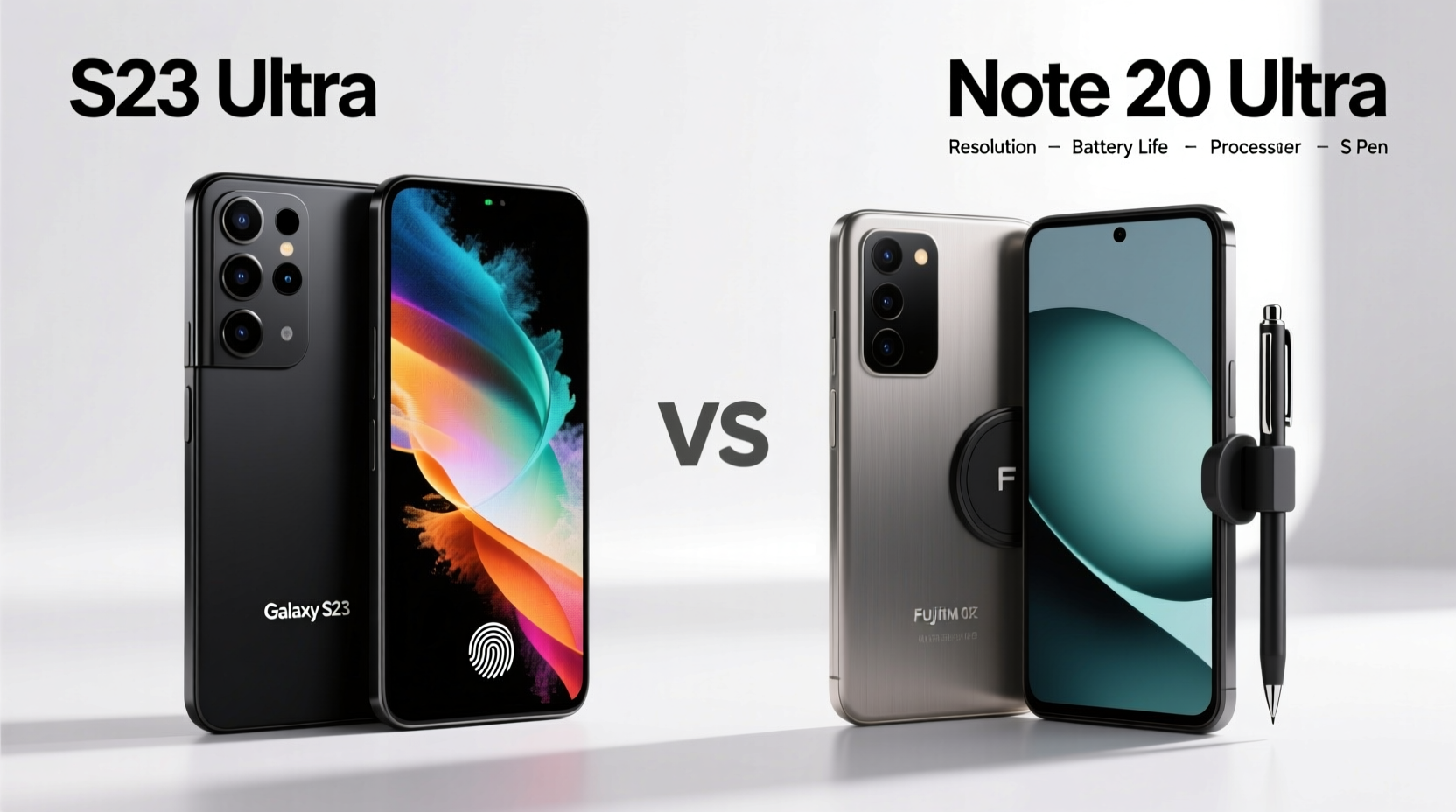
The heart of any smartphone is its processor, and here, the S23 Ultra pulls significantly ahead. The Note 20 Ultra runs on either the Exynos 990 or Snapdragon 865+ (depending on region), both of which were top-tier in 2020. In contrast, the S23 Ultra features the custom-built Snapdragon 8 Gen 2 for Galaxy—a chip co-developed with Qualcomm specifically for Samsung’s flagship devices.
This newer chipset delivers around 35% faster CPU performance and nearly 45% better GPU efficiency under load. Real-world impact? Apps launch quicker, multitasking is smoother, and demanding games like Genshin Impact run at higher frame rates with less heat buildup. The S23 Ultra also includes 12GB of RAM across all models, compared to the base 12GB/optional 16GB on the Note 20 Ultra—though both support heavy workloads well.
Camera System: Refined Optics and Computational Photography
While both phones feature quad-camera setups, the S23 Ultra introduces significant hardware and software upgrades. The most notable addition is the improved 200MP main sensor (HP2) with enhanced pixel binning, better low-light processing, and reduced motion blur. This translates to sharper daylight shots and dramatically cleaner night photos.
The telephoto system sees the biggest leap: dual zoom lenses now offer 3x and 10x optical zoom, with digital zoom reaching a usable 100x. Compare that to the Note 20 Ultra’s single 5x periscope lens, and the difference becomes clear when capturing distant subjects. Wildlife photography, sports events, or even reading signs from afar are far more practical on the S23 Ultra.
“Smartphone zoom used to be a gimmick. Now, with sensors like the S23 Ultra’s, optical-grade results are possible without carrying extra gear.” — David Lin, Mobile Imaging Analyst at TechScope Weekly
Camera Comparison Summary
| Feature | Note 20 Ultra | S23 Ultra |
|---|---|---|
| Main Sensor | 108MP (f/1.8) | 200MP (f/1.7) |
| Telephoto Lenses | Single 5x periscope | Dual: 3x & 10x periscope |
| Ultra-Wide Aperture | f/2.2 | f/2.2 (with reduced distortion) |
| Video Recording | 8K @ 24fps | 8K @ 30fps, improved stabilization |
| Low-Light Performance | Good | Excellent (Nightography 2.0) |
Battery and Charging: Longevity Over Raw Speed
The Note 20 Ultra packs a 4,500mAh battery, while the S23 Ultra steps up to 5,000mAh—an 11% increase. More importantly, the combination of a more efficient chipset and optimized One UI 5.1 (upgradable to 6.1) means real-world battery life improves by up to 25%. Users report consistently reaching 8–9 hours of screen-on time, even with heavy usage.
Charging speeds remain unchanged: 25W wired, 15W wireless, and reverse wireless charging. Samsung has not increased maximum wattage, prioritizing battery longevity over rapid top-ups. However, the S23 Ultra supports USB Power Delivery 3.0 with PPS, offering slightly smarter thermal management during fast charging.
S Pen Experience: Smoother, Lower Latency, More Integrated
The S Pen was the soul of the Note series, and its integration into the S23 Ultra is seamless. While both devices feature built-in stylus storage and 4,096 pressure levels, the S23 Ultra reduces input latency from 26ms (Note 20 Ultra) to just 2.8ms—the lowest in any Samsung phone to date.
This near-pen-on-paper responsiveness makes handwriting recognition, sketching, and note-taking feel natural. New software features like Circle to Search (hold the S Pen button and circle any object on screen to search it via Google Lens) add utility beyond basic annotation.
Real Example: A Freelance Designer’s Workflow
Maya, a UX designer in Seoul, used her Note 20 Ultra for client sketches and wireframing. After upgrading to the S23 Ultra, she noticed immediate improvements: “The lag used to throw off my strokes, especially on quick gestures. Now, every line feels instant. I’ve cut down revision time because my initial drafts are cleaner.” For creative professionals, this refinement is transformative.
Software and Long-Term Value
Samsung now guarantees seven years of OS and security updates for the S23 series—a major commitment unmatched in the industry. The Note 20 Ultra receives up to four generations (from Android 10 to Android 14), but support ends in 2025. The S23 Ultra will be supported through 2030.
This extended lifecycle enhances resale value and ensures compatibility with future apps and services. Features like Knox Vault, Private Share, and advanced AI tools in the Gallery app are exclusive to newer models and not backported.
Checklist: Should You Upgrade?
- ✅ Need better zoom or low-light camera performance?
- ✅ Use your phone for creative work with the S Pen?
- ✅ Want longer software support (until 2030)?
- ✅ Notice slowdowns or app crashes on your Note 20 Ultra?
- ✅ Prioritize battery life over compact size?
If three or more apply, the upgrade offers tangible benefits.
Frequently Asked Questions
Is the S Pen interchangeable between models?
No. While both pens function similarly, the S Pen for the S23 Ultra has lower latency and new gesture controls. It works in the Note 20 Ultra, but without the full feature set. Conversely, the older pen works in the S23 Ultra but lacks precision enhancements.
Does the S23 Ultra feel much larger than the Note 20 Ultra?
Dimensions are nearly identical: the S23 Ultra is 0.2mm thinner and 3g lighter. The curved edges and refined bezels make it feel slightly more compact despite the same 6.8-inch display size.
Can I expect faster 5G speeds?
Marginal improvements exist due to updated modem architecture (Snapdragon X70 vs X55), but real-world differences depend more on carrier and signal strength than device alone.
Final Verdict: Who Benefits Most From the Upgrade?
The Galaxy S23 Ultra isn't just an incremental update—it's a culmination of lessons learned from the Note era. If you're a power user who relies on the S Pen, shoots in challenging lighting, or values long-term software support, the upgrade is absolutely worth it. The performance headroom alone ensures smoother operation for years.
However, if your Note 20 Ultra still handles daily tasks without issue and you don’t need advanced camera features or extended support, waiting for the S24 Ultra or later may be more cost-effective.




 浙公网安备
33010002000092号
浙公网安备
33010002000092号 浙B2-20120091-4
Comments
No comments yet. Why don't you start the discussion?