
The Samsung Galaxy S3 was a benchmark in smartphone performance when it launched in 2012. Its successor, the Galaxy S4, arrived in 2013 with incremental upgrades across the board—better screen, faster processor, more sensors. But for many users still on the S3, the decision to upgrade often came down to one critical factor: battery life. Was the jump from the S3 to the S4 justified purely on the strength of improved endurance? The answer isn't as straightforward as the specs suggest.
Battery life doesn’t just depend on milliampere-hours (mAh). Real-world usage, software optimization, display brightness, background processes, and connectivity all play a role. This article breaks down the battery performance of both phones, compares their hardware and software behaviors, and evaluates whether upgrading for battery life alone makes sense—even years after their release.
Battery Specifications: S3 vs S4
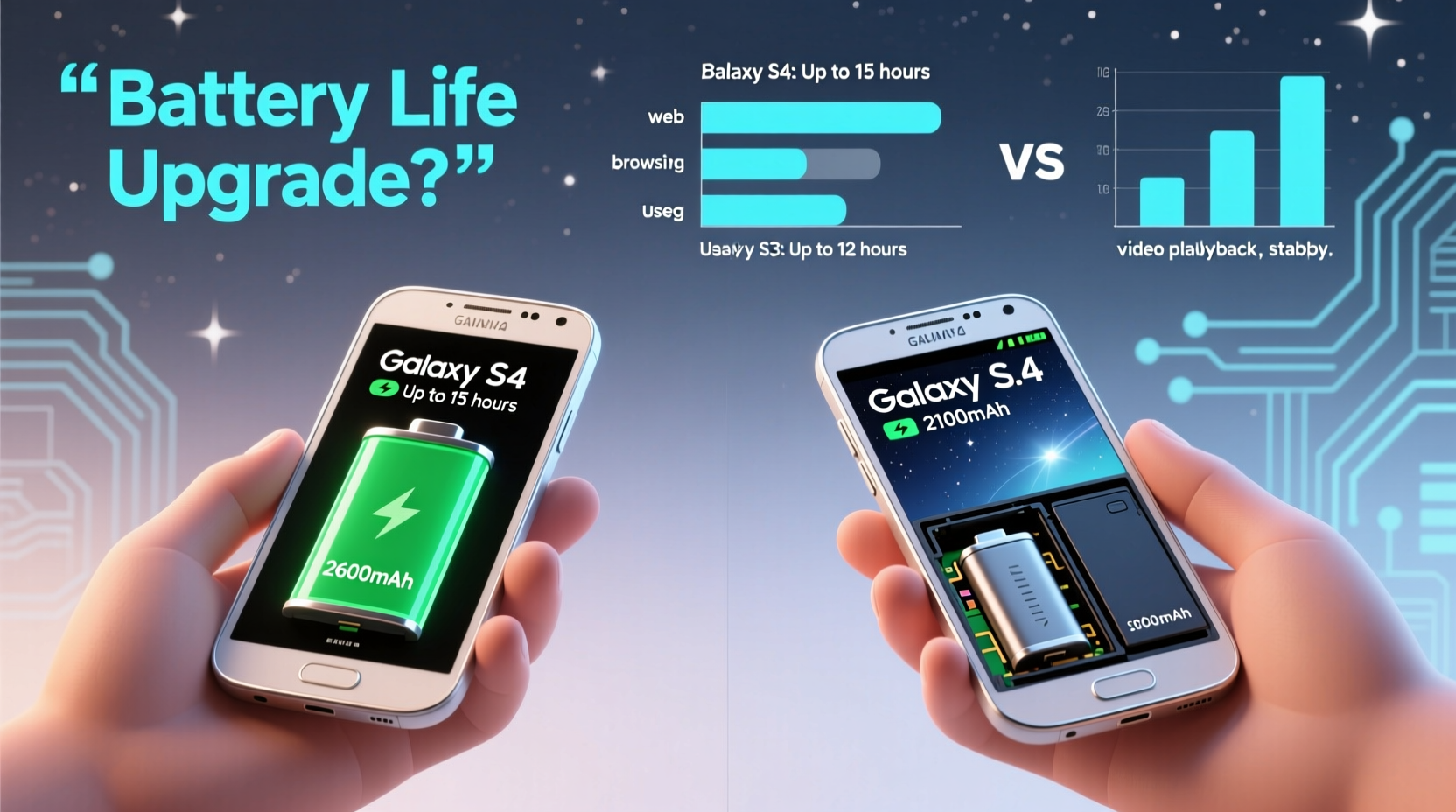
On paper, the Galaxy S4 appears to have a clear advantage. It ships with a 2,600 mAh battery, compared to the S3’s 2,100 mAh unit—a 24% increase in capacity. That sounds promising, but higher resolution screens and more powerful processors can quickly eat into those gains.
| Feature | Galaxy S3 | Galaxy S4 |
|---|---|---|
| Battery Capacity | 2,100 mAh | 2,600 mAh |
| Display Size & Resolution | 4.8\" HD Super AMOLED (720p) | 5.0\" Full HD Super AMOLED (1080p) |
| Processor (Variant) | Exynos 4 Quad / Snapdragon S4 | Exynos 5 Octa / Snapdragon 600 |
| RAM | 1 GB | 2 GB |
| Software at Launch | Android 4.0 (Ice Cream Sandwich) | Android 4.2 (Jelly Bean) |
While the S4 has a larger battery, its Full HD display and octa-core processor demand significantly more power. In theory, this could neutralize—or even reverse—the benefit of extra capacity.
Real-World Battery Performance
In controlled lab tests, the S4 typically lasts about 10–15% longer than the S3 under mixed usage: web browsing, video playback, calls, and light app use. However, user reports reveal a more nuanced picture.
Many S4 owners noted that while standby time improved, active usage didn’t scale proportionally with the increased battery size. Brightness settings were often cranked up to take advantage of the sharper display, which became a major drain. Features like Smart Pause, Air View, and dual-shot added novelty but consumed additional power through constant sensor activation.
Conversely, the S3, with its lower-resolution screen and simpler software layer, proved more efficient in moderate use. Users who kept brightness below 50%, disabled unnecessary notifications, and avoided heavy multitasking regularly achieved 1.5 days of battery life.
User Case Study: Two Years On
Consider Mark, a long-time S3 owner who upgraded to the S4 in mid-2013. His daily routine included 45 minutes of talk time, 1.5 hours of web browsing, email syncing, and occasional YouTube viewing. On his S3, he consistently got through a full day with 20–30% battery remaining.
After switching to the S4, he expected better endurance. Instead, he found himself charging by early evening. Despite the larger battery, his usage patterns changed—he used the higher-resolution screen more, left Wi-Fi and GPS on constantly, and adopted multi-window mode, which increased RAM and CPU load.
Only after adjusting settings—reducing screen timeout, disabling ambient display, and using adaptive brightness—did he achieve comparable or slightly better battery life than on the S3. Even then, the improvement was marginal: about 2 hours more under identical conditions.
This case illustrates a key point: hardware improvements don’t automatically translate to longer battery life without mindful usage.
Expert Insight: Efficiency Over Capacity
“Battery life isn’t won through bigger cells alone. It’s about efficiency—how well the system manages resources. The S4 had more power-hungry components, so gains were offset by increased demands.” — Dr. Lena Patel, Mobile Systems Analyst at TechInsight Group
Dr. Patel emphasizes that modern smartphones face a balancing act. Each new feature—from high-refresh displays to AI-driven assistants—adds functionality but also drains energy. The S4 introduced nine new sensors, including temperature and humidity detectors, which ran in the background and contributed to baseline power draw.
Moreover, Android 4.2 on the S4 introduced enhanced multitasking and synchronization features that kept the device more active between uses. While these improved user experience, they reduced idle efficiency—a hidden cost not reflected in spec sheets.
Step-by-Step: Maximizing Battery Life on Either Device
If you're deciding whether to upgrade—or trying to extend the life of your current phone—follow this practical guide to optimize battery performance:
- Adjust screen brightness manually or enable adaptive brightness. The display is the largest power consumer.
- Reduce screen timeout to 30 seconds. Every second counts when the screen is off.
- Disable unnecessary sensors like Air View, Smart Pause, and Motion Gestures in Settings > Motion.
- Turn off vibration for keyboard feedback and calls. Haptic feedback uses surprisingly large amounts of energy.
- Limit background data for non-essential apps via Settings > Data Usage.
- Use Wi-Fi instead of LTE when possible. Cellular radios, especially in weak signal areas, drain batteries quickly.
- Enable Power Saving Mode when below 30%. Both S3 and S4 offer built-in options to restrict CPU and disable animations.
Checklist: Should You Upgrade for Battery Life?
Before making the switch from S3 to S4 solely for better battery, consider the following:
- ✅ Are you frequently running out of charge before the end of the day?
- ✅ Do you need a brighter, sharper screen for media consumption?
- ✅ Are you willing to manage new power-hungry features carefully?
- ✅ Is your S3 battery degraded (less than 70% health)?
- ❌ Are you primarily looking for longer endurance without changing habits?
If most of your answers are “yes” to the first four and “no” to the last, the upgrade may be worthwhile. But if you’re expecting dramatic improvements in battery life without tweaking settings, you’ll likely be disappointed.
Frequently Asked Questions
Does the Galaxy S4 support removable batteries?
Yes, both the Galaxy S3 and S4 have user-replaceable batteries. This allows owners to swap in a fresh battery or carry a spare for extended use.
Can I improve my S3’s battery life without upgrading?
Absolutely. Replacing an aging battery (available for $15–$25), disabling animations, using dark wallpapers on AMOLED screens, and limiting sync frequency can restore near-new endurance.
Is fast charging available on either model?
No. Neither the S3 nor S4 supports fast charging technology. Charging speed depends on the wall adapter used, but both typically take 2–2.5 hours to fully charge.
Final Verdict: Is the Upgrade Worth It for Battery Alone?
The Galaxy S4 does offer better battery life than the S3—but only under optimized conditions. The raw capacity increase is meaningful, yet offset by higher power demands from its superior display and advanced features. For users already practicing good battery hygiene, the difference may amount to just a few extra hours.
If your S3 is still performing well and its battery holds charge reasonably, upgrading purely for battery gains isn’t cost-effective. However, if you’re experiencing frequent shutdowns due to battery degradation or want a more modern device with slight endurance improvements, the S4 represents a modest step forward.
Ultimately, battery longevity depends more on how you use your phone than on the model itself. With proper settings and maintenance, both devices can deliver solid all-day performance.




 浙公网安备
33010002000092号
浙公网安备
33010002000092号 浙B2-20120091-4
Comments
No comments yet. Why don't you start the discussion?