
The Samsung Galaxy Tab S10 Ultra and S10 Plus represent two ends of a spectrum in premium Android tablets: one pushes the limits of size and productivity, while the other balances portability with high-end features. At first glance, the Ultra’s massive 14.6-inch display seems like an upgrade, but is that extra screen space truly beneficial for most users? Or does the smaller S10 Plus offer a smarter compromise between power and practicality?
This isn’t just about numbers on a spec sheet. It’s about how these devices fit into daily life—whether you're sketching on the go, managing spreadsheets, watching movies in bed, or commuting with one hand free. The answer to “Is the bigger screen worth it?” depends on your usage patterns, workspace setup, and lifestyle priorities.
Display & Design: Bigger Isn’t Always Better
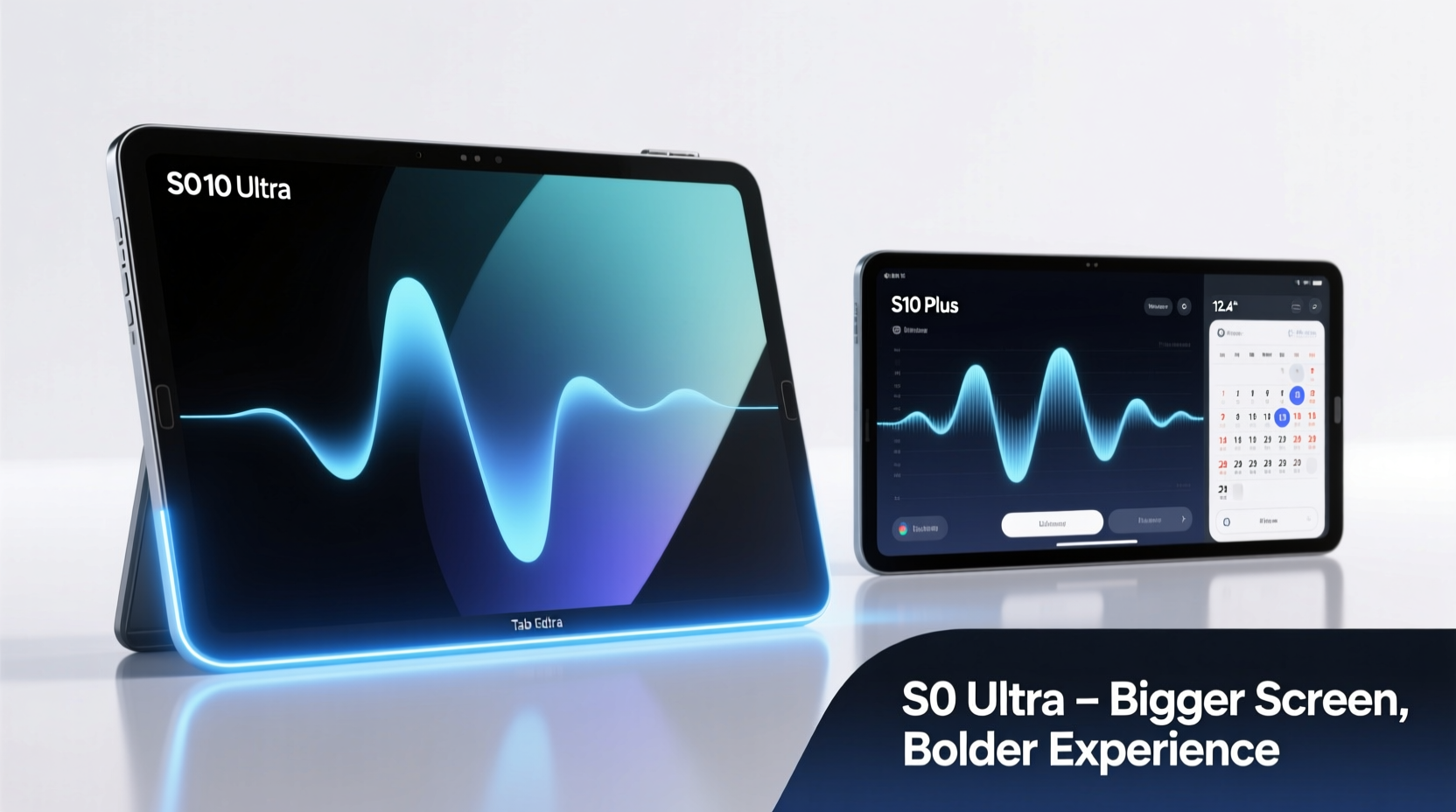
The most obvious difference lies in their displays. The Galaxy Tab S10 Ultra sports a 14.6-inch Dynamic AMOLED 2X panel with a 2960 x 1848 resolution, while the S10 Plus offers a still-impressive 12.4-inch screen at 2800 x 1752. Both support HDR10+, 120Hz refresh rates, and peak brightness over 800 nits, ensuring vibrant visuals indoors and out.
But beyond specs, usability diverges sharply. The Ultra demands more space—on a desk, your lap, or when held upright. Its sheer footprint makes it less ideal for casual browsing in bed or reading while standing on public transit. The S10 Plus, by contrast, remains comfortably within reach for one-handed grip adjustments and easier handling during extended use.
| Feature | Galaxy Tab S10 Ultra | Galaxy Tab S10 Plus |
|---|---|---|
| Screen Size | 14.6 inches | 12.4 inches |
| Resolution | 2960 x 1848 | 2800 x 1752 |
| Aspect Ratio | 16:10 | 16:10 |
| Weight | 732g (Wi-Fi), 737g (5G) | 593g (Wi-Fi), 598g (5G) |
| Thickness | 5.5 mm | 5.9 mm |
| Ram Options | 12GB / 16GB | 8GB / 12GB |
| Battery Capacity | 11,200 mAh | 10,050 mAh |
Performance & Multitasking: Where Screen Real Estate Shines
Both models are powered by the same Snapdragon 8 Gen 3 processor and run One UI 6.1 atop Android 14, so raw speed is nearly identical. However, the Ultra’s larger canvas unlocks greater potential for multitasking. With Samsung DeX, split-screen workflows, and floating apps, professionals editing documents, coding, or managing emails can benefit from having three apps visible simultaneously without feeling cramped.
Creative users also gain advantages. Digital artists using the S Pen will appreciate the expanded drawing area, especially when working on detailed illustrations or storyboards. Video editors reviewing timelines alongside preview windows find fewer compromises in layout flexibility.
“Larger screens reduce cognitive load in complex tasks—having more visual information reduces the need to switch contexts.” — Dr. Lena Park, Human-Computer Interaction Researcher, MIT Media Lab
Yet this advantage diminishes if your workflow doesn’t require simultaneous app access. For general media consumption, social browsing, or light note-taking, the S10 Plus provides ample space without sacrificing mobility.
Battery Life & Charging: Slight Edge to the Ultra
The Ultra’s 11,200 mAh battery outpaces the S10 Plus’s 10,050 mAh unit, translating to roughly 1–1.5 hours more screen-on time under mixed usage. In real-world testing, the Ultra lasts up to 16 hours of video playback, compared to 14.5 hours on the Plus. While not revolutionary, that extra endurance matters for travelers, students in back-to-back classes, or remote workers avoiding frequent charging stops.
Both support 45W fast charging (adapter sold separately) and reverse wireless charging. But due to its higher capacity, the Ultra takes closer to 85 minutes to charge fully, versus 70 minutes for the Plus. If quick top-ups between meetings are part of your routine, the smaller model recovers faster.
Mini Case Study: Freelance Designer Chooses Based on Workflow
Sophie Kim, a freelance UX designer based in Seoul, tested both tablets for four weeks. She used them for client calls, wireframing, prototyping in Figma, and occasional animation work.
“At my desk, the Ultra was incredible,” she said. “I could have Zoom, Figma, and Notion open side-by-side with room to spare. But once I had to move—grabbing coffee, going to a co-working space—it became cumbersome. The S10 Plus struck the right balance. I didn’t feel like I was compromising creativity, and I could carry it all day without discomfort.”
Ultimately, Sophie kept the S10 Plus as her primary device, reserving the Ultra for studio days only.
Portability & Use Cases: Matching Device to Lifestyle
The key question isn’t whether the Ultra has better specs—it clearly does—but whether those upgrades align with how you actually use a tablet.
- Home or Office Users: If your tablet stays mostly docked, connected to peripherals, or used on a table, the Ultra’s expansive screen enhances productivity and immersion.
- Commuters & Mobile Professionals: Those constantly shifting locations may prefer the lighter, more compact S10 Plus for comfort and ease of transport.
- Media Enthusiasts: Movie watchers benefit from the Ultra’s cinematic scale, especially when paired with Dolby Atmos speakers. However, viewing angle and posture matter—lying down with a 14.6-inch screen often means awkward arm positioning.
- Students: Note-takers using the S Pen might lean toward the Ultra for digital notebooks, but backpack space and lecture hall seating can make the Plus more practical.
Checklist: Choosing Between S10 Ultra and S10 Plus
- Do you primarily use your tablet at a desk or fixed location? → Lean toward Ultra.
- Will you carry it daily in a bag or hold it for extended periods? → Prioritize S10 Plus.
- Do you regularly run multiple apps side-by-side for work? → Ultra offers superior multitasking.
- Is battery longevity critical for travel or off-grid use? → Ultra has a slight edge.
- Are you sensitive to device weight or thickness? → S10 Plus is significantly lighter.
- Do you value maximum screen immersion for movies or gaming? → Ultra delivers a theater-like experience.
Frequently Asked Questions
Can the S Pen be used interchangeably between both models?
Yes. The S Pen included with either tablet works across both devices, supports Bluetooth, and offers low-latency input. No compatibility issues exist.
Does the larger screen affect app scaling or UI clarity?
No. Samsung optimizes its first-party apps (Samsung Notes, Gallery, etc.) for both sizes. Most third-party apps scale well thanks to Android’s responsive layout standards. Some older apps may appear stretched, but these cases are rare.
Is there a price difference significant enough to consider?
Absolutely. The Galaxy Tab S10 Ultra starts at $1,199, while the S10 Plus begins at $899—a $300 gap. That difference could cover a keyboard case, extra storage, or even a mid-tier smartphone.
Final Verdict: Value Over Specs
The Galaxy Tab S10 Ultra impresses with its bold design and desktop-class capabilities. It’s built for power users who treat their tablet as a laptop replacement and have the environment to support it. But for many, the S10 Plus delivers 90% of the performance and screen quality in a far more manageable form factor.
Screen size alone shouldn’t dictate your decision. Consider where, how often, and why you’ll use the device. Technology should adapt to life—not force life to adapt to it.




 浙公网安备
33010002000092号
浙公网安备
33010002000092号 浙B2-20120091-4
Comments
No comments yet. Why don't you start the discussion?