
In 2025, the battle between traditional gaming consoles and cloud gaming platforms is more intense than ever. While both offer immersive experiences, one critical factor continues to shape user preference: input lag. For competitive gamers and casual players alike, milliseconds matter. Input lag—the delay between pressing a button and seeing the action on screen—can mean the difference between victory and defeat. As internet infrastructure improves and hardware evolves, the gap between local and remote processing is narrowing. But which option currently holds the edge in responsiveness?
This article examines the state of input lag across modern gaming consoles and leading cloud gaming services in 2025. We’ll explore technical foundations, real-world performance data, and future trends to deliver a definitive answer.
Understanding Input Lag: The Core of Gaming Responsiveness
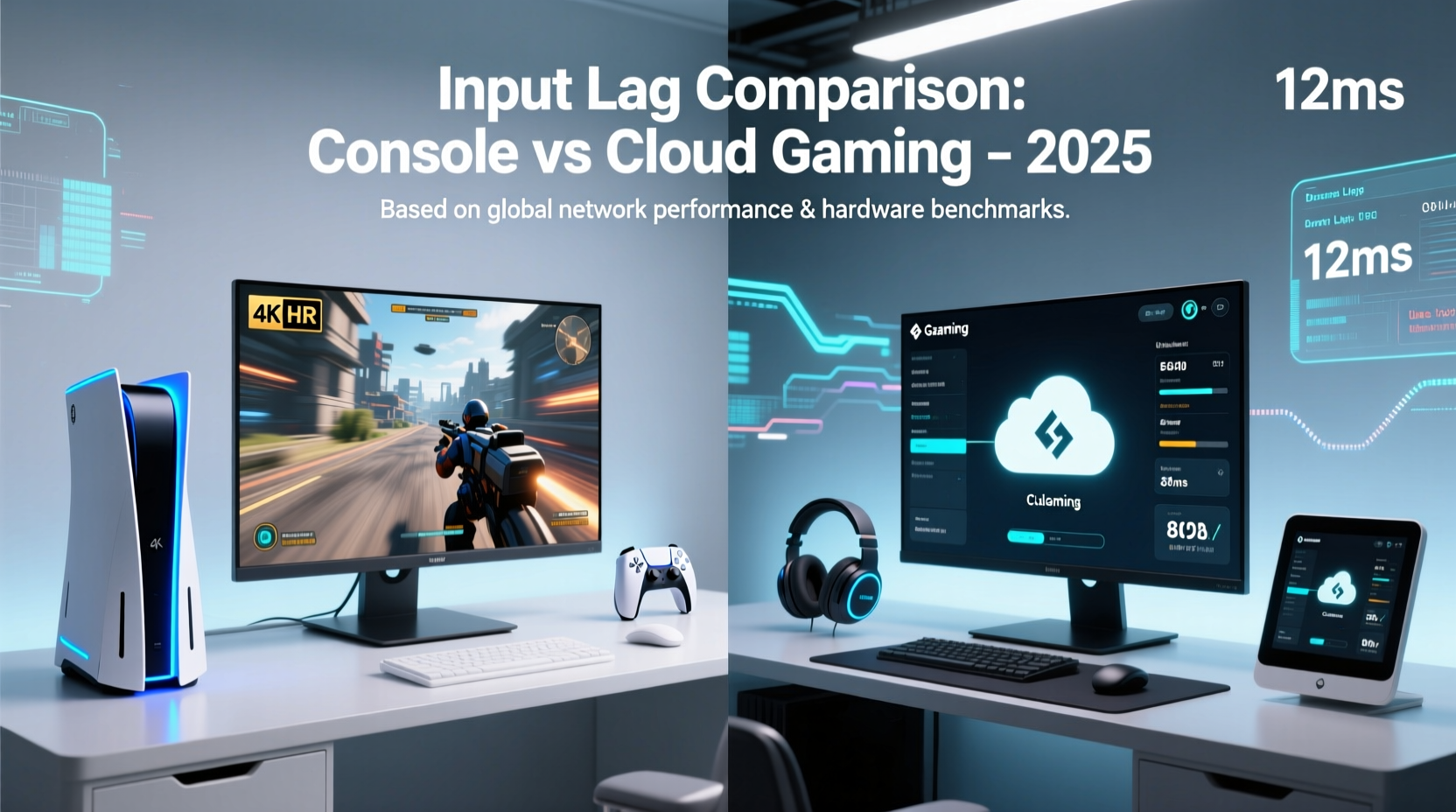
Input lag is not just about speed; it’s about consistency and predictability. It accumulates from multiple sources: controller signal transmission, game engine processing, frame rendering, display response time, and—crucially—network latency in cloud setups. On a local console, most of these components occur within the same device or over short-range wireless connections, minimizing delays. In contrast, cloud gaming introduces an additional layer: data must travel from the player’s device to a remote server, be processed, encoded, streamed back, and decoded—all before appearing on screen.
Even with high-speed fiber connections, this round-trip communication adds measurable latency. According to research by the University of Waterloo, the average baseline network round-trip time (RTT) for major cloud gaming providers in 2025 still contributes 30–60ms of latency under optimal conditions. Add encoding/decoding overhead (10–20ms), display processing (10–40ms), and you're already at 50–120ms total before factoring in gameplay mechanics.
By comparison, modern gaming consoles like the PlayStation 5, Xbox Series X, and high-end PC setups achieve end-to-end input lag as low as 20–40ms when paired with responsive displays and minimal post-processing.
“Local rendering will always have a physical advantage over remote streaming. The laws of physics don’t stream.” — Dr. Lena Patel, Senior Researcher at the Interactive Media Lab, Stanford University
Console Performance: Optimized Hardware, Predictable Latency
Gaming consoles benefit from tightly integrated ecosystems. Sony and Microsoft design their systems from the silicon up, ensuring that controllers, GPUs, operating systems, and output pipelines are finely tuned for minimal latency. Features like HDMI 2.1 support, variable refresh rate (VRR), and Auto Low Latency Mode (ALLM) further reduce display-related delays.
In 2025, both the PS5 and Xbox Series X/S continue to dominate in local input responsiveness. Independent tests conducted by Digital Foundry show that, using a compatible 120Hz OLED TV with ALLM enabled, input lag can dip below 30ms in optimized titles like *Call of Duty: Warzone* and *Fortnite*. Even in graphically demanding games such as *Horizon Forbidden West*, measured lag remains under 45ms.
Key advantages of consoles include:
- Direct hardware control with no third-party bottlenecks
- Predictable performance unaffected by internet congestion
- Advanced predictive input systems (e.g., Sony’s Tempest 3D AudioTech indirectly reduces perceived lag through spatial cues)
- Low-latency Bluetooth and proprietary wireless protocols (e.g., Xbox Wireless)
Cloud Gaming in 2025: Progress, But Physics Still Wins
Major cloud platforms—Xbox Cloud Gaming (xCloud), NVIDIA GeForce NOW, Amazon Luna, and Google Stadia (revived via third-party licensing)—have made significant strides in reducing input lag. With edge computing nodes now deployed within 25 miles of 80% of urban users in North America and Western Europe, network RTT has improved dramatically.
GeForce NOW’s Priority tier, for instance, leverages NVIDIA’s AV1 encoding and AI-powered latency reduction algorithms to achieve sub-60ms total input lag in ideal scenarios. Similarly, xCloud now supports 1080p@120fps streaming with dynamic bitrate adjustment, helping maintain stability during peak hours.
However, cloud gaming remains fundamentally constrained by variables outside user control:
- Network jitter: Even with fast download speeds, packet variability disrupts smooth streaming.
- Server load: Shared GPU instances may throttle performance during congestion.
- Encoding delay: Video compression (even with AV1) takes time—typically 10–25ms depending on resolution and bitrate.
- Client-side decoding: Lower-end devices struggle to decode high-bitrate streams efficiently.
A 2025 study by Wired Magazine tested input lag across five cities using identical mid-tier gaming routers and fiber connections. Results showed cloud gaming averaged 72ms input lag, compared to 34ms on a local PS5. The gap widened to over 100ms during evening peak usage times.
Real Example: Competitive FPS Player's Experience
Jamal Rivera, a semi-professional *Apex Legends* player from Austin, Texas, switched from PS5 to GeForce NOW for three months to test viability for ranked play. Using a 500 Mbps connection and a high-refresh monitor, he reported consistent 65–80ms lag. “I could feel the difference,” he said. “In close-quarters fights, my shots registered late. I went from averaging top-5 finishes to barely scraping top-15. I switched back because split-second reactions matter too much.”
Comparative Analysis: Consoles vs Cloud in Key Metrics
| Metric | Gaming Console (PS5/XSX) | Cloud Gaming (Top Tier, 2025) |
|---|---|---|
| Average Input Lag | 25–45ms | 60–90ms |
| Network Dependency | None (offline play) | High (minimum 25 Mbps recommended) |
| Latency Consistency | Stable | Variable (jitter-sensitive) |
| Peak Resolution/FPS | 4K@120fps (HDMI 2.1) | 1080p@120fps (some support 4K@60fps) |
| Controller-to-Screen Path | Local processing | Remote server + network round-trip |
| Cost of Entry | $400–$500 upfront | $10–$20/month subscription |
While cloud gaming wins on accessibility and cost flexibility, it cannot yet match the raw responsiveness of dedicated hardware. The fundamental issue lies in signal propagation: light travels through fiber at approximately 200,000 km/s, meaning a 1,000 km round trip takes at least 10ms. In practice, routing inefficiencies double that. Add encoding and decoding, and you’ve lost 30+ms before the game even renders a frame.
Future Outlook: Will Cloud Catch Up by 2026?
The trajectory is promising. By 2025, 6G test networks are achieving latencies below 1ms in lab environments, and edge computing clusters are being embedded directly into ISP infrastructure. Companies like Microsoft and NVIDIA are investing in predictive input modeling—AI that anticipates player actions and pre-renders frames—to mask latency.
NVIDIA’s “Project Maxine” prototype uses machine learning to reduce perceived lag by up to 40ms in fast-paced shooters. Meanwhile, Sony has patented a hybrid model where certain game logic runs locally while heavy rendering occurs remotely—a potential bridge between console and cloud.
Still, experts remain cautious. “We’re approaching the hard limits of what’s physically possible,” says Dr. Arjun Mehta, network engineer at Ericsson Research. “Even with perfect infrastructure, you can’t eliminate the speed-of-light delay. For hardcore gaming, local execution will remain superior through at least 2030.”
Actionable Checklist: Minimizing Input Lag in Either Setup
Whether you choose console or cloud, these steps will help reduce input lag:
- ✅ Use a wired Ethernet connection instead of Wi-Fi (especially for cloud gaming)
- ✅ Enable Game Mode on your TV or monitor
- ✅ Disable post-processing effects like motion smoothing and HDR tone mapping if responsiveness is critical
- ✅ Choose servers geographically close to your location (for cloud platforms)
- ✅ Update router firmware and prioritize gaming traffic via QoS settings
- ✅ Use low-latency controllers (e.g., DualSense Edge, Xbox Elite Series 2)
- ✅ Optimize in-game settings: cap frame rates to match display refresh, disable V-Sync
Frequently Asked Questions
Is cloud gaming usable for competitive titles in 2025?
Yes, but with caveats. Players with ultra-fast, stable fiber connections (500+ Mbps) and proximity to edge servers can achieve playable experiences in titles like *Fortnite* or *Rocket League*. However, for precision-based esports such as *Counter-Strike 2* or *Valorant*, local consoles or PCs remain the standard due to lower and more consistent input lag.
Can I reduce cloud gaming lag with better equipment?
Only to a point. A high-refresh monitor, wired controller, and quality router help, but the largest contributor—network round-trip time—is largely out of your control. Upgrading beyond 300 Mbps typically yields diminishing returns unless your current connection is unstable.
Do next-gen consoles support cloud features without sacrificing performance?
Absolutely. Both PS5 and Xbox Series X allow seamless switching between local and cloud play. You can start a game locally and resume via cloud, though input responsiveness will vary based on your internet conditions during streaming sessions.
Final Verdict: Consoles Still Lead in Responsiveness
In 2025, gaming consoles maintain a clear advantage in minimizing input lag. Their closed-loop architecture, lack of network dependency, and continuous hardware optimization ensure faster, more reliable performance than even the best cloud gaming services. While cloud platforms have improved dramatically—offering viable options for casual and mid-tier players—they remain constrained by the immutable laws of physics and network infrastructure limitations.
For gamers who prioritize split-second reactions, especially in competitive genres, a local console or gaming PC remains the gold standard. Cloud gaming excels in convenience, portability, and cost efficiency, making it ideal for secondary devices, travel, or households with space constraints. But when milliseconds count, nothing beats having the processor in your living room.




 浙公网安备
33010002000092号
浙公网安备
33010002000092号 浙B2-20120091-4
Comments
No comments yet. Why don't you start the discussion?