
Input lag—the delay between pressing a button on your controller and seeing the corresponding action appear on screen—is one of the most critical factors in gaming performance. Whether you're playing fast-paced shooters, competitive fighting games, or precision platformers, even a few milliseconds can mean the difference between victory and defeat. As gaming evolves, players are increasingly faced with a choice: stick with traditional gaming consoles or embrace the growing world of cloud gaming. But when it comes to responsiveness, which option delivers less input lag?
This question isn’t just about raw hardware power or internet speed—it’s about understanding the full chain of events from controller press to pixel update. The answer depends on multiple variables, including network quality, display technology, encoding efficiency, and local processing capabilities. Let’s examine both platforms in depth to determine where each excels—and where they fall short.
Understanding Input Lag: The Full Signal Chain
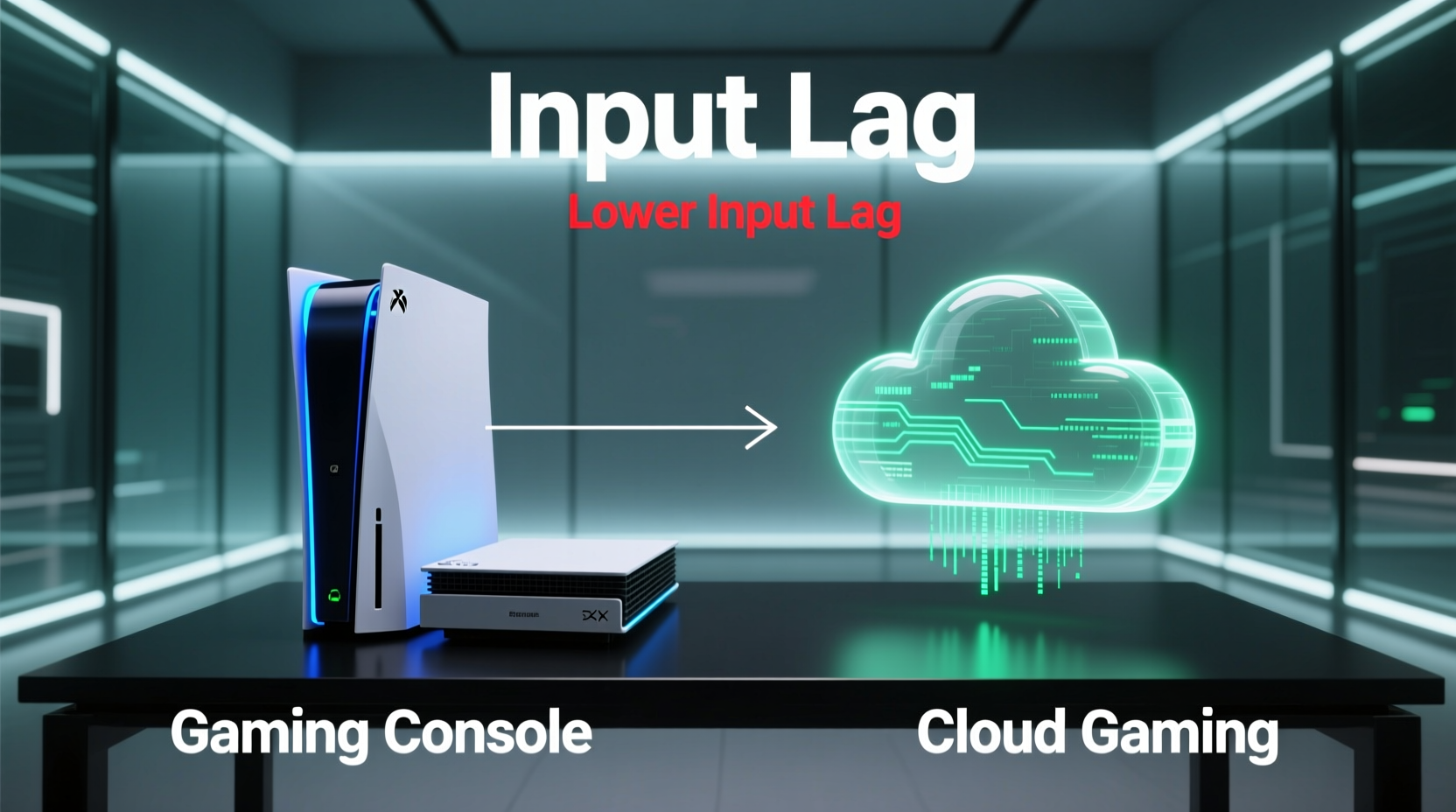
Before comparing consoles and cloud gaming, it's essential to understand how input lag accumulates across different stages of gameplay. Input lag isn't a single number; it's the sum of several delays:
- Controller latency: Time between button press and signal transmission (Bluetooth, USB, or wireless dongle).
- System processing: Time for the game engine to register input and compute the result.
- Frame rendering: How long it takes the GPU to render the new frame after processing.
- Display lag: Delay introduced by the TV or monitor before showing the image.
- Network transmission (cloud only): Round-trip time between your device and the remote server.
- Video decoding (cloud only): Time required to decode compressed video stream from the cloud.
In a local gaming setup—like a PlayStation 5 or Xbox Series X—steps 1 through 4 occur entirely within your home, typically totaling between 30–60ms under optimal conditions. Cloud gaming introduces steps 5 and 6, which can add significant overhead depending on location, ISP, and service provider.
Gaming Consoles: Local Power and Predictable Performance
Modern gaming consoles like the PlayStation 5 and Xbox Series X offer powerful, dedicated hardware optimized specifically for gaming. Because all computation happens locally, there is no dependency on external servers or internet bandwidth for core gameplay mechanics.
These systems benefit from tight integration between CPU, GPU, SSD storage, and operating system, enabling ultra-fast load times and consistent frame rates. When paired with a low-latency display and minimal post-processing, end-to-end input lag can be as low as 30–40ms—an ideal range for responsive gameplay.
Additionally, console manufacturers prioritize minimizing system-level latency. Features like HDMI 2.1, Variable Refresh Rate (VRR), and Auto Low Latency Mode (ALLM) help synchronize display output with frame generation, reducing stutter and improving perceived smoothness.
However, not all console setups are equal. Using Bluetooth controllers over long distances, connecting through AV receivers, or leaving \"Game Mode\" disabled on your TV can easily double input lag without users realizing it.
“Local execution gives consoles a fundamental advantage in consistency and predictability. There’s no substitute for having the game run right in front of you.” — Dr. Alan Reyes, Senior Systems Engineer at a leading console manufacturer
Cloud Gaming: Convenience at a Latency Cost
Cloud gaming services such as Xbox Cloud Gaming (xCloud), NVIDIA GeForce NOW, and PlayStation Plus Premium Streaming shift the computational burden to remote data centers. Instead of running games on local hardware, they stream them like video—from powerful servers hundreds or thousands of miles away.
The promise is compelling: play AAA titles on low-end devices, switch seamlessly between screens, and eliminate expensive hardware upgrades. But this convenience comes with an inherent trade-off: added latency.
Even under perfect conditions, cloud gaming must account for round-trip network latency (ping), video encoding and decoding delays, and synchronization between audio and visuals. A typical high-performance cloud session might achieve 60–80ms of total input lag—but only if you’re close to a server node, have gigabit fiber, and use a capable client device.
For users further from data centers or relying on Wi-Fi, mobile networks, or congested ISPs, that figure can climb to 100–150ms or more—well beyond what many competitive gamers consider acceptable.
Real-World Example: Competitive FPS Player on the Go
Consider Marcus, an avid *Call of Duty* player who travels frequently. At home, he uses a PS5 connected via Ethernet to a 144Hz OLED TV with Game Mode enabled. His measured input lag: 38ms. He consistently wins gunfights due to precise timing and immediate feedback.
While traveling, Marcus switches to Xbox Cloud Gaming on his tablet using a 5G hotspot. Despite good signal strength, his ping to the nearest Microsoft server averages 45ms—one-way. Add ~15ms for encoding, ~10ms for decoding, ~20ms for touch interface delay, and another 20ms for the tablet’s display lag, and his total input response jumps to around 110ms.
He notices a distinct “floatiness” in controls. Headshots that were once instinctive now require anticipation. His kill/death ratio drops noticeably. It’s not just slower reactions—it’s a degradation in muscle memory and spatial awareness.
This example illustrates that while cloud gaming enables access, it doesn’t yet replicate the tactile precision of local hardware in demanding scenarios.
Comparative Analysis: Console vs Cloud Input Lag Breakdown
| Component | Gaming Console (PS5/Xbox) | Cloud Gaming (GeForce NOW/xCloud) |
|---|---|---|
| Controller to System | 4–8ms (wired), 10–20ms (wireless) | Same as console |
| Game Processing + Rendering | 16–33ms (at 60fps) | 16–33ms (on server) |
| Network Round-Trip (Ping) | 0ms (local) | 30–80ms (varies by location & ISP) |
| Video Encoding Delay | N/A | 10–20ms |
| Video Decoding Delay | N/A | 10–25ms (depends on device) |
| Display Lag | 10–30ms (with Game Mode) | 15–40ms (mobile/tablet often higher) |
| Total Estimated Input Lag | 30–70ms | 70–150ms+ |
This table highlights the unavoidable physics of distance: no matter how optimized the cloud infrastructure, light and data take time to travel. Even at the speed of light, a round-trip from New York to Dallas adds ~6ms minimum. Real-world routing, congestion, and packet retransmission make actual pings much higher.
Minimizing Input Lag: Practical Checklist
Regardless of platform, certain best practices can help reduce input lag. Follow this checklist to optimize your setup:
- ✅ Enable Game Mode or PC Mode on your TV/monitor
- ✅ Use wired controllers instead of wireless when possible
- ✅ Connect via Ethernet rather than Wi-Fi (especially for cloud gaming)
- ✅ Choose servers geographically close to your location (for cloud)
- ✅ Close background applications that consume bandwidth or CPU
- ✅ Use displays with native 120Hz+ refresh rates and low response times
- ✅ Ensure your router prioritizes gaming traffic (QoS settings)
- ✅ Avoid using HDMI splitters, soundbars, or AV receivers unless necessary
- ✅ Update firmware on your console, router, and display
- ✅ Test actual input lag using online tools or lag test videos
When Cloud Gaming Can Compete
While cloud gaming generally lags behind consoles in raw responsiveness, advancements are narrowing the gap. Services like NVIDIA GeForce NOW employ advanced encoding techniques (using HEVC and AV1 codecs) and edge computing nodes located in major metropolitan areas to minimize transit time.
Users within 500 miles of a server, on stable gigabit connections, can experience cloud sessions with total latency below 60ms—approaching console levels. Additionally, newer protocols like Google’s Stadia-derived technologies and Microsoft’s ongoing improvements to xCloud compression show promise for future reductions.
Moreover, for casual genres—such as turn-based strategy, puzzle games, or narrative adventures—input lag above 80ms may be imperceptible. In these cases, cloud gaming offers unmatched flexibility without sacrificing enjoyment.
But for esports, rhythm games, or any title requiring split-second reflexes, local execution remains superior. No amount of marketing can override the laws of physics governing data transmission.
FAQ: Common Questions About Input Lag
Is 100ms input lag noticeable in games?
Yes, especially in fast-paced titles like first-person shooters or fighting games. While some players adapt, most perceive 100ms as sluggish compared to sub-60ms setups. In competitive settings, this delay can significantly impact accuracy and reaction time.
Can I reduce cloud gaming lag with a better internet plan?
Upgrading to faster, lower-jitter internet—particularly fiber with symmetrical upload/download speeds—can improve cloud gaming performance. However, even 1 Gbps won’t eliminate physical distance from the server. Ping, not bandwidth, is usually the limiting factor.
Do newer cloud services eliminate input lag?
No service eliminates input lag entirely. Some claim “console-like” experiences, but independent tests consistently show cloud solutions add 30–70ms over local play. Innovations in AI prediction, adaptive bitrate streaming, and decentralized server networks may help in the future, but fundamental latency remains.
Conclusion: Choosing Based on Your Needs
The verdict is clear: gaming consoles currently offer significantly less input lag than cloud gaming. By processing games locally and avoiding network dependencies, they deliver faster, more consistent responsiveness—critical for serious and competitive players.
Cloud gaming, while rapidly improving, still faces insurmountable challenges rooted in geography and network infrastructure. It excels in accessibility and portability, allowing high-quality games on phones, tablets, and older devices. But it does so at the cost of precision and immediacy.
If your priority is peak performance, lowest possible latency, and the tightest control feel, a modern gaming console remains the gold standard. If you value flexibility, instant access, and cross-device continuity—and play mostly casual or single-player titles—cloud gaming offers a compelling alternative, provided you manage expectations around responsiveness.




 浙公网安备
33010002000092号
浙公网安备
33010002000092号 浙B2-20120091-4
Comments
No comments yet. Why don't you start the discussion?