
For streamers, every detail counts—but few impact viewer experience as directly as audio quality. A crisp, clear voice keeps audiences engaged, while muffled or distorted sound drives them away. One of the most debated decisions in streaming setups is whether to use a gaming headset with a built-in microphone or invest in a separate, standalone microphone. Both options have loyal followings, but only one consistently delivers professional-grade audio that elevates a stream from amateur to polished.
The choice isn’t just about price or convenience—it’s about how your voice reaches your audience. Audio clarity affects everything from chat interaction to podcast-style commentary and even game immersion. This guide breaks down the real-world differences between integrated headset mics and external microphones, backed by technical insights, user experiences, and practical recommendations for streamers at every level.
Audio Quality: The Core Difference
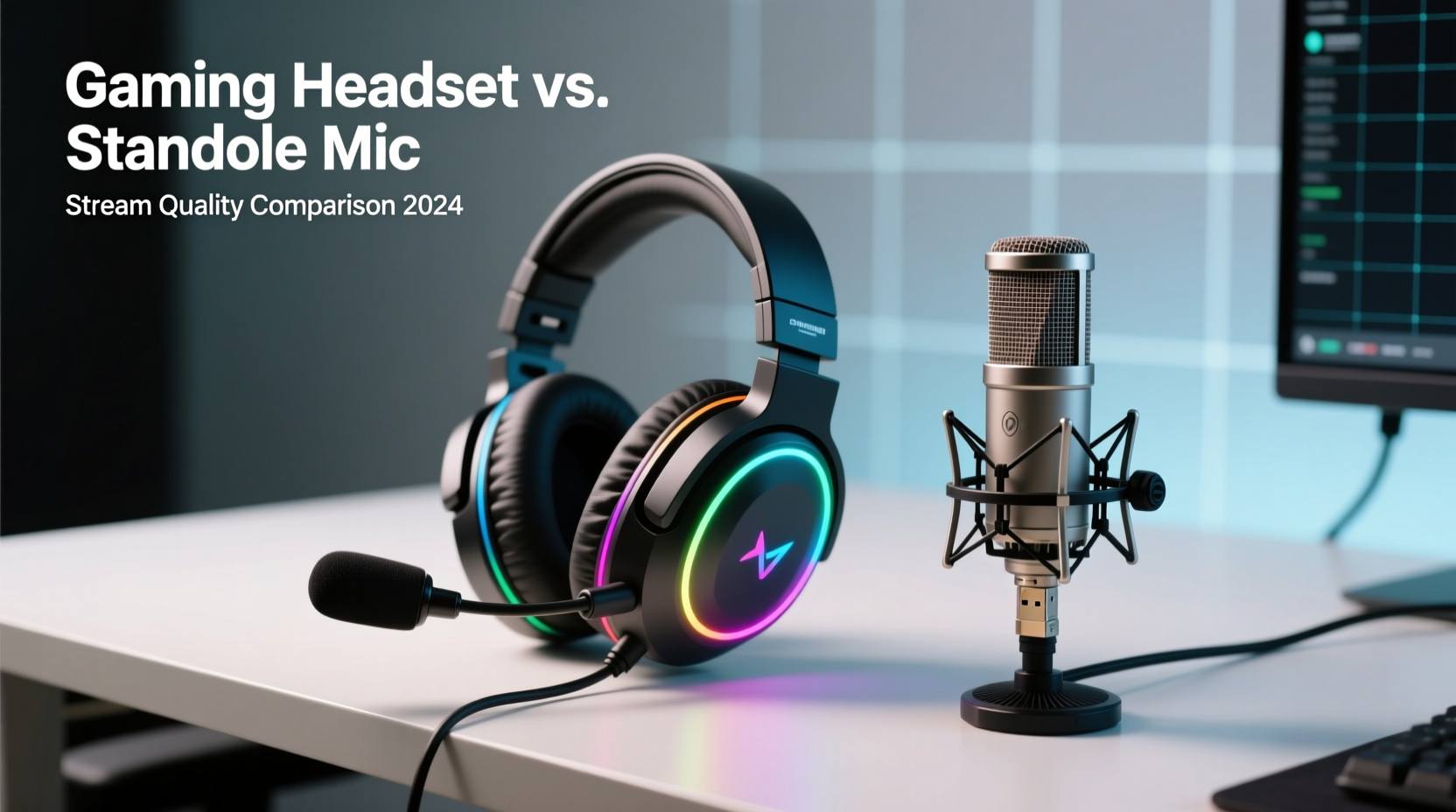
The most significant distinction lies in raw audio performance. Built-in headset microphones are engineered for functionality, not fidelity. They’re designed to be close to your mouth, reducing background noise, but they often sacrifice dynamic range, frequency response, and noise rejection in the process. Most gaming headset mics use electret condenser elements with limited sensitivity and high self-noise, resulting in a thin, sometimes metallic vocal tone.
In contrast, standalone microphones—especially large-diaphragm condensers or quality dynamic mics—offer superior sound capture. They pick up more nuance in your voice, handle plosives better (with proper pop filters), and provide cleaner gain staging when paired with an audio interface or mixer. Even entry-level USB mics like the Audio-Technica AT2020USB+ or Elgato Wave 3 outperform the vast majority of headset-integrated mics in vocal clarity and warmth.
Technical Comparison: Headset Mic vs External Mic
| Feature | Gaming Headset with Mic | Separate Microphone |
|---|---|---|
| Sound Clarity | Moderate – often compressed or tinny | High – full frequency response, natural tone |
| Noise Rejection | Good – proximity reduces ambient noise | Variable – depends on mic type and room treatment |
| Setup Complexity | Low – plug-and-play via USB or 3.5mm | Moderate to High – may require XLR, interface, software |
| Cost (Entry-Level) | $50–$150 (all-in-one) | $80–$200 (mic + accessories) |
| Upgrade Path | Limited – entire unit must be replaced | Flexible – upgrade mic, interface, or accessories separately |
| Streaming Flexibility | Low – fixed mic position | High – adjustable placement, multiple polar patterns |
While headsets offer convenience, especially for beginners, their audio limitations become apparent under scrutiny. Background keyboard clicks, fan noise, and inconsistent volume levels plague many built-in mics. External mics, when properly set up, allow precise control over gain, pickup pattern, and distance-based tone shaping—critical for consistent broadcast quality.
Real-World Impact: A Streamer’s Journey
Consider the case of Maya Tran, a mid-tier Twitch streamer who built a community of 5,000 followers over two years using a $100 gaming headset with mic. Her content was engaging, her gameplay solid, but feedback from viewers repeatedly mentioned “hard to hear” or “your mic sounds far away.” She tested positioning adjustments, software noise suppression, and EQ tweaks—none fully resolved the issue.
After switching to a Shure SM7B with a Cloudlifter and Scarlett 2i2 interface, her audio clarity transformed overnight. Viewers noticed immediately. “Your voice sounds so much clearer,” read one top subscriber’s message. “Feels like you’re right here.” Within three months, her average viewer retention increased by 22%, and she secured her first sponsorship—partly due to improved production value.
Maya’s experience isn’t unique. Many streamers plateau not because of content, but because technical limitations mask their potential. Audio is the invisible layer of professionalism that separates casual streams from credible broadcasts.
“Great content deserves great sound. I’ve reviewed hundreds of stream setups, and the single most common upgrade that moves creators to the next tier is ditching the headset mic for a dedicated vocal chain.” — Derek Lin, Streaming Audio Consultant & Former Sound Engineer at Major League Gaming
Practical Setup Guide: Building a Pro Audio Chain
Transitioning from a headset mic to a standalone microphone doesn’t require studio-level expertise. Follow this step-by-step approach to build a reliable, high-quality audio setup:
- Choose Your Microphone Type
- Dynamic Mic (e.g., Shure SM58, Electro-Voice RE20): Ideal for untreated rooms; handles loud environments well.
- Condenser Mic (e.g., Rode NT1, Audio-Technica AT4053b): More sensitive and detailed; best in quiet, acoustically treated spaces.
- USB Mic (e.g., HyperX QuadCast, Razer Seiren V2): Plug-and-play option with decent quality for beginners.
- Select a Mounting Solution
- Use a boom arm to position the mic 6–12 inches from your mouth, slightly off-axis to reduce plosives.
- Ensure stability—wobbly arms introduce handling noise.
- Add Essential Accessories
- Pop filter to minimize plosive sounds (like “p” and “b”).
- Shock mount to isolate the mic from desk vibrations.
- Connect to Interface or Mixer
- If using an XLR mic, pair it with an audio interface (e.g., Focusrite Scarlett, Motu M2).
- Set input gain so your speaking voice peaks around -12dB to -6dB in recording software.
- Configure Software Settings
- In OBS or Streamlabs, set your mic as the primary audio source.
- Apply noise suppression (e.g., RNNoise) and compression for consistent volume.
- Monitor levels regularly during long sessions.
When a Headset Mic Makes Sense
Despite the advantages of external mics, there are scenarios where a gaming headset with mic remains the smarter choice:
- Tight Budgets: All-in-one headsets eliminate the need for additional gear, making them ideal for absolute beginners.
- Portability: Travel streamers or those using laptops benefit from a single-cable solution.
- Noise-Heavy Environments: In shared apartments or noisy households, the proximity of a headset mic can outperform a distant condenser mic.
- Multiplayer Voice Chat: For competitive games requiring constant comms, a headset ensures teammates hear you clearly without echo.
Even in these cases, consider hybrid setups: use a high-quality headset for monitoring and communication, but route your streaming voice through a separate microphone. This gives you the best of both worlds—clear output for viewers and reliable input for team coordination.
Checklist: Choosing the Right Setup for You
Answer these questions to determine the optimal path:
- ✅ Do you stream primarily from a quiet, controlled environment? → Favors external mic.
- ✅ Is audio quality a priority for audience retention? → Strong reason to upgrade.
- ✅ Are you willing to invest $100+ and learn basic audio settings? → You're ready for a standalone mic.
- ✅ Do you stream on the go or from variable locations? → Headset may be more practical.
- ✅ Do viewers frequently comment on mic quality? → Time to re-evaluate your setup.
- ✅ Can you treat your room acoustically (foam, curtains, etc.)? → Maximizes benefit of external mic.
Frequently Asked Questions
Can I use both a headset and a separate mic at the same time?
Yes—and you should. Use your headset for audio monitoring (so you don’t hear delay) and the external mic as your voice input in streaming software. This prevents echo and ensures clean capture.
Do expensive headsets have better mics?
Somewhat. Premium headsets like the SteelSeries Arctis Pro + GameDAC or Audeze Maxwell offer improved mic clarity and digital processing, but they still can't match the sonic depth of even mid-range standalone mics. The physical constraints of size and placement limit their potential.
Will upgrading my mic really affect viewer growth?
Indirectly, yes. While a better mic won’t generate views on its own, poor audio drives viewers away. Studies show that audiences tolerate lower video quality over bad audio. Improving your mic increases watch time, engagement, and perceived professionalism—all factors in algorithmic visibility.
Final Verdict: What Truly Boosts Stream Quality?
A separate microphone, when properly configured, consistently outperforms any gaming headset with built-in mic in terms of vocal clarity, tonal richness, and long-term flexibility. It represents a commitment to quality—not just for your audience, but for your own growth as a creator.
That said, the best setup is the one you’ll actually use consistently. For new streamers, starting with a capable headset mic is perfectly valid. But once you’ve mastered content and consistency, upgrading to a dedicated microphone is the most impactful technical leap you can make.
Think of it this way: your voice is your brand. Would you trust a blurry logo for your channel? Then why accept muddy audio?




 浙公网安备
33010002000092号
浙公网安备
33010002000092号 浙B2-20120091-4
Comments
No comments yet. Why don't you start the discussion?