
For streamers, the right hardware isn't just about playing games smoothly—it's about encoding video, running overlays, managing chat, and delivering consistent high-bitrate streams without lag or dropped frames. The choice between a gaming laptop and a desktop is more than portability; it’s a trade-off between upfront cost, long-term value, upgrade potential, and raw performance. While laptops offer convenience, desktops often dominate in pure performance-per-dollar. But which truly wins for the average to advanced streamer?
The answer depends on usage patterns, budget constraints, and future goals. Let’s break down the real-world implications of each option, backed by technical benchmarks, cost analysis, and practical streaming workflows.
Performance: Raw Power and Encoding Efficiency
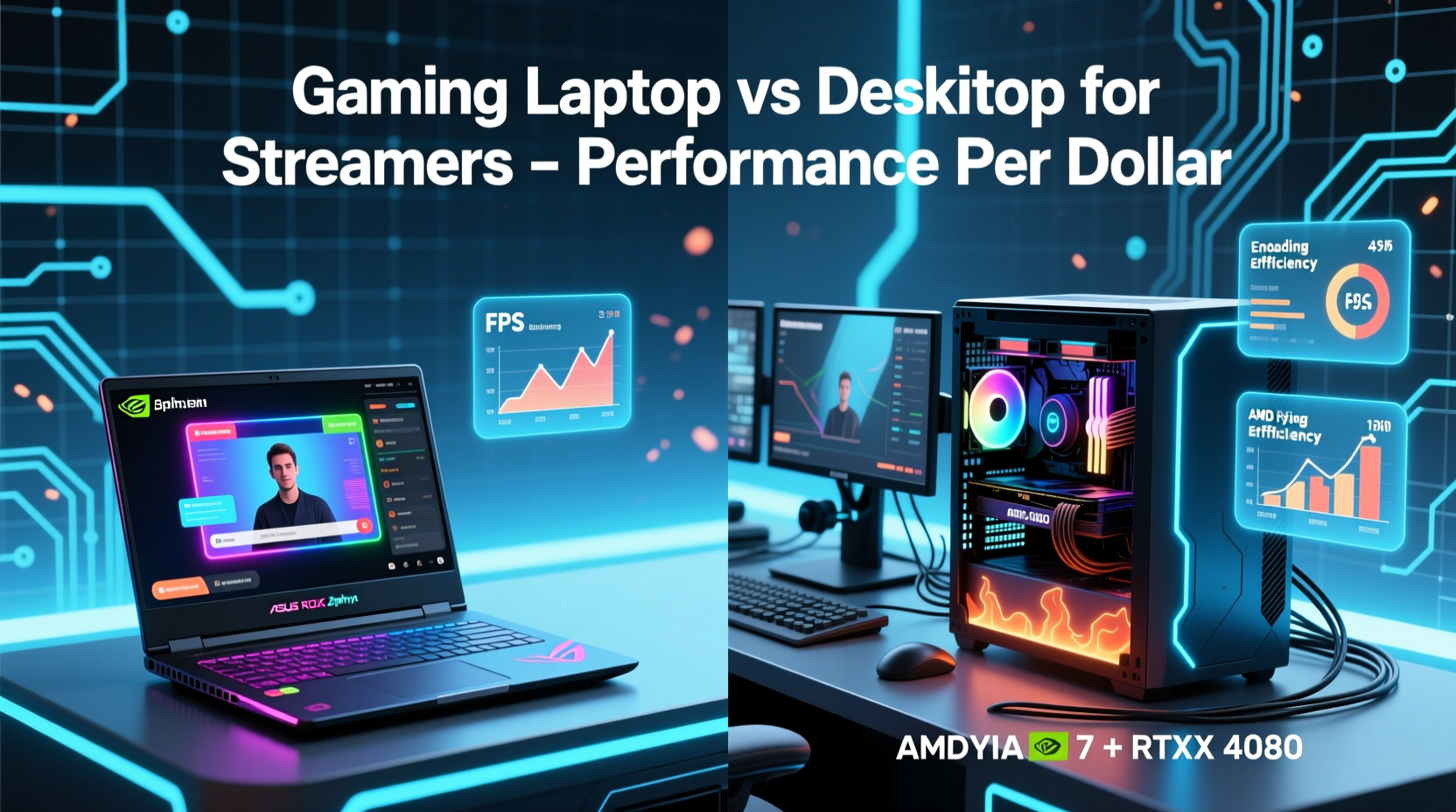
When it comes to raw computing power, desktops consistently outperform gaming laptops at similar price points. This gap stems from fundamental design differences: desktops have more space for larger cooling systems, higher-wattage components, and unrestricted power delivery. Laptops, meanwhile, must balance thermal output, battery life, and size—constraints that inherently limit peak performance.
Streaming relies heavily on two components: the CPU (for encoding and multitasking) and the GPU (for rendering game footage). High-quality 1080p60 or 1440p30 streams with OBS or Streamlabs require sustained CPU performance, especially when using software encoding (x264). Even with hardware encoders like NVIDIA NVENC, CPU overhead remains significant when handling browser sources, alerts, and audio mixing.
A $1,500 desktop can easily house a Ryzen 7 5700X, RTX 3060 Ti, 16GB DDR4 RAM, and a fast NVMe drive—all with headroom for upgrades. The same budget for a gaming laptop typically gets you a lower-TDP CPU (e.g., Ryzen 7 5800H), a mobile RTX 3060, and soldered components. Benchmarks show the desktop configuration delivering up to 30% higher frame rates in CPU-intensive titles and significantly better encoding stability during prolonged streaming sessions.
Cost Analysis: Value Over Time
Purchase price is only part of the equation. True value lies in longevity, repairability, and upgrade path. Desktops excel here. Most components—CPU, GPU, RAM, storage, PSU—can be replaced individually. This means you can upgrade your graphics card in three years without replacing the entire system. Laptops, especially mid-range models, are largely sealed units with non-upgradable GPUs and limited RAM slots.
Consider this scenario: a streamer buys a $1,600 gaming laptop. After three years, the GPU is outdated for modern games at high settings, and the battery has degraded. They must buy a whole new system. In contrast, a $1,400 desktop built today could see its GPU upgraded for $500 in the same timeframe, extending its useful life by several more years.
“Desktops offer a clear ROI for content creators. You’re not discarding functional parts—you evolve the machine as your needs grow.” — Marcus Tran, Senior Systems Engineer at StreamBuild Labs
Additionally, desktops consume less energy under load due to more efficient power supplies and better thermal management. Over five years, the electricity savings alone can amount to over $100 compared to a constantly throttling laptop.
Portability vs. Stability: The Streaming Workflow Factor
Laptops win on one undeniable front: mobility. For streamers who travel, attend conventions, or collaborate in-person, a powerful laptop enables on-the-go broadcasting. However, most regular streamers operate from a fixed location—a desk, bedroom, or dedicated studio. For them, portability offers little benefit while sacrificing performance and serviceability.
Moreover, stability matters. Laptops are prone to thermal throttling during extended streams, especially when seated on soft surfaces or in poorly ventilated areas. A single three-hour stream can push internal temperatures past 90°C, triggering clock speed reductions. Desktops, with superior airflow and aftermarket cooling options, maintain consistent performance even during marathon broadcasts.
Another overlooked factor is peripheral integration. Desktops support multiple monitors, capture cards, external audio interfaces, and high-speed USB hubs without bottlenecking bandwidth. Laptops often max out at two to three USB ports, forcing reliance on docks that introduce latency or compatibility issues.
Detailed Comparison: Desktop vs Laptop at Key Price Points
| Price Tier | Desktop Configuration | Laptop Equivalent | Performance Gap |
|---|---|---|---|
| $1,000 | Ryzen 5 5600, RTX 3050, 16GB RAM, 500GB NVMe | i5-12450H, RTX 3050 Ti Mobile, 16GB RAM | ~20% faster GPU, better CPU multi-core |
| $1,500 | Ryzen 7 5800X, RTX 3060 Ti, 16GB RAM, 1TB SSD | Ryzen 7 5800H, RTX 3070 Mobile, 16GB RAM | Desktop ~15% ahead in sustained loads |
| $2,000 | i7-13700K, RTX 4070, 32GB RAM, 2TB SSD | i7-13700H, RTX 4080 Laptop GPU, 32GB RAM | Laptop slightly faster in short bursts; desktop wins in endurance |
| $2,500+ | Ryzen 9 7900X, RTX 4080, 32GB DDR5 | i9-13900HX, RTX 4090 Laptop GPU | Laptop matches peak but lags in thermal consistency |
Note that even at premium tiers, desktops provide better airflow, quieter operation, and easier maintenance. The \"desktop tax\"—the cost of peripherals like monitor, keyboard, and case—is often offset by their durability and resale value.
Real-World Example: Sarah’s Streaming Setup Evolution
Sarah started streaming Valorant and Just Chatting content in 2021 with a $1,400 gaming laptop. It handled 720p30 streaming adequately, but she struggled with overheating during summer sessions and couldn’t run her overlay suite without stuttering. By 2023, game updates demanded more GPU power, and her viewers complained about inconsistent bitrates.
She sold her laptop for $600 and invested $1,100 into a custom desktop: Ryzen 7 5800X, RTX 3060, 16GB RAM, and a 650W 80+ Gold PSU. Paired with her existing monitor and mic, the new setup delivered flawless 1080p60 streams with room for extra browser sources and music playback. Two years later, she upgraded only the GPU to an RTX 4070 for $600, keeping her platform relevant without reinvesting in a full system.
Her total spend over four years: ~$1,700. Her laptop-only path would have required two full replacements in the same period—at nearly $2,800.
Step-by-Step Guide: Choosing Your Streaming Rig
- Assess your streaming frequency: If you stream daily or for hours at a time, prioritize thermal performance and upgradeability—choose desktop.
- Determine your mobility needs: Do you stream at events or from different rooms? Only then consider a high-end laptop.
- Set a realistic budget: Include peripherals for desktops (monitor, keyboard, etc.), but remember they last longer.
- Decide on encoding method: Software encoding favors desktop CPUs; hardware encoding (NVENC/AMD AMF) reduces CPU load but still benefits from desktop-grade chips.
- Plan for future upgrades: Desktops let you swap GPUs, add RAM, or improve cooling incrementally.
- Test configurations: Use PCPartPicker and NotebookCheck.net to compare real-world benchmarks before buying.
Common Pitfalls to Avoid
- Overpaying for laptop branding: Premium brands like Razer or ASUS ROG charge 20–30% more for aesthetics and portability few streamers actually use.
- Ignoring thermals: No matter the device, poor ventilation kills performance. Keep intakes clear and consider undervolting on laptops.
- Skimping on PSU or cooling: On desktops, a cheap power supply can throttle your GPU. Invest in 80+ Bronze minimum and quality case fans.
- Assuming cloud saves eliminate backups: Always maintain local or external backups of your VODs and configs.
Frequently Asked Questions
Can a gaming laptop last 5 years for streaming?
Yes, but with caveats. Thermal degradation, limited upgrade paths, and battery wear mean performance will decline noticeably by year three. You may need to lower game settings or streaming resolution to maintain stability.
Is it worth building a desktop for streaming?
Absolutely. Building gives you control over every component, ensuring optimal balance between CPU, GPU, and cooling. Pre-builts are convenient, but custom builds offer better value and transparency.
Do I need a capture card if I use a desktop?
Only if you’re streaming console gameplay or multi-PC setups. For single-PC streaming, software capture via OBS is sufficient and free.
Final Recommendation: Desktop Wins on Performance Per Dollar
For the vast majority of streamers, a desktop delivers superior performance per dollar. It offers stronger CPUs and GPUs, better thermal management, and a sustainable upgrade path that extends its lifespan. While gaming laptops serve niche mobile use cases, they come at a steep premium for compromised longevity and efficiency.
If you stream primarily from home—even if you occasionally move locations—a desktop paired with a secondary low-cost laptop for travel is often smarter than relying solely on a high-priced portable rig.
Ultimately, your audience tunes in for content, not your hardware. But reliable, consistent performance lets you focus on what matters: connecting with viewers, improving production quality, and growing your channel without technical distractions.




 浙公网安备
33010002000092号
浙公网安备
33010002000092号 浙B2-20120091-4
Comments
No comments yet. Why don't you start the discussion?