
For anyone who spends hours at a computer—especially gamers, designers, or remote professionals—the mouse is more than an accessory. It’s a primary tool that directly affects performance, comfort, and long-term physical well-being. While a regular office mouse may suffice for basic navigation, the demands of fast-paced gaming or precision work expose its limitations. The debate between gaming mice and regular mice isn’t just about flashy lights or higher price tags—it's about tangible improvements in aim accuracy, responsiveness, and ergonomic support that reduce hand fatigue over time.
The difference becomes most apparent during extended use. Gamers often report cramping, wrist strain, or inconsistent aiming when using standard mice during prolonged sessions. Meanwhile, high-performance gaming mice are engineered not only for speed and control but also to support natural hand posture and reduce repetitive stress. This article breaks down the technical and physiological distinctions between gaming and regular mice, with a focus on how each impacts aim precision and user fatigue.
Core Differences That Impact Performance
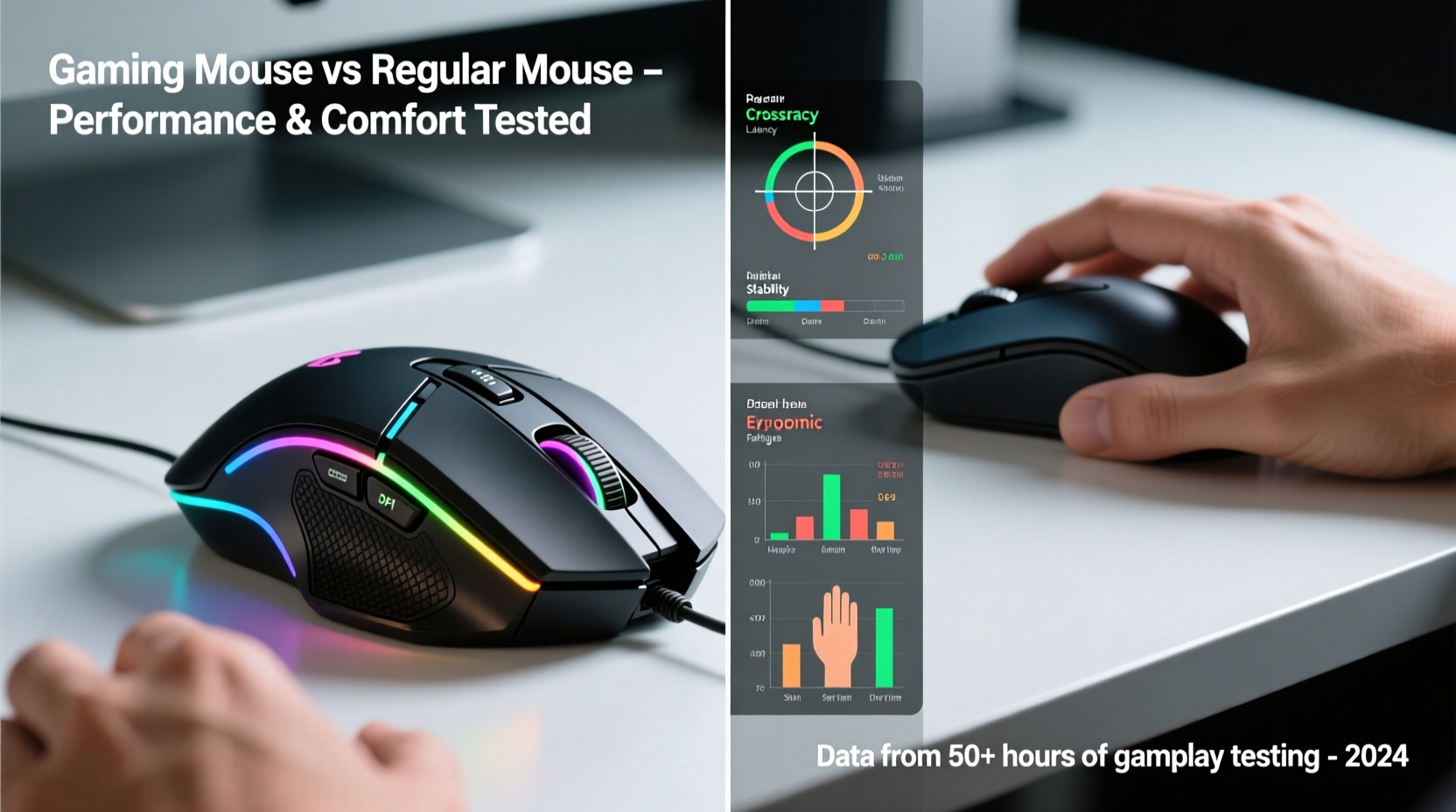
The first step in understanding which mouse type improves aim and reduces fatigue is recognizing the fundamental differences in design, sensor technology, and build quality.
A regular mouse typically uses an optical sensor with a DPI (dots per inch) range of 800–1600, sufficient for everyday tasks like browsing, document editing, or light media consumption. However, this limited sensitivity forces users to lift and reposition the mouse frequently during high-movement activities such as tracking fast-moving targets in FPS games. In contrast, gaming mice offer DPI ranges from 1600 up to 32,000, allowing for fine-tuned adjustments that match individual play styles and monitor setups.
Beyond raw sensitivity, polling rate—a measure of how often the mouse reports its position to the computer—is another critical factor. Standard mice usually poll at 125Hz (once every 8 milliseconds), introducing slight delays that accumulate during rapid movements. Gaming mice, on the other hand, commonly support 500Hz to 1000Hz polling rates, reducing input lag and ensuring smoother cursor translation. This responsiveness translates directly into tighter aim control, especially during flick shots or micro-adjustments in competitive shooters like CS2, Valorant, or Overwatch.
Ergonomics and Fatigue Reduction
Physical discomfort during long sessions isn't just distracting—it can degrade performance. Repetitive strain injuries (RSIs) such as carpal tunnel syndrome are common among users who rely heavily on poorly designed input devices. Here, gaming mice hold a significant advantage due to their focus on ergonomics.
Most gaming mice are designed with specific grip styles in mind: palm, claw, and fingertip. Manufacturers conduct extensive research to shape their products in ways that support natural hand alignment, minimizing tension in the wrist and forearm. Many models feature contoured bodies, textured side grips, and thumb rests, all contributing to a more secure and relaxed hold. Some even offer modular components, allowing users to swap out side panels or adjust weight distribution.
Regular mice, by comparison, tend to follow a one-size-fits-all approach. Their flat, symmetrical designs may seem neutral but often fail to support proper wrist elevation or finger curvature. Over time, this leads to ulnar deviation (wrist bending outward) and increased pressure on tendons—both precursors to chronic fatigue and injury.
“An ergonomic gaming mouse can reduce muscle activation in the forearm by up to 27% during extended use compared to a standard mouse.” — Dr. Lena Torres, Human Factors & Ergonomics Research Lab, University of Michigan
Comparison Table: Gaming Mice vs Regular Mice
| Feature | Gaming Mouse | Regular Mouse |
|---|---|---|
| DPI Range | 1600–32,000 | 800–1600 |
| Polling Rate | 500Hz–1000Hz | 125Hz |
| Switch Durability | 50–100 million clicks | 3–10 million clicks |
| Ergonomic Design | Contoured, grip-specific shapes | Symmetrical, flat design |
| Customizable Buttons | 6–12 programmable buttons | 2–3 standard buttons |
| Weight Tunability | Adjustable weights available | Fixed, lightweight build |
| Cable Quality (Wired) | Braided, low-drag cables | Standard stiff cable |
How Gaming Mice Improve Aim Precision
Precision in aiming relies on three key factors: consistency, minimal input lag, and control over movement granularity. Gaming mice enhance all three through superior hardware and software integration.
The sensor in a gaming mouse—whether optical or laser—is calibrated for pixel-perfect tracking across various surfaces. High-end models use sensors like the PixArt PMW3360 or PAW3395, known for zero acceleration, no smoothing, and consistent lift-off distances. This means the cursor stops exactly where intended when the mouse is lifted, a crucial detail during quick repositioning in tactical gameplay.
Additionally, onboard memory allows many gaming mice to store DPI profiles, button mappings, and polling settings directly on the device. This ensures consistent performance across different systems without relying on driver software, preserving aim stability whether you're at home or in a tournament setting.
Software customization further refines aim. Users can create custom DPI stages—for example, 800 for general movement and 1600 for scoped shots—and assign them to a button. Acceleration curves and angle snapping can be disabled entirely, ensuring linear, predictable response. These features eliminate guesswork and help develop muscle memory, which is essential for accurate, repeatable aiming.
Real-World Example: From Casual to Competitive
Consider Alex, a 24-year-old casual gamer who played Apex Legends in the evenings using a standard wireless office mouse. After several months, he noticed increasing wrist pain and frustration with his inability to track moving enemies consistently. His crosshair would often overshoot targets, and he struggled with recoil control.
He switched to a mid-tier ergonomic gaming mouse with a 16,000 DPI sensor, 1000Hz polling rate, and customizable side buttons. Within two weeks, he adjusted his DPI to 1200 and enabled raw input in-game. The immediate reduction in drag and improved tracking allowed him to make finer adjustments during gunfights. More importantly, the contoured shape supported his palm grip, eliminating the wrist tilt that had caused discomfort.
After a month, Alex reported a 40% improvement in headshot accuracy and no longer experienced fatigue after two-hour sessions. His experience reflects a broader trend: upgrading to a purpose-built gaming mouse doesn’t just offer marginal gains—it can redefine the entire interaction between player and game.
Actionable Checklist: Choosing the Right Mouse for Aim and Comfort
To ensure your mouse supports both precision and long-term health, follow this checklist:
- Match DPI to your setup: Use lower DPI (400–1600) for large monitors or high-resolution displays to maintain control.
- Enable 1000Hz polling: Ensure your mouse is set to the highest polling rate supported by your system.
- Select the right grip style: Choose a mouse that fits your grip—palm, claw, or fingertip—to minimize strain.
- Test lift-off distance: A good gaming mouse lifts cleanly at 1–2mm; avoid models that track erratically when slightly raised.
- Use weighted balance: If possible, adjust mouse weight to find a balance between speed and stability.
- Disable mouse acceleration: Always turn off pointer precision in Windows settings for consistent tracking.
- Invest in a quality pad: Pair your mouse with a large, smooth surface to maximize sensor performance.
Frequently Asked Questions
Do gaming mice really improve aim?
Yes, but indirectly. Gaming mice don’t make you aim better automatically—they provide the tools for consistent, responsive control. With precise sensors, customizable settings, and reduced input lag, they allow skilled players to execute their aim more reliably. However, muscle memory and practice remain the foundation of accuracy.
Can a regular mouse cause hand fatigue?
Yes. Due to poor ergonomic design, lack of support, and suboptimal shape, regular mice can force the hand into unnatural positions. Over time, this leads to increased muscle tension, wrist strain, and conditions like tendonitis. Users who spend more than three hours daily on a computer should consider an ergonomic alternative.
Are expensive gaming mice worth it?
For serious gamers or professionals, yes. Premium models offer better durability, more accurate sensors, and refined ergonomics. However, mid-range gaming mice (around $50–$80) often deliver 90% of the performance at a fraction of the cost. Focus on sensor quality, build materials, and fit rather than brand or RGB lighting.
Final Recommendations and Next Steps
The choice between a gaming mouse and a regular mouse ultimately depends on your usage patterns and physical needs. If you’re a casual user checking email or browsing news, a standard mouse will suffice. But if you engage in fast-paced gaming, creative work requiring precision, or spend extended periods at your desk, investing in a gaming-grade mouse is a smart decision—one that pays dividends in both performance and comfort.
Start by identifying your grip style and dominant hand position. Try different mouse shapes—ambidextrous, right-handed contour, vertical designs—and prioritize models with proven sensor reliability. Brands like Logitech, Razer, and Glorious have established reputations for balancing performance with ergonomic integrity.
Remember, the goal isn’t just to win more matches. It’s to maintain peak performance without sacrificing long-term health. A well-chosen gaming mouse reduces fatigue, enhances control, and supports sustainable computing habits—making it one of the most impactful upgrades you can make to your setup.




 浙公网安备
33010002000092号
浙公网安备
33010002000092号 浙B2-20120091-4
Comments
No comments yet. Why don't you start the discussion?