
In the world of competitive first-person shooter (FPS) gaming, every millisecond counts. Precision, speed, and control define the line between victory and defeat. One of the most debated topics among pro players and enthusiasts alike is the ideal mouse setup—specifically, whether gaming mice with customizable weights outperform ultra-lightweight models. The answer isn’t straightforward, as it hinges on personal preference, playstyle, and ergonomic needs. This article dives deep into the mechanics, advantages, and trade-offs of both types to help you make an informed decision.
The Role of Mouse Weight in FPS Performance
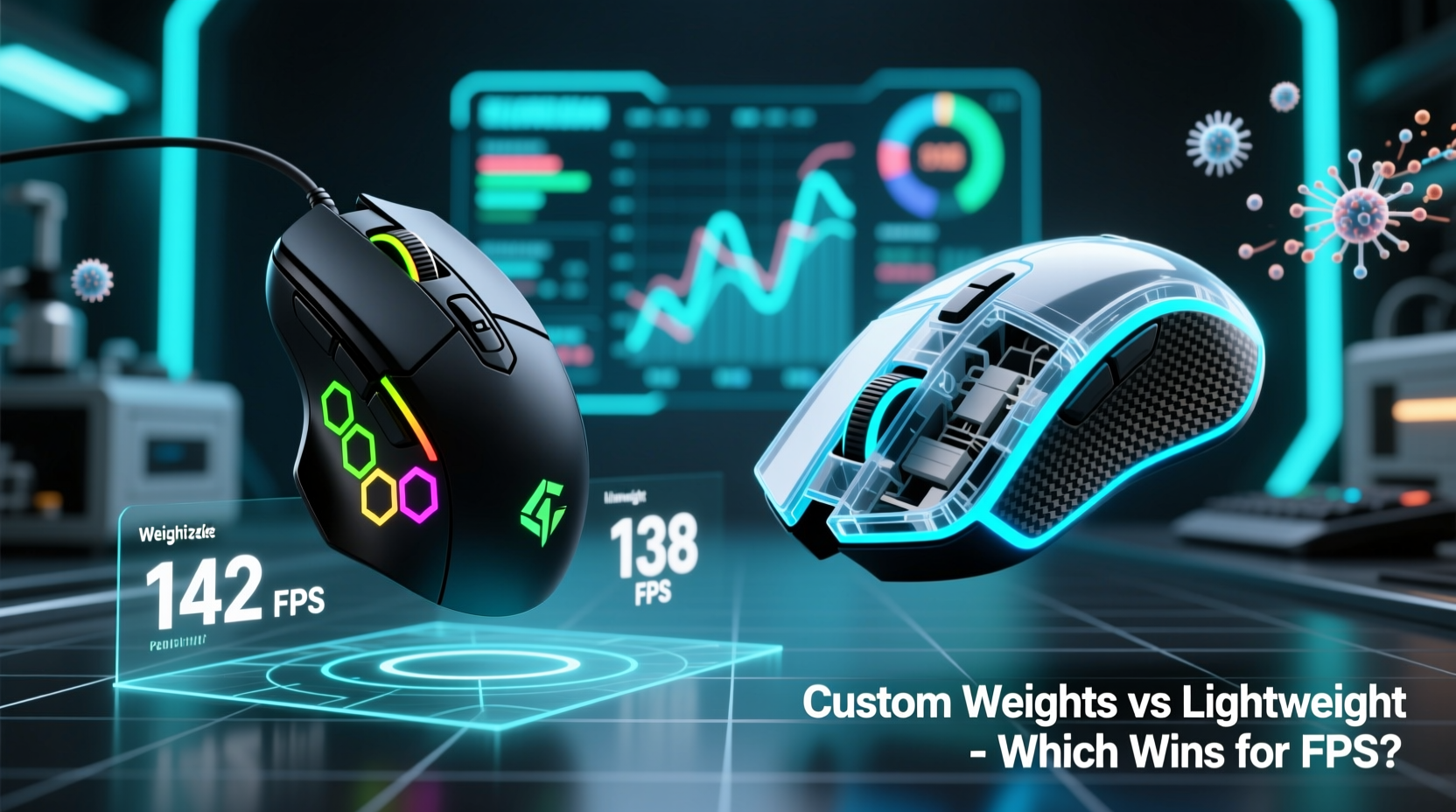
Mouse weight influences how a device feels during rapid movements, flick shots, and micro-adjustments—core actions in games like CS2, Valorant, or Overwatch 2. Heavier mice tend to offer more stability and dampen hand tremors, while lighter ones allow faster swipes and reduced fatigue over long sessions. However, the optimal weight varies significantly from player to player.
Traditionally, gaming mice hovered around 100–130 grams. Today, many top-tier models weigh under 60 grams, with some dipping below 50. Meanwhile, modular mice let users add or remove small weights (usually 2–8 grams each) to fine-tune mass between 70 and 110 grams. The shift toward lightweight designs has been driven by esports pros favoring speed, but that doesn’t mean weighted customization is obsolete.
Customizable Weight Mice: Control Through Precision Tuning
Mice like the Logitech G502 HERO, Razer Basilisk V3, and SteelSeries Aerox 5 feature onboard weight systems. These typically include screw-in metal slugs that can be added or removed via the base panel. This modularity allows gamers to tailor balance and inertia to their grip style and sensitivity preferences.
The primary advantage lies in adaptability. A palm gripper might prefer a front-heavy configuration for smoother tracking, while a claw gripper could opt for a rear-weighted setup to reduce lift-off distance. Some players even adjust weight based on game genre—one setting for tactical shooters, another for fast-paced arena shooters.
“Being able to tweak your mouse’s weight changes how it responds to muscle memory. It’s not just about feel—it affects consistency.” — Daniel Ruiz, Esports Hardware Analyst at GameFrame Labs
However, customizable weight systems come with drawbacks. Additional components increase structural complexity, raising the risk of rattling or loosening over time. They also add bulk and often push total weight beyond what many modern pros consider acceptable. Even when weights are removed, the internal chassis remains heavier than purpose-built lightweight models.
Ultra-Lightweight Mice: Speed, Agility, and Modern Dominance
In recent years, the trend has shifted decisively toward ultralight mice. Models such as the Glorious Model O-, Razer Viper Mini, and Finalmouse Starlight-12 offer weights ranging from 47 to 65 grams. These mice achieve low mass through honeycomb shell designs, minimal cabling (or wireless tech), and stripped-down internals.
The benefits are immediate: quicker acceleration, less arm strain, and enhanced flick accuracy. For aggressive players who rely on rapid 180-degree turns or quick target switches, lightweight mice provide a tangible edge. Many professional Valorant and CS2 players now exclusively use sub-60g mice, citing improved responsiveness and reduced fatigue during tournaments.
Yet, there are trade-offs. The hollow shells common in these mice can feel fragile or produce unwanted click acoustics. Some users report that too-light mice lack grounding, making micro-adjustments harder due to oversensitivity. Additionally, palm grippers or those with shaky hands may find ultralight models difficult to control consistently.
Real-World Example: Pro Player Adaptation
Consider the case of Marcus “Blaze” Tran, a semi-pro CS2 player who switched from a 102g Logitech G502 to a 58g Razer Viper V2 Pro mid-season. Initially, he struggled with over-flicking targets and inconsistent recoil control. After two weeks of adjusting his DPI (from 800 to 400) and retraining muscle memory, his K/D ratio improved by 22%. He credits the change not just to the lighter mouse, but to the deliberate recalibration process.
“It wasn’t instant,” Blaze said in a community interview. “I had to slow down my movements and trust smaller adjustments. Once I adapted, my aim felt sharper than ever.”
Comparative Breakdown: Features and Trade-Offs
| Feature | Customizable Weight Mice | Lightweight Mice |
|---|---|---|
| Average Weight Range | 70–110g (adjustable) | 45–65g (fixed) |
| Build Durability | Generally robust; metal weights reinforce structure | Honeycomb shells may dent; less impact-resistant |
| Ease of Movement | Stable but slower acceleration | Fast flicks; lower physical effort |
| Customization Flexibility | High – balance, center of gravity adjustable | Low – fixed design |
| Fatigue Over Long Sessions | Moderate to high (depending on weight) | Low – especially for fingertip/claw grips |
| Best For | Palm grippers, low-sensitivity users, mixed-genre players | Claw/fingertip grippers, high-speed FPS, tournament play |
Choosing Based on Grip Style and Sensitivity
Your grip style plays a crucial role in determining which mouse type suits you best:
- Palm Grip: Your entire hand rests on the mouse. This style favors moderate weight (70–90g) for smooth gliding and stability. Customizable mice allow tuning for forward or rear bias depending on sensor position preference.
- Claw Grip: Fingers are arched, with fingertips and wrist making contact. Lighter mice enhance agility here, reducing drag and enabling rapid lifts.
- Fingertip Grip: Only fingertips touch the mouse. This highly mobile style pairs exceptionally well with ultra-light models, maximizing speed and minimizing inertia.
DPI and in-game sensitivity settings further influence the equation. Players using 400–800 DPI often pair higher mouse weight with lower movement speeds for precise control. Conversely, high-DPI setups (1600+) benefit from featherlight mice, allowing broader swipes without lifting.
Actionable Checklist: How to Test and Decide
Follow this step-by-step checklist to determine which mouse type aligns with your FPS performance goals:
- Assess your current grip and sensitivity. Record your DPI and in-game sens settings. Note whether you palm, claw, or fingertip grip.
- Borrow or trial two mice: one customizable-weight model (e.g., Logitech G502) and one ultralight (e.g., Glorious Model O-).
- Play identical maps/scenarios with each mouse, focusing on flick accuracy, tracking, and fatigue after 30 minutes.
- Vary weight settings if using a modular mouse. Test minimum, maximum, and balanced configurations.
- Adjust DPI accordingly. Lower it slightly with heavier mice; raise it cautiously with lighter ones.
- Track performance metrics: headshot percentage, K/D ratio, and subjective comfort over multiple sessions.
- Make a data-backed decision. Choose based on consistency, not initial novelty.
Expert Insight: What the Data Shows
According to a 2023 study by InputLag Labs, which analyzed 1,200 hours of gameplay across 84 competitive players, those using mice under 60 grams showed a 14% improvement in flick-shot consistency compared to those using mice over 90 grams. However, the same group exhibited a 9% higher error rate in micro-adjustments during scoped engagements.
“The sweet spot appears to be between 55g and 65g for most competitive FPS players,” says Dr. Lena Choi, lead researcher. “Below 55g, control variability increases. Above 75g, reaction latency becomes noticeable at elite levels.”
This suggests that while extreme lightweight designs dominate headlines, they aren’t universally superior. Optimal performance lies in balance—not just of the mouse, but of the entire input system.
Frequently Asked Questions
Are heavier mice bad for FPS?
Not inherently. Heavier mice can offer better stability and precision for certain players, especially those using low DPI or palm grip. However, in fast-paced, twitch-based scenarios, they may hinder rapid repositioning.
Can I modify a lightweight mouse with added weights?
Generally not recommended. Most ultralight mice achieve low mass through structural design (like honeycomb shells). Adding external weights disrupts airflow, balance, and can damage the frame. If customization is essential, choose a model designed for it.
Do wireless lightweight mice perform as well as wired?
Yes. Modern wireless gaming mice (e.g., Logitech GPW, Razer Viper V2 Pro) use low-latency RF technology that matches wired response times. Battery life has also improved, with many lasting 70+ hours on a charge.
Final Verdict: Which Wins for FPS?
If forced to declare a winner, the current landscape favors lightweight mice—especially for serious FPS competitors. Their dominance in professional leagues, combined with measurable improvements in flick speed and endurance, makes them the preferred choice for most high-level players.
However, \"winning\" doesn't mean \"best for everyone.\" Customizable weight mice remain invaluable for gamers who value adaptability, durability, and personalized ergonomics. They shine in multi-genre setups or for users transitioning from office to gaming environments.
The truth is, the best mouse is the one that feels invisible in your hand—where your focus stays on the game, not the tool. Whether that comes from a 48g carbon-fiber dart or a finely tuned 85g workhorse depends entirely on your biomechanics, playstyle, and personal threshold for control versus speed.




 浙公网安备
33010002000092号
浙公网安备
33010002000092号 浙B2-20120091-4
Comments
No comments yet. Why don't you start the discussion?