
When it comes to competitive gaming, every millisecond counts. Players obsess over frame rates, monitor refresh rates, and even the tightness of their desk cable management. But one of the most debated pieces of gear is the gaming mouse—specifically, whether flashy RGB-laden models offer any real advantage over stripped-down, performance-focused alternatives. The truth is, while RGB lighting may catch the eye in a darkened room, it does nothing to improve your aim. What matters far more are sensor precision, weight distribution, button responsiveness, and ergonomic design.
This isn’t about aesthetics versus minimalism—it’s about understanding what truly impacts performance in fast-paced games like first-person shooters (FPS), battle royales, or MOBAs. Let’s break down the science, the specs, and the real-world differences between RGB-heavy gaming mice and those built purely for performance.
Sensor Technology: The Real Determinant of Aim Precision
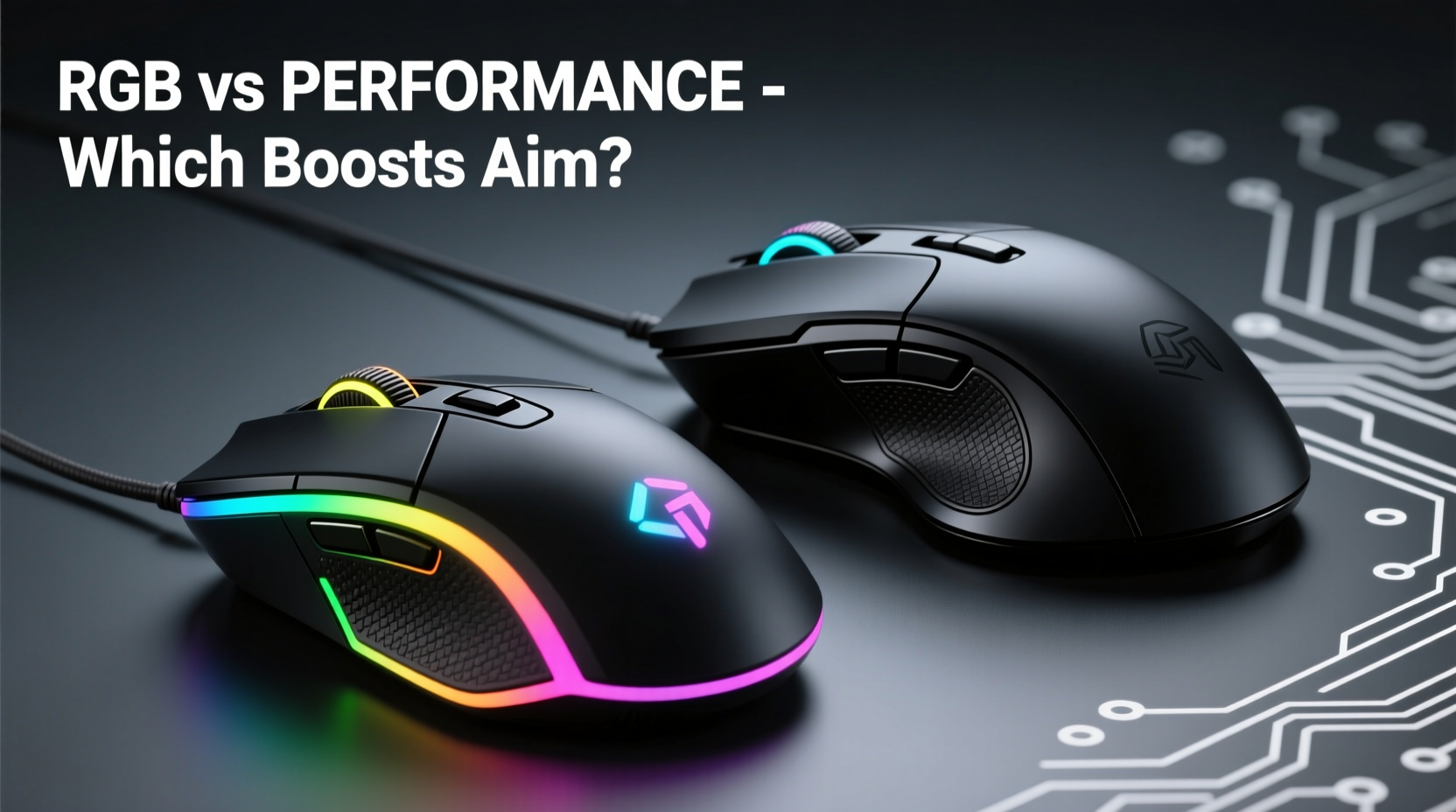
The core component that affects aiming accuracy is the optical or laser sensor inside the mouse. High-end performance-focused mice use advanced sensors such as the PixArt PMW3360, PAW3395, or Logitech’s HERO series. These deliver consistent tracking at high DPI (dots per inch) without acceleration or jitter—critical for flick shots and micro-adjustments.
RGB lighting, on the other hand, has zero influence on sensor behavior. In fact, excessive LED use can slightly increase power draw and heat output, potentially affecting wireless stability in budget-tier devices. While modern designs mitigate this, it underscores a key point: illumination doesn’t enhance tracking.
“Sensor consistency and lift-off distance matter ten times more than color patterns when it comes to competitive edge.” — Daniel Ruiz, Peripheral Engineer at a leading esports hardware lab
Performance-oriented mice often undergo rigorous testing to ensure 1-to-1 tracking, meaning what you do with your hand translates exactly to cursor movement. This eliminates prediction algorithms that some RGB-centric models might rely on to conserve battery or reduce cost.
Weight and Balance: How Heaviness Affects Control
Aim isn't just about precision—it's also about control. The weight of a mouse influences how quickly you can move it across a surface and how stable it feels during small corrections. Competitive players typically prefer lighter mice, usually between 60g and 80g, because they reduce fatigue and allow faster swipes.
Many RGB-equipped mice come with heavier builds due to additional circuitry, larger batteries (for wireless models), and multiple LEDs layered throughout the shell. Some premium RGB models compensate with lightweight honeycomb designs, but these tend to be exceptions rather than norms.
In contrast, performance-focused mice prioritize materials like magnesium alloy frames, perforated housings, and minimal internal components. Brands like Glorious, Finalmouse, and Zowie have built reputations around ultra-lightweight designs engineered specifically for FPS dominance.
Comparison: RGB-Centric vs Performance-Focused Mice
| Feature | RGB-Centric Mice | Performance-Focused Mice |
|---|---|---|
| Typical Weight | 85–110g | 58–80g |
| Sensor Quality | Mid-tier (e.g., PAW3327) | Top-tier (e.g., PAW3395, HERO 25K) |
| Battery Life (Wireless) | 30–70 hours (with RGB on) | 70–150+ hours (efficient firmware) |
| Customization Options | RGB software, macros, profiles | Firmware tuning, DPI stages, polling rate |
| Ergonomic Focus | Style-driven shapes | Hand-fit optimization, grip support |
| Price Range (USD) | $50–$120 | $60–$180 |
While RGB mice often boast extensive software suites allowing full color mapping and animation syncing, performance models focus on driver-level adjustments like angle snapping disable, debounce tuning, and lift-off calibration—all of which directly affect aiming fidelity.
Real-World Example: From Casual Setup to Pro Tier
Consider Alex, a semi-competitive CS2 player who used a popular RGB gaming mouse known for its vibrant underglow and customizable side panels. Despite practicing daily, his flick accuracy plateaued. After reviewing pro streamers’ setups, he switched to a lightweight, non-RGB model weighing 63g with a top-tier sensor.
Within two weeks, his K/D ratio improved by 22%. Not because the new mouse “automatically” made him better—but because it allowed smoother tracking, reduced arm strain, and eliminated input lag he hadn’t noticed before. He later admitted: “I thought the lights made me feel more ‘in the zone.’ Turns out, I just needed less resistance and cleaner inputs.”
This mirrors broader trends seen in tournaments. At ESL Pro League events, fewer than 15% of players use mice with visible RGB effects. Most opt for muted colors or completely black exteriors, prioritizing function over flair.
Debunking the RGB Myth: Does It Help Focus?
Some users argue that RGB lighting creates a psychological boost—an immersive environment that enhances concentration. There’s merit to environmental design influencing mental state; dim lighting and ambient glow can signal “gaming mode” to the brain.
However, correlation isn’t causation. Feeling engaged doesn’t equate to improved motor skills. Studies in human-computer interaction show that visual distractions—even subtle ones—can delay reaction times. One 2021 study published in *Applied Ergonomics* found that participants exposed to dynamic light patterns had marginally slower response speeds in rapid-click tasks compared to those in neutral lighting.
If ambiance helps you relax, consider ambient room lighting instead of relying on peripheral LEDs. You’ll get the mood enhancement without compromising desk space or device efficiency.
Actionable Checklist: Choosing the Right Mouse for Aim Improvement
- Evaluate sensor specs: Look for true 1-to-1 tracking, no smoothing, and adjustable DPI up to at least 16,000.
- Check weight: Stay below 80g if possible, especially for large-swipe playstyles.
- Test grip compatibility: Ensure the shape fits your palm, claw, or fingertip grip without pressure points.
- Disable unnecessary features: Turn off RGB, macros, and polling rates above 1000Hz unless required.
- Prioritize build quality: Use PTFE skates, durable switches (rated for 50M+ clicks), and stable feet.
- Verify firmware options: Confirm access to raw input mode and angle correction disable.
Step-by-Step: Transitioning from RGB to Performance-Optimized Gear
- Assess current performance bottlenecks: Record gameplay and look for signs of jitter, acceleration, or inconsistent drag.
- Research top-tier sensors: Identify models featuring PAW3395, HERO 25K, or BM59, known for low latency and high precision.
- Select based on hand size and grip: Measure your hand span and match it to manufacturer-recommended sizes.
- Test with minimal settings: Disable all RGB, set DPI to 800–1600, and use 1000Hz polling rate.
- Train consistently for 14 days: Allow muscle memory to adapt before judging effectiveness.
- Compare pre/post stats: Track sensitivity changes, shot grouping, and recoil control improvements.
This process removes emotional bias and focuses on measurable outcomes. Many gamers return to RGB after testing, but now do so intentionally—knowing it's a personal preference, not a performance tool.
FAQ
Does RGB affect ping or input lag?
No, RGB lighting itself does not introduce network latency. However, poorly optimized lighting software running in the background can consume CPU resources, indirectly increasing system latency. On-device lighting controllers in premium models prevent this issue.
Can a heavy RGB mouse still be good for FPS?
Yes, but only if the user adapts their technique. Some professional Overwatch players use heavier mice for increased stability in precise hero targeting. However, this requires significant retraining and isn’t recommended for beginners seeking quick improvement.
Is there any scenario where RGB helps aim?
Indirectly, yes—if the lighting helps maintain a consistent playing environment or signals profile changes (e.g., different DPI levels via color shift). But the effect is psychological, not mechanical. The physical act of aiming remains unchanged.
Final Verdict: Performance Over Presentation
At the end of the day, improving aim comes down to hardware that supports precision, consistency, and comfort—not how cool your desk looks on a YouTube thumbnail. RGB gaming mice aren’t inherently bad; many combine strong performance with aesthetic flexibility. But when forced to choose between dazzling lights and pinpoint tracking, serious players will always lean toward functionality.
The best mice for aim are those invisible during play—devices so well-tuned that you forget they’re there. They respond instantly, track flawlessly, and survive thousands of hours of intense use. Whether matte black or neon rainbow, the exterior tells only part of the story. What matters is what’s underneath: the sensor, the switch, the engineering.
“Your mouse should disappear into your hand, not demand attention.” — Lena Park, Professional Valorant Coach
Take Action Today
If you're serious about improving your aim, start by auditing your current setup. Is your mouse chosen for performance—or presentation? Consider borrowing or testing a lightweight, non-RGB model for two weeks. Adjust your settings, retrain your reflexes, and measure the difference objectively.
You don’t need to abandon RGB forever. But understanding the distinction between style and substance empowers smarter choices. Whether you're grinding ranked matches or streaming to fans, let your skill—not your lighting—be the standout feature.




 浙公网安备
33010002000092号
浙公网安备
33010002000092号 浙B2-20120091-4
Comments
No comments yet. Why don't you start the discussion?