
Choosing the right surface for your mouse might seem like a minor detail in an otherwise high-tech gaming or productivity setup. Yet, the difference between a standard desk mat and a dedicated gaming mouse pad can influence accuracy, speed, and even long-term comfort. As peripheral technology advances, so does the importance of optimizing every component—including the surface your mouse glides across. Size, material, texture, and edge binding all contribute to performance, but the question remains: do these differences truly matter, and how much does size affect real-world use?
Material and Surface Design: The Core Differences
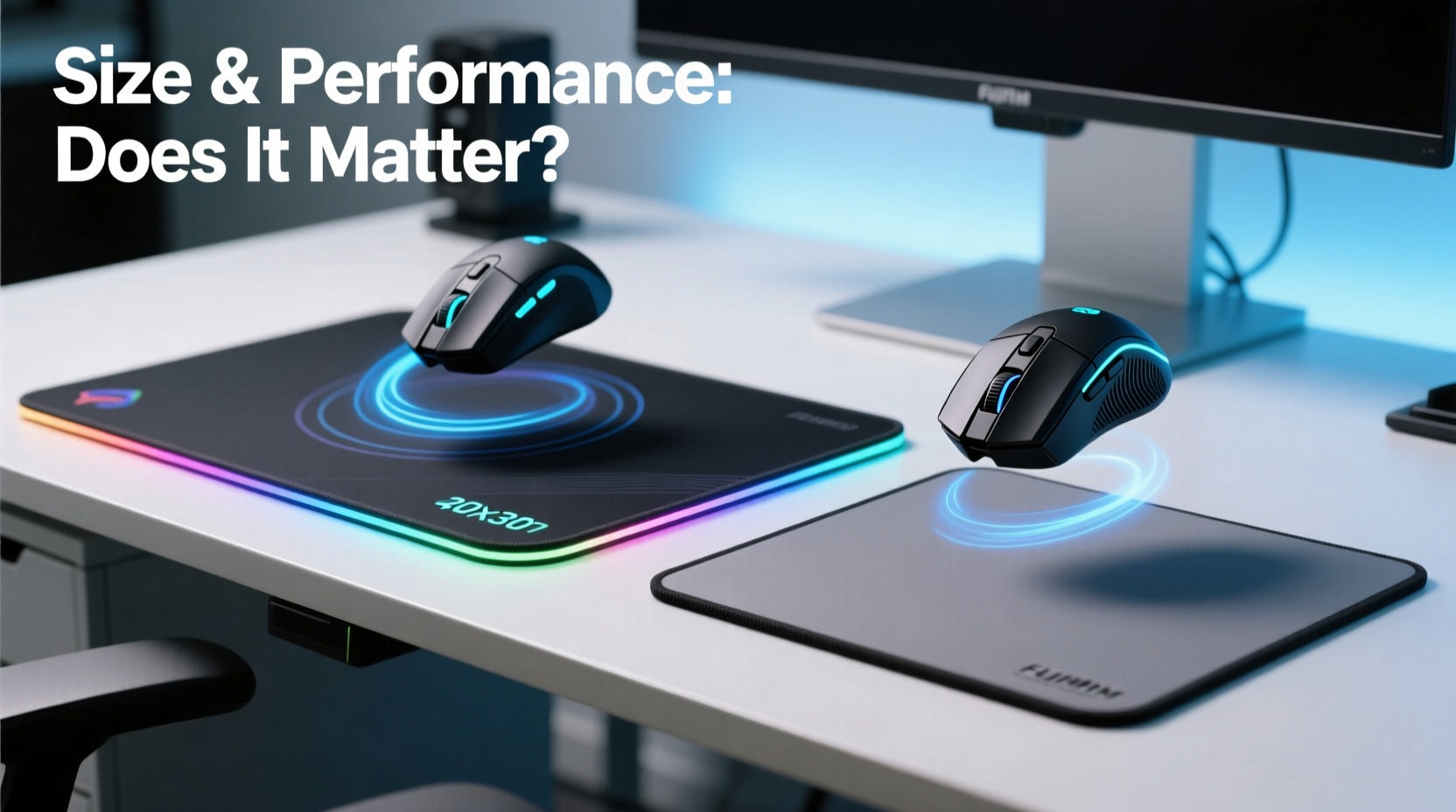
Gaming mouse pads are engineered with performance in mind. Unlike regular desk mats—often made from basic rubber, fabric, or plastic composites—gaming variants use specialized materials designed to enhance sensor tracking and reduce friction. Most premium gaming pads feature a tightly woven polyester or microfiber top layer bonded to a natural rubber base. This combination offers consistent glide and reliable grip, essential for both fast flicks and precise micro-adjustments.
Regular mats, by contrast, often prioritize aesthetics or general functionality over performance. A typical office desk pad may be smooth on top but lacks consistency in weave density, leading to erratic mouse behavior. Optical and laser sensors rely on detecting microscopic surface variations; inconsistent textures disrupt this process, resulting in cursor jitter or acceleration errors.
The surface finish of gaming pads also varies based on intended use. Hard pads (rigid polymer surfaces) offer ultra-low friction, ideal for fast-paced shooters where quick swipes are common. Soft pads (fabric-based) provide more control and are favored by users who rely on fine aiming, such as snipers in competitive FPS games or digital artists using stylus-like precision.
Size Matters: How Dimensions Influence Performance
One of the most debated aspects of mouse pads is size. While a standard mat might measure around 9 x 7 inches, gaming pads range from medium (12 x 10 inches) to extra-large (35 x 12 inches or larger). The size directly affects how freely you can move your mouse without lifting it—a critical factor in fluid gameplay and efficient workflow.
Larger pads accommodate broader arm movements, especially beneficial for users employing arm-based mousing techniques. In fast-paced games like *Counter-Strike* or *Valorant*, a wide sweep allows players to reposition their aim rapidly without losing tracking. Smaller pads force frequent repositioning, disrupting rhythm and potentially causing missed shots under pressure.
Conversely, smaller pads suit fingertip or claw-grip users who make short, controlled movements. These users often pair their style with higher DPI settings, minimizing the need for large surface areas. However, even compact setups benefit from slightly oversized pads—anything below 10 inches in width risks becoming a constraint during intense sessions.
For professionals working in graphic design or video editing, large mouse pads offer uninterrupted panning across timelines or canvas spaces. A single continuous motion replaces multiple lifts and repositions, improving efficiency and reducing wrist strain over time.
“Mouse pad size isn’t just about comfort—it’s about movement economy. The best players minimize unnecessary motions, and a properly sized pad supports that.” — Jordan Lee, Esports Performance Coach
Comparative Analysis: Gaming vs Regular Mats
| Feature | Gaming Mouse Pad | Regular Desk Mat |
|---|---|---|
| Surface Material | Premium microfiber or hard polymer | Generic fabric, silicone, or vinyl |
| Tracking Consistency | High – optimized for optical/laser sensors | Inconsistent – may cause jitter or drift |
| Size Range | Medium to XXL (up to 40+ inches) | Typically small to medium (under 12\") |
| Edge Durability | Stitched or sealed edges prevent fraying | Often raw-cut; prone to peeling |
| Slip Resistance | Thick rubber base grips firmly to desks | Thin backing may slide during use |
| Lifespan | 2–5 years with proper care | 6 months to 2 years |
| Price Range | $15–$60+ | $5–$15 |
The data shows a clear performance gap. Gaming pads are built not only for longevity but for functional superiority. Their construction ensures minimal movement during rapid actions, consistent tracking across the entire surface, and resistance to wear at the edges—all crucial for maintaining peak performance.
Real-World Example: Upgrading for Competitive Edge
Consider Alex, a semi-professional *Overwatch* player ranked in the top 5% globally. For months, he used a generic cloth mat bundled with a budget keyboard-mouse combo. Despite investing in a high-DPI gaming mouse and mechanical keyboard, his aim felt inconsistent. After consulting with a coach, he discovered that his mouse frequently lost tracking when moving toward the edges of the mat, where the fabric had begun to curl and shift.
He switched to a large (32 x 12 inch), soft-textured gaming pad with stitched edges and a non-slip rubber base. Within days, his tracking stability improved dramatically. More importantly, the extra width allowed him to maintain his preferred low-DPI, arm-controlled aiming style without interruption. His K/D ratio increased by 18% over the next month, and he attributed part of that improvement to the upgraded surface.
This case illustrates that even among skilled users, overlooked accessories can become hidden bottlenecks. A high-end mouse deserves a surface capable of supporting its full potential.
How to Choose the Right Size for Your Setup
Selecting the appropriate mouse pad size depends on three primary factors: your mousing technique, DPI settings, and available desk space.
- Mousing Technique: Arm movers require more space than wrist or finger users. If your forearm moves significantly during use, opt for a medium (12 x 10) or large (30 x 12+) pad.
- DPI Sensitivity: Lower DPI (400–800) demands wider movement area. High DPI (1600+) reduces the need for large surfaces, but some room for error is still advisable.
- Desk Real Estate: Measure your usable space. Large pads are excellent, but they shouldn’t crowd your keyboard or secondary devices. Leave at least 2 inches of clearance on all sides.
As a rule of thumb:
- Wrist Movers: Medium pad (12 x 10 in)
- Forearm Movers: Large or extended pad (30 x 12 in or larger)
- Hybrid Users: Go for a 16 x 12 inch pad as a balanced option
Expert Recommendations and Long-Term Care
Top-tier gaming peripherals deserve equally refined support surfaces. Experts agree that consistency and durability are more important than brand names.
“The best mouse pad is one that disappears during use—meaning you never notice it. That happens when tracking is flawless, edges stay flat, and the surface feels predictable.” — Dr. Lena Torres, Human-Computer Interaction Researcher
To extend the life of any mouse pad—especially high-performance models—follow these maintenance practices:
- Roll, don’t fold: Folding causes permanent creases that disrupt glide.
- Clean regularly: Use a damp cloth with mild soap to remove dust and oils. Avoid harsh chemicals.
- Keep dry: Moisture weakens adhesive layers and promotes mold under rubber bases.
- Avoid direct sunlight: UV exposure degrades fabric and causes fading or brittleness.
Hard pads are easier to clean and maintain but offer less cushioning. Soft pads provide comfort but may absorb liquids if not treated promptly. Consider your environment—humid climates or shared workspaces may favor wipeable hard surfaces.
Frequently Asked Questions
Do I really need a gaming mouse pad if I’m not a gamer?
Absolutely. Anyone relying on precise cursor control—graphic designers, video editors, coders—benefits from the consistent tracking and ergonomic design of gaming-grade pads. The enhanced surface improves productivity and reduces fatigue during long sessions.
Can a too-large mouse pad hurt performance?
Only if it compromises your workspace layout. An oversized pad that pushes your keyboard too far forward can lead to poor posture. The goal is balance: enough space for unrestricted movement without sacrificing ergonomics.
Are expensive mouse pads worth the cost?
Not always—but mid-to-high-end pads ($25–$50) typically use superior materials and construction. Entry-level gaming pads often outperform even premium regular mats. Invest based on usage intensity: casual users may suffice with budget options, while professionals should consider durable, large-format models.
Final Thoughts and Action Plan
The distinction between gaming mouse pads and regular mats goes beyond marketing. It reflects a fundamental shift in how we interact with digital environments. Precision, consistency, and physical comfort are no longer luxuries—they’re requirements for peak performance, whether in competition or creative work.
Size plays a pivotal role. A pad that’s too small restricts motion and forces disruptive adjustments. One that’s poorly constructed undermines even the best mouse. The solution lies in matching your pad to your technique, environment, and goals.
Start by evaluating your current setup. Are you lifting your mouse frequently? Does the surface shift during use? Do the edges curl? If yes, it’s time for an upgrade. Measure your preferred mousing radius, assess your desk space, and choose a gaming pad that supports—not limits—your movement.




 浙公网安备
33010002000092号
浙公网安备
33010002000092号 浙B2-20120091-4
Comments
No comments yet. Why don't you start the discussion?