
The debate over whether a gaming mouse is worth the investment compared to a standard office mouse has been ongoing for years. At the heart of this discussion lies one key specification: DPI—dots per inch. Marketing campaigns often tout 16,000 DPI or higher as essential for competitive play, but does that number actually matter in real-world gaming scenarios? More importantly, do professional gamers truly benefit from these exaggerated specs, or is it all just hype?
To answer this, we need to look beyond marketing jargon and examine how DPI functions in practice, what other features differentiate gaming mice, and whether those advantages translate into measurable improvements in gameplay—especially at the highest levels.
Understanding DPI: What It Really Means
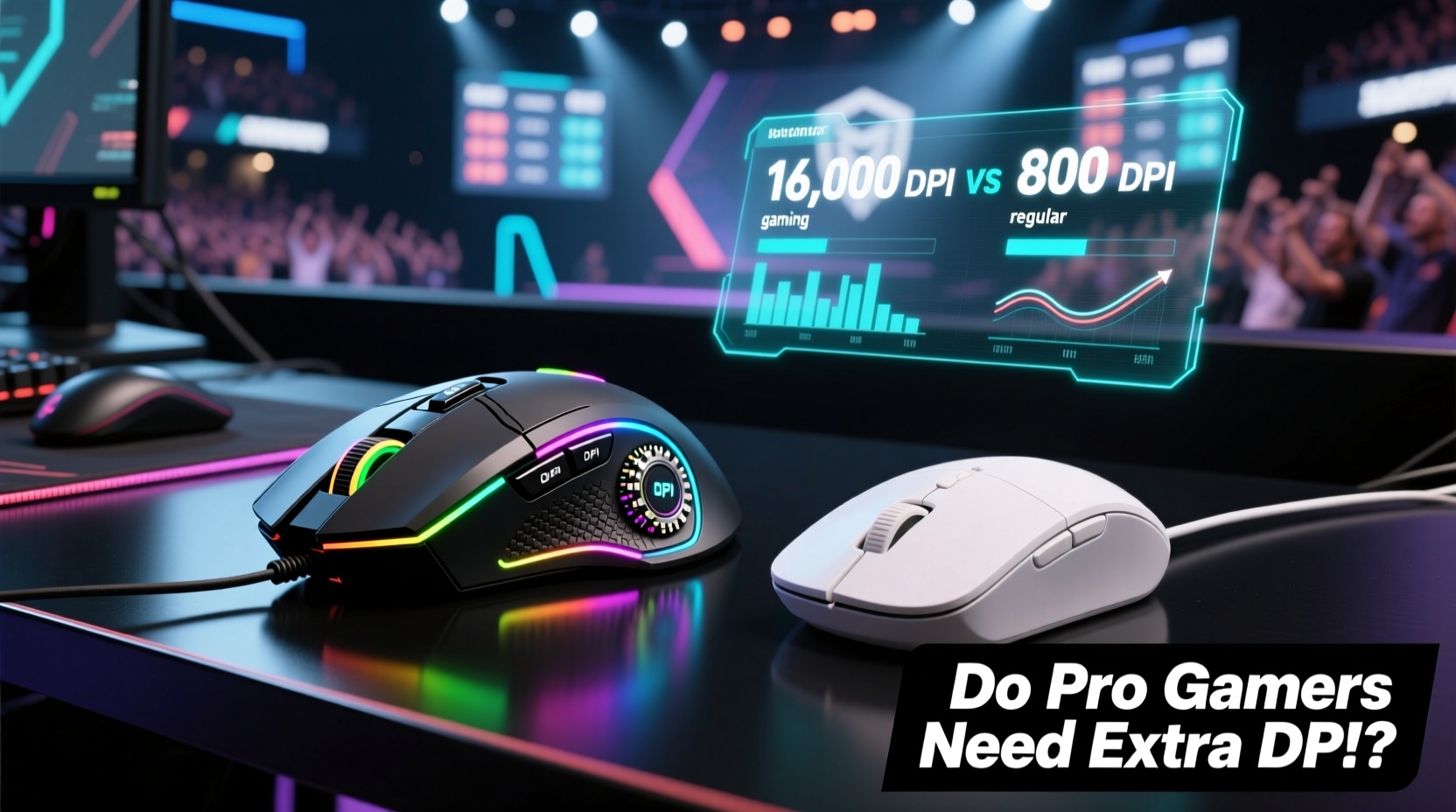
DPI measures how sensitive a mouse is to movement. A higher DPI means the cursor moves farther across the screen with less physical motion. For example, a mouse set at 400 DPI requires more hand movement to cross the screen than one at 3200 DPI.
In theory, high DPI allows for faster cursor travel, which sounds beneficial in fast-paced games like first-person shooters (FPS) or MOBAs. However, sensitivity isn't solely about DPI—it's also influenced by in-game settings, operating system scaling, and personal preference.
Many professionals actually use relatively low DPI settings. Top-tier CS:GO and Valorant players commonly operate between 400 and 800 DPI, relying instead on precise control and muscle memory rather than raw speed. This suggests that while high DPI capability may be available, it’s not necessarily used—or needed—at elite levels.
Hardware Differences: Beyond Just DPI
A gaming mouse isn’t defined by DPI alone. Several hardware enhancements contribute to its performance edge over a standard mouse:
- Precision Sensors: Gaming mice use optical or laser sensors with higher tracking accuracy (measured in CPI consistency), minimal acceleration, and better surface calibration.
- Programmable Buttons: Extra side buttons allow for macro commands, weapon swaps, or communication shortcuts without leaving the keyboard.
- Build Quality: Durable switches rated for millions of clicks, reinforced cables (or wireless reliability), and ergonomic designs tailored to grip styles (palm, claw, fingertip).
- Customizable Weight & Balance: Some models let users adjust internal weights to fine-tune feel and responsiveness.
- Higher Polling Rates: Standard mice typically poll at 125Hz (once every 8ms), while gaming mice offer 500Hz or 1000Hz (every 2ms or 1ms), reducing input lag significantly.
These factors collectively enhance responsiveness, durability, and customization—critical elements when milliseconds determine victory or defeat.
Performance Under Pressure: Why Pros Choose Gaming Mice
Professional gamers don’t rely on high DPI—they rely on consistency. The primary advantage of a gaming mouse lies in its ability to deliver reliable, predictable input regardless of movement speed or environmental conditions.
For instance, during intense matches, players make rapid flick shots, quick glances, and micro-adjustments. A regular mouse might introduce jitter, acceleration, or lift-off distance inconsistencies, disrupting aim. High-end gaming sensors eliminate these issues through advanced signal processing and surface prediction algorithms.
“Consistency matters more than speed. I’d rather have a stable 800 DPI than an erratic 3200.” — Lucas “Raze” Mendez, Professional FPS Coach
Moreover, gaming mice are engineered for extended sessions. Their ergonomic shapes reduce hand fatigue, and mechanical switches withstand constant clicking far longer than typical office mouse components. In tournaments lasting hours, comfort and reliability become decisive factors.
Comparative Analysis: Gaming Mouse vs Regular Mouse
| Feature | Gaming Mouse | Regular Mouse |
|---|---|---|
| DPI Range | 400 – 32,000 (adjustable) | 800 – 1600 (fixed or limited) |
| Polling Rate | 500–1000 Hz | 125 Hz |
| Sensor Type | High-precision optical/laser | Basic optical |
| Button Durability | 50–100 million clicks | 3–10 million clicks |
| Ergonomics | Tailored for long sessions, multiple grip types | General-purpose design |
| Customization | RGB lighting, software profiles, button remapping | Limited to none |
| Price Range | $50 – $180+ | $10 – $40 |
This table highlights that while DPI gets the spotlight, the real differentiators lie in polling rate, build quality, and long-term performance stability—features that directly impact competitive outcomes.
Real-World Example: From Casual to Competitive
Consider Alex, a mid-tier Apex Legends player who decided to upgrade from a basic Logitech office mouse to a high-end gaming model with adjustable DPI and 1000Hz polling. Initially, he cranked the DPI up to 3200, expecting instant improvement. Instead, his aim became erratic, and he struggled with overshooting targets.
After researching pro settings, he reset his DPI to 800 and adjusted his in-game sensitivity accordingly. He also optimized his mousepad space and refined his arm-based aiming technique. Over two weeks, his tracking accuracy improved by nearly 30%, and his K/D ratio rose steadily.
The difference wasn’t the mouse itself—but how its capabilities enabled greater control and consistency once properly configured. The higher DPI range simply gave him flexibility to find his ideal setup.
Step-by-Step: Optimizing Your Mouse Settings Like a Pro
Finding the right balance between DPI, in-game sensitivity, and physical setup takes deliberate adjustment. Follow this sequence to optimize your configuration:
- Choose a Base DPI: Start at 800 DPI if you're unsure. It's widely regarded as a sweet spot between precision and speed.
- Adjust In-Game Sensitivity: Lower in-game sensitivity forces larger arm movements, improving control. Aim for a setting where a full arm sweep turns your character 180–360 degrees.
- Test Tracking Consistency: Move your mouse slowly in circles and straight lines. If the cursor wobbles or skips, your surface or sensor may be suboptimal.
- Check Lift-Off Distance: Pick up your mouse slightly during flicks. If the cursor continues moving after contact loss, recalibrate or lower the setting via software.
- Refine Based on Grip Style: Palm grippers often prefer lower DPI for stability; fingertip users may opt for slightly higher for agility.
- Monitor Fatigue: After an hour of play, assess hand strain. Ergonomic fit is as important as technical specs.
This process emphasizes tuning over raw specs. Even the best mouse won’t help if misconfigured.
Debunking the DPI Myth
The idea that “more DPI equals better performance” is largely a marketing myth. No professional gamer uses 16,000+ DPI in actual competition. Such extreme sensitivity makes fine adjustments nearly impossible and amplifies hand tremors.
Ultra-high DPI exists primarily for niche cases—like ultrawide multi-monitor setups where cursor travel distance is vast. But even then, operating systems and drivers usually compensate with pointer acceleration, which introduces unpredictability unwanted in gaming.
What matters isn’t maximum DPI, but consistent tracking across all speeds. A gaming mouse excels here because it avoids acceleration, filtering, and jitter—issues common in cheaper sensors found in regular mice.
FAQ: Common Questions About Gaming Mice and DPI
Is a gaming mouse necessary for casual gaming?
Not strictly necessary, but recommended. Even casual players benefit from smoother tracking, better button response, and increased durability. You don’t need top-tier specs, but mid-range gaming mice offer noticeable quality-of-life improvements over standard models.
Can I use a regular mouse competitively?
Technically yes, but you’ll face limitations. Basic mice often lack the precision, polling rate, and durability required for consistent high-level performance. Input lag, inconsistent lift-off detection, and premature wear can hinder progress over time.
Does higher DPI improve reaction time?
No. Reaction time depends on neural processing and muscle response, not mouse sensitivity. Higher DPI only changes how much screen distance corresponds to hand movement. True responsiveness comes from high polling rates and low-latency connections—not DPI.
Action Checklist: Choosing the Right Mouse
Before buying, evaluate your needs with this checklist:
- ✅ Determine your dominant grip style (palm, claw, fingertip)
- ✅ Measure your available desk/mousepad space
- ✅ Set a realistic DPI range (800–1600 is sufficient for most)
- ✅ Prioritize polling rate (1000Hz preferred)
- ✅ Check sensor compatibility with your desktop surface
- ✅ Consider wired vs wireless (modern wireless gaming mice now match wired performance)
- ✅ Read reviews focused on long-term durability and firmware support
Remember: the best mouse is the one that feels natural, performs consistently, and lasts through heavy use.
Conclusion: Do Pro Gamers Need That Extra DPI?
The short answer: no—not the extra DPI itself. But they absolutely need the engineering behind gaming mice. Precision sensors, customizable settings, durable construction, and high polling rates collectively create a tool capable of delivering millisecond-accurate inputs under pressure. These advantages aren’t about chasing big numbers—they’re about eliminating variables that compromise performance.
While a regular mouse might suffice for browsing or light gaming, serious players require equipment that responds exactly as intended, every single time. The DPI range is merely one adjustable parameter within a broader ecosystem of performance-driven design.
If you're aiming to improve, focus less on max DPI and more on consistency, ergonomics, and proper setup. Whether you're climbing ranked ladders or just enjoying competitive titles, investing in a quality gaming mouse pays dividends in control, confidence, and longevity.




 浙公网安备
33010002000092号
浙公网安备
33010002000092号 浙B2-20120091-4
Comments
No comments yet. Why don't you start the discussion?