
In the world of computer peripherals, few debates spark as much passion as the one between gaming mice and regular office mice. Walk into any tech forum, and you’ll find users passionately defending their high-DPI, RGB-lit gaming rodents while others swear by the simplicity of a no-frills wireless office model. But when it comes down to daily productivity—browsing, email, document editing, and casual media consumption—does any of that matter? Is the so-called \"DPI war\" relevant outside of competitive gaming? The short answer: usually not. The full story, however, is more nuanced.
DPI (dots per inch) measures how sensitive a mouse is to movement. A higher DPI means the cursor travels farther across the screen with less physical motion. While this can be critical in fast-paced games where split-second reactions count, its benefits in everyday computing are often exaggerated or misunderstood. This article breaks down the real differences between gaming and regular mice, evaluates whether high DPI matters for non-gamers, and helps you decide what’s truly worth investing in.
Understanding DPI: What It Really Means
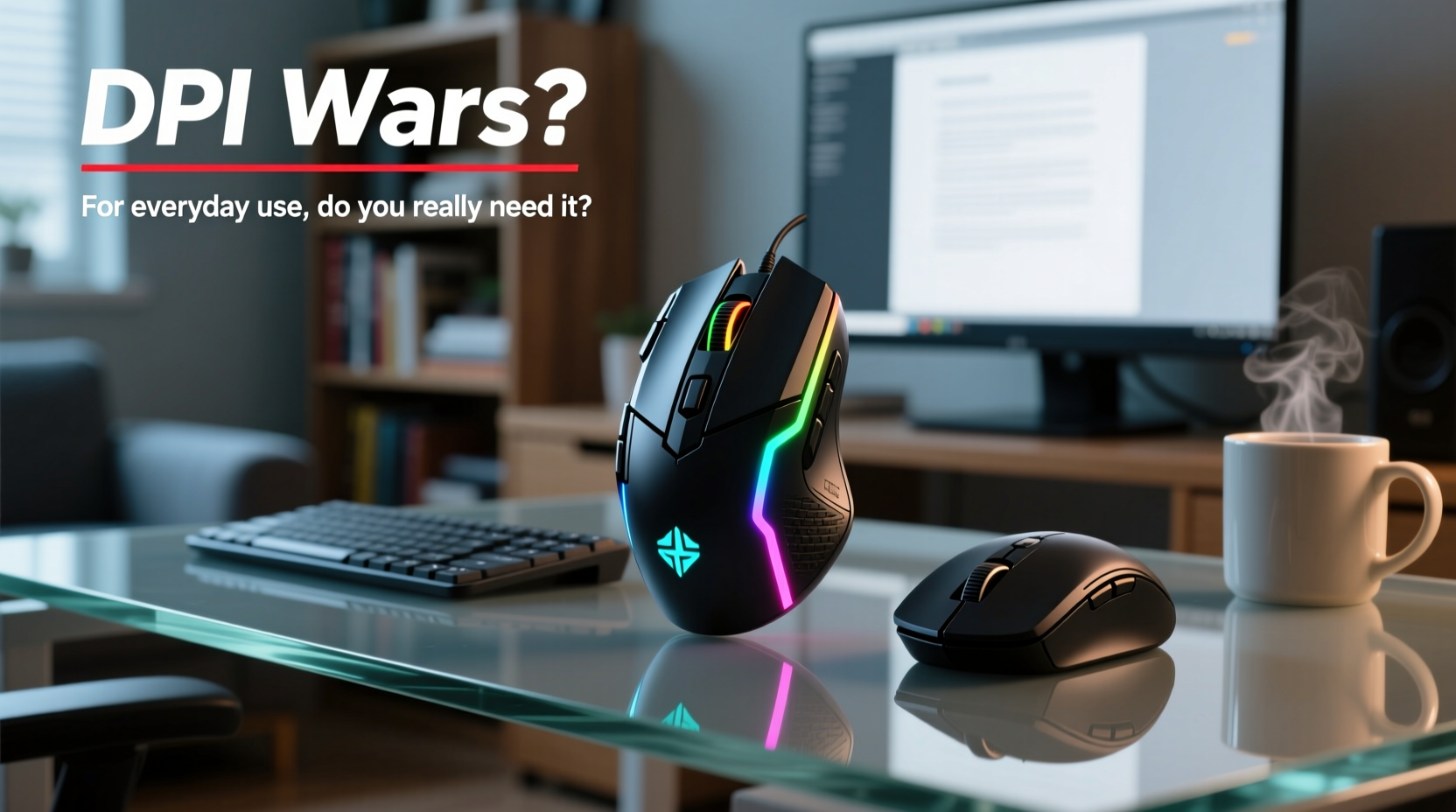
DPI is frequently cited as a key selling point for gaming mice, with models boasting 16,000, 25,600, or even higher DPI settings. But what does that actually translate to in practice?
At 800 DPI, moving your mouse one inch moves the cursor 800 pixels across the screen. At 3200 DPI, the same movement results in a 3200-pixel jump. That sounds impressive, but consider typical desktop usage. Most office workers use monitors at 1080p or 1440p resolution. Even on a dual-monitor setup, extreme sensitivity rarely improves efficiency. In fact, it often makes precise control harder—like trying to draw fine lines with a shaky hand.
Professional esports players often use DPI settings between 400 and 1600, paired with low in-game sensitivity. Why? Because precision matters more than speed. They rely on muscle memory and controlled arm movements rather than flicking the wrist rapidly. High DPI doesn’t automatically mean better performance—it just changes how input translates to cursor movement.
“Most users don’t need more than 1600 DPI, even for gaming. For general use, 800–1200 is ideal.” — David Lin, Peripheral Design Engineer at InputLabs
Gaming Mouse vs Regular Mouse: Key Differences
The distinction between gaming and regular mice goes beyond DPI. Here’s a breakdown of the core differences:
| Feature | Gaming Mouse | Regular Mouse |
|---|---|---|
| Sensor Quality | High-precision optical or laser sensors with minimal acceleration | Adequate sensors; may include smoothing or acceleration |
| DPI Range | Often 400–16,000+ with on-the-fly adjustment | Fixed or limited range (usually 800–1600) |
| Build & Durability | Reinforced buttons rated for 20M+ clicks | Standard durability (5M–10M clicks) |
| Ergonomics | Designed for extended sessions; varied shapes (ergonomic, ambidextrous) | Compact, lightweight; optimized for portability |
| Extra Buttons | Programmable side buttons for macros or shortcuts | Rarely more than left/right and scroll wheel |
| Weight & Customization | Adjustable weights, RGB lighting, software profiles | Lightweight, plug-and-play, no software needed |
| Price | $50–$150+ | $10–$50 |
While gaming mice offer superior build quality and customization, many of these features are overkill for routine tasks. For example, having five programmable buttons is useful if you’re switching between Photoshop tools or navigating complex spreadsheets, but irrelevant if you're mostly clicking links and typing emails.
Do You Need High DPI for Everyday Tasks?
The simple truth is: most people don’t. For browsing, word processing, video calls, and streaming, a DPI setting between 800 and 1200 is more than sufficient. At these levels, the cursor responds predictably without overshooting targets like small buttons or hyperlinks.
Consider this scenario: you're editing a Google Doc and need to highlight a sentence. With a 3200 DPI mouse, tiny hand tremors can cause the cursor to skip past the text entirely, forcing you to reposition multiple times. Lower DPI promotes stability and accuracy—especially important for users with shaky hands or those working on cluttered desks.
Moreover, modern operating systems and applications are optimized for standard input behavior. Windows and macOS assume a baseline sensitivity, and UI elements are designed with typical mouse speeds in mind. Using excessively high DPI disrupts this balance, leading to fatigue and reduced control over time.
That said, there are exceptions. Graphic designers, video editors, and CAD users might benefit from adjustable DPI to switch between broad navigation and fine detail work. But even then, software-based zoom and keyboard shortcuts often provide better precision than raw sensor speed.
Mini Case Study: Sarah, Remote Office Worker
Sarah works remotely as an administrative assistant. She spends six to eight hours a day managing emails, scheduling meetings, and updating spreadsheets. Last year, she bought a flashy gaming mouse because “it looked cool” and had a 12,000 DPI sensor. Within days, she found herself missing menu items and accidentally closing browser tabs due to over-sensitive cursor movement. After reverting to her old Logitech wireless mouse (800 DPI), her productivity improved—not because of specs, but because the device matched her workflow.
She later realized that ergonomic comfort mattered more than technical prowess. Her new mouse fit her hand better, didn’t require drivers, and lasted months on a single AA battery. The lesson? Tools should serve the task, not the other way around.
When a Gaming Mouse Makes Sense (Even for Non-Gamers)
Despite the hype, gaming mice aren't inherently bad for everyday use. Some features genuinely enhance productivity—if used intentionally.
- Programmable buttons: Assign frequently used shortcuts (e.g., Ctrl+Z, volume control, or switching desktops).
- Better ergonomics: Many gaming mice support palm grip and reduce wrist strain during long sessions.
- Durability: Higher-quality switches and materials mean longer lifespan, especially under heavy use.
- Custom profiles: Useful if you switch between work modes (e.g., coding, design, writing).
If you value customization and spend long hours at your desk, a mid-tier gaming mouse with moderate DPI (up to 3200) and good ergonomics can be a smart investment. Just avoid falling into the trap of chasing maximum specs without considering actual utility.
Checklist: Choosing the Right Mouse for Daily Use
- Assess your primary tasks (typing, browsing, creative work, etc.)
- Determine whether extra buttons would save time or create clutter
- Prioritize comfort—try different grip styles (palm, claw, fingertip)
- Set realistic DPI needs (800–1600 is ideal for most users)
- Decide if wired or wireless fits your setup better
- Look for reliable build quality, not flashy aesthetics
- Test responsiveness without relying on advertised specs
Debunking Common Myths About DPI and Performance
The marketing around gaming mice often blurs the line between capability and necessity. Let’s clear up some misconceptions:
- Myth: Higher DPI = faster performance. Reality: Speed depends on both DPI and in-software sensitivity. Excessive DPI reduces control.
- Myth: All gaming mice are better than regular mice. Reality: They’re built for specific use cases. A $100 gaming mouse isn’t inherently “better” for email than a $25 office model.
- Myth: You need 16,000 DPI to future-proof your setup. Reality: Screen resolution hasn’t increased enough to justify such extremes. Even 4K monitors work well at 1600 DPI.
- Myth: Polling rate (Hz) drastically affects daily use. Reality: 500Hz or 1000Hz is smooth, but the difference between 500Hz and 1000Hz is imperceptible outside gaming.
Manufacturers often emphasize peak specifications to differentiate products in a crowded market. But real-world usability depends on consistency, comfort, and reliability—not just numbers on a spec sheet.
FAQ
Can I use a gaming mouse for office work?
Yes, absolutely. Many gaming mice offer excellent build quality and programmable features that can boost productivity. Just make sure to set the DPI to a comfortable level (800–1600) and disable unnecessary lighting or effects to save power if using wireless.
Is 800 DPI enough for a 1080p monitor?
Yes. 800 DPI is considered the standard for 1080p displays. It provides a balanced mix of speed and precision. Most professional gamers and office workers use settings in this range.
Does DPI affect battery life?
Indirectly. Higher DPI often requires higher polling rates (e.g., 1000Hz), which increase power consumption. For wireless mice, sticking to 500Hz and 800–1600 DPI can extend battery life significantly.
Conclusion: Focus on Function Over Hype
The debate between gaming and regular mice isn’t about which is objectively better—it’s about matching the tool to the job. For most everyday users, the DPI wars are irrelevant. You don’t need a race car to commute to work, and you don’t need a 25,600 DPI mouse to reply to emails.
Instead of obsessing over maximum specs, focus on what truly enhances your experience: comfort, reliability, and intuitive control. A well-designed regular mouse can outperform a bloated gaming model in daily use. Conversely, a thoughtfully chosen gaming mouse with moderate settings can serve as a durable, versatile companion for multitasking professionals.
Technology should simplify life, not complicate it. Before upgrading, ask yourself: What problem am I trying to solve? If it’s not about precision, speed, or customization, you’re probably better off saving your money—and your desk space.




 浙公网安备
33010002000092号
浙公网安备
33010002000092号 浙B2-20120091-4
Comments
No comments yet. Why don't you start the discussion?