
For casual users, a standard office mouse does the job just fine—clicking links, scrolling through documents, and navigating desktops. But when it comes to competitive gaming, where split-second decisions determine victory or defeat, every millisecond counts. The debate between using a gaming mouse versus a regular mouse isn’t just about flashy lights or ergonomic design; it’s about precision, responsiveness, and control under pressure. This article dives into the technical and practical differences between the two types of mice, evaluates whether upgrading is truly necessary for competitive play, and provides actionable insights for gamers deciding whether to make the switch.
Understanding the Core Differences
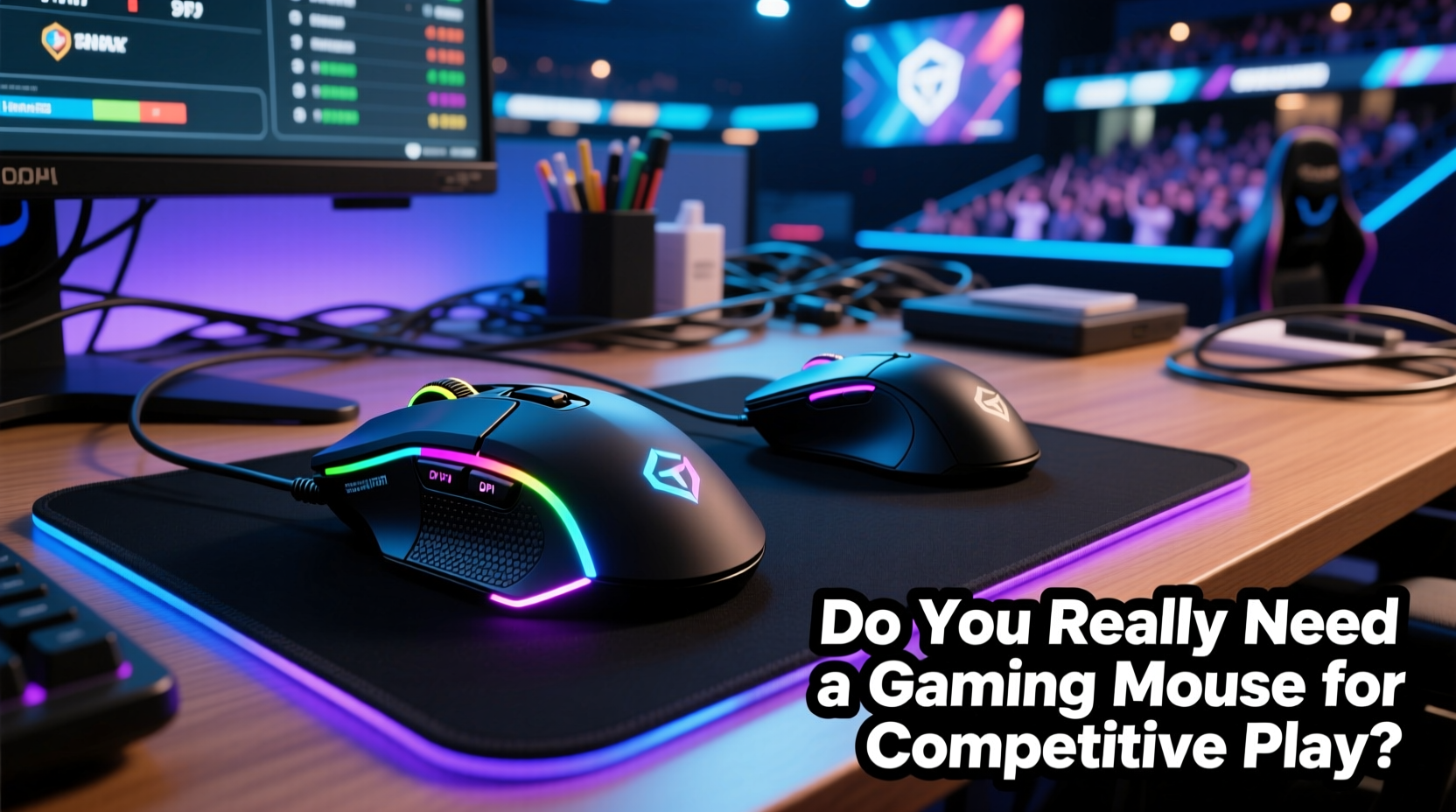
The most apparent distinction between a gaming mouse and a regular mouse lies in their intended use. Regular mice are built for productivity tasks—designed with comfort, durability, and battery efficiency in mind. Gaming mice, on the other hand, prioritize performance metrics like sensor accuracy, button response time, and customization capabilities. These aren't minor upgrades; they represent fundamental shifts in how input devices interact with your system.
Gaming mice typically feature higher DPI (dots per inch) sensors, allowing for faster cursor movement without requiring large physical swipes across a desk. While a regular mouse might cap out at 1600 DPI, gaming models often exceed 16,000 DPI, though such high values are rarely used in practice. More important than maximum DPI is consistency—the ability to track movement accurately across different surfaces and speeds.
Polling rate is another critical factor. Measured in Hz, this refers to how frequently the mouse reports its position to the computer. Standard mice usually operate at 125Hz, meaning they update their position every 8 milliseconds. High-end gaming mice support 500Hz or even 1000Hz (1ms response), drastically reducing input lag. In fast-paced shooters like CS:GO or Valorant, that difference can mean landing a headshot—or missing entirely.
Performance Metrics That Matter in Competitive Play
To understand whether a gaming mouse offers tangible benefits, we must examine key performance indicators relevant to competitive gaming:
- Sensor Accuracy: Optical or laser sensors in gaming mice are engineered to minimize acceleration errors and provide pixel-perfect tracking.
- Click Latency: Mechanical switches in gaming mice are rated for tens of millions of clicks and offer faster actuation times than standard membrane buttons.
- Programmable Buttons: Extra side buttons allow for quick access to macros, weapon swaps, or communication commands, streamlining complex actions.
- Ergonomics & Weight Tuning: Many gaming mice come with adjustable weights and multiple grip-style designs (palm, claw, fingertip) to suit individual preferences.
- Onboard Memory: Some models store profile settings directly on the mouse, so configurations remain consistent across different PCs.
In contrast, regular mice lack these features. Their sensors may introduce “mouse acceleration,” where cursor speed increases disproportionately to hand movement—an issue that undermines muscle memory development essential in FPS games. Additionally, generic drivers don’t allow sensitivity adjustments beyond operating system settings, limiting fine-tuning options.
“Top-tier esports professionals don’t win because they have better gear—but they absolutely lose an edge if their equipment doesn’t match their skill level.” — Alex Chen, Esports Performance Analyst
Do You Actually Need a Gaming Mouse to Compete?
This question depends heavily on context: what game you're playing, your current skill level, and your goals. For entry-level players dabbling in multiplayer titles, a regular mouse won’t prevent progress. However, as players climb competitive leaderboards, subtle advantages become significant.
Consider a scenario in *Overwatch*, where a hitscan hero like Widowmaker requires precise flick shots from long range. With a standard mouse, inconsistent sensor behavior could result in slight overshoots or undershoots during rapid repositioning. A gaming mouse with a high-quality sensor and customizable DPI stages allows players to maintain tight control while quickly adjusting sensitivity mid-match—for example, lowering DPI for sniping and raising it for navigation.
A mini case study illustrates this well: Jamie, a semi-competitive Apex Legends player ranked in the top 15% on PC, used a basic wireless office mouse for over a year. Despite strong mechanical skill, he struggled with inconsistent recoil control and slow target acquisition. After switching to a mid-tier gaming mouse (Logitech G502 HERO) with adjustable DPI and improved click registration, his K/D ratio increased by 22% over six weeks. He attributed part of this improvement to reduced finger fatigue and more reliable left-click actuation during extended firefights.
Still, hardware alone isn’t a magic fix. Without deliberate practice and proper technique, even the best gaming mouse won’t compensate for poor aim or suboptimal settings. But when paired with disciplined training, the right tool enhances consistency and reduces avoidable errors.
Comparison Table: Gaming Mouse vs Regular Mouse
| Feature | Gaming Mouse | Regular Mouse |
|---|---|---|
| DPI Range | 800–16,000+ (adjustable) | 400–1600 (fixed or limited adjustment) |
| Polling Rate | 500–1000Hz | 125Hz |
| Switch Lifespan | 20M–70M clicks | 3M–10M clicks |
| Response Time | 1–2ms | 8–16ms |
| Programmable Buttons | Yes (5–12 buttons) | No or minimal (2–3 buttons) |
| Custom Software | Full RGB, macro, profile support | Limited or none |
| Weight Adjustment | Common in premium models | None |
| Build Quality | Reinforced cables, durable materials | Budget plastics, lighter construction |
The data shows clear disparities in capability. Yet, value must be weighed against cost. Entry-level gaming mice now start around $30—less than some premium office peripherals—and deliver measurable improvements in tracking fidelity and responsiveness.
How to Choose the Right Gaming Mouse for Your Needs
Not all gaming mice are created equal. Selecting the right model involves evaluating several factors based on your playstyle and physical preferences:
- Identify Your Grip Style: Palm grippers benefit from larger, contoured mice; claw and fingertip users often prefer lighter, compact designs.
- Determine Desired DPI Settings: Most competitive players use 400–1600 DPI. Look for a mouse with granular DPI steps and easy on-the-fly adjustment.
- Check Polling Rate Support: Ensure compatibility with 500Hz or 1000Hz via software, especially if using a wired connection.
- Assess Button Layout: MOBA/MMPRO players may want thumb grids; FPS gamers typically prioritize clean side profiles with two accessible side buttons.
- Consider Weight Preferences: Lightweight mice (<70g) are favored in fast-paced genres; heavier ones (>100g) offer stability for precision aiming.
- Verify Software Reliability: Brands like Logitech (G Hub), Razer (Synapse), and Corsair (iCUE) offer robust customization, but bloatware can be a concern.
Frequently Asked Questions
Can a regular mouse keep up in professional esports tournaments?
Technically, yes—there are no rules prohibiting standard mice. However, no known professional in major titles like League of Legends, CS:GO, or Fortnite uses a non-gaming mouse. The lack of precision, durability, and customization makes them impractical at elite levels.
Is wireless gaming mouse latency still a problem?
Modern wireless gaming mice using technologies like Logitech Lightspeed or Razer HyperSpeed achieve latency comparable to wired models (sub-1ms). Battery life and interference were once concerns, but today’s premium wireless options are viable for competitive play.
Does having more DPI always improve performance?
No. Excessively high DPI reduces control and amplifies hand tremors. Most pros use moderate DPI (400–800) paired with low in-game sensitivity for optimal precision. The key is finding a balance between speed and accuracy suited to your monitor resolution and desk space.
Action Plan: Upgrading Smartly
If you’re considering making the switch, follow this step-by-step guide to maximize value and effectiveness:
- Assess Current Limitations: Are you experiencing missed clicks, cursor jitter, or discomfort during long sessions?
- Define Your Budget: Set a realistic range ($30–$100 covers most quality options).
- Research Models Matching Your Game Genre: FPS players should prioritize lightweight, high-polling-rate mice; MMO players may want extra programmable keys.
- Compare Sensor Performance: Look for reviews highlighting tracking accuracy on your preferred surface.
- Test Sensitivity Settings: After purchase, spend time calibrating DPI and in-game sensitivity to build consistent muscle memory.
- Optimize Button Mapping: Assign frequently used actions (e.g., push-to-talk, grenade shortcuts) to side buttons for faster execution.
- Monitor Long-Term Comfort: Adjust grip and wrist positioning to prevent strain, especially during marathon matches.
Final Verdict: Is It Worth the Investment?
For recreational gamers, a regular mouse remains perfectly adequate. But for anyone serious about competitive play—whether climbing ranked ladders or participating in local tournaments—a gaming mouse is not just a luxury; it’s a logical upgrade that removes technical barriers to peak performance. The combination of superior sensors, faster response times, and personalized ergonomics creates a more controlled and predictable input experience.
That said, gear should enhance—not replace—skill development. A gaming mouse won’t turn an untrained player into a pro overnight. But for those already investing time in aim trainers, map knowledge, and strategy, upgrading to a purpose-built device ensures that hardware limitations aren’t holding them back.
“The best mouse is the one that disappears in your hand—where you stop thinking about the tool and focus entirely on the game.” — Lena Park, Professional Overwatch Coach
Take Action Today
If you've been hesitating about whether a gaming mouse makes a real difference, the evidence suggests it does—especially as competition intensifies. Start by identifying your specific pain points with your current mouse, then explore models tailored to your playstyle. Whether you choose a budget-friendly option or invest in a flagship model, the goal is consistency, comfort, and confidence in every click.




 浙公网安备
33010002000092号
浙公网安备
33010002000092号 浙B2-20120091-4
Comments
No comments yet. Why don't you start the discussion?