
In the world of competitive gaming, every millisecond counts. Players obsess over frame rates, monitor response times, keyboard actuation, and—perhaps most visibly—their mouse. The market is flooded with high-DPI, RGB-lit gaming mice boasting 30 programmable buttons and adjustable weights. But beneath the marketing hype lies a critical question: does a gaming mouse actually improve your aim compared to a regular office mouse?
The answer isn’t a simple yes or no. It depends on your skill level, game genre, sensitivity settings, and how much you value precision and customization. To truly understand the difference, we need to look beyond the flashy design and examine the technical, ergonomic, and psychological factors that separate gaming mice from their everyday counterparts.
Technical Differences That Matter
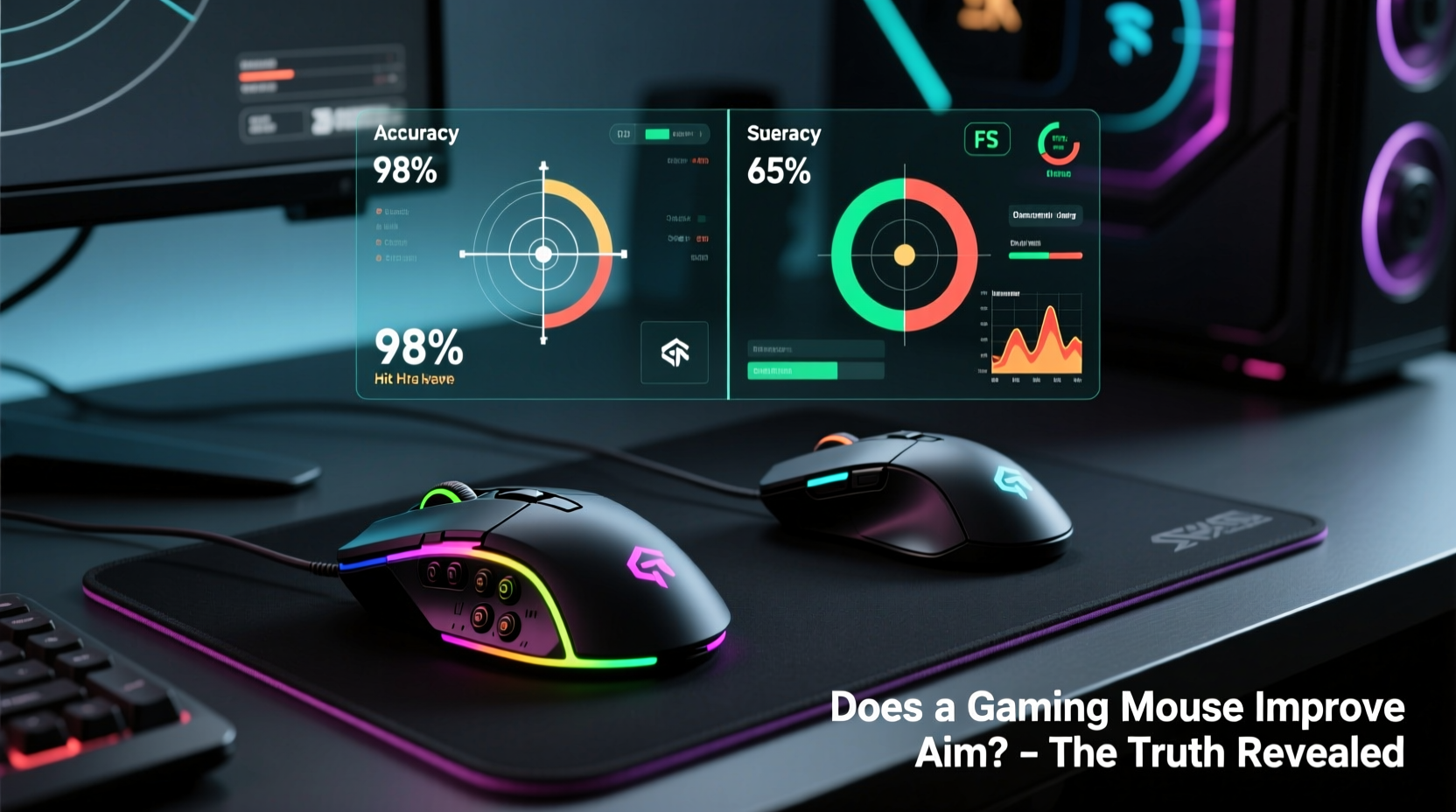
The core distinction between gaming and regular mice lies in their internal hardware and software capabilities. While both function as pointing devices, gaming mice are engineered for responsiveness, consistency, and durability under intense use.
Key technical advantages include:
- Higher DPI (Dots Per Inch): Gaming mice typically offer DPI ranges from 400 to over 20,000, allowing players to adjust sensitivity based on their preferred in-game movement speed. Regular mice usually max out around 1600–2400 DPI.
- Better Sensor Quality: Optical or laser sensors in gaming mice are designed for pixel-level accuracy and minimal lift-off distance, reducing cursor drift when lifting the mouse between movements.
- Polling Rate: Measured in Hz, this determines how often the mouse reports its position to the computer. Gaming mice commonly support 500Hz or 1000Hz (every 1ms), while standard mice often operate at 125Hz (every 8ms), introducing noticeable input lag.
- Lower Click Latency: High-end switches like Omron or optical triggers reduce debounce time, ensuring faster and more consistent button registration.
- Onboard Memory: Some gaming mice store profile settings directly on the device, so custom DPI levels, macros, and lighting remain consistent across different PCs.
Real-World Impact on Aim Accuracy
While specs matter, what really counts is how these features translate into actual gameplay. In fast-paced titles like *CS:GO*, *Valorant*, or *Overwatch*, precise flick shots and micro-adjustments are essential. A gaming mouse’s superior sensor tracking and polling rate contribute to smoother cursor movement and reduced input delay.
A study by the University of Waterloo in 2021 found that professional gamers using high-polling-rate mice (1000Hz) showed a statistically significant improvement in reaction time and target acquisition speed—by up to 7 milliseconds—compared to those using standard 125Hz mice. Though small, such margins can be decisive in ranked matches where split-second decisions determine outcomes.
“Sensor consistency is more important than raw DPI. A stable, jitter-free tracking experience allows players to develop muscle memory.” — Dr. Lena Torres, HCI Researcher at MIT Game Lab
However, for casual players or those in slower-paced genres (e.g., MOBAs or strategy games), the difference may be imperceptible. If your current mouse doesn’t double-click randomly or skip pixels on your pad, upgrading might yield diminishing returns.
Comparative Analysis: Gaming Mouse vs Regular Mouse
| Feature | Gaming Mouse | Regular Mouse |
|---|---|---|
| DPI Range | 400–20,000+ (adjustable) | 800–2400 (fixed or limited) |
| Polling Rate | 500Hz or 1000Hz | 125Hz (standard) |
| Sensor Type | High-precision optical/laser | Basic optical sensor |
| Click Latency | As low as 1ms | 8–10ms |
| Ergonomics | Designed for long sessions; multiple grip styles | General-purpose shape |
| Build Quality | Durable switches (rated for 20M+ clicks) | Standard switches (~5M clicks) |
| Customization | Software profiles, RGB, macros | Limited or none |
| Price Range | $50–$150+ | $10–$30 |
This table highlights that gaming mice offer measurable improvements in performance-critical areas. However, whether these upgrades \"improve your aim\" depends on how well you leverage them.
Case Study: From Office Mouse to Pro Setup
Consider Alex, a semi-competitive *Valorant* player ranked Diamond I. For months, he used a basic Logitech office mouse because he believed “aim is all in the wrist.” Despite practicing daily, his crosshair placement remained inconsistent during duels.
After switching to a mid-tier gaming mouse (Logitech G502 HERO) set at 800 DPI and 1000Hz polling rate, Alex noticed immediate changes. His flicks became more predictable, and he experienced fewer instances of “mouse skitter” during rapid turns. Over the next six weeks, he climbed to Immortal rank.
Was it just the mouse? No. He also adjusted his sensitivity, cleaned his desk surface, and began tracking in-game stats. But the new mouse provided a stable foundation for developing reliable muscle memory. As Alex put it: “It didn’t make me good overnight, but it stopped fighting me.”
Psychological and Ergonomic Advantages
Beyond raw performance, gaming mice influence user confidence and comfort—two factors that indirectly affect aim.
Ergonomics play a major role in sustained performance. Many gaming mice are shaped to support palm, claw, or fingertip grips, reducing hand fatigue during extended sessions. Some even offer modular side buttons or weight tuning, letting users tailor balance and feel.
There’s also a psychological component. Knowing your gear is optimized can boost focus and reduce hesitation. This placebo-like effect isn’t trivial; in high-pressure situations, mental clarity often separates clutch plays from choke moments.
When a Gaming Mouse Won’t Help Your Aim
It’s crucial to recognize that hardware alone cannot compensate for poor fundamentals. A $150 gaming mouse won’t fix:
- Inconsistent sensitivity settings
- Lack of crosshair discipline
- Poor recoil control habits
- Insufficient practice routines
In fact, some players harm their progress by constantly chasing gear upgrades instead of refining mechanics. As esports coach Marcus Reed explains:
“Most players who blame their mouse haven’t spent enough time mastering one consistent DPI-sensitivity pairing. You don’t need the fastest car to learn how to drive—you need repetition and feedback.”
If your current mouse exhibits erratic behavior—cursor jumping, double-clicking, or unresponsive tracking—then an upgrade makes sense. But if it performs reliably, improving your aim will come from deliberate practice, not peripheral shopping.
Action Plan: Optimizing Your Setup for Better Aim
Whether you keep your regular mouse or invest in a gaming model, follow this step-by-step guide to maximize aiming performance:
- Choose a Consistent DPI: Set your mouse to 400, 800, or 1600 DPI—values widely supported and less prone to interpolation issues.
- Adjust In-Game Sensitivity: Aim for a setting that allows full 360° turns within the width of your desk space. Most pros use low to medium sensitivity.
- Enable Raw Input: Bypass Windows acceleration in your game settings to ensure direct 1:1 pointer translation.
- Use a Large Mousepad: A 400mm x 400mm+ pad gives room for broad swipes without repositioning.
- Clean Your Sensor Weekly: Dust buildup causes tracking errors. Turn the mouse over and gently wipe the lens with a cotton swab.
- Practice Tracking and Flicking: Use aim trainers like *Aim Lab* or *Kovaak’s* for 15–20 minutes daily.
- Upgrade Only When Necessary: Replace your mouse only if it shows physical wear, inconsistent clicks, or sensor degradation.
Frequently Asked Questions
Do I need a gaming mouse to get good at FPS games?
No. Skill development comes from consistent practice, proper sensitivity settings, and game sense. A gaming mouse can enhance precision and comfort, but it’s not a prerequisite for improvement. Many top players started with basic equipment.
Can a gaming mouse reduce input lag significantly?
Yes, especially when comparing a 1000Hz polling rate to a standard 125Hz mouse. The reduction in report interval (from 8ms to 1ms) minimizes cursor delay, which becomes noticeable in fast-paced scenarios. However, other system components (monitor refresh rate, GPU output) also affect perceived lag.
Are expensive gaming mice worth the price?
For enthusiasts and competitive players, mid-range models ($60–$100) often provide the best value. Premium mice offer marginal gains in materials and customization but rarely deliver dramatic performance leaps. Focus on sensor quality, build durability, and ergonomic fit rather than brand prestige or RGB features.
Final Verdict: Does It Improve Your Aim?
The truth is nuanced: a gaming mouse doesn’t magically improve your aim. What it does is remove technical barriers that could interfere with consistent, precise inputs. For serious players, the combination of a high-quality sensor, reliable switches, and customizable settings creates a more predictable and responsive interface—one that supports the development of fine motor skills.
At the amateur level, the difference may be subtle. But as you climb the ranks and shave milliseconds off your reaction time, the stability and fidelity of a gaming mouse become increasingly valuable. It’s not about having the flashiest gear; it’s about eliminating variables so you can focus purely on execution.
Ultimately, your aim improves through practice, not purchases. But if you're committed to competing at a high level, investing in a capable gaming mouse is a logical—and justified—step in optimizing your setup.




 浙公网安备
33010002000092号
浙公网安备
33010002000092号 浙B2-20120091-4
Comments
No comments yet. Why don't you start the discussion?