
Walk into any electronics store or browse online retailers, and you’ll see gaming mice priced anywhere from $30 to over $200—far more than their \"regular\" counterparts. They come with flashy RGB lighting, programmable buttons, adjustable weights, and claims of “ultra-fast response times.” But do these features translate into better performance, or are they just cosmetic upgrades designed to appeal to enthusiasts?
The debate between gaming mice and regular office mice isn’t just about price or aesthetics. It’s about functionality, precision, and whether specialized hardware can genuinely influence skill-based outcomes in competitive environments. To answer this question, we need to look beyond marketing slogans and examine real-world performance, user needs, and technical specifications.
Understanding the Core Differences
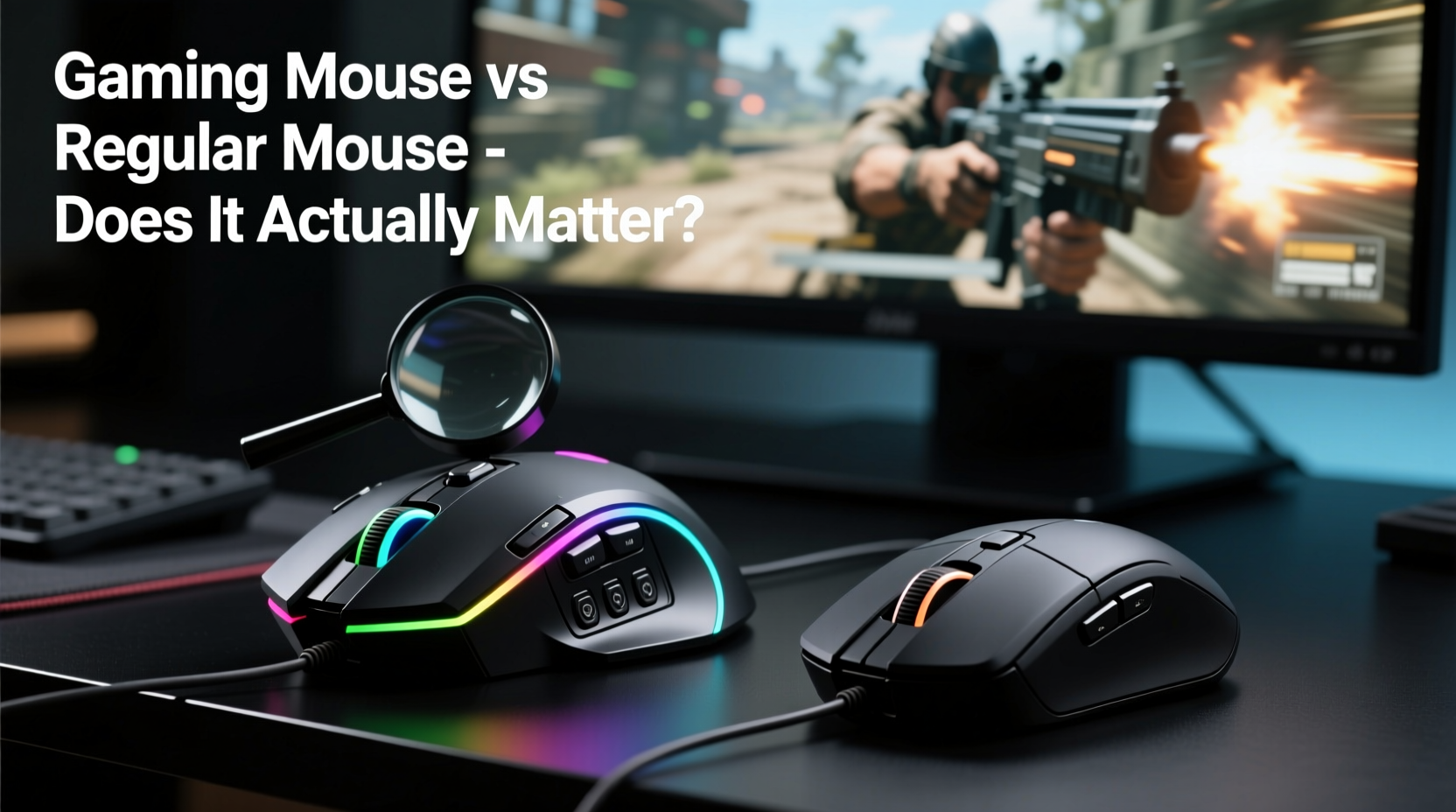
At first glance, a gaming mouse and a regular mouse may seem functionally identical: both move a cursor, click, scroll, and connect via USB or Bluetooth. However, beneath the surface, there are significant engineering distinctions that cater to different use cases.
Gaming mice are built with performance optimization in mind. They typically feature higher DPI (dots per inch) sensors, faster polling rates, mechanical switches rated for tens of millions of clicks, and on-board memory for customizable profiles. Regular mice, on the other hand, prioritize comfort, energy efficiency, and durability for everyday tasks like browsing, document editing, and light media consumption.
The key question isn’t whether gaming mice are different—it’s whether those differences matter when it comes to actual gameplay improvement.
Sensor Precision and DPI: Does Higher Always Mean Better?
DPI measures how sensitive a mouse is to movement. A standard office mouse usually has a DPI range of 800–1600, while gaming models often start at 1600 and go up to 25,600 or higher. On paper, higher DPI means smaller hand movements result in larger cursor travel across the screen.
However, professional gamers rarely use extreme DPI settings. Most competitive players in games like CS:GO, Valorant, or Overwatch use DPI settings between 400 and 1600, paired with high in-game sensitivity adjustments. The reason? Control and consistency. High DPI can make aiming jittery and less precise, especially during fine adjustments.
What matters more than maximum DPI is sensor accuracy—the ability of the mouse to track movement without acceleration, jitter, or lift-off errors. Gaming mice use advanced optical or laser sensors (like PixArt’s PMW3389 or Focus+ sensors from Logitech) that deliver consistent tracking across various surfaces, reducing input error.
Polling Rate: How Fast Is Fast Enough?
Polling rate refers to how often the mouse reports its position to the computer, measured in Hz. A standard mouse typically polls at 125Hz (once every 8ms), while gaming mice offer 500Hz, 1000Hz (1ms), or even 2000–8000Hz in premium models.
A higher polling rate reduces input lag, making cursor movement feel more responsive. In fast-paced shooters or rhythm games where split-second reactions matter, even a few milliseconds can be the difference between landing a headshot or missing entirely.
But diminishing returns kick in quickly. Moving from 125Hz to 1000Hz provides a noticeable improvement. Going from 1000Hz to 8000Hz offers minimal real-world benefit for most users and increases CPU overhead slightly. Unless you’re competing at a professional level with optimized hardware, 1000Hz is more than sufficient.
Mechanical Advantages That Matter
Beyond raw specs, gaming mice incorporate design elements aimed at enhancing responsiveness and durability:
- High-quality switches: Omron or Kailh microswitches rated for 50–70 million clicks ensure longevity and consistent actuation force.
- Programmable buttons: Extra side buttons allow quick access to macros, weapon swaps, or communication shortcuts in MMOs or MOBAs.
- Ergonomic designs: Right-handed, ambidextrous, or vertical grips tailored to specific grip styles (palm, claw, fingertip).
- Onboard memory: Save profile settings directly on the mouse, useful when switching computers or playing in tournaments.
These features don’t just enhance convenience—they reduce cognitive load and physical strain during extended sessions. For example, having a dedicated button for push-to-talk in team-based shooters eliminates the need to reach for the keyboard, keeping hands focused on movement and aiming.
“Input consistency is critical under pressure. A reliable switch and stable sensor give players confidence in their actions.” — Daniel Ruiz, Esports Hardware Analyst at TechArena Pro
Real-World Impact: Does It Improve Gameplay?
To assess whether gaming mice actually improve performance, consider two factors: measurable gains and perceptible advantages.
In controlled tests using reaction time software and FPS aim trainers, gamers using high-polling-rate mice with accurate sensors showed an average reduction of 4–7ms in click registration time compared to basic office mice. While this seems negligible, over hundreds of inputs in a match, it accumulates into smoother, more responsive control.
Perceptibly, many users report increased confidence and fluidity when upgrading from a low-end mouse. This isn’t placebo alone; it stems from reduced double-click issues, consistent drag tracking, and tactile feedback that supports rapid clicking (e.g., in games requiring rapid-fire weapons).
Mini Case Study: From Office Mouse to Pro Setup
Mark, a casual League of Legends player, used a generic wireless office mouse for two years. He struggled with missed skill shots and inconsistent champion control. After switching to a mid-tier gaming mouse (DPI: 1200, polling rate: 1000Hz, ergonomic right-hand design), he noticed immediate improvements in spell accuracy and last-hitting consistency.
Within three weeks, his KDA improved by 1.2 points, and he climbed two ranked tiers. Was it solely the mouse? No—but combined with practice, the enhanced precision and button layout allowed him to execute mechanics more reliably. His old mouse had inconsistent scroll wheel detection and delayed left-click responses, which disrupted timing during crucial moments.
This illustrates a broader truth: while a gaming mouse won’t turn an amateur into a pro overnight, removing technical friction allows existing skills to shine through more consistently.
When a Gaming Mouse Isn’t Worth It
Despite their advantages, gaming mice aren’t universally superior. There are scenarios where they offer little benefit—or even drawbacks.
| Situation | Regular Mouse Advantage | Gaming Mouse Drawback |
|---|---|---|
| Casual browsing/email | Energy efficient, quiet clicks | Overkill features, shorter battery life (wireless) |
| Travel or portability | Compact, lightweight | Bulkier, often requires drivers/software |
| Non-gaming productivity | Smooth scrolling, plug-and-play | Aggressive grip textures, stiff buttons |
| Budget constraints | $10–$20 options widely available | Premium pricing for marginal gains |
If you play games casually—once or twice a week, mostly single-player titles—a $40 gaming mouse may not provide enough return on investment. Similarly, if you value silence and subtlety over performance, the loud clicks and glowing LEDs might be more distracting than helpful.
How to Choose the Right Mouse for Your Needs
Selecting between a gaming and regular mouse should depend on your usage patterns, budget, and expectations. Follow this checklist to make an informed decision:
Checklist: Choosing Between Gaming and Regular Mice
- ✅ Are you playing fast-paced, competitive games (FPS, MOBA, RTS)? → Lean toward gaming mouse.
- ✅ Do you experience input lag or missed clicks with your current mouse? → Upgrade could help.
- ✅ Do you want programmable buttons for macros or shortcuts? → Gaming mouse required.
- ✅ Is battery life or portability a priority? → Regular or hybrid model may be better.
- ✅ Are you on a tight budget? → A quality $20–$30 gaming mouse outperforms most office models.
- ✅ Do you play only occasional single-player games? → Regular mouse likely sufficient.
You don’t need the most expensive model to gain benefits. Mid-range gaming mice (e.g., Logitech G203, Razer Basilisk X, SteelSeries Rival 3) offer excellent sensors, 1000Hz polling, and durable construction under $50.
Frequently Asked Questions
Do I need a gaming mouse for non-competitive games?
Not necessarily. For slower-paced games like RPGs, simulation, or adventure titles, a regular mouse works perfectly well. However, if you appreciate better build quality and smoother tracking, a budget gaming mouse can still enhance the experience.
Can a gaming mouse improve my aim?
Indirectly, yes. A gaming mouse doesn’t teach you how to aim, but it removes inconsistencies like acceleration, jitter, or delayed clicks that can interfere with muscle memory development. Pair it with deliberate practice, and you’ll notice cleaner execution over time.
Are wireless gaming mice as good as wired ones?
Modern wireless gaming mice (e.g., Logitech Lightspeed, Razer HyperSpeed) now match wired models in latency and reliability thanks to 2.4GHz connections and improved power management. Some pros even use them in tournaments. Just ensure strong battery life and low interference.
Conclusion: Performance Tool or Overpriced Gadget?
The truth lies in context. A gaming mouse is not a magic wand that instantly boosts skill. But for serious or competitive players, it functions as a precision instrument—refining input accuracy, reducing mechanical failure, and supporting complex interactions through customization.
For casual users, the benefits are less pronounced. Yet even then, upgrading from a worn-out office mouse to an affordable gaming model can revitalize your computing experience, not just in games but in daily navigation and productivity.
Ultimately, a gaming mouse isn't just for show—but it shouldn’t be bought blindly either. Evaluate your needs, test what feels comfortable, and invest where it counts. When chosen wisely, a gaming mouse becomes less of a luxury and more of a logical upgrade for anyone who values responsiveness and reliability.




 浙公网安备
33010002000092号
浙公网安备
33010002000092号 浙B2-20120091-4
Comments
No comments yet. Why don't you start the discussion?