
For competitive gamers, especially those immersed in fast-paced first-person shooters (FPS) like Counter-Strike, Valorant, or Call of Duty, every millisecond counts. Precision, responsiveness, and control are not just preferences—they're requirements. One of the most debated topics in this space is whether switching from a regular office mouse to a dedicated gaming mouse genuinely improves aim. The answer isn't as simple as \"yes\" or \"no,\" but understanding the technical and ergonomic distinctions reveals where performance gains truly come from.
Key Differences Between Gaming and Regular Mice
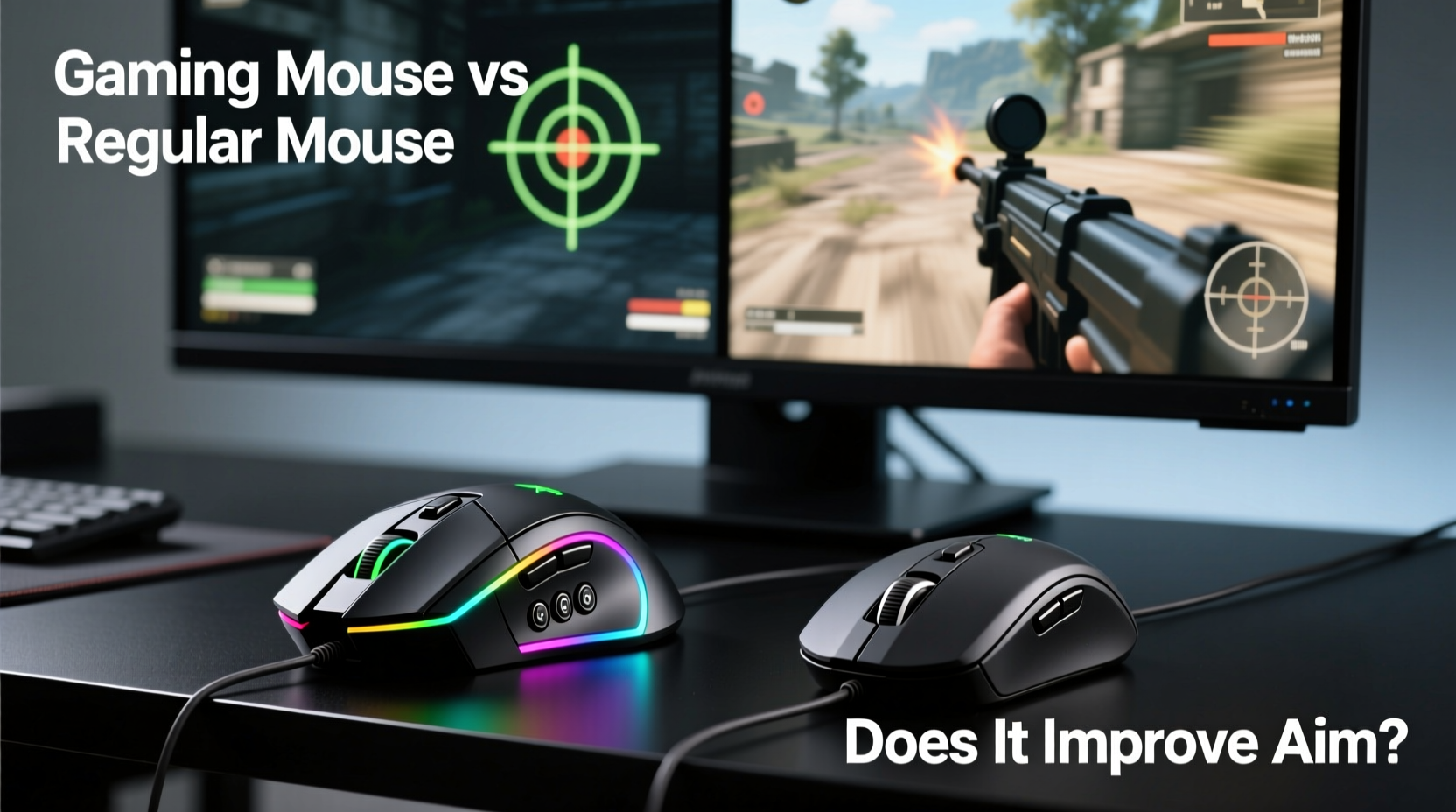
At first glance, a gaming mouse might look like an overdesigned version of a standard mouse—more buttons, flashy lights, heavier weight. But beneath the surface, there are meaningful engineering choices that directly impact performance in high-stakes gaming scenarios.
- Sensor Quality: Gaming mice use advanced optical or laser sensors with higher DPI (dots per inch) ranges and better tracking accuracy. This allows for smoother cursor movement and pixel-level precision.
- Polling Rate: Measured in Hz, this determines how often the mouse reports its position to the computer. Standard mice typically operate at 125Hz (once every 8ms), while gaming models offer 500Hz, 1000Hz, or even higher—reducing input lag significantly.
- Build Materials: Gaming mice are built for durability, often rated for tens of millions of clicks. They use higher-grade switches and reinforced cables (or wireless tech with low latency).
- Ergonomics and Weight: Designed for extended use, many gaming mice offer customizable weights and grip styles (palm, claw, fingertip) to suit individual preferences.
- Onboard Memory & Customization: Advanced models allow saving DPI settings, button macros, and lighting profiles directly on the mouse, ensuring consistency across different systems.
How Mouse Performance Impacts FPS Aim Accuracy
In FPS games, aiming relies heavily on muscle memory, hand-eye coordination, and consistent input delivery. A mouse influences all three. Let’s break down the key factors:
DPI and Sensitivity: Finding the Sweet Spot
DPI measures how far your cursor moves on-screen relative to physical mouse movement. Higher DPI means less physical motion is needed to traverse the screen. However, too high a DPI can reduce fine motor control—critical when flicking between targets or making micro-adjustments during recoil control.
Most professional FPS players use DPI settings between 400 and 1600, favoring lower values paired with higher in-game sensitivity for balance. Gaming mice excel here by offering precise, adjustable DPI steps (e.g., 400, 800, 1600) and on-the-fly switching via dedicated buttons.
Polling Rate and Latency Reduction
A 1000Hz polling rate means the mouse sends data to your PC every 1ms, compared to 8ms on a standard 125Hz mouse. In theory, this reduces perceived delay between hand movement and on-screen response. While human reaction time averages around 200ms, reducing system-level latency—even by fractions—can enhance fluidity and confidence in tracking fast-moving enemies.
This becomes particularly noticeable in high-refresh-rate setups (144Hz+ monitors). On such displays, smoother frame delivery pairs well with responsive peripherals. A regular mouse may introduce subtle stutter or delay that disrupts rhythm.
Lift-Off Distance and Sensor Consistency
Gaming mice typically feature adjustable lift-off distance—the height at which the sensor stops tracking when you lift the mouse. Lower settings prevent unintended cursor jumps during quick repositioning, crucial for drag-based aiming techniques used in games like CS2 or Apex Legends.
Additionally, high-end sensors maintain consistent tracking across various surfaces, minimizing acceleration errors—a phenomenon where the cursor moves faster than intended due to inconsistent surface detection. Regular mice often lack calibration options and exhibit erratic behavior on non-mousepad surfaces.
“Sensor consistency is more important than raw DPI numbers. Pros don’t win because they have 32,000 DPI; they win because their mouse behaves predictably every single time.” — David “ZyW” Kim, Esports Peripheral Analyst
Real-World Impact: Does It Actually Improve Aim?
The short answer: yes—but only if used correctly. A gaming mouse doesn’t automatically make you a better shooter. Instead, it removes technical limitations that could hinder improvement.
Consider two players with identical skill levels using different mice. The player with a gaming mouse benefits from:
- More reliable click registration under rapid fire (important for burst shots).
- Better recoil control due to stable tracking during sustained sprays.
- Faster target acquisition thanks to customizable DPI stages.
- Improved comfort during long sessions, reducing fatigue-induced inaccuracies.
However, these advantages are marginal without proper setup. For example, using a 1600 DPI setting with a 2.5 in-game sensitivity might force excessive wrist movement, slowing down reactions. Conversely, overly low sensitivity may limit peripheral awareness.
Mini Case Study: From Office Mouse to Tournament Setup
Take Alex, a semi-competitive Valorant player ranked Diamond. He trained daily using a basic Logitech office mouse, struggling with inconsistent headshot placement despite hours of aim drills. After switching to a lightweight gaming mouse (Logitech G Pro X Superlight) set at 800 DPI and 800 in-game sensitivity, he noticed immediate improvements:
- Reduced jitter during long-range engagements.
- More accurate spray patterns due to stable sensor behavior.
- Less hand strain after multi-hour scrims.
Over six weeks, his K/D ratio improved by 27%, and he credited part of the gain to hardware consistency. His coach emphasized that the change didn’t make him better overnight—it removed variables that were masking his true potential.
Comparison Table: Gaming Mouse vs Regular Mouse
| Feature | Gaming Mouse | Regular Mouse |
|---|---|---|
| DPI Range | 400–32,000 (adjustable) | 400–1600 (fixed or limited) |
| Polling Rate | 500–8000 Hz | 125 Hz |
| Sensor Type | High-precision optical/laser (PixArt sensors common) | Basic optical sensor |
| Click Latency | As low as 0.1ms (wired/wireless) | ~8–16ms |
| Build Durability | 50M+ clicks (Omron/Geek switches) | 5M–10M clicks |
| Ergonomic Design | Tailored for grip styles, often ambidextrous or right-handed | Generic shape for general use |
| Customization | RGB lighting, programmable buttons, onboard profiles | None or minimal |
| Price Range | $40–$180+ | $10–$40 |
This table illustrates why gaming mice are purpose-built tools. While a regular mouse suffices for browsing or productivity, it lacks the refinement needed for competitive FPS environments.
Actionable Checklist: Upgrading Your Aim with the Right Mouse
If you're considering a switch, follow this checklist to maximize the benefit:
- Assess Your Grip Style: Determine whether you use palm, claw, or fingertip grip to select a compatible mouse shape.
- Set Realistic DPI: Start with 400–1600 DPI and adjust based on monitor size and resolution.
- Match In-Game Sensitivity: Use community-recommended eDPI (DPI × in-game sens) ranges for your game (e.g., 400–1200 eDPI in CS2).
- Disable Enhance Pointer Precision: This Windows feature adds acceleration, disrupting muscle memory.
- Use a Consistent Surface: Pair your mouse with a quality mousepad—cloth, hybrid, or hard—depending on glide preference.
- Test Multiple Models: Try different weights and shapes before committing (many brands offer trial programs).
- Update Firmware: Keep your mouse drivers and software up to date for optimal performance.
Common Misconceptions About Gaming Mice
Despite growing popularity, several myths persist:
- \"Higher DPI = Better Aim\": Not true. Excessive DPI sacrifices control. Precision matters more than speed.
- \"All Gaming Mice Are Heavy\": Modern trends favor lightweight designs (under 60g) for faster flicks and reduced fatigue.
- \"Wireless Means Lag\": Top-tier wireless gaming mice now match wired performance with sub-1ms latency.
- \"You Need RGB Lighting\": Purely aesthetic. No performance benefit, though some find visual feedback helpful.
FAQ: Common Questions About Gaming Mice and Aim
Do I need a gaming mouse to get good at FPS games?
No, skill comes from practice, game sense, and consistency. However, a gaming mouse removes technical barriers that can slow progress. Once you reach intermediate levels, upgrading makes a noticeable difference.
Can a gaming mouse help with recoil control?
Indirectly. The mouse itself doesn’t stabilize recoil, but superior tracking and lower latency allow for more accurate manual compensation. Combined with proper crosshair placement and timing, it enhances overall weapon handling.
Is wireless worth it for competitive FPS?
Yes, modern wireless gaming mice (e.g., Logitech Lightspeed, Razer HyperSpeed) offer near-zero latency and strong battery life. Many pros now use wireless models exclusively for cleaner desk setups and unrestricted movement.
Conclusion: Tools Enable Mastery, But Practice Builds It
A gaming mouse versus a regular mouse does improve aim in first-person shooters—but not magically. The enhancement lies in consistency, responsiveness, and customization. These factors create a stable foundation upon which skill can grow. Think of it like upgrading from running shoes to sprint spikes: both get you from point A to B, but one is engineered for peak performance under pressure.
The best gear won’t replace deliberate practice, aim training routines, or map knowledge. But when combined, they form a powerful synergy. If you’re serious about improving in FPS titles, investing in a quality gaming mouse is one of the most cost-effective upgrades available—provided you also refine your technique and settings.




 浙公网安备
33010002000092号
浙公网安备
33010002000092号 浙B2-20120091-4
Comments
No comments yet. Why don't you start the discussion?