
When building or upgrading a gaming setup, one of the most common questions is whether investing in a gaming mouse actually improves performance—especially in fast-paced first-person shooter (FPS) games like Counter-Strike, Valorant, or Call of Duty. Many players assume that a high-end gaming mouse will directly increase their frames per second (FPS), giving them a competitive edge. But the truth is more nuanced. A gaming mouse doesn’t boost your system’s frame rate, but it can significantly enhance precision, responsiveness, and control—factors that contribute to better in-game performance. Let’s explore what sets gaming mice apart, how they influence gameplay, and whether the upgrade is worth it.
Understanding FPS: Frame Rate vs. Performance
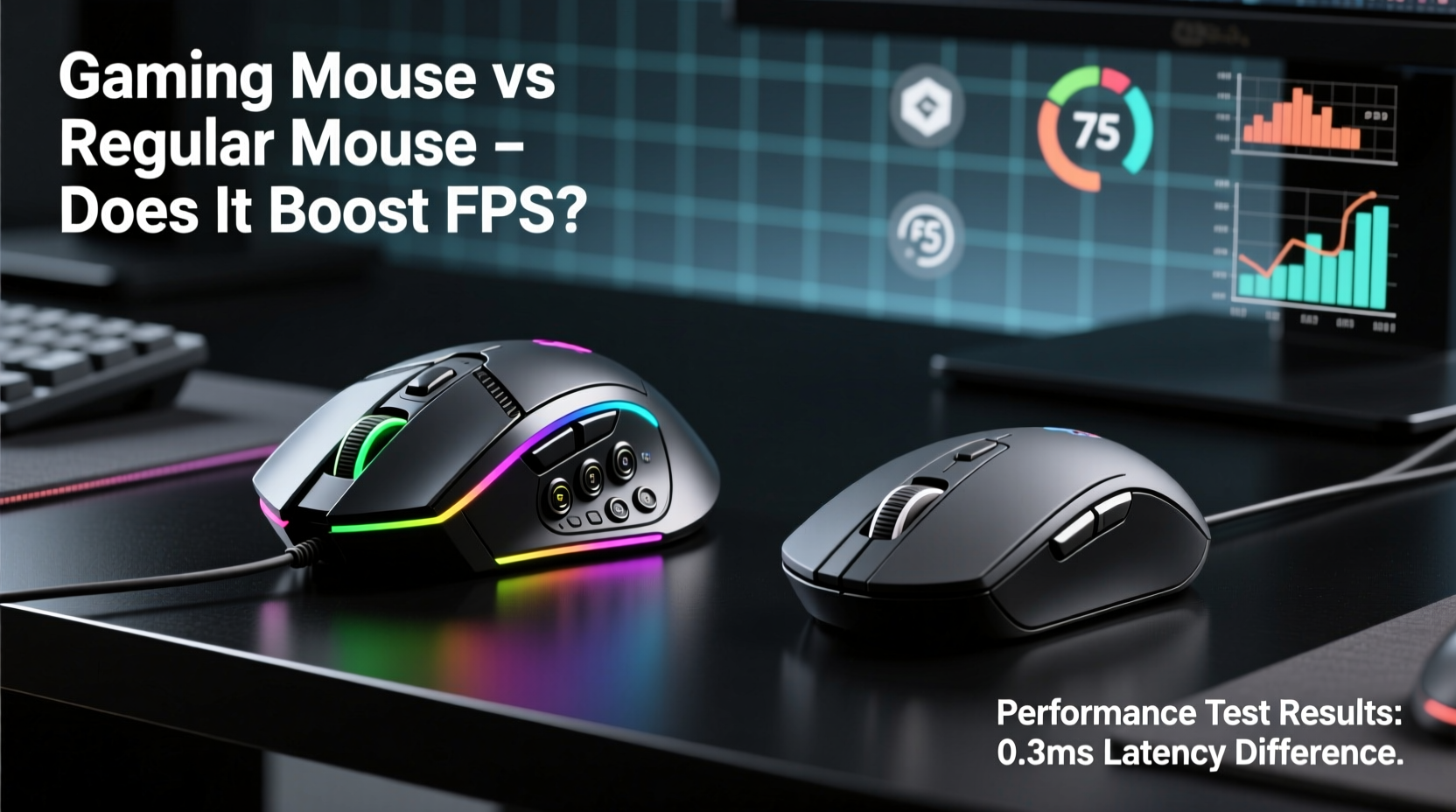
Before diving into hardware comparisons, it's crucial to clarify a widespread misconception: a gaming mouse does not increase your computer’s FPS (frames per second). FPS refers to how many images your graphics card renders each second. This number depends entirely on your GPU, CPU, RAM, game optimization, and display settings—not your mouse.
However, when gamers say “FPS performance,” they often mean performance *in* FPS games—their ability to aim accurately, react quickly, and track targets smoothly. In this context, a gaming mouse can indeed make a noticeable difference. It won’t render more frames, but it helps you take full advantage of the ones you have.
Key Differences Between Gaming and Regular Mice
Gaming mice are engineered for precision, durability, and customization. While a standard office mouse may suffice for browsing or document work, it lacks the features needed for competitive gaming. Here’s a breakdown of the core differences:
| Feature | Gaming Mouse | Regular Mouse |
|---|---|---|
| Sensor Quality | Laser or high-DPI optical sensors (up to 26,000 DPI) | Basic optical sensor (usually 800–1600 DPI) |
| Polling Rate | Up to 1000 Hz (1ms response time) | 125 Hz (8ms response time) |
| Switch Durability | Mechanical switches rated for 20M–70M clicks | Standard switches (1M–5M clicks) |
| Customization | Programmable buttons, RGB lighting, onboard memory | Few or no programmable options |
| Ergonomics & Weight | Designed for long sessions; adjustable weight | Generic shape; lightweight plastic |
| Cable/Connectivity | Braided cables, low-latency wireless options | Thin cables or basic Bluetooth |
The higher DPI (dots per inch) allows for faster cursor movement without lifting the mouse, while a high polling rate ensures your movements are registered almost instantly. These factors don’t change your PC’s frame output, but they reduce input lag—critical in split-second aiming scenarios.
How a Gaming Mouse Enhances FPS Gameplay
In fast-paced shooters, milliseconds matter. The difference between landing a headshot and missing entirely can come down to tracking smoothness and button response time. A gaming mouse improves several aspects of player input:
- Lower Input Lag: With a 1000Hz polling rate, your mouse reports its position 1,000 times per second versus just 125 times on a regular mouse. This means less delay between hand movement and on-screen action.
- Better Tracking Accuracy: High-end optical sensors minimize acceleration errors and surface interference, providing consistent 1:1 tracking essential for flick shots and recoil control.
- Improved Button Response: Mechanical switches in gaming mice actuate faster and last longer than the rubber domes found in standard mice.
- Ergonomic Design: Shaped for extended use, gaming mice reduce hand fatigue during long sessions, helping maintain focus and motor control.
“Input consistency is as critical as visual clarity in competitive gaming. A reliable mouse ensures your actions translate exactly as intended.” — Marcus Lin, Esports Hardware Analyst at GameTech Review
While these improvements don’t boost your monitor’s refresh rate or your GPU’s rendering speed, they allow you to fully utilize the performance your system already delivers.
Real-World Example: Competitive Player Upgrade
Consider Alex, a semi-competitive Valorant player using a $15 office mouse. Despite achieving stable 144 FPS on his mid-range rig, he struggled with inconsistent crosshair placement and missed flick shots. After switching to a mid-tier gaming mouse (Logitech G502 HERO) with 16,000 DPI and 1000Hz polling, he noticed immediate improvements:
- Reduced double-click issues during rapid fire.
- Smoother drag movements when tracking enemies.
- More confidence in micro-adjustments due to precise sensor behavior.
His K/D ratio improved by 22% over the next month—not because his PC ran faster, but because his inputs became more accurate and predictable. He attributed much of this gain to the tactile feedback and reduced input latency of the gaming mouse.
Do You Need a Gaming Mouse for Better FPS Performance?
The answer depends on your goals. Casual players who enjoy occasional matches may not notice a significant difference. However, for anyone serious about improving aim, reaction time, or consistency in shooters, a gaming mouse offers tangible benefits.
It’s also important to pair the right mouse with proper settings. A high-DPI mouse used at maximum sensitivity can lead to overshooting targets. Most professional FPS players use DPI settings between 400 and 1600, relying on arm-based aiming rather than wrist flicks. The key is balance: hardware that supports precision, combined with technique that maximizes control.
Checklist: Is a Gaming Mouse Right for You?
- ✅ Do you play fast-paced FPS or competitive multiplayer games regularly?
- ✅ Are you frustrated by unresponsive clicks or cursor jitter?
- ✅ Do you want more customizable controls (e.g., macros, side buttons)?
- ✅ Are you experiencing hand fatigue after long gaming sessions?
- ✅ Have you maxed out other aspects of your setup (GPU, monitor, keyboard)?
If you answered yes to two or more, upgrading to a gaming mouse is likely a worthwhile investment.
Common Myths About Gaming Mice and FPS
Despite growing awareness, several myths persist about how gaming mice affect performance:
- Myth: Gaming mice increase FPS.
Reality: They do not affect frame rendering. Any perceived smoothness comes from reduced input lag, not higher FPS. - Myth: Higher DPI always means better performance.
Reality: Excessively high DPI reduces control. Most pros use moderate DPI with low in-game sensitivity. - Myth: All gaming mice are the same.
Reality: Sensor quality, switch type, weight distribution, and grip style vary widely. Choosing the right fit matters. - Myth: Wireless gaming mice have too much latency.
Reality: Modern wireless models (e.g., Logitech Lightspeed, Razer HyperSpeed) offer sub-1ms latency, matching wired performance.
Understanding these misconceptions helps set realistic expectations. A gaming mouse isn’t magic—it’s a tool designed to complement skill and hardware.
Step-by-Step Guide to Optimizing Your Mouse for FPS Games
To get the most out of your gaming mouse, follow this optimization process:
- Choose the Right Grip Style: Determine if you use palm, claw, or fingertip grip, then select a mouse shape that supports it.
- Set Appropriate DPI: Start with 800 DPI and test in-game. Adjust up or down based on how much desk space you need for 180-degree turns.
- Adjust In-Game Sensitivity: Lower in-game sensitivity promotes precision. Aim for a setting where small hand movements result in fine crosshair adjustments.
- Disable Mouse Acceleration: Ensure Windows and in-game pointer settings have acceleration turned off for consistent 1:1 tracking.
- Use Manufacturer Software: Install drivers (e.g., Logitech G Hub, Razer Synapse) to customize buttons, lighting, and profiles.
- Test and Refine: Spend time in aim trainers (like Aim Lab or Kovaak’s) to evaluate tracking, comfort, and responsiveness.
This structured approach ensures your mouse works *with* your playstyle, not against it.
Frequently Asked Questions
Can a gaming mouse improve my aim in FPS games?
Yes—but indirectly. It provides more consistent tracking, faster click registration, and better ergonomics, all of which support improved aim over time. However, muscle memory and practice remain the primary factors in accuracy.
Is a wireless gaming mouse as good as a wired one for FPS?
Modern wireless gaming mice using technologies like Logitech Lightspeed or Razer HyperSpeed offer latency as low as 1ms, making them virtually indistinguishable from wired models in performance. Battery life and build quality should be considered, but lag is no longer a valid concern.
Do expensive gaming mice guarantee better results?
Not necessarily. While premium models often feature superior sensors and materials, even budget gaming mice (e.g., Redragon M612, Logitech G203) outperform most regular mice. Value, comfort, and compatibility matter more than price alone.
Conclusion: Precision Over Hype
A gaming mouse won’t magically boost your FPS count, but it plays a vital role in translating your skills into on-screen results. By reducing input lag, improving tracking fidelity, and offering greater durability and customization, it becomes an extension of your intent—especially in high-stakes FPS environments where timing and precision define victory.
The real performance boost comes not from specs alone, but from the synergy between responsive hardware and refined technique. If you're committed to leveling up your gameplay, upgrading from a regular mouse to a well-chosen gaming model is one of the most cost-effective steps you can take.




 浙公网安备
33010002000092号
浙公网安备
33010002000092号 浙B2-20120091-4
Comments
No comments yet. Why don't you start the discussion?