
In an age where technology blurs the line between work and play, many users find themselves wondering: is investing in a gaming mouse worth it for everyday computer use? While gaming mice are marketed with high DPI (dots per inch), customizable buttons, and flashy RGB lighting, the core question remains—does the higher sensitivity actually improve productivity, precision, or comfort during routine activities like browsing, document editing, or media consumption?
The answer isn’t as straightforward as “yes” or “no.” Sensitivity, often referred to as DPI, affects how far your cursor moves on screen relative to physical hand movement. But beyond raw numbers, real-world utility depends on software integration, ergonomic design, personal preference, and usage context. This article explores the tangible differences between gaming and regular mice, focusing specifically on whether heightened sensitivity delivers measurable benefits outside of gaming environments.
Understanding DPI and Mouse Sensitivity
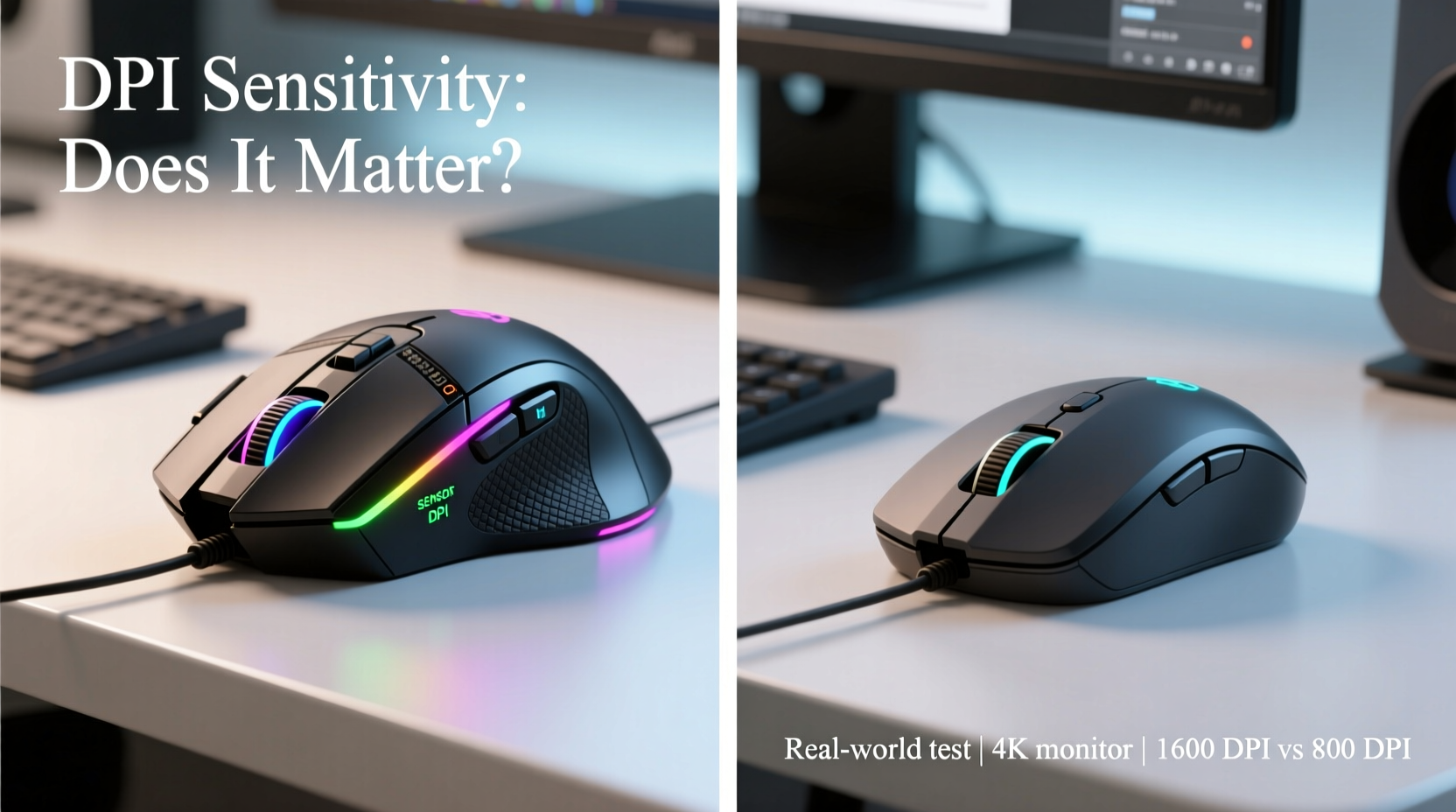
DPI measures how sensitive a mouse is to movement. A 400 DPI mouse moves the cursor 400 pixels for every inch of physical motion. Higher DPI values—commonly ranging from 1600 to 16,000+ in gaming models—allow for faster cursor travel with minimal hand movement. Most standard office mice operate between 800 and 1600 DPI, which is sufficient for general computing.
However, sensitivity settings are not just about speed. They also influence control and precision. For instance, a graphic designer might prefer lower DPI for fine adjustments in image editing, while someone using multiple monitors may benefit from higher DPI to quickly traverse large desktop spaces.
It’s important to distinguish between hardware DPI and software sensitivity. Operating systems like Windows and macOS allow users to adjust pointer speed independently of the mouse’s native DPI. This means that even with a low-DPI mouse, you can increase cursor speed through system settings—though this interpolation can sometimes lead to less accurate tracking compared to true hardware-level DPI adjustments.
Performance in Daily Tasks: Real-World Scenarios
To assess whether gaming mouse sensitivity enhances non-gaming workflows, let’s examine several common activities.
Browsing and Email Management
For typical internet use—scrolling through articles, clicking links, managing tabs—the difference between a 1200 DPI office mouse and a 3200 DPI gaming model is negligible. Most users adapt quickly to their preferred pointer speed via OS settings. However, users with limited desk space may appreciate the ability to cover more screen area with shorter movements, especially when running high-resolution displays.
Document Editing and Spreadsheets
Precision matters here. Selecting specific cells in Excel or placing the cursor accurately within dense text requires steady control. Ironically, many professionals find that too-high DPI makes micro-movements harder to manage. Gamers often lower their DPI for better aim; similarly, office workers may benefit from reducing sensitivity to enhance accuracy during detailed tasks.
Graphic Design and Photo Editing
Creative professionals demand both speed and precision. A gaming mouse with adjustable DPI profiles can shine in this context. Switching between a high-DPI mode for navigating large canvases and a low-DPI mode for brushwork or selection tools offers flexibility unmatched by basic mice. Additionally, extra programmable buttons can be assigned to shortcuts (e.g., undo, zoom), streamlining workflow.
Video Conferencing and Presentations
During screen sharing or remote meetings, smooth cursor movement improves professionalism. Some gaming mice offer polling rate options (measured in Hz), which determine how often the mouse reports position to the computer. A 1000Hz polling rate (1ms response) reduces lag compared to standard 125Hz mice, resulting in smoother visuals—especially noticeable on large external monitors.
“While gaming mice are engineered for responsiveness, their advanced sensor technology can translate into cleaner, more consistent tracking during professional tasks.” — Dr. Alan Torres, Human-Computer Interaction Researcher at MIT Media Lab
Comparative Analysis: Gaming vs Regular Mice
| Feature | Gaming Mouse | Regular Mouse |
|---|---|---|
| DPI Range | 800–16,000+ | 800–1600 |
| Polling Rate | 500–1000Hz | 125Hz |
| Programmable Buttons | 5–12+ | 1–3 |
| Ergonomic Design | Often optimized for grip styles | Generic shape, one-size-fits-all |
| Build Quality | Reinforced switches, durable materials | Adequate for light-to-moderate use |
| Price Range | $40–$150+ | $10–$40 |
| Onboard Memory | Common (saves profiles) | Rare |
The table illustrates that gaming mice outperform regular mice across nearly every technical metric. Yet, superiority doesn’t always equate to necessity. For users whose primary needs involve email, word processing, and light multimedia, these advantages may go unused. Conversely, power users—such as programmers, designers, or data analysts—may find long-term value in features like macro keys, customizable weight, and precise sensor calibration.
Mini Case Study: From Office Worker to Hybrid User
Sophie Chen, a technical writer based in Seattle, upgraded from a standard Logitech wireless mouse to a mid-tier gaming model after experiencing wrist fatigue and imprecise selections during documentation reviews. Her new mouse offered adjustable DPI (ranging from 800 to 3200), side buttons for copy/paste, and a contoured ergonomic shape.
Initially skeptical, Sophie found that lowering her DPI to 1200 improved control when highlighting code snippets. She programmed one side button to open her reference manager and another to toggle between virtual desktops. Over time, she reported a 15% reduction in repetitive strain symptoms and faster navigation across dual monitors.
“I didn’t buy it for gaming,” she said. “But the customization made my daily workflow feel more fluid. It’s like going from a flip phone to a smartphone—you don’t realize what you were missing until you have it.”
When High Sensitivity Becomes a Liability
Despite the allure of ultra-responsive tracking, excessive sensitivity can hinder rather than help. Users accustomed to high DPI often struggle with overshooting targets, jittery cursor behavior, or difficulty performing delicate actions like resizing windows or drawing shapes.
This phenomenon is particularly evident among new adopters who max out their DPI without adjusting operating system settings accordingly. The combination of high hardware sensitivity and boosted software speed results in erratic movement, undermining the very efficiency users seek.
Moreover, some budget gaming mice advertise extreme DPI figures but lack sensor consistency. At higher ranges, these sensors may exhibit acceleration (where cursor speed changes unpredictably) or pixel skipping, degrading performance instead of enhancing it.
Actionable Checklist: Choosing the Right Mouse for Your Workflow
- Evaluate your primary tasks: Are you mostly typing, designing, coding, or multitasking across apps?
- Assess your workspace: Limited desk area favors higher DPI; ample room allows for lower sensitivity and greater precision.
- Test ergonomics: Hold the mouse in your dominant grip style (palm, claw, fingertip) to check comfort over extended periods.
- Check software compatibility: Ensure driver support exists for your OS (Windows, macOS, Linux).
- Look for DPI adjustment: Prefer models with physical DPI buttons for quick switching.
- Consider build longevity: Mechanical switches rated for 20M+ clicks last significantly longer than generic components.
- Avoid overspending on unused features: RGB lighting and onboard memory add cost but little utility for non-gamers.
Frequently Asked Questions
Can a gaming mouse improve productivity?
Yes, but selectively. Features like programmable buttons, precise sensors, and ergonomic designs can streamline workflows for power users. However, casual users may not notice significant gains unless they engage in complex multitasking or creative work.
Is high DPI necessary for dual monitor setups?
Not strictly necessary, but beneficial. Higher DPI allows quicker traversal across wide desktop spans without constant repositioning. That said, optimizing display arrangement and using keyboard shortcuts (e.g., Win + Left/Right) often provides similar efficiency.
Do gaming mice wear out faster due to heavy use?
Generally, no. Most gaming mice are built with durability in mind, featuring mechanical switches and reinforced scroll wheels. In fact, they often outlast standard mice under comparable usage conditions.
Conclusion: Does Sensitivity Really Matter?
The sensitivity advantage of gaming mice does make a difference—but only under specific circumstances. For the average user performing routine digital tasks, a well-calibrated regular mouse paired with proper system settings performs admirably. There’s no compelling reason to upgrade solely for higher DPI.
However, individuals working with high-resolution screens, engaging in detail-oriented projects, or seeking enhanced customization will likely benefit from the superior sensors, build quality, and feature sets of gaming-grade peripherals. The key lies not in chasing maximum DPI, but in matching mouse capabilities to actual workflow demands.
Rather than viewing gaming mice as niche tools for enthusiasts, consider them specialized instruments—one that, when properly configured, can elevate everyday computing from functional to frictionless.




 浙公网安备
33010002000092号
浙公网安备
33010002000092号 浙B2-20120091-4
Comments
No comments yet. Why don't you start the discussion?