
For years, gamers have debated whether a gaming mouse offers tangible advantages over a regular office mouse—especially when it comes to speed and precision. One of the most commonly cited features is sensitivity, often measured in DPI (dots per inch). But does higher sensitivity actually make you faster? And is a gaming mouse truly superior for performance, or is it just marketing hype? The answer lies not in specs alone, but in how those specs interact with human physiology, software, and real-world use cases.
The Science Behind Mouse Sensitivity (DPI)
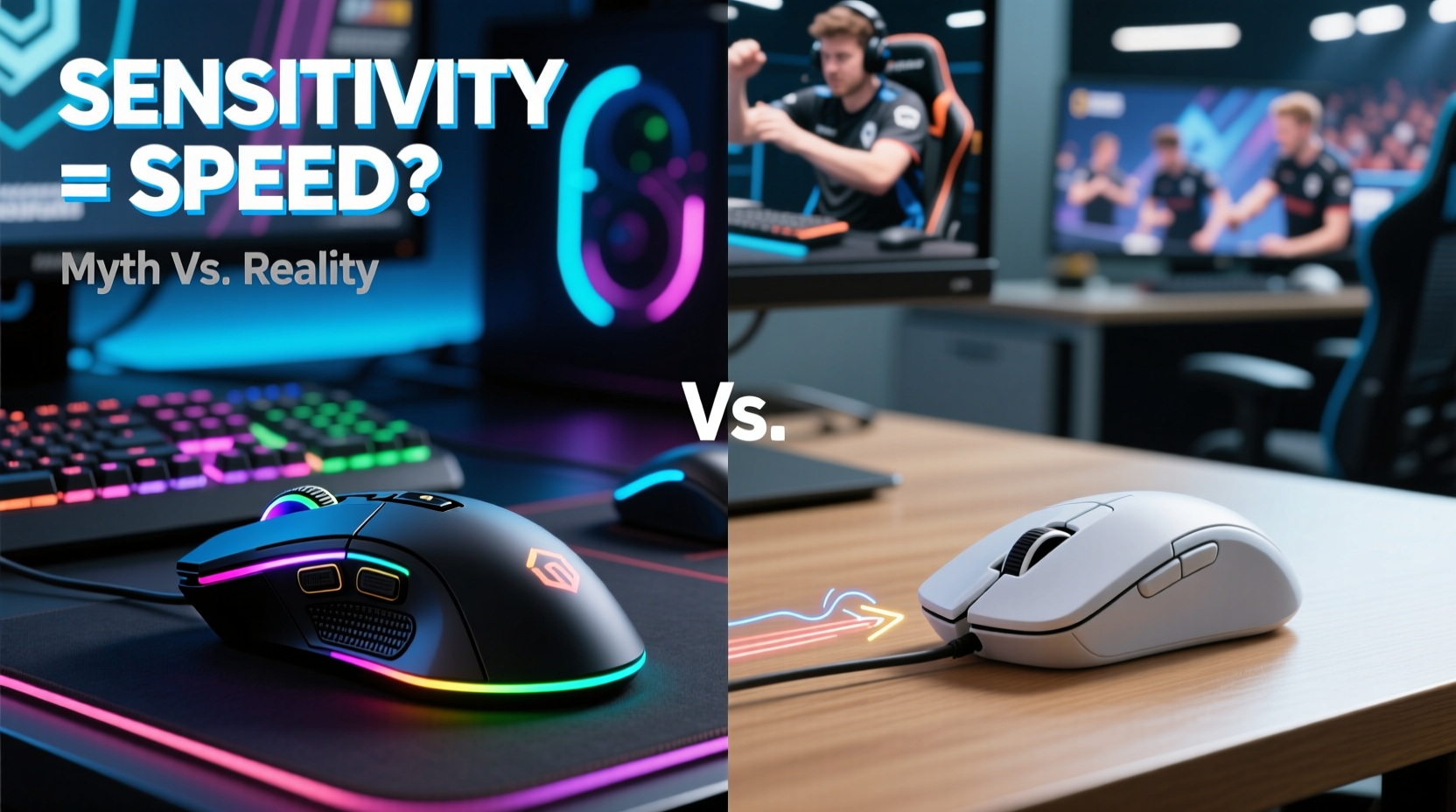
DPI measures how far your cursor moves on-screen relative to physical mouse movement. A 1600 DPI mouse moves the cursor 1600 pixels for every inch the mouse travels. Higher DPI means less physical movement is needed to traverse the screen—a feature particularly useful on high-resolution displays. However, sensitivity isn’t synonymous with speed. Speed involves both input translation and response time.
While a regular mouse typically operates between 800 and 1600 DPI, gaming mice can go up to 32,000 DPI. That sounds impressive, but very few users benefit from such extremes. In fact, most professional gamers play between 400 and 1600 DPI, relying instead on lower sensitivity for greater control.
“High DPI doesn’t make you faster—it makes you twitchier. Precision matters more than raw speed.” — Marcus Lin, Competitive FPS Coach and Hardware Analyst
The key insight is that sensitivity affects accuracy. Lower DPI settings require larger arm movements, which engage more muscle groups and reduce micro-tremors. This leads to steadier aiming, especially in first-person shooters where pixel-perfect targeting wins matches.
Gaming Mouse vs Regular Mouse: What’s Really Different?
It's tempting to assume that a gaming mouse is simply a \"faster\" version of a regular mouse. But the differences go beyond sensitivity. Here’s a breakdown of what sets them apart:
| Feature | Gaming Mouse | Regular Mouse |
|---|---|---|
| DPI Range | 400–32,000 (adjustable) | 800–1600 (fixed or limited) |
| Polling Rate | 500–8000 Hz | 125 Hz |
| Switch Durability | 20–70 million clicks | 3–10 million clicks |
| Programmable Buttons | 5–15+ customizable | 2–3 standard buttons |
| Build Quality | Reinforced cables, lightweight materials | Basic plastic, coiled cable |
| Software Support | Firmware updates, macros, RGB | Limited or none |
The polling rate—the frequency at which the mouse reports its position to the computer—is one of the most overlooked yet critical differences. A standard mouse updates every 8 milliseconds (125 Hz), while gaming models can update as fast as every 0.125 milliseconds (8000 Hz). This reduces input lag significantly, making actions feel more immediate.
Additionally, gaming mice use higher-grade optical sensors that track more accurately across different surfaces. They also feature mechanical switches designed for rapid, repeated clicking—important for games like MOBAs or MMOs where hundreds of commands are issued per minute.
Does Sensitivity Make You Faster? The Human Factor
Technically, yes—higher sensitivity allows quicker cursor traversal. But “faster” doesn’t always mean “better.” In gaming, speed without control leads to overshooting targets, missed headshots, and erratic camera movement.
Consider two players in a competitive shooter:
- Player A uses a regular mouse at 1600 DPI with 125 Hz polling. Their aim feels sluggish, and turning 180 degrees takes nearly a full wrist flick.
- Player B uses a gaming mouse at 800 DPI with 1000 Hz polling and large mousepad movements. Their aim is smooth, consistent, and highly accurate.
Despite using lower sensitivity, Player B reacts faster due to reduced input lag and better muscle memory development. Their setup promotes deliberate, controlled motions rather than frantic flicks.
This illustrates a core principle: perceived responsiveness depends more on consistency and feedback than raw DPI numbers. A gaming mouse enhances this through tighter hardware-software integration, not just sensitivity boosts.
Mini Case Study: From Office to Arena
Jamal, a casual gamer, used a basic Logitech office mouse for years. He struggled in CS2, often missing quick flick shots. After researching, he upgraded to a Razer DeathAdder V3 with 16K DPI and 4KHz polling. Excited, he cranked the DPI to maximum.
His cursor flew across the screen—but his accuracy plummeted. He couldn’t land headshots consistently and felt worse than before.
After reading pro player guides, Jamal reset his DPI to 800 and increased his in-game sensitivity slightly. He also invested in a large cloth mousepad to allow arm-based aiming. Within two weeks, his K/D ratio improved by 38%. The hardware wasn’t the magic fix—his technique adaptation was.
The lesson? A gaming mouse unlocks potential, but only if used correctly. Sensitivity is a tool, not a shortcut.
How to Optimize Your Setup for Real Performance Gains
Whether you’re gaming competitively or just want smoother navigation, optimizing your mouse setup matters. Follow this step-by-step guide to get the most from your device:
- Choose the right DPI: Start at 800 DPI for 1080p monitors, 1600 for 1440p or 4K. Adjust downward if you need fine control.
- Set polling rate to 1000 Hz: This is the sweet spot between responsiveness and system load.
- Use a consistent surface: A non-reflective, textured mousepad ensures stable tracking.
- Train muscle memory: Use arm movements (not just wrist) for large turns; reserve wrist for micro-adjustments.
- Adjust in-game sensitivity: Balance DPI and in-game settings so you can turn 180° in about 25–30 cm of movement.
- Test and refine: Use aim trainers like Aim Lab or Kovaak’s to measure improvements objectively.
Checklist: Are You Getting the Most From Your Mouse?
- ✅ DPI set between 400–1600 (depending on resolution and preference)
- ✅ Polling rate at 1000 Hz or higher (if supported)
- ✅ Mouse acceleration turned off in OS settings
- ✅ Using a quality mousepad with consistent texture
- ✅ Clean sensor (wipe weekly with compressed air)
- ✅ Firmware updated (via manufacturer software)
- ✅ Comfortable grip style (palm, claw, or fingertip)
Debunking Myths About Gaming Mice
Several misconceptions cloud the conversation around gaming mice. Let’s address them directly:
- Myth: Higher DPI = Better Performance
Reality: Beyond a certain point, high DPI sacrifices control. Pros favor lower DPI for precision. - Myth: Any USB mouse works the same
Reality: Internal components—sensor quality, switch type, firmware—dramatically affect performance. - Myth: Gaming mice are only for gamers
Reality: Designers, editors, and programmers benefit from programmable buttons and smoother tracking. - Myth: Wireless mice have too much lag
Reality: Modern wireless gaming mice (e.g., Logitech Lightspeed, Razer HyperSpeed) match wired performance with sub-1ms latency.
The truth is, a gaming mouse isn’t about brute speed—it’s about reliability, customization, and minimizing friction between intent and action.
Frequently Asked Questions
Can a gaming mouse improve my reaction time?
Not directly. Reaction time depends on your nervous system and visual processing. However, a gaming mouse reduces input lag and increases consistency, helping your reactions translate more faithfully to the screen.
Is a gaming mouse worth it for non-gamers?
Yes, if you value precision and efficiency. Video editors can map export shortcuts to side buttons. Programmers can assign IDE commands. Even general browsing feels smoother due to higher polling rates and better sensors.
Do I need to replace my mouse every year?
No. Most gaming mice last 3–7 years with regular use. Replace only when buttons become unresponsive, tracking becomes erratic, or ergonomic needs change.
Conclusion: Speed Isn’t Everything—Control Wins
The idea that sensitivity alone makes you faster is a myth rooted in misunderstanding. A gaming mouse offers real advantages—superior sensors, faster polling, durable construction, and customization—but these benefits shine only when paired with proper technique. Raw DPI numbers won’t win matches; consistent aim, muscle memory, and low-latency feedback will.
If you're considering an upgrade, focus less on specs and more on fit: comfort, grip style, button layout, and software support. Test different sensitivities. Train deliberately. Remember, the fastest mouse isn’t the one with the highest DPI—it’s the one that helps you perform consistently under pressure.




 浙公网安备
33010002000092号
浙公网安备
33010002000092号 浙B2-20120091-4
Comments
No comments yet. Why don't you start the discussion?