
In today’s digital workspace, efficiency is everything. Whether you're editing spreadsheets, coding software, designing graphics, or managing emails, the tools you use shape your output. One often-overlooked tool is the humble computer mouse. While many assume gaming mice are only for high-octane FPS matches or immersive RPGs, their advanced features offer tangible benefits beyond the screen of a game. The real question isn’t just about performance in games—it’s whether a gaming mouse actually improves productivity in everyday professional tasks compared to a standard office mouse.
This article explores the functional differences between gaming and regular mice, evaluates their impact on non-gaming workflows, and reveals scenarios where upgrading to a gaming mouse can deliver measurable gains in speed, comfort, and control.
Understanding the Core Differences
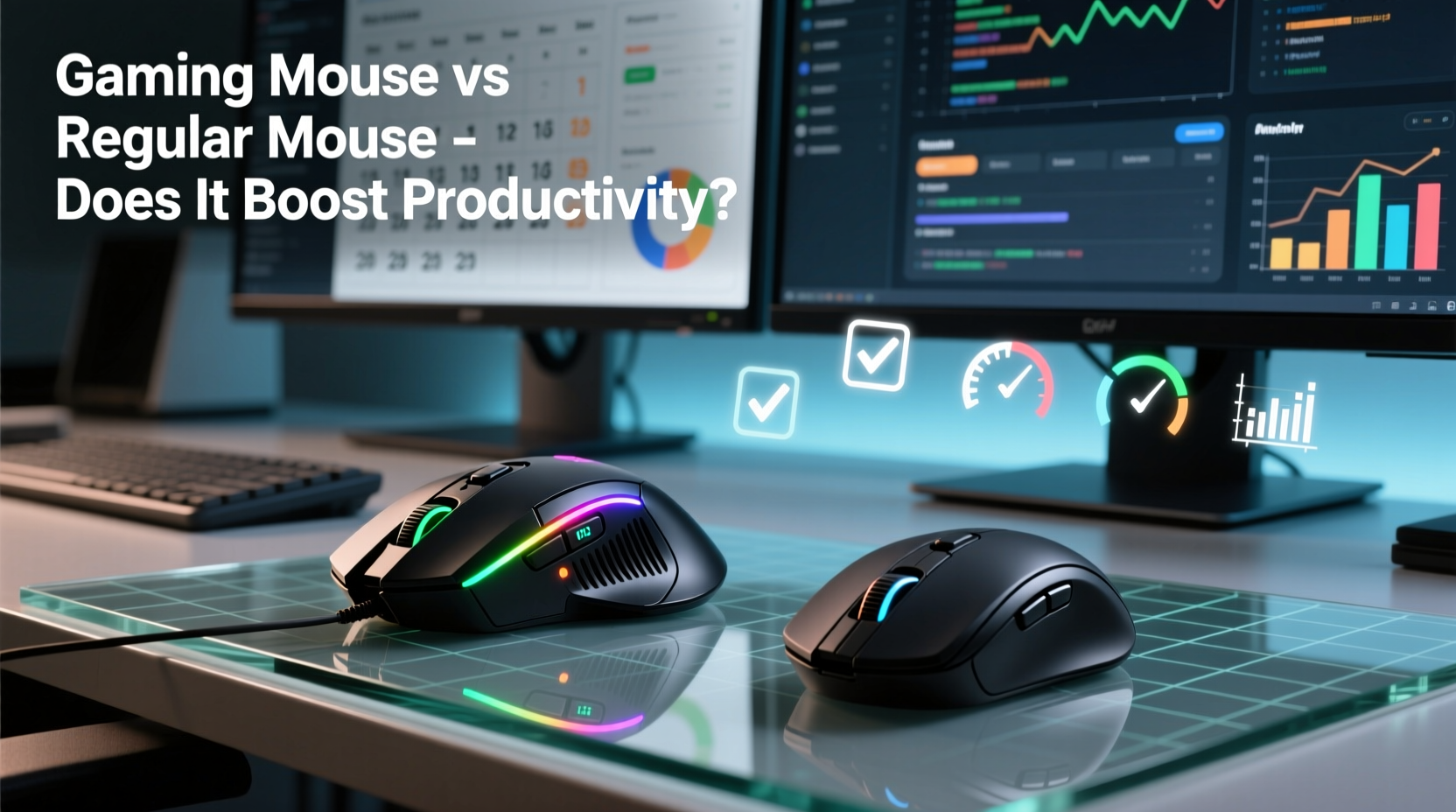
The distinction between gaming and regular mice goes beyond aesthetics or flashy RGB lighting. It lies in hardware specifications, sensor technology, button configuration, and software customization—all designed with responsiveness and precision in mind.
A typical office mouse prioritizes simplicity, battery life (if wireless), and ergonomic comfort for long hours of basic navigation. In contrast, a gaming mouse is engineered for accuracy, low latency, and rapid input handling. These traits aren't exclusive to gameplay—they translate directly into real-world advantages when performing detailed or repetitive computer tasks.
Let’s break down the key technical differentiators:
| Feature | Gaming Mouse | Regular Mouse |
|---|---|---|
| DPI (Sensitivity) | 400–16,000+ DPI, adjustable in real time | 800–1600 DPI, fixed or limited adjustment |
| Polling Rate | 500–1000 Hz (updates per second) | 125 Hz (standard USB polling) |
| Button Count | 6–12 programmable buttons | 2–3 buttons (left, right, scroll wheel) |
| Switch Lifespan | 20–70 million clicks | 3–10 million clicks |
| Onboard Memory | Yes – saves profiles and settings | No – settings reset per device |
| Software Support | Advanced macros, gesture mapping, sensitivity curves | Limited or no software integration |
These specs may seem excessive at first glance, but they serve practical purposes outside gaming. High DPI allows faster cursor movement across multiple monitors without lifting the mouse. A higher polling rate reduces lag, making scrolling through documents or timelines feel smoother. Programmable buttons can execute complex keyboard shortcuts with a single click—ideal for designers, developers, and data analysts.
Productivity Gains in Real-World Workflows
The value of a gaming mouse becomes apparent when applied to specific job functions that demand precision, speed, or multitasking. Let's examine three common professional roles and how a gaming mouse enhances their daily operations.
Graphic Designers & Video Editors
Design professionals spend hours manipulating layers, adjusting timelines, and fine-tuning visual elements. Every millisecond saved adds up over a full workday. A gaming mouse with high sensor accuracy (measured in CPI and tracking speed) ensures pixel-perfect control during zoomed-in edits. Features like DPI shift buttons allow quick transitions between broad movements (navigating a timeline) and precise adjustments (selecting a single frame).
Moreover, macro-enabled buttons let users assign sequences such as “undo,” “duplicate layer,” or “export selection” without reaching for the keyboard. This minimizes hand travel and reduces fatigue—a critical factor during long creative sessions.
Software Developers & Coders
Programmers rely heavily on keyboard shortcuts and rapid context switching between IDEs, terminals, and documentation. A gaming mouse can streamline this workflow. For example, one side button could launch the terminal, another could toggle between open tabs, and a third could trigger a build command via macro.
Some development environments support mouse gestures or plugin integrations that respond to custom inputs. With dedicated software like Logitech G Hub or Razer Synapse, these actions become persistent and portable across machines if the mouse has onboard memory.
Data Analysts & Financial Professionals
Working with large spreadsheets requires constant navigation between cells, sheets, and external dashboards. A high-DPI setting enables swift traversal across wide Excel grids. Assigning buttons to \"freeze panes,\" \"filter toggle,\" or \"pivot table refresh\" accelerates routine operations.
In fast-paced financial environments, even a half-second reduction per action compounds over hundreds of interactions per day. Over a week, that could mean reclaiming nearly an hour of productive time.
“Input latency and tactile feedback matter more than people realize. A responsive mouse reduces cognitive load by making interactions predictable.” — Dr. Alan Reyes, Human-Computer Interaction Researcher, MIT Media Lab
Case Study: From Office Worker to Power User
Sarah Kim, a project coordinator at a mid-sized marketing firm, upgraded from a standard wireless mouse to a mid-tier gaming model after noticing wrist strain and inefficiency during her daily reporting tasks. Her workflow involved pulling data from CRM platforms, updating shared spreadsheets, and creating weekly presentations.
She configured two side buttons: one to paste values without formatting (Ctrl+Shift+V), and another to switch between virtual desktops. She also increased her DPI from 800 to 1600, eliminating the need to lift and reposition the mouse when moving between her dual monitors.
Within two weeks, Sarah reported a noticeable improvement in both speed and comfort. She completed reports 15% faster on average and experienced less forearm tension. Her team adopted similar setups, leading to a department-wide discussion on ergonomic tool optimization.
This example illustrates that productivity isn’t solely about raw power—it’s about reducing friction in repetitive actions. Small improvements, compounded over time, yield significant returns.
When a Regular Mouse Still Makes Sense
Despite the advantages, a gaming mouse isn’t universally superior for every user or environment. There are legitimate reasons to stick with a conventional mouse:
- Portability: Gaming mice are often larger, heavier, and wired—less ideal for laptop users who work remotely.
- Battery Life: Wireless gaming models typically have shorter battery life due to high-performance sensors and RGB lighting.
- Cost: Quality gaming mice range from $50 to $150, whereas reliable office mice can be found under $30.
- Overkill for Basic Tasks: If your primary activities are email, web browsing, and light document editing, the extra features may go unused.
Additionally, some gaming mice prioritize form over function—aggressive shapes or tall profiles may cause discomfort during extended use unless carefully matched to hand size and grip style.
Choosing the Right Tool: A Practical Checklist
Before deciding whether to upgrade, consider your actual needs. Use this checklist to evaluate if a gaming mouse will enhance your productivity:
- Do you use multiple monitors? → High DPI helps cover more screen space quickly.
- Do you perform repetitive tasks (copy/paste, formatting, switching apps)? → Programmable buttons reduce keystrokes.
- Do you work with precision tools (Photoshop, CAD, code editors)? → Accurate tracking improves control.
- Is input lag noticeable or frustrating in current setup? → Higher polling rates eliminate delay.
- Do you experience hand or wrist fatigue? → Ergonomic gaming models may offer better support.
- Are you willing to invest time in configuration? → Software setup unlocks full potential.
If four or more apply, a gaming mouse is likely a worthwhile investment. However, not all gaming mice are created equal. Focus on models emphasizing ergonomics, customizable buttons, and reliable sensor performance—not just RGB effects.
Frequently Asked Questions
Can a gaming mouse improve typing or writing speed?
Not directly—but it enhances navigation between documents, menus, and tools. Faster switching means less interruption to your writing flow, indirectly supporting sustained focus and efficiency.
Are wireless gaming mice good for productivity?
Modern wireless gaming mice (e.g., Logitech Lightspeed, Razer HyperSpeed) offer near-zero latency and strong battery life. They combine the responsiveness of wired models with the freedom of mobility, making them excellent choices for hybrid workspaces.
Do I need special software to use a gaming mouse at work?
You don’t need it for basic functionality, but to unlock macros, DPI profiles, and button remapping, manufacturer software is required. Most are lightweight and compatible with enterprise systems. Some mice store profiles internally, so settings persist even on restricted computers.
Conclusion: Precision Tools for Modern Work
The line between gaming peripherals and professional tools is blurring. What was once dismissed as niche hardware for enthusiasts now offers measurable benefits in mainstream productivity. A gaming mouse isn’t just for headshots—it’s for hitting deadlines, refining designs, and navigating complex digital landscapes with greater ease.
Ultimately, the best mouse is the one that aligns with how you work. For those whose jobs involve frequent clicking, rapid navigation, or detailed manipulation, the enhanced responsiveness, customization, and durability of a gaming mouse can make a meaningful difference. It’s not about playing harder—it’s about working smarter.




 浙公网安备
33010002000092号
浙公网安备
33010002000092号 浙B2-20120091-4
Comments
No comments yet. Why don't you start the discussion?