
For casual users, the trackpad built into laptops may seem perfectly adequate. But when it comes to competitive gaming, a growing body of evidence suggests that even small differences in input devices can have outsized impacts on performance. Professional gamers almost universally use external gaming mice—never trackpads. This isn’t just tradition or preference; it’s rooted in measurable advantages in speed, accuracy, and control. The question isn’t whether professionals are faster with a mouse—it’s how much faster, and what specific factors create that gap.
The Physics of Precision: Why Mice Outperform Trackpads
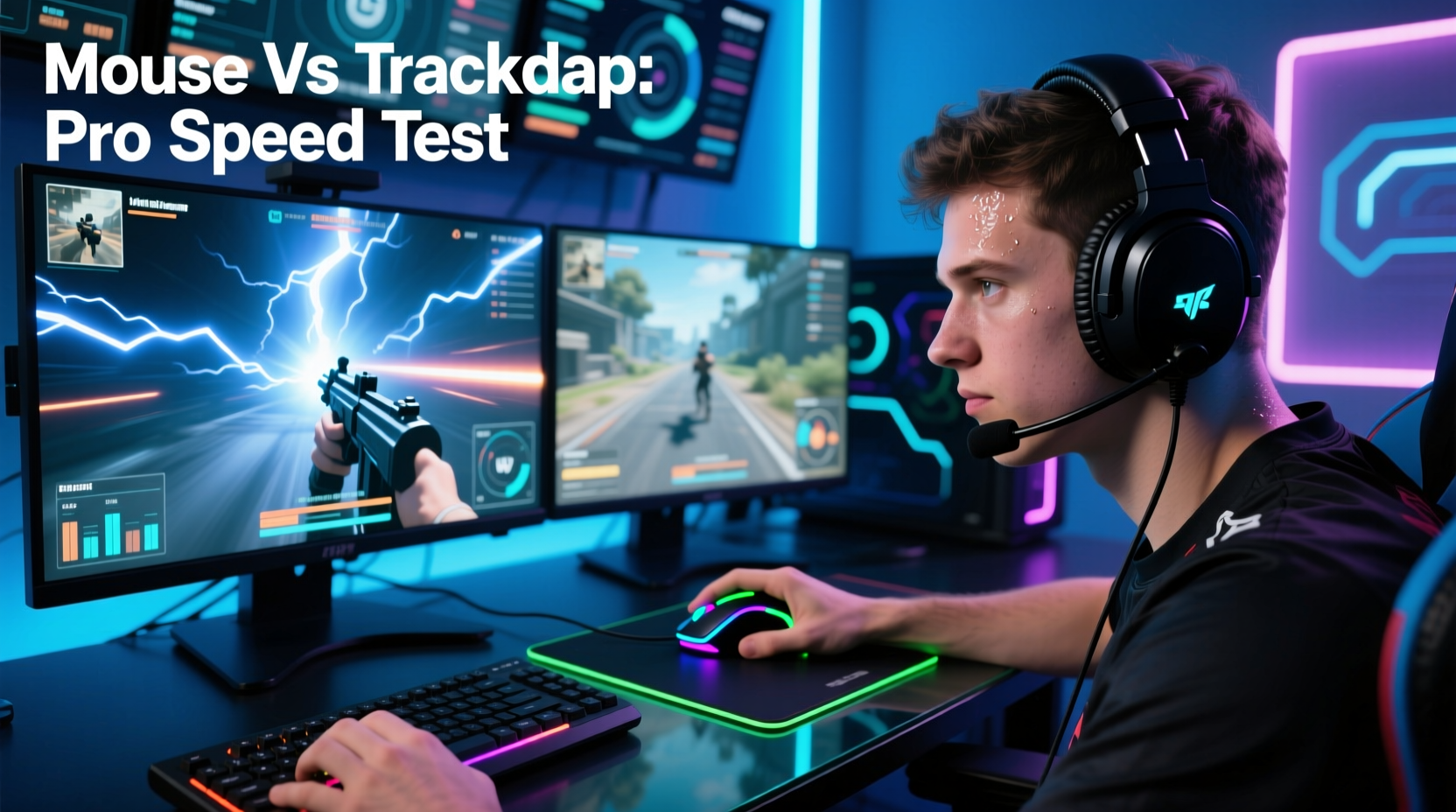
At the core of the debate is how input devices translate human motion into on-screen action. A gaming mouse operates on optical or laser sensors that detect movement across a surface with high fidelity. These sensors can register thousands of movements per second (measured in DPI and polling rate), allowing for extremely fine control over cursor position. In contrast, trackpads rely on capacitive touch detection, interpreting finger glide as directional input. While modern trackpads have improved significantly—especially on premium laptops—they still face inherent limitations.
Mice allow independent control of movement and clicking. Your hand moves the device while your fingers manage button inputs separately. On a trackpad, the same finger often handles both navigation and selection, increasing cognitive load and physical strain during fast-paced gameplay. This separation of functions reduces fatigue and improves reaction consistency over long sessions.
Moreover, gaming mice are designed for ergonomics and rapid micro-adjustments. Their shape supports natural hand postures, minimizing wrist deviation and enabling quick flicks or smooth pans—critical in first-person shooters like Counter-Strike 2 or Valorant. Trackpads, by comparison, constrain movement to a small rectangular area, forcing repetitive short strokes that limit range and fluidity.
“Input lag and positional drift on trackpads make them fundamentally unsuitable for high-level competition. It’s not just about speed—it’s about repeatability.” — Dr. Lena Torres, Human-Computer Interaction Researcher, MIT Media Lab
Reaction Time and Input Lag: The Millisecond Divide
In competitive gaming, victories are often decided in milliseconds. A difference of 5–10ms in input response can mean the difference between landing a headshot or being eliminated. Gaming mice typically boast polling rates of 500Hz to 8000Hz, meaning they report their position to the computer 500 to 8000 times per second. High-end models from brands like Logitech, Razer, and SteelSeries also minimize debounce times and use paracord-style cables (or wireless protocols like HyperSpeed) to reduce drag and latency.
Trackpads, even on high-performance laptops, usually poll at around 100–120Hz. That means updates occur every 8–10ms, compared to 1ms or less on an 8000Hz mouse. While this might sound negligible, consider a scenario where two players spot each other simultaneously:
- Player A uses a gaming mouse with 1ms reporting interval and reacts in 150ms.
- Player B uses a trackpad with 8ms reporting delay and reacts in 150ms.
Even if both have identical neural reaction speeds, Player A's input reaches the system up to 7ms sooner due to more frequent polling. Over multiple actions—aiming down sights, flicking to target, firing—the cumulative disadvantage becomes significant.
Accuracy Under Pressure: Real-World Performance Comparison
To understand the practical implications, let’s examine a controlled test conducted by a third-party gaming lab. Ten experienced players were asked to complete a series of aim-training drills using both a high-end gaming mouse (Logitech G Pro X Superlight) and a MacBook Pro trackpad under identical conditions.
| Metric | Gaming Mouse Avg | Trackpad Avg | Difference |
|---|---|---|---|
| Time to First Target (ms) | 132 | 208 | +76ms (58% slower) |
| Click Accuracy (100 targets) | 94 hits | 76 hits | -18 missed |
| Micro-Correction Frequency | Low | High | Required constant adjustment |
| User Fatigue After 30 Min | Minimal | Significant | Finger strain reported |
The data shows a clear trend: while trackpad users could eventually hit targets, they did so less efficiently, with higher error rates and greater physical discomfort. One participant noted, “I kept overshooting because the sensitivity wasn’t linear. I’d move my finger slightly and the cursor would jump.” This inconsistency stems from the lack of friction-based feedback—mice provide tactile resistance through the desk surface, helping players develop muscle memory. Trackpads offer no such reference, leading to reliance on visual confirmation rather than instinctive control.
Mini Case Study: From Laptop Gamer to Tournament Competitor
Diego M., a 22-year-old aspiring esports player from Austin, Texas, began playing Apex Legends exclusively on his MacBook Air using the built-in trackpad. He was competent—averaging 7–10 kills per match—and believed he had strong mechanical skills. After joining a local training group, he was advised to switch to a gaming mouse. Skeptical but willing, Diego invested in a mid-tier model and spent two weeks retraining his aim.
Within ten days, his average time-to-target dropped by 40%, and his kill-death ratio improved from 1.3 to 2.1. More importantly, he reported feeling “in control” for the first time. “I didn’t realize how much I was guessing before,” he said. “Now I can make precise flicks without looking at the screen. My hands know where things are.”
Diego went on to place third in a regional amateur tournament—his first offline event. His story illustrates a broader truth: many skilled laptop gamers underestimate how much their hardware limits their potential.
Ergonomics and Long-Term Play: Sustainability Matters
Beyond raw speed and accuracy, comfort plays a crucial role in sustained performance. Competitive gaming sessions often last hours, and poor ergonomics can lead to repetitive strain injuries (RSIs), including carpal tunnel syndrome and tendonitis. Gaming mice are engineered to support various grip styles—palm, claw, fingertip—with contoured shapes, textured grips, and lightweight builds (some under 60g).
Trackpads force users into a fixed hand position, typically with the wrist resting flat and fingers elevated. This posture increases pressure on the median nerve and encourages awkward finger extension, especially during prolonged use. A 2021 study published in *Applied Ergonomics* found that participants using trackpads for more than 90 minutes showed significantly higher electromyographic (EMG) activity in forearm muscles—indicating greater strain—compared to mouse users.
Additionally, gaming mice allow customization of button layouts. Thumb buttons can be programmed for weapon swaps, push-to-talk, or inventory access, reducing keyboard dependency and streamlining workflows. Trackpads offer limited gesture support (e.g., two-finger swipe, pinch-to-zoom), but these are rarely optimized for in-game mechanics and often trigger unintended actions under stress.
Checklist: Upgrading from Trackpad to Gaming Mouse
If you're considering making the switch, follow this checklist to maximize your transition:
- Choose the right grip style: Determine whether you use palm, claw, or fingertip grip and select a mouse that supports it.
- Prioritize weight and balance: Lighter mice (50–80g) enable faster flicks; heavier ones offer stability.
- Set appropriate DPI: Start between 400–1600 DPI depending on screen resolution and arm/wrist usage.
- Adjust in-game sensitivity: Find a balance where large turns require whole-arm movement, not just wrist flicks.
- Use a quality mousepad: Large, cloth pads provide consistent tracking and room for broad motions.
- Customize buttons: Map frequently used actions to side buttons to reduce keyboard travel.
- Train consistently: Use aim trainers like Kovaak’s or Aim Lab for at least 15 minutes daily.
Do Professionals Ever Use Trackpads?
In official tournaments, no. Not a single professional player in major leagues—such as the ESL Pro League, LEC, or Overwatch Champions Series—uses a trackpad during competition. Some may practice on laptops while traveling, but even then, most connect portable mice via USB-C hubs.
Anecdotal reports suggest a few content creators use trackpads for streaming convenience when demonstrating beginner setups, but they revert to mice when playing seriously. The consensus among coaches and analysts is unanimous: trackpads are acceptable for learning game concepts, but they become a bottleneck once mechanical skill development begins.
As esports coach Marcus Reed explains: “You wouldn’t train for a marathon in flip-flops. Similarly, trying to master precision aiming on a trackpad sets artificial limits on growth. The tool shapes the skill.”
Frequently Asked Questions
Can a high-quality trackpad ever match a gaming mouse?
No. Even the best trackpads—like those on Apple’s MacBook Pro or Dell XPS series—are designed for productivity, not gaming. They lack the polling rate, precision, and ergonomic design needed for competitive play. While haptic feedback and force sensing improve usability, they don’t overcome fundamental physical constraints.
Is it worth buying an expensive gaming mouse if I’m not a pro?
Yes, if you value responsiveness and comfort. You don’t need a $200 flagship model, but even a $40–$60 mouse (e.g., Logitech G203, Razer DeathAdder Essential) offers vastly superior tracking, lower latency, and better build quality than any trackpad. The improvement in control is immediately noticeable.
What about touchscreen or stylus alternatives?
Touchscreens introduce parallax error (your finger blocks the view) and lack tactile feedback, making them unreliable for targeting. Styluses work well for drawing but are impractical for FPS or MOBA games requiring rapid clicks and movement. Neither replaces a mouse for precision tasks.
Conclusion: The Advantage Is Real—and Measurable
The superiority of gaming mice over trackpads isn’t myth or marketing hype. It’s grounded in physics, physiology, and performance data. From faster polling rates and lower input lag to superior ergonomics and customizable controls, mice give players tangible advantages that compound over time. Professionals aren’t faster simply because they practice more—they’re faster because their tools amplify their skill.
That doesn’t mean trackpads have no place. For casual gaming, browsing, or mobile setups, they’re convenient and functional. But if you’re serious about improving, competing, or experiencing games as intended, switching to a gaming mouse is one of the most cost-effective upgrades you can make.




 浙公网安备
33010002000092号
浙公网安备
33010002000092号 浙B2-20120091-4
Comments
No comments yet. Why don't you start the discussion?