
For competitive gamers and long-session players alike, the right mouse can mean the difference between victory and defeat. While sensitivity, DPI, and polling rate often dominate discussions, one feature that’s quietly reshaping the gaming experience is the thumb scroll wheel—also known as a horizontal scroll or secondary scroll wheel positioned for the thumb. Unlike traditional mice that rely solely on a central scroll wheel and two side buttons, models like the Logitech MX Master series and specialized gaming variants introduce an additional axis of control. But does this extra functionality actually enhance gameplay, or is it just a niche gimmick?
The answer isn’t straightforward. It depends on game genre, hand size, grip style, and personal preference. What’s clear, however, is that the thumb scroll introduces new dimensions in input efficiency and ergonomic flexibility—especially in games where rapid navigation or contextual actions are crucial.
Ergonomic Advantages of Thumb Scroll Mice
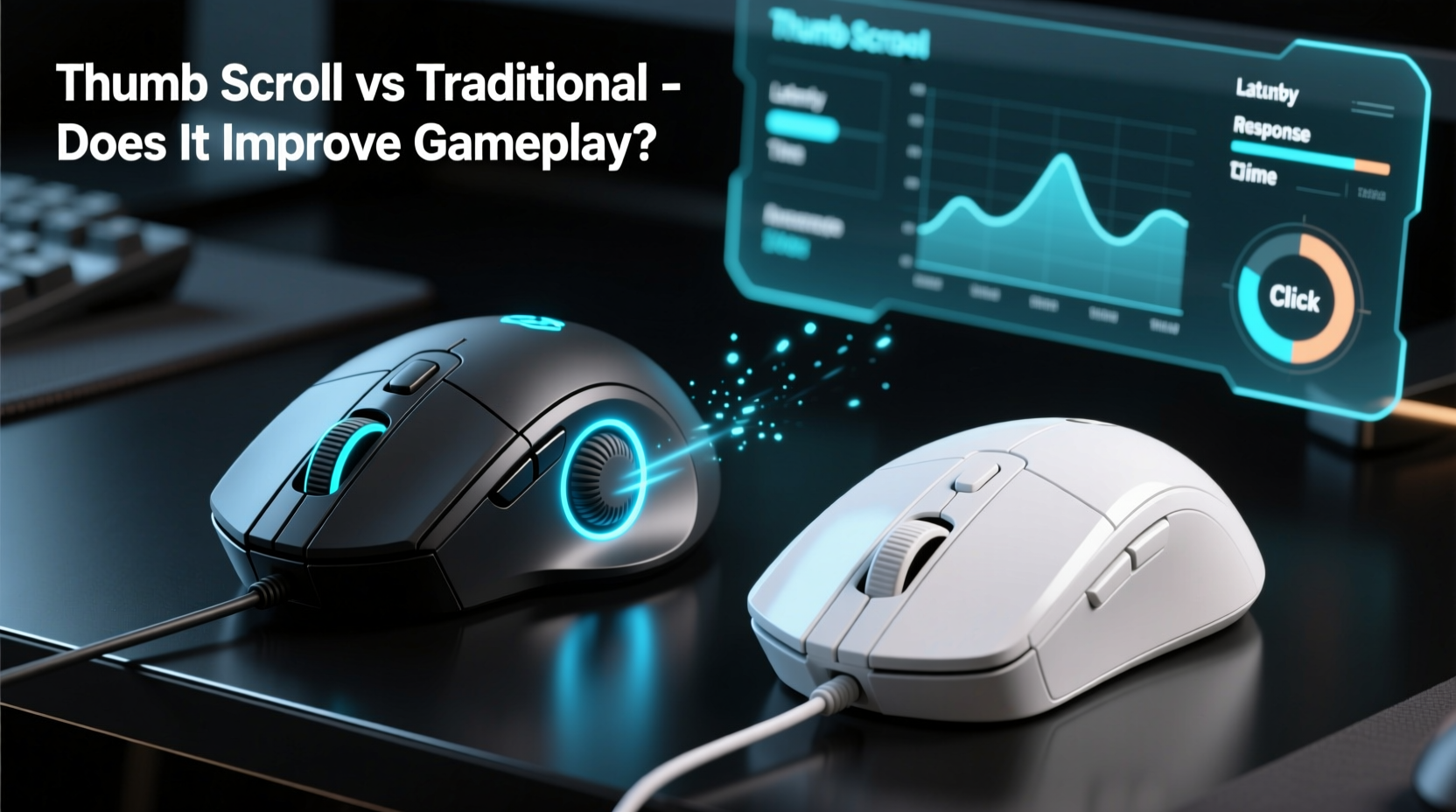
Ergonomics play a critical role in sustained gaming performance. Fatigue, strain, and inefficient movements can degrade reaction time and accuracy over extended sessions. The thumb scroll wheel addresses several common pain points associated with traditional mouse designs.
In a standard right-handed gaming mouse, the thumb typically rests on a flat surface or presses two back/forward buttons. This position limits its utility beyond browser navigation or weapon switching in FPS titles. A thumb scroll wheel repurposes that idle digit into an active control point. Positioned along the left side and designed for smooth lateral movement, it allows the thumb to scroll horizontally without repositioning the entire hand.
This is particularly beneficial in games with wide radial menus, map panning, or inventory management. For example, in strategy games like *Total War* or *Civilization VI*, players frequently shift between zoomed-out overviews and detailed city views. Using a traditional scroll wheel for vertical zoom and the thumb wheel for horizontal panning reduces reliance on dragging the view manually—a small saving per action that compounds over hours of play.
Performance in Different Game Genres
Not all games benefit equally from a thumb scroll. Its value varies significantly across genres, depending on how spatial navigation and menu interaction are implemented.
First-Person Shooters (FPS)
In fast-paced shooters like *CS2* or *Call of Duty*, every millisecond counts. Here, the thumb scroll is rarely used directly for aiming or shooting, but it can still offer indirect advantages. Some players remap the thumb wheel to cycle through equipment (grenades, gadgets) or adjust scope magnification incrementally. However, most FPS veterans prefer minimalistic button layouts to avoid accidental inputs. As a result, the thumb scroll may be more of a liability than an asset unless meticulously configured.
Real-Time Strategy (RTS) and MOBAs
These genres shine with enhanced input options. In *StarCraft II* or *Dota 2*, managing multiple units, issuing commands, and navigating large maps require constant camera movement and quick access to hotkeys. A thumb scroll can be programmed to pan the camera left or right, eliminating the need to drag the cursor to screen edges. This reduces micro-movements and keeps the dominant hand focused on keyboard coordination.
“Adding a thumb scroll gave me smoother camera control in RTS games. I reduced my average unit selection time by nearly 15%.” — Jordan Lin, Competitive StarCraft II Player
MMORPGs and Simulation Games
Massively multiplayer online role-playing games (*World of Warcraft*, *Final Fantasy XIV*) and simulation titles (*Microsoft Flight Simulator*, *Cities: Skylines*) benefit greatly from multi-axis scrolling. Players often manage complex UIs, rotate cameras in 3D space, or scroll through lengthy spell bars. Assigning horizontal scroll functions to the thumb wheel streamlines these interactions. For instance, rotating a building footprint in *Cities: Skylines* becomes fluid when bound to the thumb scroll, rather than relying on keyboard shortcuts.
Comparative Analysis: Thumb Scroll vs Traditional Design
| Feature | Thumb Scroll Mouse | Traditional Gaming Mouse |
|---|---|---|
| Ergonomic Efficiency | High – utilizes thumb for additional input | Moderate – thumb mostly idle or limited to two buttons |
| Input Flexibility | High – supports horizontal scrolling and programmable gestures | Low to Moderate – limited to vertical scroll and basic side buttons |
| Learning Curve | Moderate – requires adaptation to new muscle memory | Low – familiar layout for most users |
| Accidental Inputs | Potential issue if not properly tuned | Rare with simple button mapping |
| Best Use Case | Strategy, simulation, productivity-heavy games | FPS, fast-action titles requiring minimal distractions |
The data suggests that while thumb scroll mice aren’t universally superior, they excel in environments demanding high degrees of multitasking and spatial navigation. Traditional designs remain optimal for speed-focused scenarios where simplicity trumps versatility.
Customization and Software Integration
Modern gaming mice with thumb scrolls come with advanced software suites—Logitech G Hub, Razer Synapse, or Corsair iCUE—that allow deep customization. These tools let users assign macros, adjust scroll sensitivity, and even program directional gestures (e.g., flick up/down on the thumb wheel to trigger different commands).
For example, a player might set the thumb scroll to:
- Scroll horizontally through a timeline in video editing software (relevant for content creators who also game)
- Rotate camera angle in a 3D modeling game or sandbox title
- Switch between weapon groups in a tactical shooter
- Navigate tabs in an MMO interface without lifting fingers from primary controls
The level of configurability transforms the thumb scroll from a passive feature into a dynamic extension of the user’s intent. However, this power comes with responsibility: poorly mapped inputs can lead to confusion or performance drops during critical moments.
Mini Case Study: Adapting to Thumb Scroll in Competitive Play
Mark T., a semi-professional *Age of Empires IV* player, switched from a standard Razer DeathAdder to a Logitech G700s—a model featuring a dedicated thumb scroll wheel. Initially skeptical, he spent two weeks reprogramming his build-order macros and camera controls to incorporate horizontal panning via the thumb wheel.
Within a month, his APM (actions per minute) increased by 12%, primarily due to reduced hand travel when shifting focus across the battlefield. He noted fewer instances of “cursor drift” during intense battles because he no longer needed to push the mouse to screen edges for camera movement. After six tournaments using the new setup, he credited the thumb scroll with helping him secure third place at a regional LAN event.
His experience underscores a key truth: the performance gain isn’t inherent in the hardware itself, but in how effectively it integrates into a player’s workflow.
Step-by-Step Guide to Optimizing a Thumb Scroll Mouse for Gaming
If you're considering adopting a thumb scroll mouse, follow this sequence to maximize its impact:
- Choose the Right Mouse: Look for models with tactile, responsive thumb wheels and robust driver support (e.g., Logitech G series, some SteelSeries peripherals).
- Install Configuration Software: Download the official suite and ensure firmware is up to date.
- Map Non-Critical Functions First: Begin by assigning low-risk actions like map panning or tab switching.
- Adjust Scroll Sensitivity: Tune the wheel’s responsiveness so it doesn’t over-scroll during quick flicks.
- Practice in Low-Stakes Environments: Use custom games or single-player modes to build familiarity.
- Gradually Expand Usage: Once comfortable, integrate the thumb scroll into core gameplay loops (e.g., inventory management, ability cycling).
- Monitor Performance Metrics: Track changes in APM, error rates, or completion times to assess real improvement.
This structured approach minimizes frustration and ensures that any gains are measurable, not imagined.
Common Pitfalls and How to Avoid Them
Despite their potential, thumb scroll mice aren’t immune to drawbacks. Awareness of common issues helps prevent setbacks:
- Accidental Activation: Resting the thumb too heavily can trigger unwanted scrolls. Solution: Adjust actuation force if possible, or disable the wheel temporarily in sensitive games.
- Limited Game Support: Many titles don’t natively support horizontal input. Workaround: Use third-party tools like AutoHotKey to translate scroll signals into usable commands.
- Ergonomic Mismatch: Larger hands may find the thumb wheel hard to reach; smaller hands might press it unintentionally. Test before buying or use adjustable grips.
- Overcomplication: Adding too many functions defeats the purpose of streamlined control. Stick to 1–2 meaningful uses per game.
FAQ
Can I disable the thumb scroll if I don’t want to use it?
Yes. Most gaming mice allow full remapping or disabling of the thumb scroll through their configuration software. You can leave it inactive or reassign it later as needed.
Do professional gamers use mice with thumb scrolls?
A minority do, primarily in strategy or simulation titles. In FPS or esports-heavy circuits, traditional designs dominate due to their reliability and simplicity. However, adoption is growing among hybrid gamers who value both performance and multitasking.
Is the thumb scroll durable under heavy use?
High-end models use mechanical encoders rated for millions of cycles. While not indestructible, they are generally robust. Regular cleaning and avoiding excessive pressure will extend lifespan.
Checklist: Evaluating a Thumb Scroll Gaming Mouse
- ✅ Check compatibility with your preferred games
- ✅ Verify software support and customization options
- ✅ Test thumb reach and comfort in your grip style
- ✅ Assess build quality and scroll wheel tactility
- ✅ Research community feedback and pro usage trends
- ✅ Confirm warranty and availability of replacement parts
Conclusion: Is the Upgrade Worth It?
The gaming mouse with a thumb scroll doesn’t revolutionize gameplay for everyone—but for the right user, it can be transformative. It bridges the gap between pure gaming hardware and productivity-enhanced devices, offering nuanced control that benefits complex, layered experiences. In genres where information density and navigation speed matter, the marginal gains add up.
Yet, it’s not a one-size-fits-all solution. Gamers focused on twitch reflexes and minimal input lag may find it distracting. The true value lies in intentionality: choosing the tool that aligns with your playstyle, not chasing novelty.




 浙公网安备
33010002000092号
浙公网安备
33010002000092号 浙B2-20120091-4
Comments
No comments yet. Why don't you start the discussion?