
Tablet gaming has evolved from casual pastime to serious entertainment. With powerful hardware, high-resolution screens, and refined software ecosystems, both iPads and Android tablets now support immersive mobile games that rival console experiences in visual fidelity and complexity. But when choosing between an iPad and an Android tablet for gaming, two factors stand out: the responsiveness of touch controls and the depth of the available game library. These elements shape how enjoyable and sustainable your gaming experience will be over time.
While both platforms offer compelling advantages, they differ significantly in design philosophy, developer support, and user experience. Apple’s tightly controlled ecosystem prioritizes optimization and consistency, while Android’s open architecture allows for broader hardware variety and customization—but with trade-offs in uniformity. Understanding these distinctions helps gamers make informed decisions based on how they play, what they play, and where they want flexibility.
Touch Control Precision: Design, Feedback, and Game Optimization
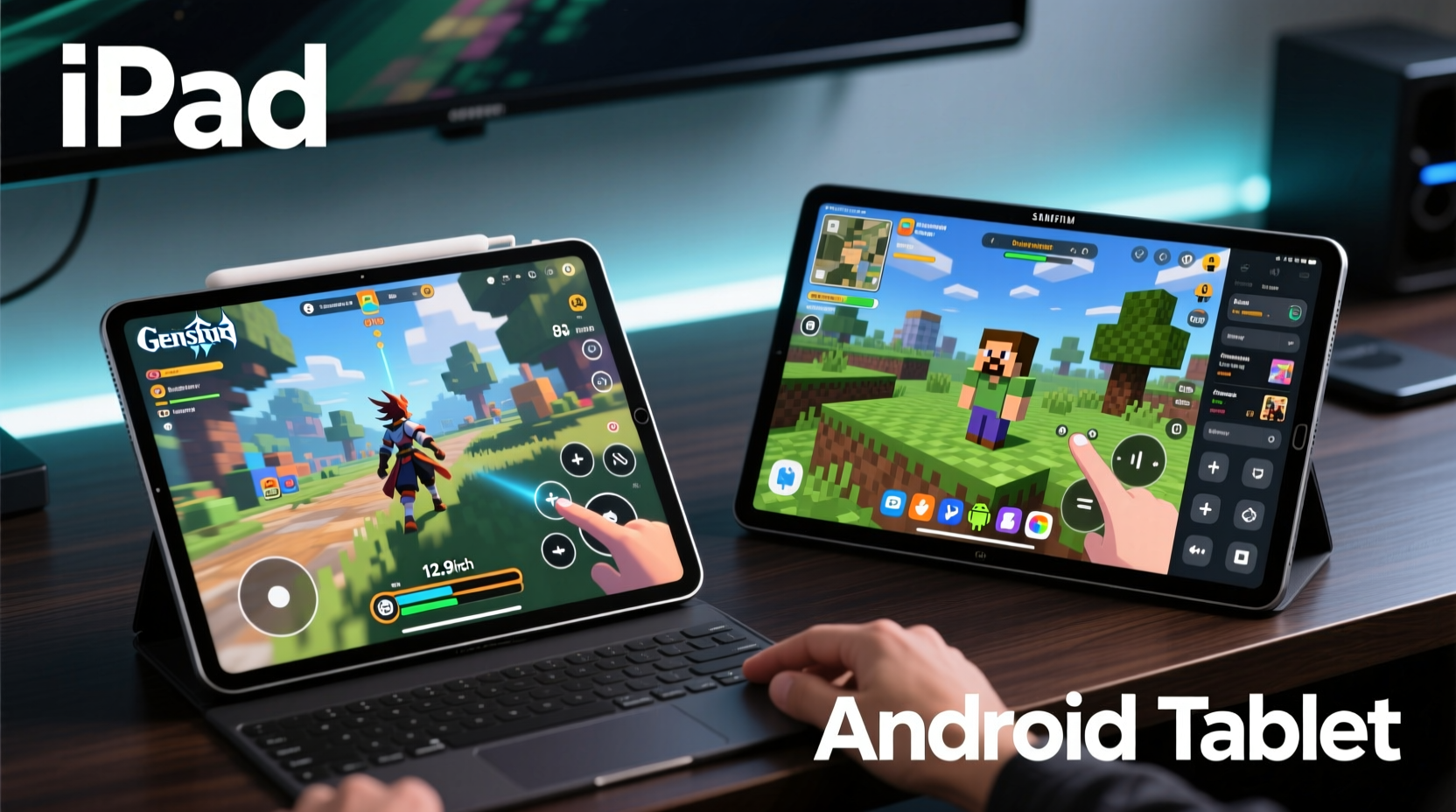
Touch controls are the primary interface for most tablet games. Unlike physical controllers or keyboards, touchscreen input relies entirely on visual feedback and finger accuracy. This makes screen size, display sensitivity, and software calibration critical to performance—especially in fast-paced titles like shooters, racing games, or rhythm challenges.
iPads benefit from consistent hardware across models. Every iPad uses the same operating system (iPadOS) and features Apple’s proprietary multi-touch engine, which delivers predictable latency and gesture recognition. The result is reliable control response whether you're playing Monument Valley, Brawl Stars, or Resident Evil Village via cloud streaming. Apple also enforces strict UI guidelines, so developers optimize their games around known screen dimensions and aspect ratios, reducing misaligned buttons or unresponsive zones.
Android tablets, by contrast, span a wide spectrum of manufacturers—Samsung, Lenovo, Amazon, Google—and each implements touch input differently. Some high-end models like the Samsung Galaxy Tab S9 use advanced haptic feedback and ultra-low latency displays that rival iPads. However, budget devices may suffer from screen lag, inconsistent palm rejection, or poor multitouch tracking. This variability forces developers to test across multiple configurations, often leading to suboptimal touch layouts or delayed updates.
Real-World Example: Playing \"Call of Duty: Mobile\"
A mini case study illustrates this difference. Consider a player using Call of Duty: Mobile on an iPad Air (5th gen) versus a mid-range Android tablet like the Lenovo Tab P11. On the iPad, the HUD layout remains stable, aiming feels precise due to consistent frame pacing, and swipe actions register instantly. On the Lenovo device, even with similar specs, players report occasional stutter during rapid firefights and slightly delayed sprint inputs—likely due to software-level touch processing delays rather than raw power.
This isn’t just about hardware; it reflects how iOS streamlines driver integration and input pipelines. Android’s fragmented ecosystem means manufacturers handle touch firmware independently, creating inconsistencies that affect gameplay fluidity.
Game Library Depth: Exclusives, Timeliness, and Developer Prioritization
The breadth and quality of available games often tip the balance for serious tablet gamers. While both platforms access major cross-platform titles like Minecraft, Genshin Impact, and Among Us, there are notable disparities in exclusivity, update frequency, and early access availability.
Apple consistently attracts premium-tier games at launch. Titles such as Death Stranding: Director’s Cut, GRID Autosport, and Sid Meier’s Civilization VI debut first—or exclusively—on iPad. This advantage stems from App Store economics: iOS users spend more per download on average, incentivizing developers to prioritize iPad ports. Additionally, Apple frequently partners with studios to showcase enhanced versions of popular games optimized for A-series and M-series chips.
Android offers greater volume through the Google Play Store and third-party marketplaces like Amazon Appstore or APK repositories. However, many high-profile releases arrive months later, if at all. Some developers skip full tablet optimization altogether, offering phone-optimized interfaces stretched awkwardly across larger screens. Cloud gaming apps like Xbox Cloud Gaming and NVIDIA GeForce NOW are accessible on both platforms, but iPad versions often receive feature updates sooner due to Apple’s centralized review process.
“Developers treat iPad as a premium tier platform. When we port a game, iPad gets priority because the audience pays for quality.” — Rafael Nguyen, Lead Developer at Fireseed Games
Exclusive and Enhanced Titles Comparison
| Game Title | iPad Availability | Android Tablet Support | Notes |
|---|---|---|---|
| Death Stranding (Mobile) | Yes – native release | No | Apple exclusive; not ported to Android |
| Civilization VI | Yes – full UI optimization | Limited – phone UI scaled up | Android version lacks tablet-specific menus |
| Alto’s Odyssey | Yes – original launch platform | Yes – released 6 months later | iPad version launched first with better visuals |
| Genshin Impact | Yes – day-one parity | Yes – same day | Equal performance on flagship devices |
| Hearthstone | Yes – frequent balance updates | Yes – minor delay (~1 week) | Minor sync issues reported on older Android tablets |
Performance and Longevity: Chipsets, Updates, and Frame Stability
Hardware longevity plays a crucial role in sustained gaming performance. Apple’s custom silicon—particularly the M1 and M2 chips in iPad Pro models—delivers desktop-class GPU performance, enabling smooth 60fps gameplay even in graphically intense titles. These chips are paired with unified memory architecture and aggressive thermal management, minimizing throttling during extended sessions.
Android tablets typically rely on Qualcomm Snapdragon or MediaTek processors. While top-tier models like the Galaxy Tab S9 Ultra use the Snapdragon 8 Gen 2 and perform admirably, most Android tablets fall into mid-range categories with less efficient cooling and lower sustained clock speeds. Over time, this leads to diminishing frame rates as games demand more resources.
Software updates further widen the gap. iPads receive five to seven years of OS and security updates, ensuring compatibility with new game engines and APIs like Metal. Most Android tablets get only three years of major OS upgrades and spotty patch delivery, limiting long-term usability. A four-year-old iPad can still run modern games smoothly; the same cannot be said for most aging Android tablets.
Checklist: Choosing Based on Performance Needs
- ✅ Determine your budget: High-end iPads cost more upfront but last longer
- ✅ Check GPU benchmarks: Look for Metal API support (iOS) or Vulkan optimization (Android)
- ✅ Review update policy: Prefer devices with guaranteed 4+ years of OS support
- ✅ Test actual gameplay: Run a demanding title for 30 minutes to assess heat and frame drops
- ✅ Evaluate storage options: Games exceed 10GB each; aim for 128GB minimum
User Experience: Interface, Controllers, and Multiplayer Integration
Beyond raw specs, daily usability shapes how much you enjoy gaming. iPadOS includes robust multitasking features like Split View and Slide Over, allowing players to keep Discord, guides, or livestreams open alongside games. Game Center provides unified achievements and friend lists, though its social reach is smaller than Steam or Xbox Live.
Android excels in peripheral support. Because of its open nature, it more readily accepts Bluetooth controllers, mice, and external keyboards without pairing restrictions. You can even run emulators or sideload PC-style launchers like GeForce NOW or Parsec for hybrid gaming workflows. However, this freedom comes with risks: sideloading apps may introduce malware, and inconsistent driver support can lead to controller drift or disconnects.
For multiplayer experiences, both platforms integrate well with mainstream services. However, iPad users report fewer matchmaking delays in titles like Brawl Stars and Fortnite, likely due to higher average connection quality and device capability among iOS users. Network stability indirectly improves perceived control responsiveness—even the best touch setup fails with high ping.
Frequently Asked Questions
Can I use a game controller with both iPad and Android tablet?
Yes. Both platforms support Bluetooth controllers like the Xbox Wireless Controller, DualShock 4, and DualSense. iPads require firmware updates for full compatibility, while Android generally pairs faster but may need third-party apps for button mapping.
Are free-to-play games better on one platform?
Free-to-play titles like Clash Royale, PUBG Mobile, and Stumble Guys are nearly identical across platforms. However, iPad versions often load assets faster and maintain higher frame rates, giving a competitive edge in reaction-based gameplay.
Do Android tablets ever match iPad gaming performance?
Top-tier Android tablets like the Samsung Galaxy Tab S9 Ultra come close in benchmark scores, but real-world optimization lags. They can run the same games, but updates, exclusives, and long-term support favor iPad.
Step-by-Step Guide: Optimizing Your Tablet for Gaming
- Update your OS: Install the latest version to ensure compatibility and security patches.
- Clear background apps: Close unused programs to free RAM and prevent stutters.
- Adjust graphics settings: In-game, lower shadows and anti-aliasing if experiencing lag.
- Disable auto-brightness: Set screen brightness manually to avoid distracting shifts during play.
- Enable “Do Not Disturb”: Prevent calls or notifications from interrupting intense matches.
- Use a stylus or grip accessory: Enhance precision in strategy or action games with tactile aids.
- Test cloud gaming clients: Try Xbox Cloud Gaming or Boosteroid to expand your library beyond native apps.
Final Verdict: Which Platform Wins for Gamers?
The choice between iPad and Android tablet ultimately depends on priorities. If you value polished touch controls, timely access to premium games, and long-term device relevance, the iPad is the superior option. Its ecosystem ensures that every dollar spent translates into reliable performance and future-proofing.
Android tablets shine for tinkerers, budget-conscious buyers, or those already embedded in Google’s ecosystem. With careful selection—choosing flagship models from reputable brands—you can build a capable gaming machine. But you’ll sacrifice some consistency, exclusives, and long-term support.
For casual players, either platform works well. For enthusiasts who treat tablet gaming seriously—as a portable extension of their hobby—the iPad’s combination of control accuracy, rich game library, and enduring performance creates a more satisfying experience overall.




 浙公网安备
33010002000092号
浙公网安备
33010002000092号 浙B2-20120091-4
Comments
No comments yet. Why don't you start the discussion?