
For serious hikers, a reliable smartwatch isn't just a convenience—it's a lifeline. When you're miles from civilization, navigating rugged terrain with changing weather, every piece of gear must perform flawlessly. Among the most critical tools is your wrist-worn companion. Two top contenders dominate the high-end outdoor smartwatch market: the Garmin Fenix series and the Apple Watch Ultra. While both offer advanced features, GPS accuracy, and durability, one key factor often tips the scales—battery life.
When you’re on a multi-day trek through remote wilderness, charging opportunities are nonexistent. The ability to maintain navigation, track elevation, monitor heart rate, and still have power left at the end of day three separates capable devices from those that let you down. This comparison dives deep into how the Garmin Fenix and Apple Watch Ultra stack up in real-world hiking scenarios where battery endurance is non-negotiable.
Battery Performance: A Clear Divide
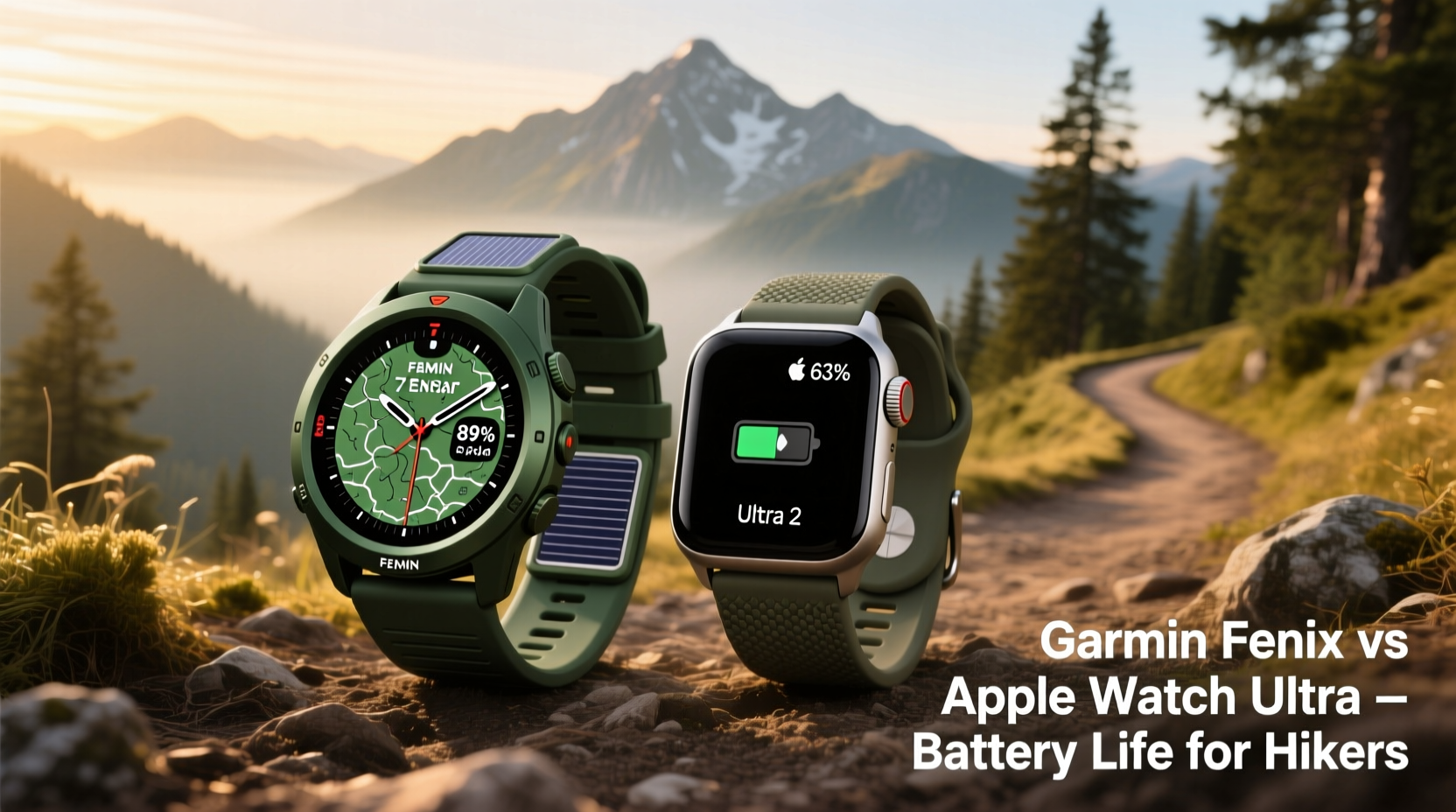
The most significant difference between these two watches lies in their approach to power management. The Garmin Fenix line—especially the latest Fenix 7 and Epix Pro models—is engineered from the ground up for extended outdoor use. Under typical smartwatch mode, it can last 14–21 days. In full GPS tracking mode, expect 40–60 hours depending on model and settings. With solar charging enabled, that number stretches even further—up to 90+ hours under optimal sunlight conditions.
In contrast, the Apple Watch Ultra 2 offers approximately 36 hours in normal usage and around 24 hours when using GPS continuously. Even with Low Power Mode activated (introduced in watchOS 9), which disables certain background processes and reduces refresh rate, maximum GPS runtime caps out at about 36 hours. That’s impressive by Apple standards, but still less than half the endurance of the top-tier Fenix models.
This gap becomes decisive during long backpacking trips, thru-hikes, or alpine expeditions. Consider a four-day hike across the Sierra Nevada. With the Fenix, you can start Day 1 fully charged and finish Day 4 without concern. With the Apple Watch Ultra, you'd either need to pack a charger, limit feature usage aggressively, or accept the risk of losing navigation capability before reaching your endpoint.
Navigational Capabilities and Outdoor Features
Both watches deliver robust navigation tools, but they differ in philosophy and execution. The Garmin Fenix excels with preloaded topographic maps, routable trail networks, and breadcrumb-style backtracking. Its TracBack feature allows users to retrace their exact path—an invaluable tool when descending fog-covered ridges or navigating complex junctions.
Additionally, the Fenix integrates barometric altimeters, compasses, and gyroscope sensors calibrated specifically for off-grid environments. It supports multiple satellite systems (GPS, GLONASS, Galileo, QZSS) simultaneously, ensuring faster lock-ons and better signal retention under dense tree cover.
The Apple Watch Ultra also includes dual-frequency GPS and works seamlessly with Apple Maps and third-party apps like Gaia GPS or AllTrails. However, detailed offline maps must be downloaded manually via paired iPhone, and route planning is more limited compared to Garmin’s ecosystem. While it provides excellent location accuracy in open areas, its reliance on software optimizations means occasional dropouts in deep forest or canyon environments.
“On extended backcountry routes, I rely on my Fenix not just for timekeeping, but as a primary navigational backup. The confidence it gives me is unmatched.” — Daniel Reyes, Professional Mountain Guide and NOLS Instructor
Feature Comparison: What You Gain and Lose
| Feature | Garmin Fenix | Apple Watch Ultra |
|---|---|---|
| Battery Life (Smartwatch Mode) | Up to 21 days (non-solar) | ~36 hours |
| Battery Life (GPS Only) | 40–90+ hours (with solar assist) | Up to 36 hours (Low Power Mode) |
| Topo Maps & Offline Navigation | Preloaded, routable, customizable | Available via third-party apps |
| Satellite Connectivity | Select models support two-way messaging via satellite (Fenix 7X Solar Plus) | Emergency SOS via satellite (subscription required) |
| Durability Rating | MIL-STD-810H certified; sapphire lens standard | IP6X dust resistant; titanium case; flat sapphire crystal |
| Health Tracking Accuracy | Very good; field-proven pulse ox, HRV, stress | Excellent; best-in-class heart rate sensor |
| Smartphone Integration | Limited notifications; no app store | Full iOS integration; rich app ecosystem |
| Music Storage | Yes (on higher-end models) | Yes (streaming + local storage) |
The table illustrates a fundamental trade-off: the Fenix prioritizes autonomy and outdoor readiness, while the Apple Watch Ultra emphasizes connectivity and lifestyle integration. For urban dwellers who occasionally hike, the Ultra may feel more intuitive. But for those whose hikes span multiple days and demand self-reliance, the Fenix’s design ethos aligns far more closely with actual field needs.
Real-World Hiking Scenario: The John Muir Trail Test
To illustrate this divergence, consider a real-world example: Sarah Kim, an experienced ultralight backpacker, attempted a solo 210-mile section of the John Muir Trail carrying only essential gear. She brought both watches to compare performance over nine days.
She wore the Apple Watch Ultra daily, disabling all non-essential notifications, turning off always-on display, and enabling Low Power Mode. Despite conservative use, she had to charge it twice using a small solar panel. On one occasion, the battery dropped below 15% while ascending Evolution Basin—a moment of genuine concern when cloud cover reduced solar input.
Meanwhile, her Garmin Fenix 7X Solar started at 100% and ended at 42%, logging continuous GPS, pulse ox readings every minute, and periodic weather alerts—all without external charging. She used the built-in ski resort finder (a quirky default setting she forgot to disable), yet still achieved nearly four full days of active tracking.
“I love my Apple Watch for workouts and daily health insights,” Sarah said afterward. “But out there, knowing my Garmin wouldn’t die gave me peace of mind the Ultra couldn’t match.”
When the Apple Watch Ultra Makes Sense
Despite its shorter battery life, the Apple Watch Ultra has compelling advantages for certain hikers. If your trips rarely exceed 48 hours, and you return to civilization regularly, the Ultra offers superior interface responsiveness, richer app support, and seamless syncing with your iPhone. Its emergency SOS via satellite is fast and reliable, and its crash detection system adds an extra layer of safety for solo travelers.
Moreover, if you value post-hike analysis, social sharing, or integration with fitness platforms like Strava or TrainingPeaks, the Apple ecosystem streamlines data flow significantly. Notifications from family or weather alerts delivered directly to your wrist enhance situational awareness—provided the battery lasts.
However, leveraging these benefits requires disciplined power management. To maximize uptime:
- Enable Low Power Mode before departure
- Turn off Always-On Display
- Limit background app refresh
- Use Workout mode only when actively recording
- Carry a lightweight USB-C power bank (under 4 oz)
Step-by-Step: Optimizing Your Watch for Multi-Day Hikes
Whether you choose the Fenix or Ultra, proper setup ensures peak performance. Follow this checklist before hitting the trail:
- Update firmware – Ensure both watch and connected phone have the latest OS updates.
- Download offline maps – For Apple Watch, use Gaia GPS or Komoot; for Fenix, sync via Garmin Connect.
- Set up waypoints – Mark water sources, campsites, and emergency exits in advance.
- Adjust GPS frequency – Use “Every Second” only when necessary; “Smart Recording” saves power.
- Test battery drain – Simulate a 6-hour hike with GPS on to estimate real-world consumption.
- Pack charging solutions – Even with long-life devices, redundancy matters.
- Enable emergency features – Activate SOS, fall detection, and share live location with trusted contacts.
Frequently Asked Questions
Can I extend the Apple Watch Ultra battery beyond 36 hours?
Yes, but only slightly. Using Low Power Mode, reducing screen brightness, disabling haptics, and avoiding music playback can stretch GPS runtime to ~36 hours. Unlike Garmin’s solar charging, however, there’s no way to replenish power passively in sunlight.
Is the Garmin Fenix worth the higher price?
If your priority is reliability in remote locations, yes. Priced between $700–$1,100 depending on model, the Fenix costs more upfront but pays dividends in longevity, ruggedness, and independence from charging infrastructure. Many users report owning Fenix watches for 5+ years with minimal degradation.
Do both watches survive extreme conditions?
Absolutely. Both are rated for submersion (100m for Fenix, 100m WR for Ultra), operate in temperatures as low as -20°C (-4°F), and resist shock and dust. The Fenix uses reinforced fiber composites and sapphire glass across all models, whereas the Ultra reserves sapphire for the face and relies on titanium for structural strength.
Final Verdict: Matching Device to Lifestyle
The choice between the Garmin Fenix and Apple Watch Ultra ultimately hinges on your definition of utility. The Apple Watch Ultra is the most capable outdoor-focused Apple device ever made—smooth, intelligent, and deeply integrated with modern digital life. It shines for weekend warriors, adventure racers, and tech-savvy climbers who stay close to base.
Yet for true backcountry immersion—where resupply points are distant, weather turns unpredictable, and every ounce counts—the Garmin Fenix remains unrivaled. Its battery efficiency, purpose-built navigation suite, and proven resilience make it the go-to instrument for guides, thru-hikers, and expedition teams worldwide.
If your hikes routinely push past two days, involve off-trail navigation, or take place in regions with no cellular coverage, the Fenix isn’t merely preferable—it’s essential. Battery anxiety should never accompany a descent into a rain-soaked ravine or a high-altitude bivouac. In those moments, you need a device that keeps working, regardless of conditions.
“The best outdoor watch isn’t the one with the brightest screen or slickest interface. It’s the one that’s still alive when you need it most.” — Dr. Lena Patel, Wilderness Medicine Specialist
Take Action: Choose Confidence Over Convenience
Your next hike deserves preparation beyond packing snacks and checking the forecast. Evaluate your typical trip length, access to power, and tolerance for risk. Try borrowing both watches or renting them for a trial weekend. See how each feels on your wrist after eight hours of movement. Test GPS locking speed in wooded areas. Monitor battery drop during continuous tracking.
Then decide: Do you want a luxury extension of your smartphone, or a survival-grade instrument designed for the wild? For those who measure journeys in days rather than hours, the answer is clear.




 浙公网安备
33010002000092号
浙公网安备
33010002000092号 浙B2-20120091-4
Comments
No comments yet. Why don't you start the discussion?