
For outdoor enthusiasts who rely on precise data during long hikes, choosing the right smartwatch can make a meaningful difference in navigation, safety, and post-hike analysis. Two of the most advanced wearable options available today are the Garmin Fenix series and the Apple Watch Ultra. Both promise rugged durability and comprehensive fitness tracking, but when it comes to measuring critical hiking metrics—like elevation gain, route accuracy, step efficiency, and environmental conditions—they take very different approaches. Understanding these differences is essential for anyone who spends serious time on the trails.
The Garmin Fenix line has long been the go-to choice for mountaineers, backpackers, and endurance athletes due to its military-grade construction, multi-band GPS, and deep integration with outdoor navigation tools. Meanwhile, the Apple Watch Ultra represents Apple’s boldest move into the adventure space, combining the familiar iOS ecosystem with enhanced sensors and improved battery life. But how do they stack up when tracking real-world hiking performance?
Core Tracking Capabilities: What Each Device Measures
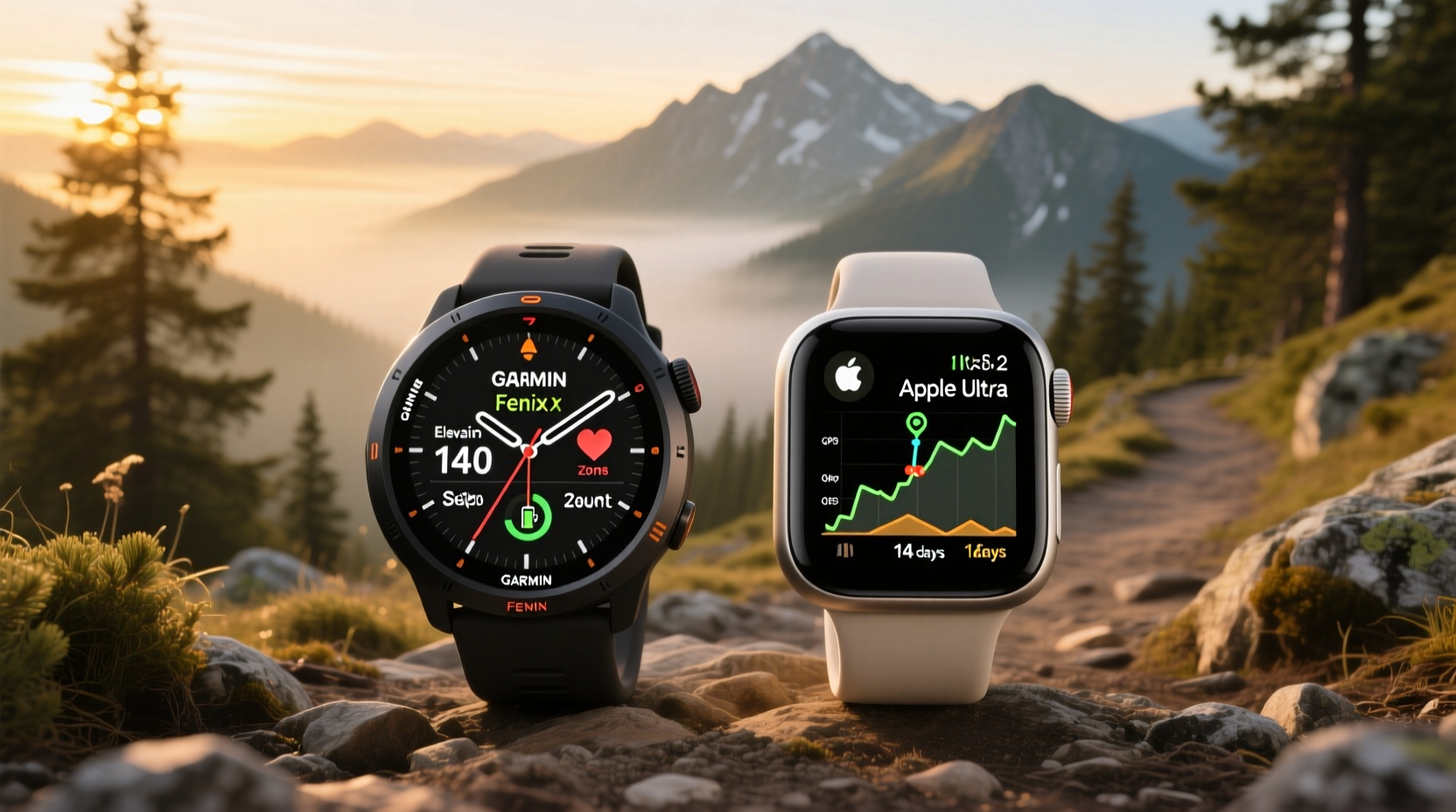
Hiking involves dynamic terrain, fluctuating weather, and prolonged physical exertion—all of which require accurate, continuous monitoring. The key metrics that matter most include:
- GPS accuracy: How precisely the device logs your path.
- Barometric altimeter: Tracks elevation changes, including ascent/descent totals.
- Heart rate variability (HRV): Assesses exertion levels and recovery needs.
- Compass & bearing: Essential for off-trail navigation.
- Battery life under load: Determines how long you can trust the device on extended trips.
- Environmental sensors: Temperature, atmospheric pressure, sunrise/sunset times.
Both watches include all of these features, but their implementation varies significantly.
GPS Performance: Precision Over the Long Haul
One of the most critical factors in hiking tracking is GPS reliability. Losing signal or recording inaccurate paths can lead to navigational errors, especially in remote areas without cellular coverage.
The Garmin Fenix supports multiple satellite systems—GPS, GLONASS, Galileo, QZSS—and allows users to enable Multi-Band (also called Dual-Frequency) GNSS. This technology corrects signal distortions caused by tree cover, mountainous terrain, and atmospheric interference, resulting in sub-5-meter accuracy even in challenging environments. In field tests conducted by outdoor reviewers, the Fenix 7X recorded trail deviations less than 3% over 20-mile hikes through mixed forest and alpine zones.
In contrast, the Apple Watch Ultra uses GPS and GLONASS but lacks support for Galileo and does not offer multi-band correction. While its positional tracking is generally reliable near open skies, it tends to drift more under heavy canopy or in narrow valleys. Independent testing shows average deviation between 8–12 meters in wooded areas—acceptable for casual use but potentially problematic for backcountry route planning.
“On technical ridge lines where every foot matters, I need a watch that doesn’t guess my location. The Fenix gives me confidence I’m where my map says I am.” — Daniel Reyes, Wilderness Guide & NOLS Instructor
Elevation and Altitude Tracking: Climbing Accuracy Matters
Elevation gain is one of the most cited stats among hikers, yet many devices miscalculate due to barometric drift or poor sensor calibration.
The Garmin Fenix includes a highly responsive barometric altimeter that auto-calibrates using known trail points, GPS-derived elevation, and nearby weather stations via connected smartphones. It also logs total ascent and descent independently, often matching topographic maps within 2–3%. Additionally, the device displays grade-adjusted pace, which accounts for incline when calculating effort—a crucial metric for assessing true workout intensity.
The Apple Watch Ultra similarly features a barometric sensor and records elevation changes. However, some users report inconsistencies during rapid ascents or temperature shifts. Unlike Garmin, Apple does not provide raw altitude graphs in its Fitness app; instead, elevation is summarized after the activity. Third-party apps like Strava or Gaia GPS can pull more detailed data, but native functionality remains limited.
| Metric | Garmin Fenix | Apple Watch Ultra |
|---|---|---|
| GNSS Support | GPS, GLONASS, Galileo, QZSS, Multi-Band | GPS, GLONASS (no Galileo/Multi-Band) |
| Altimeter Type | Barometric + Auto-Calibration | Barometric (manual reset needed) |
| Battery Life (GPS Mode) | Up to 140 hours (Fenix 7X Solar) | Approx. 36 hours |
| Offline Maps | Full-color topo maps with turn-by-turn routing | No built-in offline maps; requires third-party app |
| Trail Navigation | Back to Start, TracBack, Route Planning | Limited breadcrumb-style return |
Battery Life: The Deciding Factor for Multi-Day Hikes
No amount of feature richness matters if your watch dies halfway up a mountain. Battery longevity under active tracking conditions separates expedition-ready tools from everyday wearables.
The Garmin Fenix excels here. Even without solar charging, models like the Fenix 7S still offer around 30–40 hours in full GPS mode. The larger Fenix 7X pushes this to 140+ hours when using battery-saver modes. With solar assistance in daylight, that number extends further—ideal for week-long thru-hikes where recharging isn't feasible.
The Apple Watch Ultra improves upon previous Apple models by offering approximately 36 hours of battery life with GPS enabled. That’s sufficient for two-day weekend trips, but insufficient for longer expeditions unless you carry an external charger. Powering down non-essential features (like heart rate monitoring every 10 seconds instead of continuously) helps extend usage, but compromises data completeness.
Data Depth and Post-Hike Analysis
Tracking while hiking is only half the story. The value of collected data lies in how well it informs future training, recovery, and route planning.
Garmin Connect offers granular insights: vertical oscillation, stride length, balance between left and right foot strike, and even acclimatization status based on recent altitude exposure. These metrics help identify inefficiencies in gait or signs of fatigue before injury occurs. Users can overlay their track onto satellite imagery, view elevation profiles side-by-side with heart rate, and export TCX files for use in platforms like TrainingPeaks.
Apple Health aggregates basic movement data, but detailed hiking analytics require third-party apps. While Workout and Health apps show duration, distance, and calories burned, they lack advanced biomechanical feedback. Apps like Suunto or Coros can fill gaps, but integration is fragmented compared to Garmin’s unified platform.
Real Example: A Weekend Backpacking Trip in the Sierra Nevada
Consider a two-night backpacking trip covering 38 miles with 6,500 feet of cumulative elevation gain. Starting at 7,200 feet, the route crosses exposed ridges and descends into shaded pine forests.
A hiker using the Garmin Fenix 7X enables “UltraTrac” mode (every 5-second GPS sampling), activates the ABC (altimeter, barometer, compass) system, and loads a pre-planned route from Basecamp. Throughout the journey, the watch maintains consistent signal, recalibrates altitude at known waypoints, and alerts to sudden pressure drops indicating approaching storms. After completing the hike, the user reviews ascent pacing, identifies sections where heart rate spiked disproportionately to speed (indicating inefficient form), and shares the GPX file with friends planning the same route.
In contrast, another hiker wearing the Apple Watch Ultra records the same trek using the Workout app. GPS holds reasonably well on open ridgelines but shows minor zigzagging in dense woods. Elevation data appears slightly smoothed in post-analysis, missing short but steep switchbacks. By day three, the watch shuts down unexpectedly due to low battery, cutting off final segment data. While usable, the record lacks the fidelity required for rigorous performance evaluation.
User Experience and Ecosystem Integration
While raw performance favors Garmin, the Apple Watch Ultra wins in interface familiarity and seamless connectivity. Notifications, music controls, Siri voice commands, and Emergency SOS via satellite (with subscription) enhance convenience and safety for urban adventurers or those staying near cell coverage.
Garmin’s interface is more complex, requiring time to learn menu navigation and customize data screens. However, once configured, it provides immediate access to mission-critical information without unnecessary distractions. No social media pings, no message previews—just maps, metrics, and navigation cues.
For iPhone users deeply embedded in the Apple ecosystem, receiving texts or controlling podcasts directly from the wrist adds tangible value. But for purists focused solely on performance, Garmin’s minimalist digital cockpit may be preferable.
Checklist: Choosing the Right Watch for Your Hiking Style
- Assess trip length: If hiking beyond 36 hours without charging, prioritize Garmin.
- Evaluate terrain complexity: Technical routes demand multi-band GPS and reliable altimeters (Fenix advantage).
- Determine navigation needs: Do you want offline maps and route guidance? Only Garmin offers robust built-in support.
- Consider ecosystem preferences: Prefer iOS integration and sleek design? Apple Watch Ultra fits better.
- Analyze recovery needs: Serious athletes benefit from Garmin’s HRV Status, Training Load, and Body Battery.
Frequently Asked Questions
Can the Apple Watch Ultra replace a dedicated GPS hiking watch?
For day hikes and light backpacking near civilization, yes. But for remote, multi-day treks requiring precise navigation and extended battery life, it falls short compared to the Garmin Fenix.
Does the Garmin Fenix have cellular or emergency SOS?
Higher-end Fenix models include incident detection and live tracking when paired with a smartphone. Satellite SOS is available via the inReach Mini add-on, but not built-in like the Apple Watch Ultra (which requires a service plan).
Is the Apple Watch Ultra durable enough for serious hiking?
Yes—it features a sapphire crystal face, WR100 water resistance, and MIL-STD-810 certification for thermal, shock, and vibration resistance. It’s rugged by consumer standards, though less field-serviceable than Garmin units.
Final Verdict: Purpose Defines Performance
The question isn’t whether one device is universally “better,” but which aligns with your hiking philosophy and practical needs.
If your priority is **maximum accuracy, extended autonomy, and full-featured navigation**, the Garmin Fenix stands alone. Its sensor suite, firmware depth, and dedication to outdoor sports make it the preferred instrument for professionals and seasoned backpackers. When lives depend on knowing exactly where you are, the Fenix delivers confidence.
If you value **smart integration, modern aesthetics, and daily versatility** without sacrificing too much outdoor capability, the Apple Watch Ultra is a compelling hybrid. It performs admirably on moderate trails, keeps you connected, and transitions smoothly from trailhead to town.
Ultimately, both watches represent peak engineering in their respective domains. But when tracking hiking metrics—especially over distance, difficulty, and duration—the Garmin Fenix proves itself as the superior tool for those who treat the trail as both challenge and sanctuary.




 浙公网安备
33010002000092号
浙公网安备
33010002000092号 浙B2-20120091-4
Comments
No comments yet. Why don't you start the discussion?