
For runners today, smartwatches are more than accessories—they’re training partners. But as fitness technology advances, so does the volume of data we collect with every stride. Brands like Garmin and Apple dominate the market, each offering powerful tools to track performance. Yet a growing question lingers: Do runners actually need all this data? More importantly, when choosing between a Garmin and an Apple Watch, which one delivers real value without overwhelming you with metrics that don’t matter?
This isn’t just about battery life or step counts. It’s about understanding what truly enhances your running experience—and what merely clutters your wrist.
Understanding the Core Differences
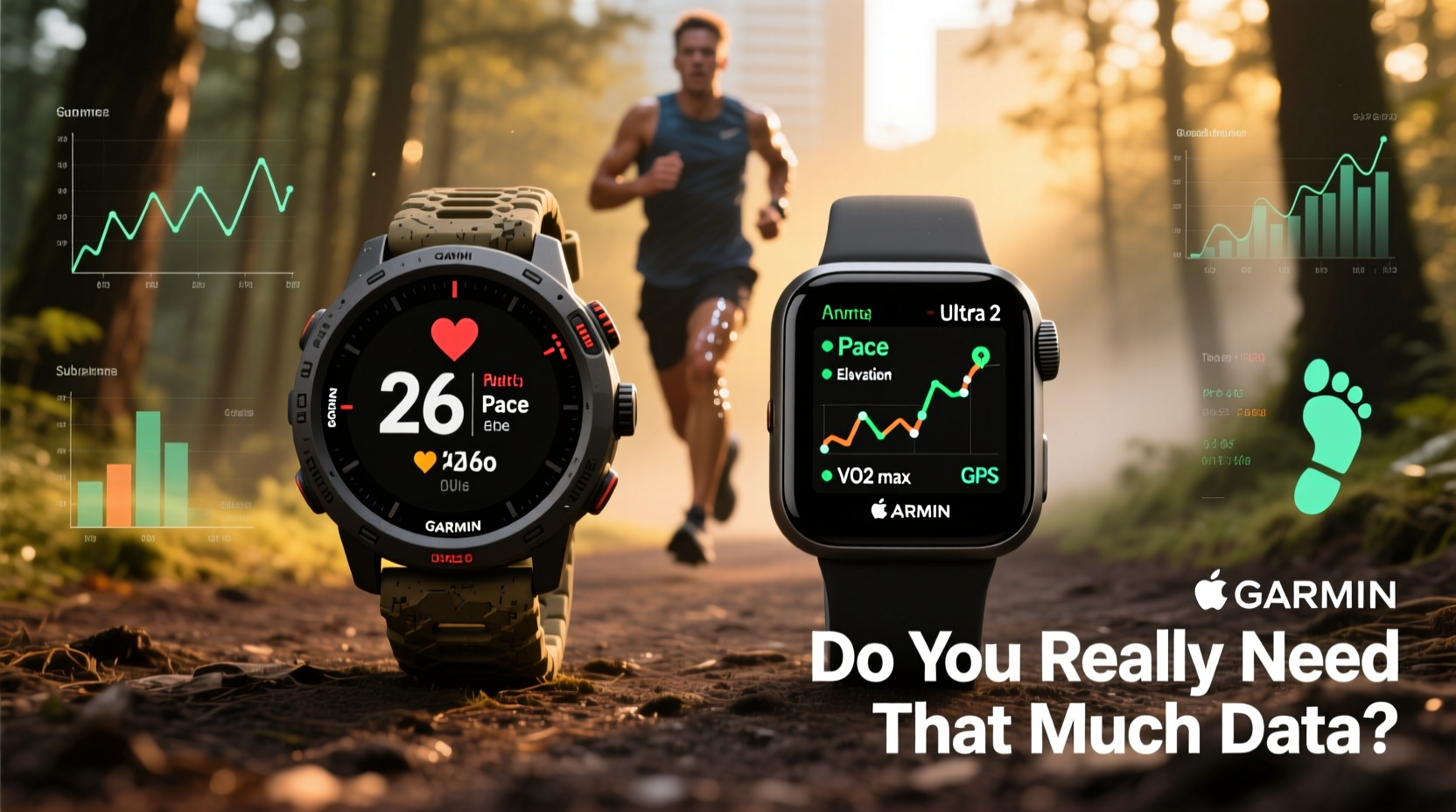
At first glance, both Garmin and Apple Watches offer GPS tracking, heart rate monitoring, and workout logging. But their design philosophies diverge sharply. Garmin builds devices rooted in athletic performance and outdoor endurance. Apple focuses on seamless integration with the iPhone ecosystem, emphasizing lifestyle, notifications, and health trends.
Garmin watches—especially models like the Forerunner 265, Fenix 7, or Enduro—are engineered for athletes who want granular feedback. They deliver advanced metrics such as training load, recovery time, VO₂ max estimates, cadence, ground contact time, and even lactate threshold predictions. These insights are backed by years of sports science research and are often used by coaches and elite runners.
In contrast, the Apple Watch Series 9 or Ultra 2 prioritizes user experience. While it tracks runs accurately and offers solid metrics like pace, distance, and heart rate zones, its deeper analytics require third-party apps. The interface is intuitive, notification-heavy, and optimized for daily wear beyond workouts.
Data Overload: When More Isn’t Better
The modern runner can access over 20 different metrics during a single run. But how many of them actually influence training decisions?
Studies show that excessive data can lead to analysis paralysis. Runners begin obsessing over minor fluctuations in metrics like HRV (heart rate variability) or \"training effect\" scores without understanding context. This can result in unnecessary anxiety, overtraining, or under-recovery—all because a number looked “off” one morning.
“Data should inform, not dictate, your training. A rested athlete with average metrics will outperform a fatigued one with perfect numbers.” — Dr. Sarah Lin, Sports Physiologist and Coach
Consider this: Two runners complete the same 10K tempo run. One uses a Garmin and sees 18 data fields post-run. The other uses an Apple Watch and checks only pace, duration, and perceived effort. Both improved cardiovascular fitness. Did the extra data make the first runner faster? Not necessarily.
The key lies in relevance. Useful data answers specific questions: Am I improving? Am I recovering well? Is my form efficient? Data becomes noise when it doesn’t connect to actionable outcomes.
What Metrics Actually Matter?
- Pace and Distance: Foundational for measuring progress.
- Heart Rate: Helps manage intensity and avoid overexertion.
- Perceived Effort: Often more accurate than any sensor when aligned with training goals.
- Training Load & Recovery Time: Especially useful for avoiding injury during high-mileage phases.
- Running Dynamics (for serious runners): Cadence, vertical oscillation, and ground contact time can reveal inefficiencies.
Everything else—like sleep score breakdowns, blood oxygen trends, or ECG readings—may be interesting but rarely impacts day-to-day running performance.
Comparative Breakdown: Garmin vs Apple Watch
| Feature | Garmin (e.g., Forerunner 265) | Apple Watch (e.g., Series 9) |
|---|---|---|
| Battery Life (GPS mode) | Up to 20 hours | 6–12 hours |
| Out-of-the-box Running Metrics | Comprehensive (pace, HR, cadence, stride length, etc.) | Basic (pace, distance, HR); advanced via third-party apps |
| Recovery & Training Guidance | Yes (Body Battery, Training Status, Load Focus) | Limited (primarily through Fitness app trends) |
| Multisport & Trail Features | Excellent (route planning, topographic maps, climb detection) | Fair (requires third-party apps for depth) |
| Smartphone Integration | Good (notifications, music storage) | Excellent (full iOS sync, calls, messages, apps) |
| Durability & Outdoor Design | High (rugged materials, MIL-STD tested) | Moderate (aluminum/ceramic; less suited for extreme conditions) |
| Price Range | $300–$800+ | $399–$899+ |
As shown, Garmin excels in performance-specific functionality, while Apple Watch shines in connectivity and everyday usability. For a weekend jogger who also wants a sleek device for work and social life, Apple may be sufficient. For someone logging 40+ miles per week or training for marathons, Garmin’s specialized tools offer tangible benefits.
A Real Runner’s Dilemma: Maria’s Story
Maria, a recreational marathoner from Portland, switched from her Apple Watch SE to a Garmin Forerunner 255 after struggling with inconsistent race results. She was logging regular runs but felt stagnant. Her Apple Watch told her she was “active,” but didn’t explain why her half-marathon times weren’t improving.
After two months with Garmin, she noticed patterns: her body was consistently flagged as “under-recovered” after long runs, despite feeling fine. She adjusted her schedule, added rest days, and began monitoring training load balance. Within six weeks, her easy runs felt easier, and her speedwork improved significantly.
“I wasn’t broken—I was just mismanaging recovery,” she said. “The Garmin didn’t make me faster. It helped me stop working against myself.”
Maria’s case illustrates a crucial point: data is most valuable when it reveals blind spots. For her, fatigue management was the missing link. For others, it might be pacing strategy or running form.
So, Do You Need That Much Data?
The answer depends on your goals.
If you run 2–3 times a week for fitness and stress relief, basic metrics—distance, pace, heart rate—are likely enough. In this case, an Apple Watch may be the better choice. Its strength lies in simplicity, aesthetics, and integration with your digital life. You get reliable run tracking plus reminders to stand, breathe, or take a walk—features that support overall wellness.
But if you're preparing for races, increasing mileage, or trying to break personal records, deeper insights become essential. Garmin’s ecosystem provides structured feedback that helps prevent burnout and optimize performance. Its ability to analyze trends across weeks—not just single workouts—makes it a tool for long-term development.
Still, having access to advanced data doesn’t mean you must use it all. The smartest runners treat data as a periodic check-in, not a constant scoreboard. Weekly reviews of key metrics (like resting heart rate or training effect) are often more effective than obsessing over every run.
Step-by-Step: Choosing the Right Watch for Your Running Style
- Define your primary goal: Weight loss? Marathon training? General fitness? Social connectivity?
- Assess your tech habits: Are you deeply embedded in the Apple ecosystem? Do you rely on iPhone notifications?
- Evaluate your running frequency: Occasional runner? Daily jogger? Competitive racer?
- Test battery needs: Do you forget to charge devices nightly? Long runs require longer battery life.
- Try before you buy: Visit a store or borrow models. Wear them for a few days. How do they feel during movement?
- Check app compatibility: Do you use Strava, TrainingPeaks, or Apple Fitness+? Ensure seamless syncing.
- Set a budget: High-end Garmins and Apple Watches exceed $700. Mid-tier models often offer 90% of the functionality at half the price.
Frequently Asked Questions
Is the Apple Watch accurate for running?
Yes. The Apple Watch uses GPS and an optical heart rate sensor that performs well under normal conditions. However, signal drift can occur in dense urban areas or under tree cover. For most casual runners, accuracy is sufficient. Serious athletes may prefer Garmin’s dual-band GPS found in higher-end models for greater precision.
Can I use an Apple Watch for marathon training?
You can, but with limitations. While the Apple Watch tracks pace, distance, and heart rate adequately, it lacks built-in guidance for periodized training plans, recovery alerts, or detailed running dynamics. Pairing it with third-party apps like Nike Run Club or Strava improves functionality, but still doesn’t match Garmin’s native coaching features.
Does more data lead to better performance?
Only if you know how to interpret and act on it. Data without context leads to confusion. A runner who checks their VO₂ max daily without understanding its variability may misread readiness. The best approach is to use data periodically—as a diagnostic tool—not as a daily report card.
Final Checklist Before You Buy
- ✅ I know whether I prioritize performance or convenience
- ✅ I’ve considered battery life relative to my longest runs
- ✅ I’m comfortable with the companion app (Garmin Connect vs Apple Fitness)
- ✅ I’ve tested the fit and comfort during movement
- ✅ I understand which metrics matter to my goals—and which don’t
- ✅ I’m not paying for features I’ll never use
Conclusion: Let Purpose Guide Your Choice
The debate between Garmin and Apple Watch isn’t about which brand is “better.” It’s about alignment with your purpose. If you’re a runner driven by progress, structure, and self-improvement, Garmin’s depth of insight offers meaningful advantages. If you value a sleek, connected device that also happens to track runs well, the Apple Watch fits seamlessly into modern life.
And about all that data? You don’t need it all. You only need what helps you run smarter, stay healthy, and enjoy the process. The best watch isn’t the one with the most features—it’s the one that supports your journey without getting in the way.




 浙公网安备
33010002000092号
浙公网安备
33010002000092号 浙B2-20120091-4
Comments
No comments yet. Why don't you start the discussion?