
In the evolving world of smart home technology, smart displays have become central hubs for managing daily routines, controlling connected devices, and accessing information hands-free. Two of the most prominent players in this space are Google with its Nest Hub series and Amazon with the Echo Show lineup. The latest entries—particularly the Google Nest Hub (2nd gen) and the Amazon Echo Show 15—represent distinct philosophies in design, functionality, and user experience. This in-depth comparison examines every key aspect to help you determine which device better suits your lifestyle and smart home ecosystem.
Design and Display: Form Meets Function
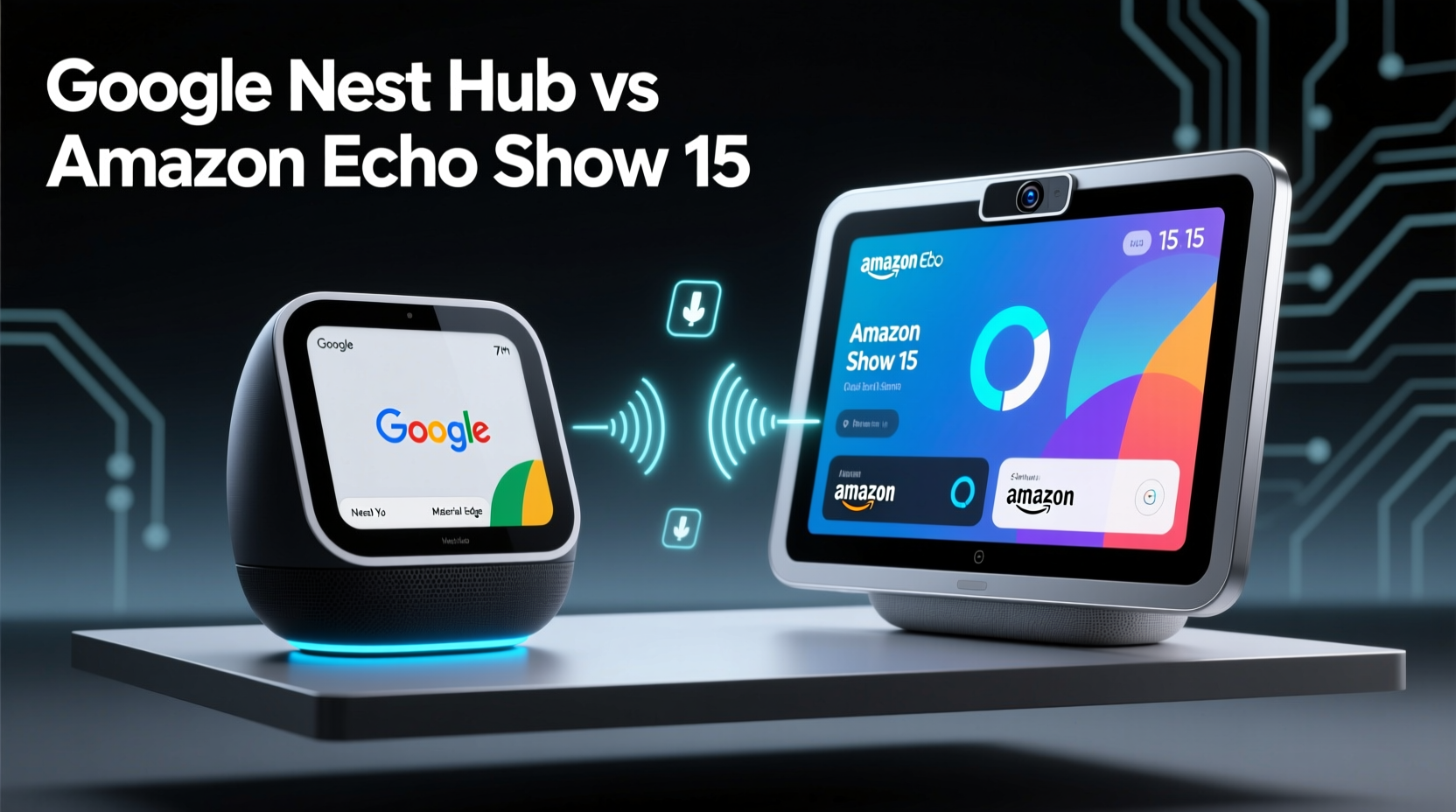
The physical presence of a smart display significantly impacts where and how it's used in the home. The Google Nest Hub (2nd gen) adopts a minimalist, compact approach. Measuring just 7 inches diagonally, it’s designed to sit unobtrusively on nightstands, kitchen counters, or desks. Its soft-touch fabric finish and rounded corners give it a modern, approachable look that blends into most interiors.
In contrast, the Amazon Echo Show 15 is a bold departure from typical smart displays. With a massive 15.6-inch HD touchscreen mounted on a rotating wall bracket or tabletop stand, it functions more like a digital photo frame or wall-mounted command center. Its size allows for rich visuals, multitasking interfaces, and glanceable information across rooms.
While the Nest Hub excels in portability and subtlety, the Echo Show 15 leans into permanence and visibility. It’s meant to be seen and interacted with from across the room, offering dynamic widgets and customizable home screens that adapt based on time of day or user preferences.
Voice Assistant Performance: Google Assistant vs Alexa
The intelligence behind these devices hinges on their respective voice assistants: Google Assistant for the Nest Hub and Alexa for the Echo Show 15. Both platforms have matured significantly, but they differ in core strengths.
Google Assistant shines in natural language understanding and search accuracy. Asking complex questions like “What’s the weather forecast for tomorrow afternoon, and will I need a jacket?” yields precise, context-aware answers pulled from Google’s vast knowledge graph. It also integrates seamlessly with Gmail, Google Calendar, and YouTube, making it ideal for users embedded in the Google ecosystem.
Alexa, while slightly less nuanced in conversational depth, offers broader third-party skill support. With over 100,000 \"skills\" available—from guided meditation apps to trivia games—Alexa provides more customization for niche use cases. The Echo Show 15 leverages this with multi-step routines displayed visually, such as showing recipe steps while timing each phase aloud.
“Alexa’s strength lies in automation breadth, while Google Assistant wins on contextual awareness and search precision.” — David Lin, Smart Home Analyst at TechHome Weekly
For families who rely heavily on voice commands for entertainment and routines, Alexa’s structured approach may feel more intuitive. Professionals or students who frequently seek quick facts or calendar management may prefer Google’s speed and accuracy.
Smart Home Integration and Control
Both devices serve as central controllers for smart homes, supporting major protocols like Wi-Fi, Bluetooth, and Matter. However, their interface approaches differ dramatically.
The Nest Hub uses Google’s Home app framework, presenting devices in a clean, card-based layout. Users can create rooms, assign devices, and trigger scenes with simple voice commands or taps. Motion sensing via Soli radar enables gesture controls (e.g., silencing an alarm with a hand wave), a feature absent on Amazon’s side.
The Echo Show 15 takes a visual-first strategy. Its large screen displays multiple smart home widgets simultaneously—thermostat status, doorbell feed, lighting controls—without requiring navigation. You can drag and drop tiles to customize the home screen, similar to a smartphone’s home screen. This makes monitoring several devices at once far more efficient.
| Feature | Google Nest Hub | Amazon Echo Show 15 |
|---|---|---|
| Screen Size | 7 inches | 15.6 inches |
| Voice Assistant | Google Assistant | Alexa |
| Resolution | 1024 x 600 | 1920 x 1080 (Full HD) |
| Mounting Options | Tabletop only | Wall-mountable + tabletop |
| Gesture Control | Yes (Soli radar) | No |
| Multi-User Support | Limited voice profiles | Strong facial recognition + voice ID |
| Video Calling | Google Duo / Meet | Zoom, Skype, Facebook Messenger |
User Experience and Daily Utility
Real-world usability separates good gadgets from essential ones. The Nest Hub performs best as a bedside companion. Its sleep tracking feature (using Soli to monitor breathing and movement without cameras) provides nightly insights when enabled. When paired with compatible wearables, it delivers personalized sleep summaries through the Nest Aware subscription.
The Echo Show 15, by contrast, thrives in communal spaces. One family in Austin, Texas, replaced their refrigerator whiteboard with an Echo Show 15. Using Alexa’s reminders, shared calendars, and sticky-note widget, all four family members keep track of homework, chores, and appointments. The parent noted, “We used to miss half the soccer practices. Now, if someone adds an event, it pops up on the screen automatically after dinner.”
This mini case study highlights a broader trend: the Echo Show 15 works best as a household command center, especially for families or roommates coordinating schedules. The Nest Hub, meanwhile, serves individuals or couples seeking a quiet, personal assistant for bedtime routines, morning briefings, or kitchen timers.
Media consumption also differs. The Nest Hub streams YouTube, YouTube Music, and select Google Play content smoothly, but lacks native support for Hulu or HBO Max. The Echo Show 15 supports a wider array of streaming services, including Netflix, Prime Video, and Disney+, making it a stronger choice for casual video viewing.
Privacy, Security, and Long-Term Value
Privacy remains a top concern with always-listening devices. Both companies offer physical mute buttons and microphone/camera off switches (the Echo Show 15 includes a camera shutter). Google emphasizes on-device processing for voice commands, reducing cloud dependency. Amazon has improved transparency with its “Alexa Privacy Hub,” allowing users to review voice recordings and auto-delete them after 3 or 18 months.
In terms of long-term value, the Nest Hub starts at $99.99, making it one of the most affordable smart displays. It receives regular software updates and benefits from Google’s AI advancements. The Echo Show 15 retails for $249.99—a significant investment—but justifies the cost with its versatility, durability, and role as a permanent fixture.
- Budget-conscious buyers: Nest Hub offers excellent value.
- Families or tech enthusiasts: Echo Show 15’s expandability pays off over time.
- Renters or minimalists: The Nest Hub’s portability is a major advantage.
Checklist: Choosing the Right Smart Display
- Assess your primary use case: personal assistant vs. family hub.
- Evaluate available space—wall-mounted or countertop?
- Determine which voice assistant aligns with your existing apps (Google or Amazon).
- Consider media habits: do you stream videos often?
- Review privacy settings and data control preferences.
- Test voice recognition accuracy with all household members.
- Check compatibility with current smart home devices.
Frequently Asked Questions
Can the Google Nest Hub control Amazon smart devices?
Yes, many Amazon-compatible devices (like Ring doorbells or Eero routers) work with Google Home via built-in integrations. However, full functionality may require manual setup and isn’t always seamless.
Does the Echo Show 15 work without an internet connection?
No. Like all smart displays, it requires Wi-Fi for core functions. Basic clock and alarm features may persist temporarily, but voice responses, updates, and smart controls depend on connectivity.
Is the Nest Hub’s sleep tracking accurate?
It provides general trends rather than medical-grade data. Independent tests show moderate accuracy in detecting sleep duration and disturbances, but it shouldn’t replace clinical tools for diagnosing sleep disorders.
Final Verdict: Which Should You Buy?
The Google Nest Hub and Amazon Echo Show 15 aren’t direct competitors—they fulfill different roles. The Nest Hub is a refined, affordable entry point into smart displays, ideal for individuals who want gentle automation, sleep insights, and Google integration. Its small footprint and low price make it easy to adopt without commitment.
The Echo Show 15 is a statement device. It transforms walls into interactive dashboards, supports complex routines, and caters to households needing centralized coordination. While expensive, its utility grows over time as users discover new ways to leverage its screen real estate and Alexa-powered automations.
Your decision should hinge on three factors: space, ecosystem, and purpose. If you’re deeply invested in Google services and want a subtle helper, go with the Nest Hub. If you’re building a connected family environment and want a powerful, always-visible control panel, the Echo Show 15 is unmatched.




 浙公网安备
33010002000092号
浙公网安备
33010002000092号 浙B2-20120091-4
Comments
No comments yet. Why don't you start the discussion?