
In today’s connected kitchens, smart displays have become essential tools—especially for those who love cooking but want to keep their hands clean and workflows smooth. Two leading devices dominate this space: the Google Nest Hub and the Amazon Echo Show. Both promise voice-controlled assistance, visual recipe guidance, and seamless integration into daily routines. But when it comes to following recipes while juggling ingredients and utensils, which one truly performs better?
The answer isn’t just about screen size or speaker quality—it hinges on how well each device understands your cooking needs, accesses reliable recipe sources, supports step-by-step navigation, and works within your existing tech ecosystem. This article dives deep into both devices’ capabilities specifically for kitchen use, focusing on real-world usability, integration depth with recipe platforms, and practical advantages that matter during meal prep.
Understanding the Core Differences
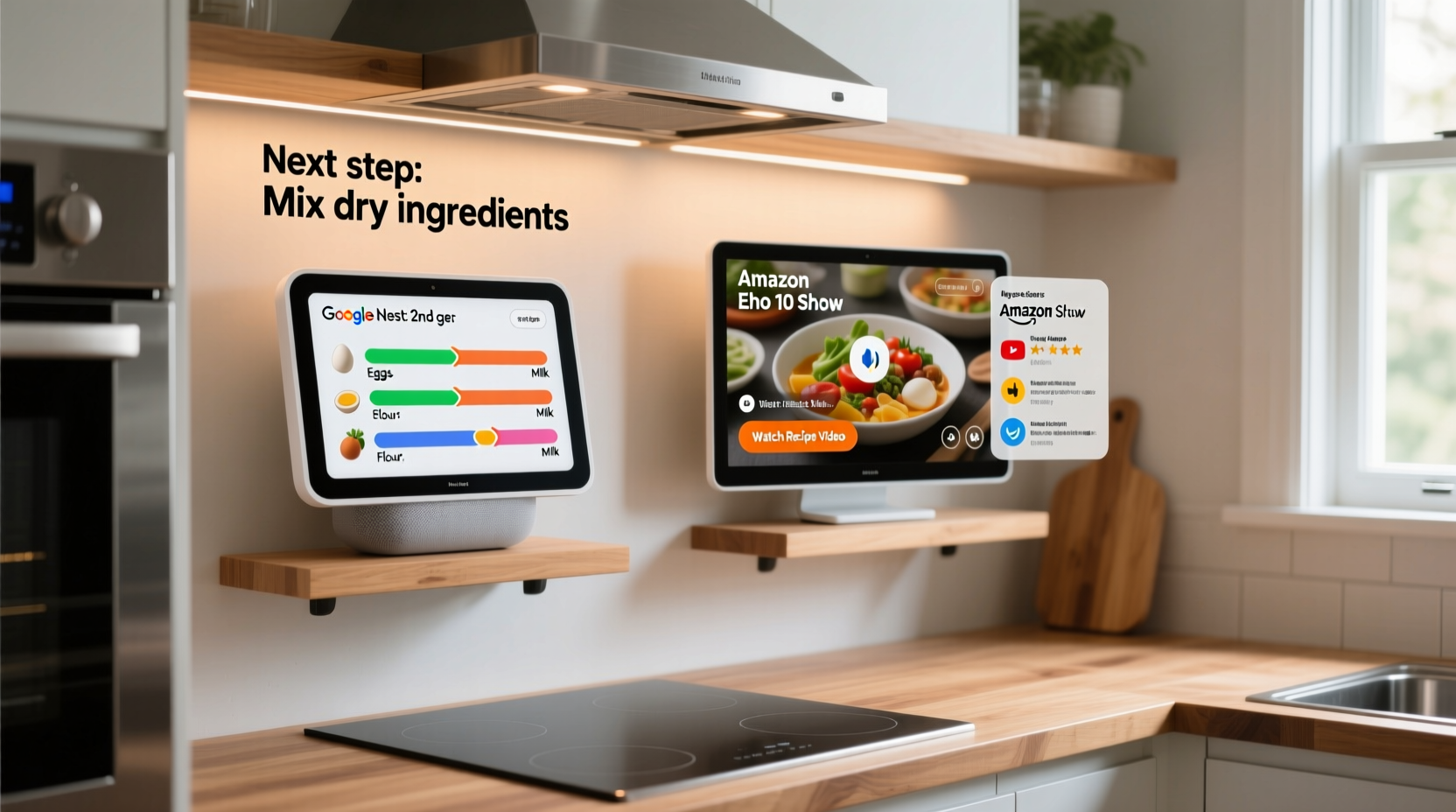
At first glance, the Google Nest Hub (2nd gen) and the Amazon Echo Show 5 (or Show 8) appear similar: compact smart displays with touchscreens, microphones, speakers, and voice assistants. However, their underlying ecosystems shape their functionality in meaningful ways.
The Google Nest Hub runs on Google Assistant and is deeply integrated with Android, Google Photos, YouTube, and Google Search—the world’s largest repository of user-generated content, including millions of recipes. The Amazon Echo Show relies on Alexa and thrives within the Amazon ecosystem, offering tight integration with Prime services, shopping lists, and select third-party apps.
For kitchen use, especially around recipe handling, these differences translate into distinct experiences:
- Google Nest Hub excels at pulling up web-based recipes quickly via natural language search (“Show me easy chicken parmesan recipes”).
- Amazon Echo Show shines when using pre-approved skills like Allrecipes or BigOven, where structured data enables interactive step-by-step mode.
While both allow you to ask for a recipe, set timers, and control smart home devices, the way they present and guide you through cooking steps can significantly affect convenience and safety—particularly when your hands are covered in flour or oil.
Recipe Integration: How Each Device Handles Cooking Instructions
When you're mid-recipe, clarity and continuity matter more than ever. Let’s examine how each platform handles core aspects of recipe interaction.
Search & Discovery
Google Nest Hub leverages the power of Google Search. Say, “Hey Google, show me vegetarian lasagna recipes,” and within seconds, it pulls results from major food websites like BBC Good Food, Food Network, or Epicurious. These are displayed as clickable cards with photos, ratings, and estimated prep times.
Amazon Echo Show uses Alexa Skills to access recipes. You must either enable specific cooking apps (like Yummly or Tasty) or rely on Amazon’s own “Alexa Recipe” skill. While functional, discovery feels more limited unless you already know which app you want to use.
Step-by-Step Navigation
This is where the Echo Show gains ground. With supported skills, Alexa offers true step-by-step progression. Once you start a recipe, she reads each instruction aloud and waits for confirmation (“Ready for the next step?”), minimizing screen touching.
The Nest Hub lacks native step-by-step prompting. Instead, it scrolls through the full recipe text on-screen. You can say “Next step” if using certain partnered sites (like Tasty), but support is inconsistent across publishers. Most of the time, you’ll need to manually scroll or tap—a challenge with messy hands.
Hands-Free Operation
Voice responsiveness varies. Google Assistant generally processes complex queries faster and with greater accuracy, especially when asking follow-up questions (“How long does it take to bake salmon?”).
Alexa, while slightly slower, maintains context better during multi-turn interactions within a single skill. For example, once inside a recipe, you can say “Set a timer for 15 minutes” without repeating the wake word.
“Voice continuity is critical in the kitchen. If I have to repeat commands or correct misheard words, I lose focus—and sometimes burn dinner.” — Sarah Lin, Home Chef & Tech Reviewer
Feature Comparison Table
| Feature | Google Nest Hub | Amazon Echo Show |
|---|---|---|
| Recipe Source Flexibility | High – pulls from any indexed website via Google Search | Moderate – limited to supported apps/skills |
| Step-by-Step Voice Guidance | Limited – only on select platforms | Strong – built into many cooking skills |
| Screen Size Options | Nest Hub (7\"), Nest Hub Max (10\") | Echo Show 5 (5.5\"), Show 8 (8\"), Show 10 (10.1\") |
| Integration with Smart Home | Broad – Works with Matter, Wi-Fi, Zigbee (via hub) | Deep – Native Zigbee, Sidewalk, extensive Alexa routines |
| YouTube Access | Yes – Full browser playback | No – Only music videos or Amazon-owned content |
| Timer Management | Multiple named timers, visible on screen | Multiple timers, voice-managed well |
| Offline Functionality | Minimal – requires internet | Slight edge – some skills cache recent recipes |
Real-World Example: Preparing Sunday Brunch
Consider a typical Sunday morning scenario: you’re making blueberry pancakes while managing kids, coffee, and toast. Your phone is buried in your bag, and flipping pages isn’t an option.
You say: “Hey Google, show me fluffy pancake recipes.” The Nest Hub instantly displays three options from Taste of Home, King Arthur Baking, and Delish. You pick one, and the full article loads. As you read, you pause to crack eggs. To move to the next section, you either tap the screen or say, “Scroll down”—but Google doesn’t always catch it over sizzling butter.
On the Echo Show, you say: “Alexa, open Allrecipes and start Fluffy Buttermilk Pancakes.” Alexa begins reading: “Step 1: In a large bowl, whisk together flour, sugar, baking powder…” After confirming you’ve done it, she prompts, “Say ‘next’ when ready.” Even with background noise, Alexa waits patiently. When you say “Set a timer for 2 minutes per side,” she creates a dedicated pancake flip timer.
In this case, the Echo Show provides a smoother, more guided experience—even if fewer recipes are available overall.
Setting Up Your Kitchen Smart Display: A Step-by-Step Guide
To get the most out of either device in your kitchen, follow these setup steps for optimal recipe performance:
- Choose the Right Model: Opt for larger screens (Nest Hub Max or Echo Show 8/10) for easier viewing from across the counter.
- Position Strategically: Place near your prep area but away from steam, splashes, and direct heat. Use a stand or wall mount for stability.
- Enable Key Apps/Skills:
- Nest Hub: Ensure YouTube, Chrome, and Google Photos are accessible.
- Echo Show: Enable Allrecipes, Yummly, Tasty, or SideChef for enhanced recipe features.
- Test Voice Commands: Practice common phrases like “Start recipe,” “Pause video,” “Add milk to shopping list,” or “Set timer for 10 minutes.”
- Link Accounts: Connect your Google or Amazon account to recipe platforms you trust for personalized suggestions.
- Create Routines: Set up automations like “Good Morning” to display breakfast recipes automatically.
- Keep It Clean: Wipe the screen regularly with a dry microfiber cloth. Avoid sprays near vents.
Which Ecosystem Fits Your Lifestyle?
Your choice may ultimately depend less on raw features and more on what else you use at home.
If you rely heavily on Android phones, Google Calendar, Gmail, and YouTube, the Nest Hub blends seamlessly. Looking up a video tutorial while cooking becomes effortless. You can also cast recipes directly from your phone’s browser to the Hub.
If you shop frequently on Amazon, use Ring doorbells, or have multiple Alexa-enabled lights and plugs, the Echo Show integrates more naturally. Adding ingredients to your cart mid-recipe is possible with voice: “Alexa, add eggs to my cart.”
Additionally, consider family usage. Alexa allows multiple user profiles with individual voice recognition, so different family members can receive personalized recommendations. Google Assistant now supports voice match too, though it’s less refined in shared environments.
Frequently Asked Questions
Can I use my own recipes on these devices?
Yes, but with limitations. On the Nest Hub, save recipes to a Google Doc or website and access them via browser. The Echo Show supports uploading recipes to compatible apps like Paprika or Plan to Eat, which sync with Alexa.
Do I need a subscription to use recipes?
No. Both devices offer free access to thousands of recipes. However, premium versions of apps like Yummly or SideChef may require subscriptions for advanced filtering (e.g., dietary restrictions, meal planning).
Which has better screen visibility in bright kitchens?
The Nest Hub Max and Echo Show 10 have auto-brightness and anti-glare coatings, making them more readable in sunlight. The standard Nest Hub and Show 5 can struggle in direct light. Positioning remains key.
Checklist: Choosing the Best Device for Kitchen Recipes
- ☐ Determine whether Google or Amazon services dominate your current tech stack
- ☐ Prioritize screen size—larger is better for readability during cooking
- ☐ Verify compatibility with your favorite recipe websites or apps
- ☐ Test voice command accuracy in your kitchen environment
- ☐ Check if step-by-step mode is supported by your preferred recipe sources
- ☐ Consider future expansion (smart ovens, fridges, etc.) and which assistant supports them
- ☐ Evaluate audio quality—clear voice feedback matters when multitasking
Final Verdict: Which Is Better for Recipes?
After evaluating search flexibility, voice guidance, ecosystem synergy, and real-world usability, the verdict depends on your priorities:
If **accessibility and breadth** of recipes are most important—if you want to pull up any random blog post or international dish with minimal friction—the Google Nest Hub wins. Its integration with Google Search makes it the ultimate open-web kitchen assistant.
But if you value **structured, hands-free cooking guidance**, where each step is clearly announced and confirmed without touching the screen, the Amazon Echo Show delivers a superior experience—provided you stick to supported apps.
For most serious home cooks who follow established recipes from major publishers, the Echo Show’s guided workflow reduces errors and keeps the process flowing smoothly. Casual cooks who browse widely and watch technique videos will likely prefer the Nest Hub’s openness and YouTube access.
“The best kitchen tech doesn’t replace skill—it removes distractions so you can focus on cooking.” — James Wu, Culinary Instructor & Smart Home Advocate
Take Action Today
Don’t let indecision keep you from upgrading your kitchen experience. Try one device for two weeks using your most-used recipes. Pay attention to how often you need to touch the screen, whether voice responses feel natural, and how easily you find new dishes. Many retailers offer return windows, so test with intention.
Whether you choose the Google Nest Hub or Amazon Echo Show, the goal is the same: to make cooking more enjoyable, efficient, and mess-free. With the right tool, even weeknight dinners can feel inspired.




 浙公网安备
33010002000092号
浙公网安备
33010002000092号 浙B2-20120091-4
Comments
No comments yet. Why don't you start the discussion?