
For those just stepping into the world of smart homes, choosing the right device can feel overwhelming. Two of the most popular entry points are the Google Nest Hub and the Amazon Echo Show. Both offer voice-controlled displays that act as central hubs for music, routines, video calls, and smart home management. But despite their similarities, they differ significantly in ecosystem, interface, functionality, and long-term usability—especially for newcomers.
If you're new to smart technology and want a device that simplifies daily life without requiring technical expertise, understanding these differences is essential. The right choice depends not only on features but also on how well each fits your habits, existing devices, and future plans.
Understanding the Basics: What Each Device Offers
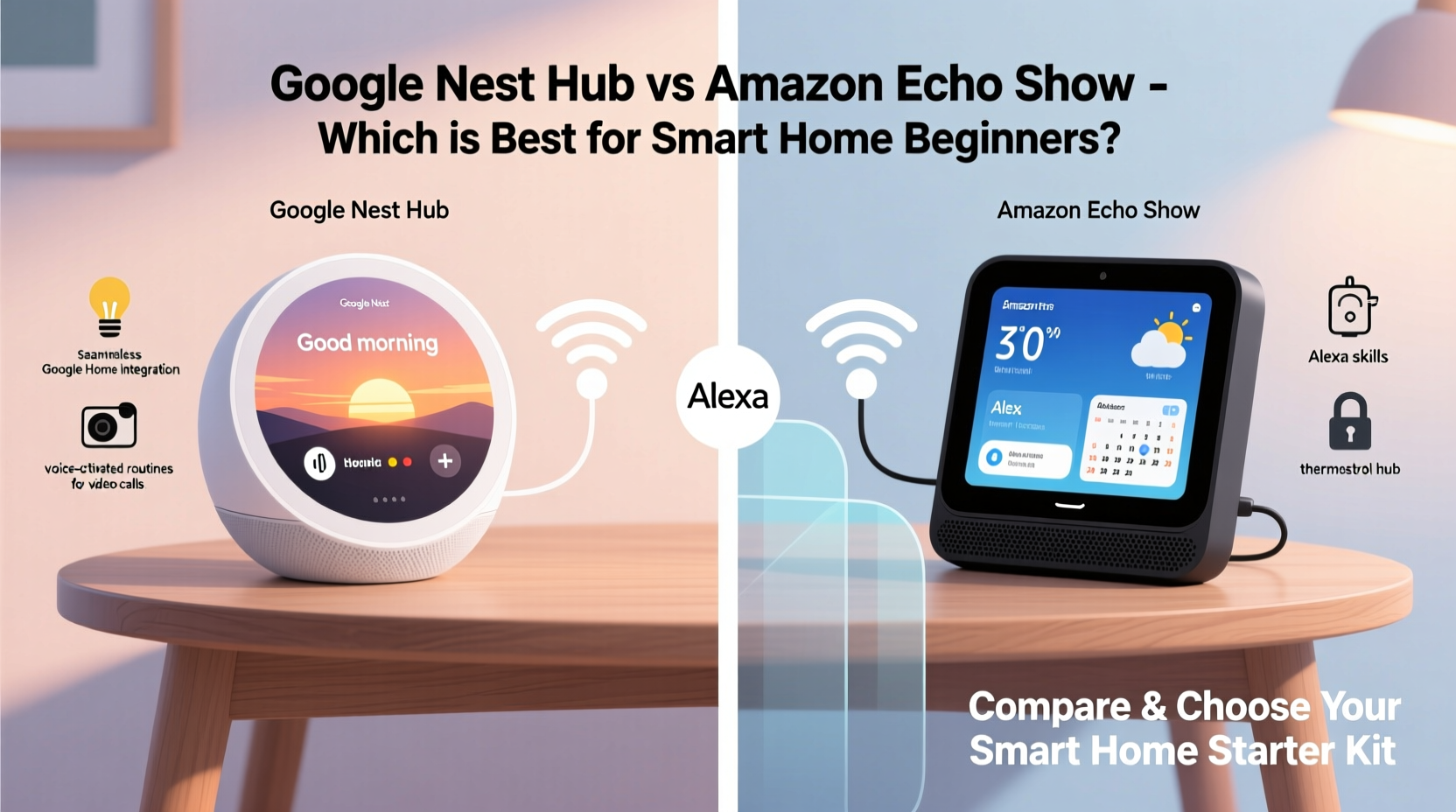
The Google Nest Hub (2nd gen) and the Amazon Echo Show 5 (2nd gen) are compact smart displays designed for bedrooms, kitchens, or small living spaces. Both include a screen, speaker, microphone array, and camera (on most Echo Show models), enabling hands-free interaction via voice commands.
The Nest Hub runs on Google’s Fuchsia OS and integrates tightly with Google Assistant. It supports YouTube, Google Calendar, Google Photos, and a wide range of smart home platforms through Matter and Thread support. The screen measures 7 inches with a fabric-covered base and focuses on ambient experiences like sleep sensing (in newer models) and gentle wake-up routines.
The Echo Show 5, meanwhile, uses Amazon’s Fire OS and relies on Alexa as its voice assistant. It has a 5.5-inch screen, a built-in camera for video calls and drop-ins, and strong integration with Amazon services such as Prime Video, Ring doorbells, and shopping features. Its design includes physical buttons to mute the mic and disable the camera—a feature many privacy-conscious users appreciate.
While both devices cost under $100, their underlying ecosystems shape what they can do—and how easily you can use them as a beginner.
Smart Home Integration: Which Works Better Out of the Box?
One of the biggest considerations for beginners is compatibility. You don’t want to buy a device that won’t talk to your lights, thermostat, or security system.
Google Nest Hub excels in broad compatibility. Thanks to Google’s leadership in developing open standards like Matter and Thread, it connects seamlessly with hundreds of brands including Philips Hue, Ecobee, Yale locks, Lutron shades, and Samsung SmartThings. If you already use Android phones or Chromebooks, Google’s ecosystem feels natural and intuitive. Voice commands like “Hey Google, turn off the bedroom light” or “Set the thermostat to 72 degrees” work reliably across supported devices.
Alexa, powering the Echo Show, leads in sheer number of compatible devices—over 140,000 according to Amazon—with deep partnerships across budget-friendly brands like TP-Link Kasa, Wyze, and Eufy. However, this breadth sometimes comes at the cost of consistency. Some third-party integrations require multiple app switches or delayed responses. That said, if you own an Amazon Ring doorbell or plan to use Fire TV later, Alexa offers smoother end-to-end control.
Ecosystem Lock-In: Why Your Existing Tech Matters
Your current tech stack plays a major role in which device will serve you best. Consider this real-world example:
Maria, a first-time smart home user, owns an iPhone, uses Gmail daily, and streams music through YouTube Music. She bought an Echo Show because it was on sale, but quickly grew frustrated. Alexa couldn't access her Google Calendar events accurately, wouldn't play YouTube videos full-screen, and mispronounced names from her contacts. After switching to a Nest Hub, her morning routine improved instantly: traffic updates pulled from Maps, calendar summaries read aloud correctly, and YouTube workouts played smoothly.
This isn’t an isolated case. Experts emphasize alignment between your primary digital environment and your smart display.
“Beginners often overlook ecosystem synergy. A smart display should extend your existing tools—not fight against them.” — David Lin, Smart Home Consultant at HomeTech Labs
If you live in Apple’s world (iPhone, iCloud, Apple Music), neither option is ideal—but Alexa handles Spotify and Bluetooth audio slightly better than Google Assistant does on iOS. For Android and Google Workspace users, the Nest Hub is clearly superior.
Interface and Daily Use: Simplicity vs Features
As a beginner, ease of use trumps advanced capabilities. Here's how the two compare in everyday interactions:
- Google Nest Hub: Emphasizes simplicity. The home screen shows time, weather, and suggested actions based on context (e.g., commute time, upcoming event). Ambient Mode turns the screen into digital art or photo frames when idle. Sleep Sensing (on Nest Hub Max and newer 2nd-gen standard models) tracks breathing and noise patterns without a camera, helping improve sleep hygiene.
- Amazon Echo Show: More interactive but busier. The home screen displays widgets, ads (for Amazon products), and suggested routines. Video calling via Alexa-to-Alexa or Skype is straightforward. The camera enables motion alerts and facial recognition (if enabled), useful for checking in on pets or kids.
Navigating settings is simpler on the Nest Hub. Most controls are accessible through the Google Home app, which organizes devices by room and allows quick creation of routines (“Good Morning,” “Leaving Home”) using drag-and-drop logic. The Echo Show requires navigating the Alexa app, which some users find cluttered due to promotional banners and skill recommendations.
| Feature | Google Nest Hub | Amazon Echo Show 5 |
|---|---|---|
| Screen Size | 7 inches | 5.5 inches |
| Camera | No (except Max model) | Yes (with shutter option) |
| Sleep Tracking | Yes (radar-based sensing) | No |
| Video Calling | Limited (requires Duo/Meet) | Full support (Alexa, Skype, Zoom) |
| Matter Support | Yes (native) | Yes (via update) |
| Music Services | YouTube Music, Spotify, Pandora | Amazon Music, Spotify, Apple Music |
| Privacy Controls | Software mute | Physical mic/camera buttons |
For parents or caregivers, the Echo Show’s camera may be appealing for monitoring purposes. But if you value unobtrusive design and wellness features, the Nest Hub’s ambient intelligence stands out.
Setting Up Your First Smart Display: A Step-by-Step Guide
Getting started should take less than 20 minutes. Follow this timeline for a smooth setup:
- Unbox and Plug In: Place the device near a power outlet in your desired location—kitchen counter, nightstand, or entryway.
- Download the Companion App: Install Google Home (for Nest Hub) or Alexa (for Echo Show) on your smartphone.
- Connect to Wi-Fi: Open the app, follow prompts to connect the device to your home network. Ensure 2.4GHz band is available; most smart displays don’t support 5GHz alone.
- Link Key Accounts: Add email, calendar, music service, and preferred news sources. This step personalizes your experience.
- Add Your First Device: Pair a smart bulb or plug. Test with a voice command like “Turn on the lamp.”
- Create a Routine: Set up one automated action—like dimming lights at bedtime or announcing weather during breakfast.
- Test Privacy Settings: Review microphone access, data retention, and screen-off schedules. Disable features you won’t use.
Which One Should You Buy? A Practical Checklist
Still unsure? Use this decision checklist tailored for beginners:
- Choose Google Nest Hub if:
- ✔️ You use Android, Gmail, or YouTube regularly
- ✔️ You care about sleep tracking and wellness insights
- ✔️ You prefer minimal interface with fewer ads
- ✔️ You want strong future-proofing via Matter/Thread
- ✔️ You dislike cameras on bedside devices
- Choose Amazon Echo Show if:
- ✔️ You shop frequently on Amazon or have a Prime membership
- ✔️ You want video calling and motion alerts
- ✔️ You own Ring, Fire TV, or other Amazon hardware
- ✔️ You value physical privacy controls
- ✔️ You listen to audiobooks or use Audible
Neither device is inherently “better”—only better suited to different lifestyles.
Frequently Asked Questions
Can I use either device without a smartphone?
No. Initial setup requires a phone running the Google Home or Alexa app. Ongoing management is also primarily app-based, though voice commands handle day-to-day tasks.
Do I need a subscription to use core features?
No. Both devices offer full functionality without paid subscriptions. However, premium services like Alexa Guard Plus or YouTube Premium enhance certain features but aren’t required.
Which assistant understands accents better?
Both Google Assistant and Alexa have improved significantly in recognizing diverse speech patterns. In independent tests, Google Assistant tends to edge out Alexa in accuracy, especially with complex queries or non-native English speakers.
Final Thoughts: Start Simple, Build Smart
Choosing between the Google Nest Hub and Amazon Echo Show isn’t about specs—it’s about fit. As a beginner, your goal should be frictionless adoption, not maximum features. A device that integrates naturally into your life today will encourage deeper exploration tomorrow.
The Nest Hub shines for those embedded in Google’s ecosystem, offering calm, context-aware assistance that enhances daily rhythms. The Echo Show appeals to Amazon-centric households wanting rich media, communication tools, and tight integration with security devices.
Regardless of your pick, start small. Connect one light. Set one alarm. Learn one voice command. Over time, these micro-interactions build confidence and reveal new possibilities.




 浙公网安备
33010002000092号
浙公网安备
33010002000092号 浙B2-20120091-4
Comments
No comments yet. Why don't you start the discussion?