
Smart displays have evolved from simple gadgets into central control points for modern homes. Two of the most popular models—Google Nest Hub and Amazon Echo Show—offer voice assistance, video calling, media playback, and smart home integration. But when it comes to seamless connectivity across devices, routines, and ecosystems, one may serve your household better than the other. The choice isn’t just about screen size or speaker quality; it’s about how well each device works with what you already own and how you live day-to-day.
This guide breaks down the integration capabilities of both platforms, focusing on real-world usability, ecosystem depth, third-party support, and long-term adaptability. Whether you’re building a new smart home or optimizing an existing setup, understanding these differences is essential to making a future-proof decision.
Ecosystem Compatibility: Who Works Better With What You Own?
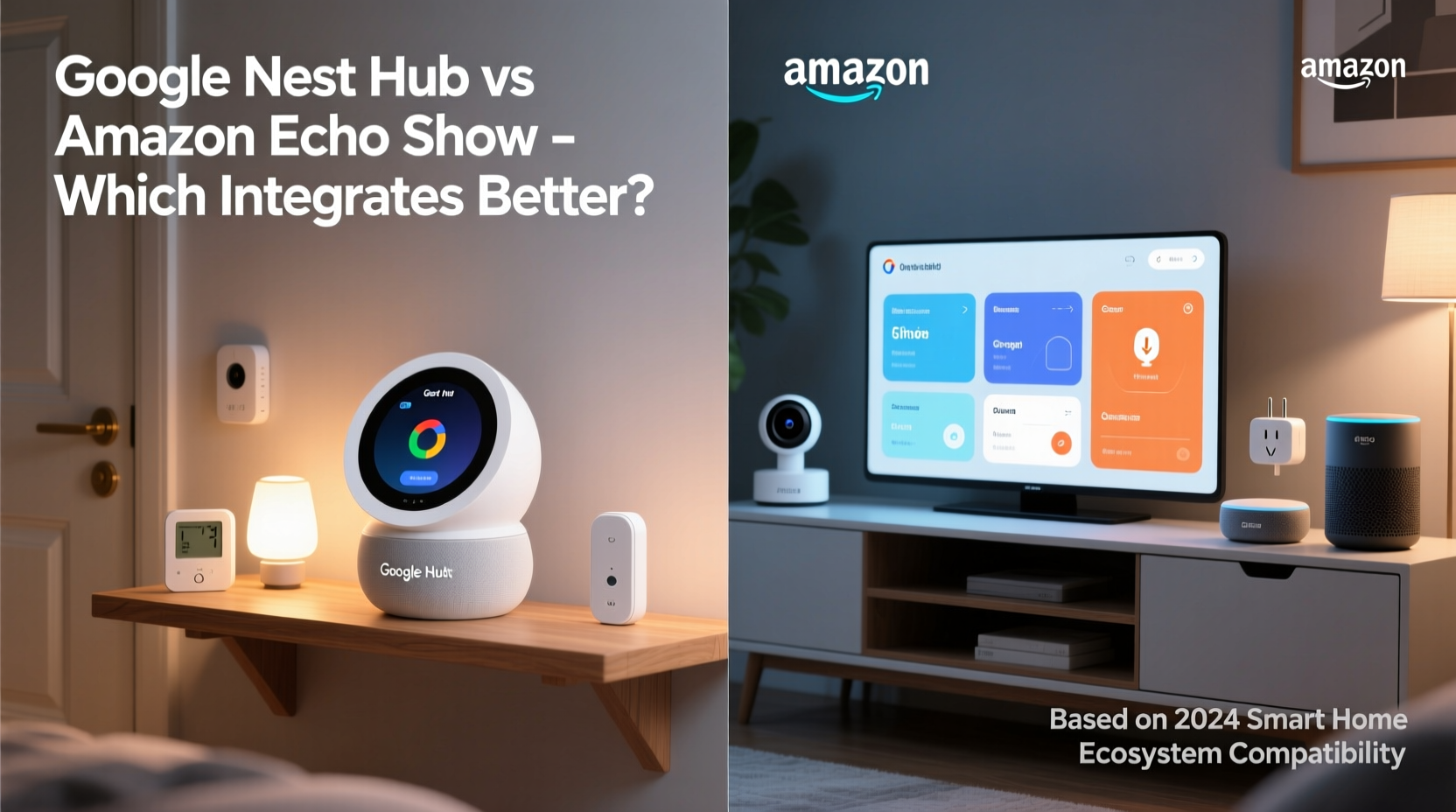
The foundation of any smart display’s effectiveness lies in its ability to communicate with other devices. Google Nest Hub runs on Google Assistant and integrates deeply with Android phones, Google Home-compatible devices, and Chromecast-enabled screens. If your smartphone is a Pixel or another Android model, your calendar, commute times, and reminders sync automatically. When you say, “Hey Google, show me photos from last weekend,” it pulls directly from Google Photos—no extra login required.
Amazon Echo Show, powered by Alexa, excels in environments where Amazon services dominate. Prime subscribers gain instant access to free photo storage via Amazon Photos, and Kindle book progress appears on-screen during bedtime routines. Alexa also has strong ties with Fire TV, allowing effortless casting from the display to your television. For iPhone users who rely less on Google’s ecosystem, the Echo Show often feels more neutral and accessible out of the box.
However, integration depth goes beyond brand loyalty. Google tends to prioritize open standards like Matter and Thread, enabling smoother communication between brands such as Philips Hue, Yale locks, and Ecobee thermostats. Amazon has adopted these protocols too, but historically favored proprietary solutions, which can create silos unless you invest heavily in Amazon-branded hardware.
Voice Assistant Performance: Google Assistant vs Alexa
At the heart of each device is its AI brain. Google Assistant leverages the company’s search engine dominance to deliver faster, more accurate answers. Ask complex questions like, “What’s the weather forecast for tomorrow in Tokyo, and convert the temperature to Fahrenheit?” and Google responds instantly with structured data. It understands context better—for example, following up with “How about next week?” without needing repetition.
Alexa, while improving, still lags slightly in natural language comprehension. However, it compensates with superior skill variety. With over 100,000 third-party \"skills,\" Alexa can order Domino’s pizza, check flight statuses through Delta, or control niche smart devices that lack Google support. These skills function like mini-apps, expanding Alexa’s utility beyond core functions.
In practice, Google Assistant feels more conversational and intuitive, especially for information retrieval and calendar management. Alexa shines in task automation and e-commerce actions. For families managing schedules, Google wins. For users who automate shopping lists or use voice commands for online orders, Alexa holds an edge.
“Google Assistant leads in contextual awareness, while Alexa dominates in extensibility through third-party integrations.” — David Liu, Smart Home Technology Analyst at TechInsight Group
Smart Home Control and Automation Features
Both displays act as dashboards for lights, cameras, thermostats, and doorbells. But their approach to automation differs significantly.
Google Nest Hub uses Routines, which are straightforward sequences triggered by time, voice, or sensor input. You can set a morning routine that turns on lights, reads the news, and starts the coffee maker (if compatible). However, Google’s interface limits conditional logic—you can’t easily say, “If it’s raining, close the blinds and play relaxing music.”
Alexa offers more granular control through Multi-Step Routines and Smart Rules. Users can build if/then scenarios using the Alexa app. For instance: “If motion is detected after 10 PM, turn on hallway light for 5 minutes and send me a notification.” This level of customization appeals to advanced users who want precise environmental responses.
Additionally, Amazon supports Zigbee and Matter hubs built into select Echo Show models (like the Echo Show 15), eliminating the need for separate bridges. Google requires external hubs like the Nest Wifi Pro or Nest Hub (2nd gen) for Thread/Zigbee devices, adding cost and complexity.
| Feature | Google Nest Hub | Amazon Echo Show |
|---|---|---|
| Built-in Hub Support | Limited (Thread only on newer models) | Zigbee + Matter (on select models) |
| Automation Logic | Basic triggers and actions | Advanced if/then conditions |
| Camera Integration | Works with Nest Cams, Arlo, TP-Link | Ring, Blink, Arlo, and others |
| Display Interface | Clean, card-based layout | Customizable widgets (Show 15) |
| Privacy Controls | Mic/camera off switch, auto-delete options | Physical shut-off, voice history deletion |
Real-World Example: Managing a Family Morning Routine
Consider a household with two parents and three children preparing for school and work. At 7:00 AM, the Google Nest Hub activates a routine: lights rise gradually, the weather appears on-screen, and a gentle alarm plays. Parents ask, “Hey Google, what’s on my calendar today?” and receive personalized summaries. Children tap the screen to view chore checklists synced from Google Keep.
In contrast, the same family using an Echo Show might activate a more dynamic scene. Alexa announces, “Good morning! It’s going to rain later—don’t forget jackets.” Simultaneously, the garage door opens (via IFTTT integration), the coffee maker starts, and the bathroom mirror light brightens. One parent says, “Alexa, start my day,” triggering a sequence that includes traffic updates, email headlines, and playlist selection—all customized per user profile.
While both systems handle basic tasks efficiently, the Echo Show provides richer interactivity for multi-device coordination, assuming users invest time in configuring advanced rules.
Media, Communication, and Daily Use Experience
For entertainment, Google Nest Hub has a clear advantage in YouTube integration. As a Google-owned service, YouTube streams seamlessly in high resolution with voice commands like “Play calming nature videos on the bedroom Nest Hub.” YouTube Music, Podcasts, and Live TV via YouTube TV are all first-party experiences, minimizing buffering and login issues.
Amazon Echo Show promotes Amazon Prime Video, Music, and Freevee. While it supports Spotify, Netflix, and Hulu, some apps load slower or lack full feature parity. That said, Amazon’s spatial audio and larger speakers (especially on the Echo Show 15) deliver superior sound quality for movies and music.
Video calling is another key differentiator. Google Duo (now part of Meet) allows hands-free calls with gesture controls—wave your hand to dismiss a notification. Echo Show uses Alexa Calling, which supports drop-in features ideal for checking on elderly relatives or kids’ rooms. Drop-in is more intrusive but invaluable for caregivers needing constant visibility.
Checklist: Choosing Based on Your Lifestyle
- You use Android phones and Google services daily → Choose Google Nest Hub
- You own Ring cameras or Blink sensors → Echo Show offers tighter integration
- You want automated grocery ordering or delivery tracking → Alexa handles this best
- Your priority is YouTube and Google Photos → Nest Hub is unmatched
- You prefer customizable home screens and widgets → Echo Show 15 gives more flexibility
- You value open standards like Matter and Thread → Both support them, but Google leads adoption
Future-Proofing Your Smart Display Choice
Technology evolves quickly, and today’s top device may become obsolete in five years. Google and Amazon both commit to software updates, but their strategies differ.
Google focuses on AI-driven enhancements. Recent updates introduced sleep sensing (using radar on Nest Hub Max), wellness coaching, and adaptive brightness based on room occupancy. Future improvements will likely emphasize health monitoring and predictive suggestions—like reminding you to leave early based on real-time traffic and your calendar.
Amazon emphasizes expandability. With AWS-powered backend infrastructure, Alexa continues to add enterprise-grade features to consumer devices. Think voice authentication for secure payments, personalized ads based on viewing habits, or deeper integration with smart appliances like refrigerators and washing machines.
If you plan to stay within one ecosystem long-term, consider lock-in effects. Switching from Alexa to Google (or vice versa) means rebuilding routines, re-pairing devices, and retraining family members. Once invested, migration becomes cumbersome.
Frequently Asked Questions
Can I use both Google Nest Hub and Echo Show together?
Yes, but not optimally. Running both creates redundancy and confusion. Voice commands may trigger multiple devices, and automations won’t sync across platforms. It’s better to standardize on one ecosystem unless you designate specific roles (e.g., Nest Hub in kitchen for recipes, Echo Show in living room for TV control).
Which display works better with Apple devices?
Neither integrates natively with Apple’s HomeKit, but Echo Show supports more bridged connections via third-party apps. You can control HomeKit devices through Alexa using a Homebridge server or compatible hubs like Eve or Aqara. Google Assistant supports fewer HomeKit integrations and lacks official certification, making setup more technical.
Do these devices work without a subscription?
Absolutely. All core functions—including voice control, smart home management, video calling, and media streaming—are free. Premium services like YouTube Music Premium, Amazon Music Unlimited, or Ring Protect plans require subscriptions, but they aren’t mandatory for basic operation.
Final Recommendation and Next Steps
The question of which smart display integrates better depends entirely on your current tech environment and lifestyle goals. If you're embedded in Google's ecosystem—using Gmail, Maps, Android, and YouTube—the Nest Hub delivers a frictionless, intelligent experience. Its strength lies in contextual awareness, clean design, and deep service integration.
Conversely, if you value broad device compatibility, extensive automation, and Amazon-centric conveniences like shopping and delivery tracking, the Echo Show is the more versatile hub. Its growing support for Matter, built-in radio protocols, and customizable interface make it a powerful centerpiece for evolving smart homes.
There is no universal winner. Instead, alignment with your daily habits determines success. Evaluate your existing devices, preferred services, and long-term plans before deciding.




 浙公网安备
33010002000092号
浙公网安备
33010002000092号 浙B2-20120091-4
Comments
No comments yet. Why don't you start the discussion?