
Traveling should be about exploration, relaxation, and new experiences—not anxiety over being watched in private spaces. While most Airbnb hosts are trustworthy, there have been increasing reports of hidden surveillance devices installed in rental units. These unauthorized cameras violate guest privacy and, in many cases, local laws. Whether you're on a solo trip, a romantic getaway, or a family vacation, knowing how to spot hidden cameras can help you reclaim peace of mind. This guide provides actionable steps, real-world insights, and tools to detect covert recording devices and ensure your personal space remains truly private.
Why Hidden Cameras Are a Growing Concern
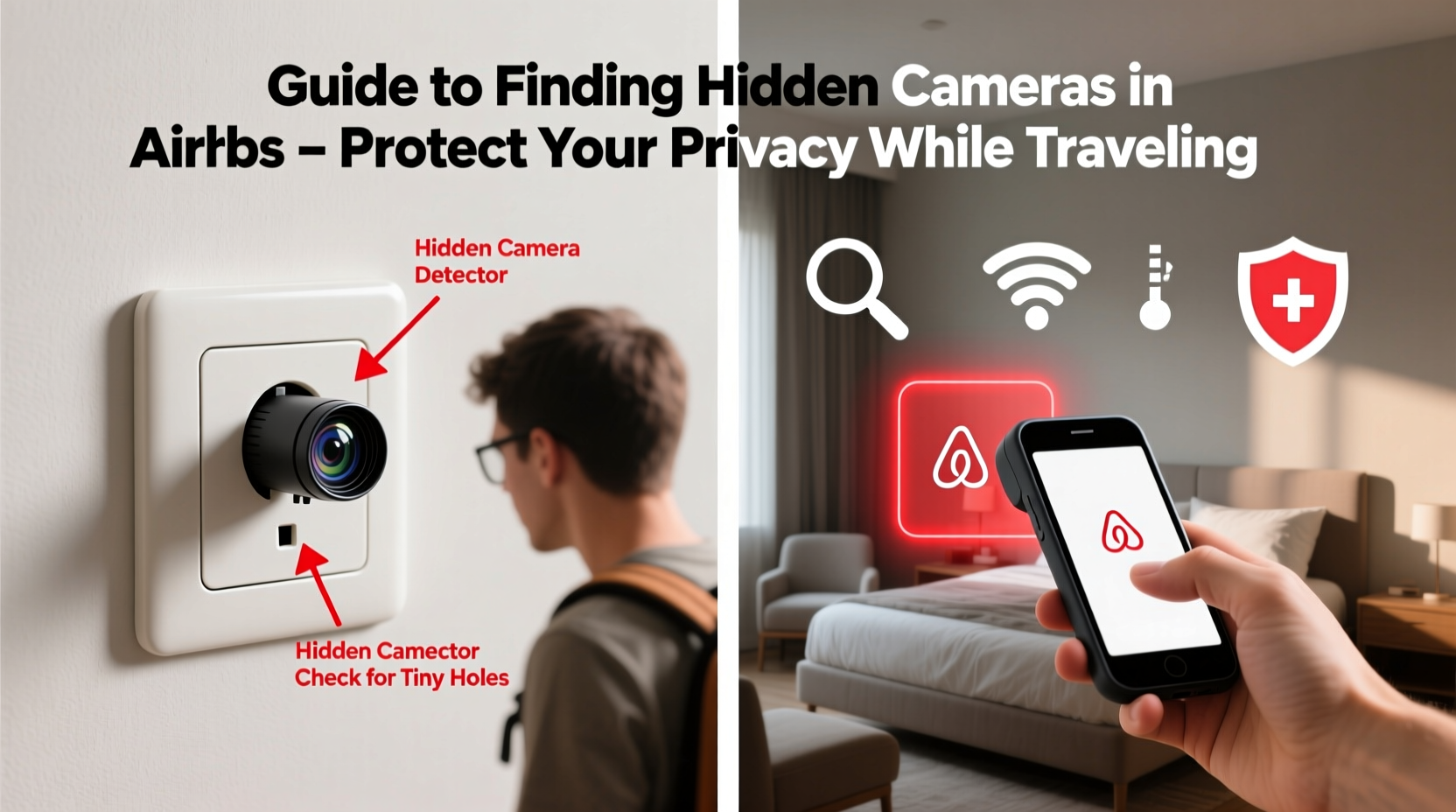
The rise of compact, affordable, and Wi-Fi-enabled spy cameras has made it easier than ever for individuals to install surveillance equipment discreetly. While some hosts may claim they install cameras for security reasons—such as monitoring common areas—placing them in bedrooms, bathrooms, or changing areas is illegal in most jurisdictions, including the United States, Canada, and the European Union.
A 2023 report by the Federal Trade Commission noted a 67% increase in consumer complaints related to unauthorized surveillance in short-term rentals over the past three years. Many of these incidents involve disguised devices embedded in everyday objects like smoke detectors, wall outlets, or even charging stations.
“Privacy is not a luxury—it’s a fundamental right. Guests have every right to expect that their temporary accommodations are free from unauthorized observation.” — Dr. Lena Reyes, Cybersecurity & Digital Privacy Researcher, MIT
Common Hiding Spots for Hidden Cameras
Hidden cameras are designed to blend into their surroundings. The most effective detection begins with knowing where to look. Below are the most frequent locations where unauthorized devices are found:
- Smoke detectors and carbon monoxide alarms: Their elevated position offers a wide field of view and they often go unnoticed.
- Power outlets and surge protectors: Compact pinhole cameras can be embedded inside electrical sockets.
- Teddy bears, picture frames, or decorative items: Objects with small holes or lenses are prime candidates.
- TVs, cable boxes, or streaming devices: Devices facing the bed or seating area may conceal a camera behind a fake LED or vent.
- Mirrors (especially two-way mirrors): A mirror with a hidden camera will often feel hollow when tapped and may show a slight gap between the glass and wall.
- Wall clocks: Clock faces can hide lens openings near the center or along the edges.
- Light fixtures: Ceiling lights or lamps with unusual angles or dark spots may house a device.
- USB chargers or power banks: Some counterfeit charging blocks contain built-in cameras or microphones.
Step-by-Step Guide to Detect Hidden Cameras
Detecting hidden cameras requires both visual inspection and technological assistance. Follow this structured approach upon arrival at your Airbnb:
- Turn off the lights and use your phone flashlight. In darkness, camera lenses often reflect light. Slowly scan the room with a bright flashlight or your phone’s torch, watching for tiny glints or red/green dots that could indicate a lens.
- Check for blinking LEDs. Many hidden cameras have infrared night vision, which emits faint red lights in the dark. Turn off all lights and observe for intermittent glowing.
- Use your smartphone’s front-facing camera. Open your phone’s camera app and slowly pan around the room. Infrared signals from hidden cameras may appear as purple or white flashes on your screen—something your naked eye might miss.
- Scan for Wi-Fi networks. Use a network scanner app (like Fing or Network Analyzer) to list all connected devices in the vicinity. Look for unfamiliar devices with names like “IPCam” or “Camera_01.” Note: Not all cameras are Wi-Fi enabled, so absence doesn’t guarantee safety.
- Conduct a physical inspection. Remove wall decor, unplug suspicious electronics, and examine devices closely. Does the smoke detector seem newer than others? Is the clock analog but has no visible battery compartment? Trust your instincts.
- Use a professional RF detector. Radio frequency (RF) detectors pick up wireless signals emitted by transmitting cameras. Move the detector slowly through each room; it will beep or vibrate when near an active signal.
- Test mirrors with the fingernail trick. Press your fingernail against the mirror surface. If the reflection touches your nail immediately, it’s a regular mirror. If there’s a gap, it could be a two-way mirror hiding a camera behind it.
Do’s and Don’ts When Checking for Hidden Cameras
| Do’s | Don’ts |
|---|---|
| Inspect high-traffic private areas: bedroom, bathroom, living room. | Assume a listing is safe just because it has good reviews. |
| Use a flashlight and phone camera to check for lens reflections. | Disassemble hardwired devices like smoke detectors. |
| Download a trusted network scanning app before arrival. | Confront the host aggressively without evidence. |
| Bring an RF detector for frequent travelers. | Ignore your gut feeling if something feels off. |
| Report confirmed cameras to Airbnb and local authorities. | Share photos or accusations publicly without verification. |
Real Example: A Traveler’s Discovery in a Lisbon Apartment
In early 2023, Sarah M., a digital nomad from Toronto, booked a highly rated apartment in central Lisbon for a month-long stay. On her second night, she noticed a small black dot on the side of a decorative speaker near the bedroom door. It faced the bed directly. Curious, she turned off the lights and used her phone’s camera to scan the area. Through the screen, she saw a faint purple glow emanating from the dot.
Sarah used the Fing app to scan the Wi-Fi network and discovered a device named “HD_IPCAM_7E2A.” She contacted Airbnb support immediately, providing photos and network data. Within hours, the company removed the listing, refunded her stay, and reported the host to Portuguese authorities. An investigation later confirmed the device was actively streaming footage to a remote server.
This case highlights how simple tools and awareness can prevent serious privacy violations. Sarah had learned about camera detection from a travel safety blog—proof that preparation pays off.
What to Do If You Find a Hidden Camera
Finding a hidden camera is alarming, but staying calm and acting strategically is essential. Follow these steps:
- Do not touch or remove the device. Preserving evidence is crucial for reporting and potential legal action.
- Take clear photos and videos of the camera and its surroundings, noting timestamps and location details.
- Disconnect from the Wi-Fi network to prevent further data transmission.
- Contact Airbnb immediately via their official support line or app. Provide all documentation.
- Report to local law enforcement if you feel threatened or believe criminal activity is involved.
- Request a refund and relocation if you choose to leave the property.
- Consider filing a formal complaint with consumer protection agencies in the country where the rental is located.
“If you suspect surveillance, act quickly but carefully. Evidence preservation is key. Law enforcement can trace data streams and hold offenders accountable.” — Mark Tolbert, Former FBI Cybercrime Unit
Preventive Checklist for Every Airbnb Stay
Stay proactive with this printable-style checklist you can use on every trip:
- ✅ Review the listing description for mentions of security cameras—legitimate ones should only cover exterior or common non-private areas.
- ✅ Search reviews for keywords like “camera,” “privacy,” or “felt watched.”
- ✅ Pack a small flashlight and RF detector (optional but recommended).
- ✅ Upon arrival, conduct a 10-minute room scan using light and phone camera.
- ✅ Scan the Wi-Fi network for unknown devices.
- ✅ Cover suspicious lenses with tape or a book if you can’t verify safety.
- ✅ Save Airbnb’s emergency contact number in your phone.
Frequently Asked Questions
Are all hidden cameras illegal?
No, not all are illegal—but placement matters. Cameras in public areas like driveways or lobbies may be legal with disclosure. However, recording in private spaces like bedrooms or bathrooms without consent is illegal in most countries, including under GDPR in Europe and various state laws in the U.S.
Can my phone really detect hidden cameras?
Yes, partially. Your phone’s camera can detect infrared light emitted by many hidden cameras, especially in the dark. Additionally, Wi-Fi scanning apps can reveal connected devices. While not foolproof, these methods are accessible and effective first steps.
Does Airbnb allow hosts to install cameras?
Airbnb’s policy permits cameras only in outdoor common areas or indoor spaces explicitly disclosed in the listing description. Any camera in a bedroom, bathroom, or private room violates their terms and can result in permanent removal of the host’s account.
Protecting Your Privacy Starts Before Booking
Prevention begins long before you arrive. When selecting an Airbnb, read the listing details carefully. Hosts are required to disclose any surveillance devices. Be wary of listings that avoid mentioning cameras altogether or use vague language like “secure premises” without specifics.
Look for Superhosts with long-standing positive reviews. Guests often mention privacy concerns in feedback—if multiple people note “odd devices” or “felt uncomfortable,” take it seriously. Consider messaging the host directly to ask: “Are there any cameras inside the unit?” A transparent host will respond clearly and promptly.
Conclusion: Stay Alert, Stay Safe
Your privacy shouldn’t be compromised during travel. While the majority of Airbnb stays are safe and enjoyable, the risk of hidden cameras is real and growing. By combining smart booking habits, vigilant room inspections, and simple technology, you can significantly reduce that risk. Awareness is your strongest defense. Equip yourself with knowledge, trust your instincts, and never hesitate to speak up if something feels wrong.




 浙公网安备
33010002000092号
浙公网安备
33010002000092号 浙B2-20120091-4
Comments
No comments yet. Why don't you start the discussion?